メインコンテンツにスキップ

Shark UltraCyclone CH951 U4 Power Control Board Replacement

必要な工具と部品

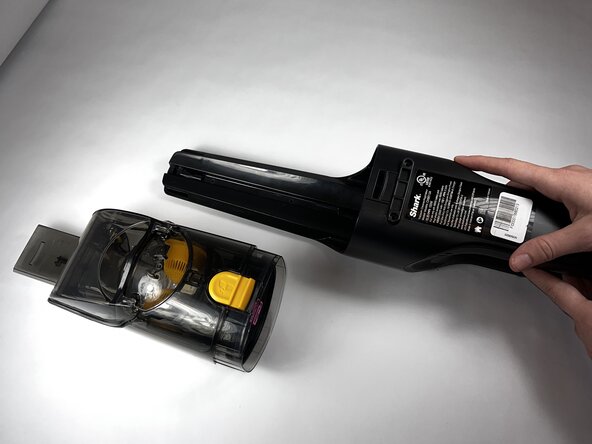
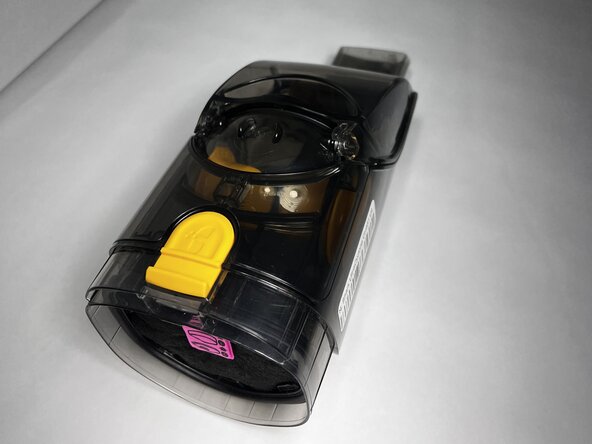
  1. Shark UltraCyclone CH951 U4 Power Control Board Replacement, Dust Cup: 手順 1、 3の画像 1 Shark UltraCyclone CH951 U4 Power Control Board Replacement, Dust Cup: 手順 1、 3の画像 2 Shark UltraCyclone CH951 U4 Power Control Board Replacement, Dust Cup: 手順 1、 3の画像 3
    • Press the dust cup release button and gently pull the dust cup away from the body of the vacuum.

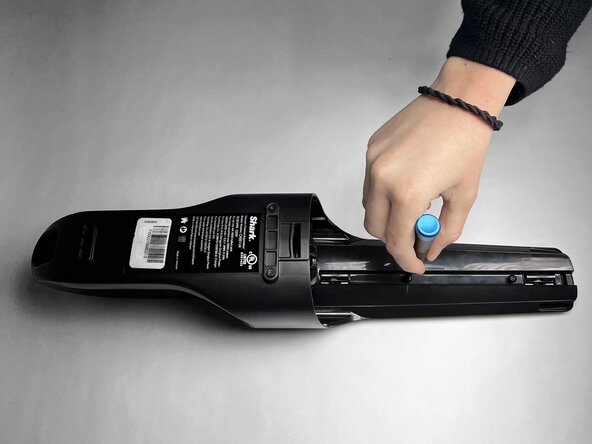
  2. Shark UltraCyclone CH951 U4 Power Control Board Replacement, Casing: 手順 2、 2の画像 1 Shark UltraCyclone CH951 U4 Power Control Board Replacement, Casing: 手順 2、 2の画像 2
    • Use a TR9 Torx screwdriver to remove the two 8.7 mm screws previously behind the dust cup.

  3. Shark UltraCyclone CH951 U4 Power Control Board Replacement: 手順 3、 1の画像 1
    • Remove the two 12.2 mm screws underneath the dust cup button using a TR9 Torx screwdriver.

  4. Shark UltraCyclone CH951 U4 Power Control Board Replacement: 手順 4、 1の画像 1
    • Remove the 13.9 mm screw beneath the charging port using a TR9 Torx screwdriver.

  5. Shark UltraCyclone CH951 U4 Power Control Board Replacement: 手順 5、 1の画像 1
    • Use the TR9 Torx screwdriver to remove two 11.6 mm screws that hold the exterior motor in place.

    • They are located underneath where the dust cup previously was and above the exterior motor.

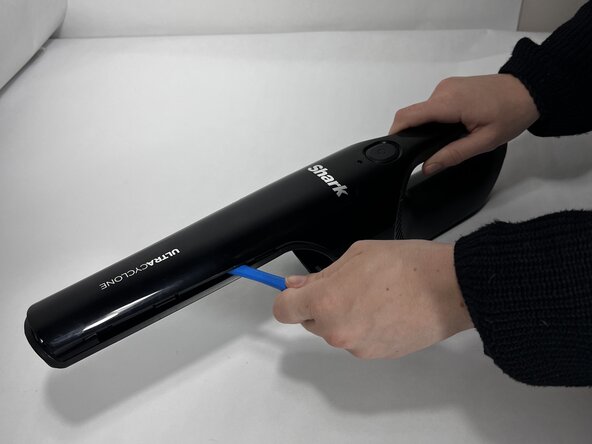
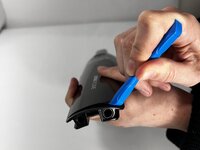
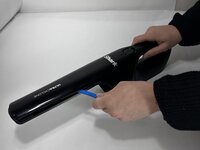
  6. Shark UltraCyclone CH951 U4 Power Control Board Replacement: 手順 6、 3の画像 1 Shark UltraCyclone CH951 U4 Power Control Board Replacement: 手順 6、 3の画像 2 Shark UltraCyclone CH951 U4 Power Control Board Replacement: 手順 6、 3の画像 3
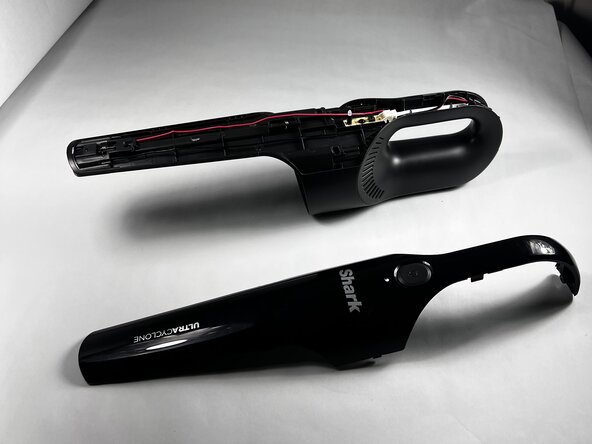
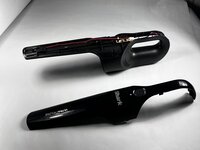
    • Run an iFixit Opening Tool under the casing along the vacuum body until the shell is removed starting around the attachment port, and sliding down towards the charging port.

    • If necessary, apply gentle force.

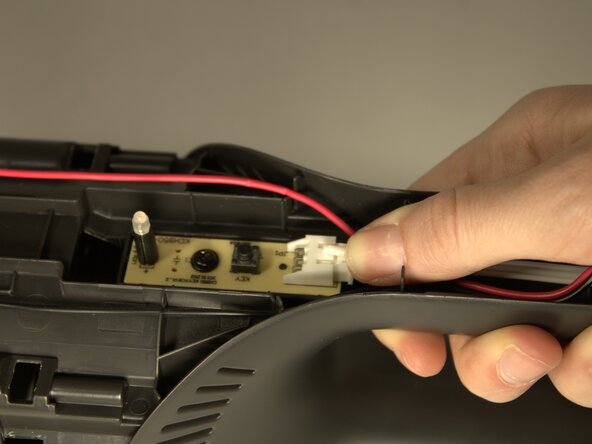
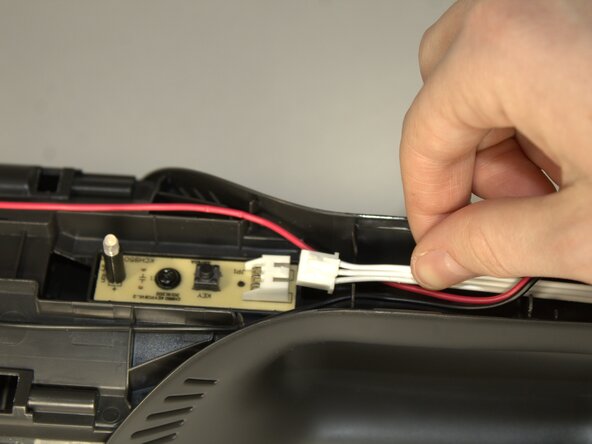
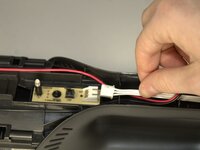
  7. Shark UltraCyclone CH951 U4 Power Control Board Replacement, Power Control Board: 手順 7、 3の画像 1 Shark UltraCyclone CH951 U4 Power Control Board Replacement, Power Control Board: 手順 7、 3の画像 2 Shark UltraCyclone CH951 U4 Power Control Board Replacement, Power Control Board: 手順 7、 3の画像 3
    • Press down on the connection point of the white wire and disconnect it.

    • The connector looks like a white latch. Push down on the edge to pop it out of place.

  8. Shark UltraCyclone CH951 U4 Power Control Board Replacement: 手順 8、 1の画像 1
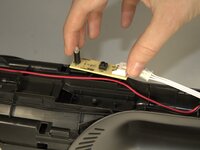
    • Remove the 8.7mm screw in the center of the button control board.

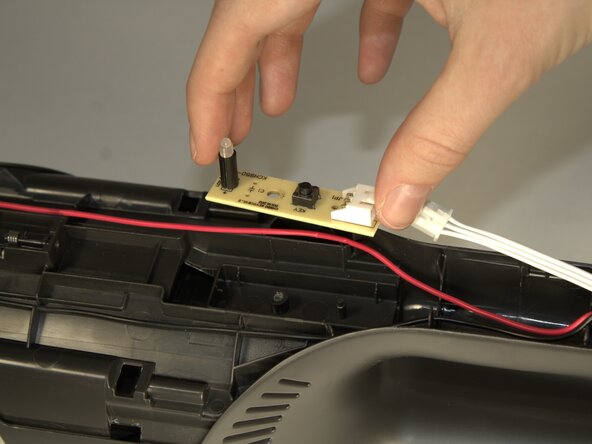
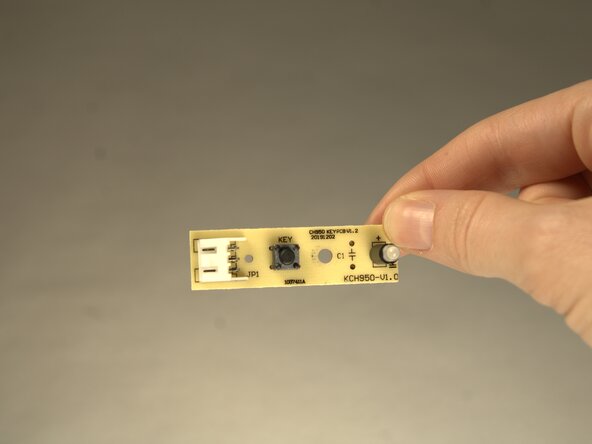
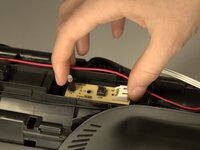
  9. Shark UltraCyclone CH951 U4 Power Control Board Replacement: 手順 9、 3の画像 1 Shark UltraCyclone CH951 U4 Power Control Board Replacement: 手順 9、 3の画像 2 Shark UltraCyclone CH951 U4 Power Control Board Replacement: 手順 9、 3の画像 3
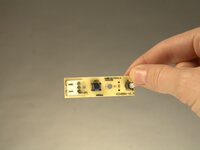
    • Remove the board by using your fingers and lifting the component from the body of the device.

終わりに

To reassemble your device, follow these instructions in reverse order.

ある他の人がこのガイドを完成しました。

作成者

3人の作成者と共同で作成されました。

Jessica Beck

メンバー登録日: 01/24/25

587 ポイント

4のガイドは作成済み

チーム

Colorado Mesa University, Team 1-3, Kinney Spring 2025 Colorado Mesa University, Team 1-3, Kinney Spring 2025人のメンバー

CMU-KINNEY-S25S1G3

3 メンバー

6のガイドは作成済み

0件のガイドコメント

コメントを追加

統計データ:

過去 24時間: 0

過去 7 日: 6

過去 30 日: 18

今までの合計 130