はじめに
This guide is designed to help you replace the battery of a screw-less rubber watch. With this guide, we hope that this will help preserve the life of a watch designed to be disposable. You will need to use an X-acto knife, a very sharp knife that should be handled with caution. You will also need a spudger or something flat and non-metal, something like the wooden coffee stick we use here, to take out the battery.
必要な工具と部品
-
-
-
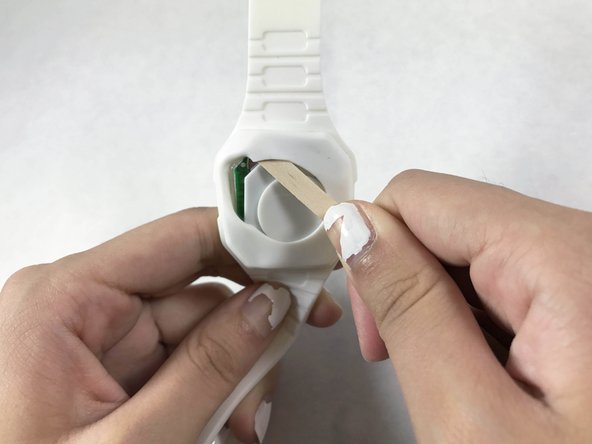
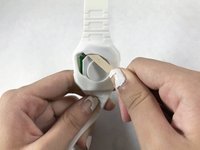
Gently pull the top of the watch's back until the cap detaches, in a peeling motion.
-
Pull out the white cap and green chip once it is free.
-
-
-
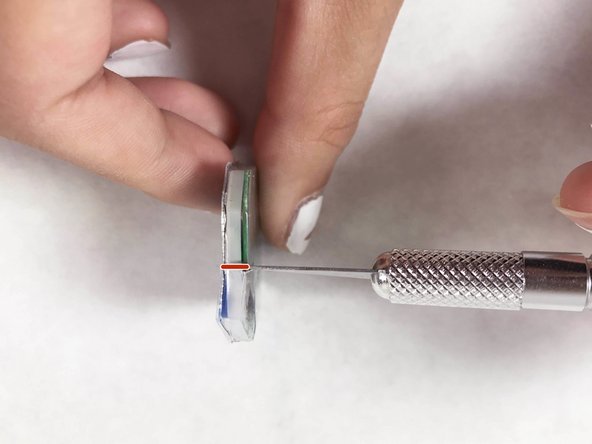
Carefully puncture the plastic casing next to the battery on top of the green chip with the X-Acto knife and stop.
-
-
-
-
Flip the chip around to the front.
-
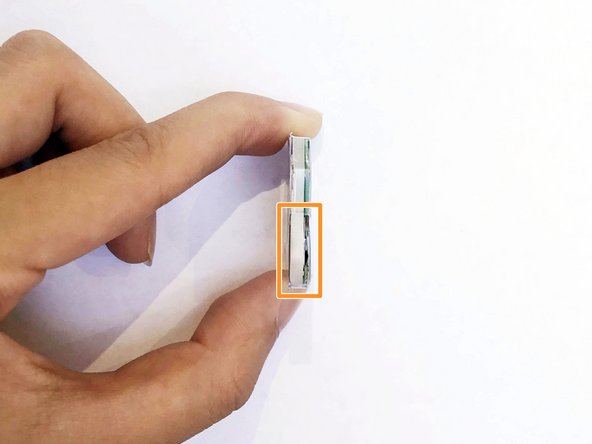
In a chiseling motion, make an incision on the front side above the battery to cut out a plastic casing.
-
Remove the cut plastic casing over the battery.
-
-
-
Gently remove the battery with a spudger or a wooden coffee stick.
-
Once free, remove the dead battery.
-
-
-
Insert the new battery.
-
Place the cut plastic cap casing over the chip and battery.
-
-
-
Place the white cap over the green chip.
-
Insert the white cap and green chip into the back of the watch with the spudger or wooden coffee stick.
-
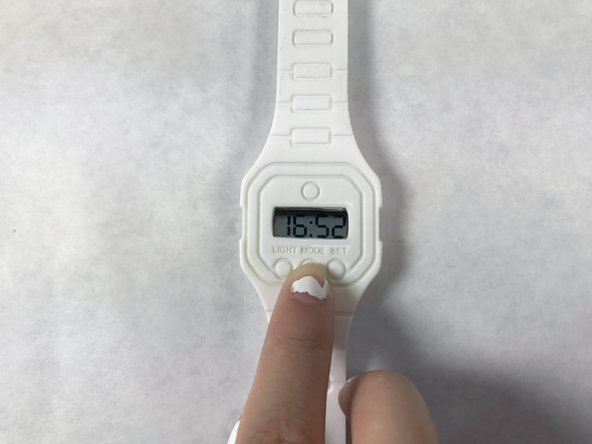
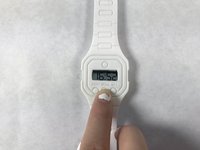
Turn over the watch and check the power.
-


 FixBotに聞いてみる





チーム

UC Davis, Team S2-G5, Cole Spring 2017 UC Davis, Team S2-G5, Cole Spring 2017人のメンバー
UCD-COLE-S17S2G5
3 メンバー
2のガイドは作成済み
