メインコンテンツにスキップ

Roconia Q6 Top Cover Replacement

必要な工具と部品

  1. Roconia Q6 Top Cover Replacement, Top Cover: 手順 1、 2の画像 1 Roconia Q6 Top Cover Replacement, Top Cover: 手順 1、 2の画像 2
    • Flip your device upside down so that the interface is facing downwards.

  2. Roconia Q6 Top Cover Replacement: 手順 2、 3の画像 1 Roconia Q6 Top Cover Replacement: 手順 2、 3の画像 2 Roconia Q6 Top Cover Replacement: 手順 2、 3の画像 3
    • The device is supported by rubber pieces located at the bottom extremities.

    • There are screws beneath the rubber pieces that can be removed. Remove all four 1.1 mm Phillips #1 screws by using the Phillips #0 screwdriver.

  3. Roconia Q6 Top Cover Replacement: 手順 3、 3の画像 1 Roconia Q6 Top Cover Replacement: 手順 3、 3の画像 2 Roconia Q6 Top Cover Replacement: 手順 3、 3の画像 3
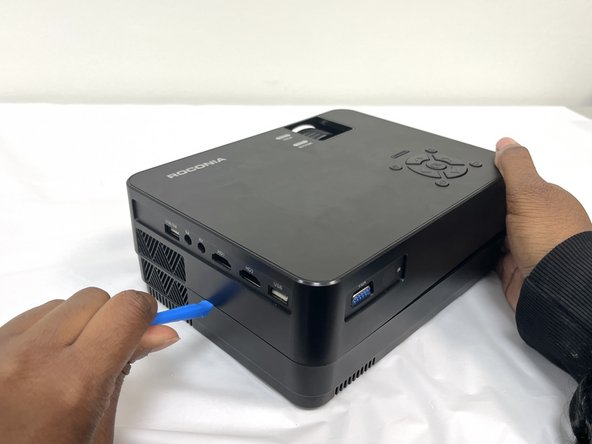
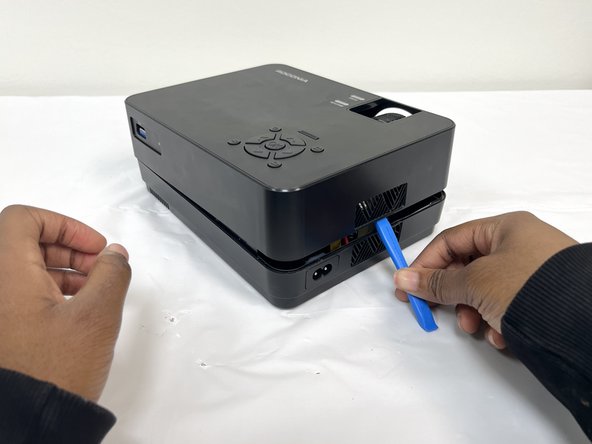
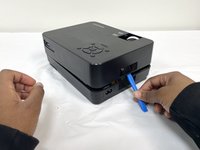
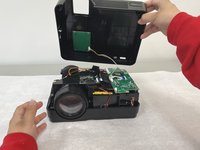
    • Turn device over again and pry open the device to remove the cover.

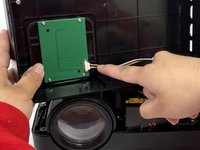
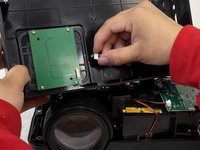
  4. Roconia Q6 Top Cover Replacement: 手順 4、 3の画像 1 Roconia Q6 Top Cover Replacement: 手順 4、 3の画像 2 Roconia Q6 Top Cover Replacement: 手順 4、 3の画像 3
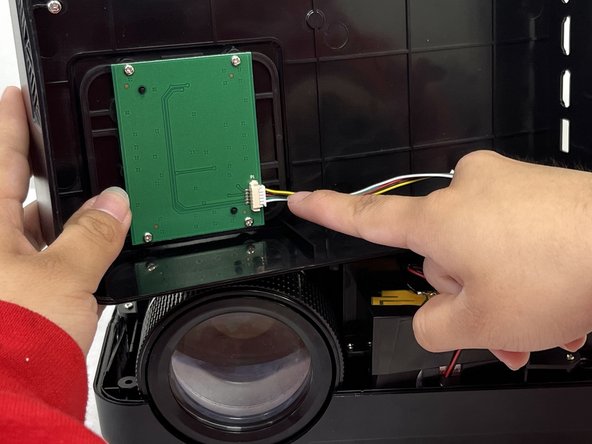
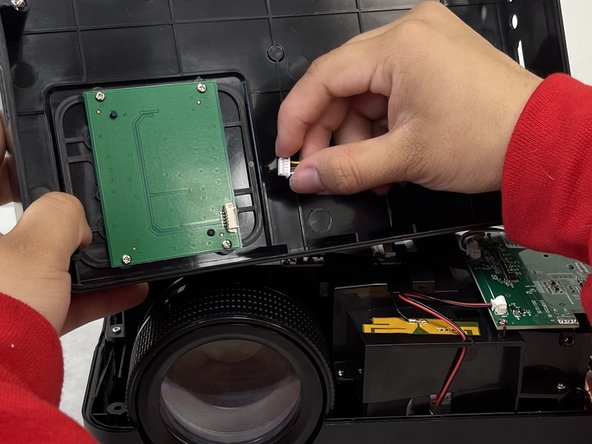
    • Pull out the cable that is connected to the top cover to fully separate.

終わりに

To reassemble your device, follow these instructions in reverse order.

作成者

4人の作成者と共同で作成されました。

Elizabeth

メンバー登録日: 02/08/24

244 ポイント

2のガイドは作成済み

チーム

University of North Texas, Team 4-4, Harold Spring 2024 University of North Texas, Team 4-4, Harold Spring 2024人のメンバー

UNT-HAROLD-S24S4G4

4 メンバー

6のガイドは作成済み

0件のガイドコメント

コメントを追加

統計データ:

過去 24時間: 0

過去 7 日: 0

過去 30 日: 4

今までの合計 165