メインコンテンツにスキップ

Ridgid JobMax R2851 Series B Motor Brushes Replacement

必要な工具と部品

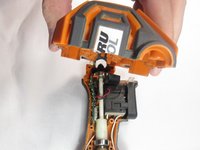
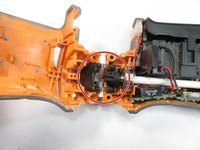
  1. Ridgid JobMax R2851 Series B Motor Brushes Replacement, Motor: 手順 1、 2の画像 1 Ridgid JobMax R2851 Series B Motor Brushes Replacement, Motor: 手順 1、 2の画像 2
    • Unplug the device from the wall.

    • Orient the device so that the trigger is facing downwards.

    • Place your thumb and index finger on the two buttons located on the head of the tool.

    • Press the two buttons in and pull the head of the tool off.

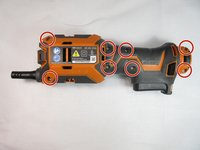
  2. Ridgid JobMax R2851 Series B Motor Brushes Replacement: 手順 2、 1の画像 1
    • Loosen all eight 15mm T10 Torx screws.

    • You do not need to fully remove the screws yet; just loosen them enough that the device shell starts to open.

  3. Ridgid JobMax R2851 Series B Motor Brushes Replacement: 手順 3、 1の画像 1
    • Orient the device so that the cord end is facing upwards.

    • Take a small cutting tool, and cut down the seam in the back, ensuring that you only cut the sticker.

    • Make a shallow cut to avoid damaging internal hardware.

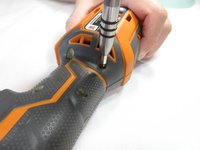
  4. Ridgid JobMax R2851 Series B Motor Brushes Replacement: 手順 4、 2の画像 1 Ridgid JobMax R2851 Series B Motor Brushes Replacement: 手順 4、 2の画像 2
    • Completely remove all eight 15mm T10 Torx screws.

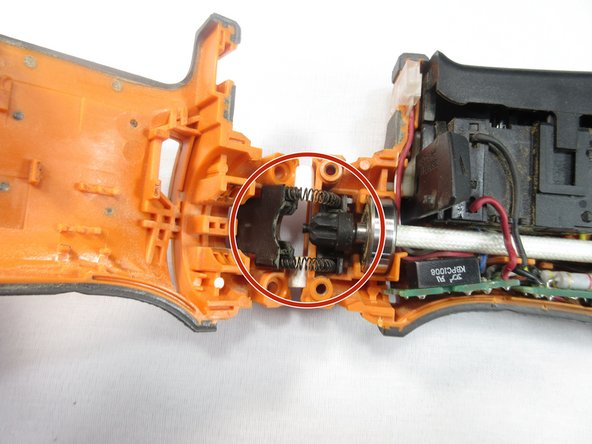
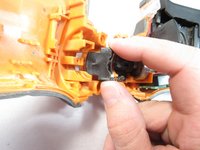
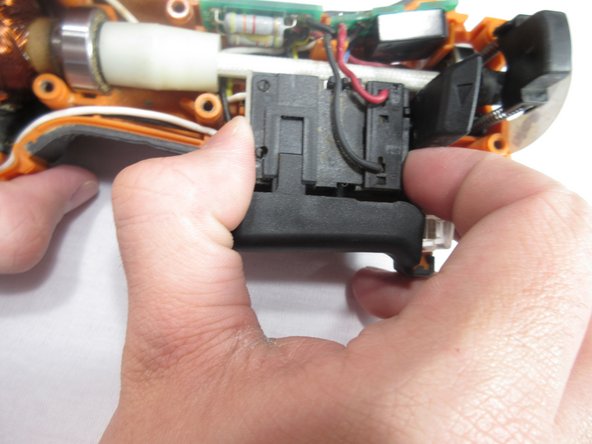
  5. Ridgid JobMax R2851 Series B Motor Brushes Replacement: 手順 5、 3の画像 1 Ridgid JobMax R2851 Series B Motor Brushes Replacement: 手順 5、 3の画像 2 Ridgid JobMax R2851 Series B Motor Brushes Replacement: 手順 5、 3の画像 3
    • Pull the device case off, gripping at the back of the case and rotating it towards the front of the device.

    • Once the device has been separated gently pull on the trigger assembly to remove it from one side of the case.

    • Watch out for the locking mechanism for the head of the device when removing.

  6. Ridgid JobMax R2851 Series B Motor Brushes Replacement: 手順 6、 2の画像 1 Ridgid JobMax R2851 Series B Motor Brushes Replacement: 手順 6、 2の画像 2
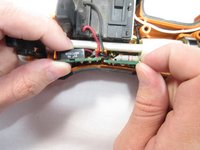
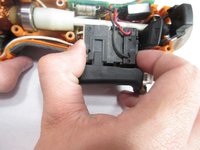
    • Grip each of the sides of the two green circuit boards and slide them up.

    • Grip each side of the device trigger, and slide it up.

    • You do not need to completely remove these parts. Sliding them upward provides the needed room.

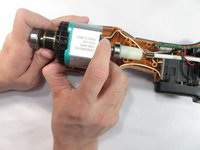
  7. Ridgid JobMax R2851 Series B Motor Brushes Replacement: 手順 7、 2の画像 1 Ridgid JobMax R2851 Series B Motor Brushes Replacement: 手順 7、 2の画像 2
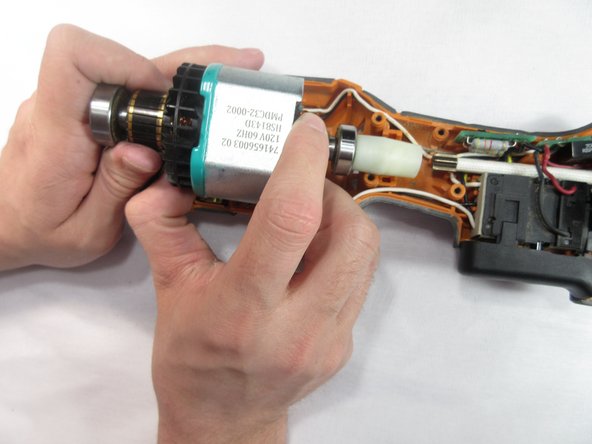
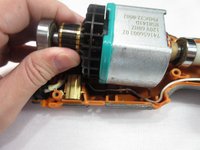
    • Grip the motor firmly and pull towards the back of the tool, rotating back forth until the motor is free.

    • When reinstalling the motor, use a spudger to pull back the brushes. This allows the motor to slide into place.

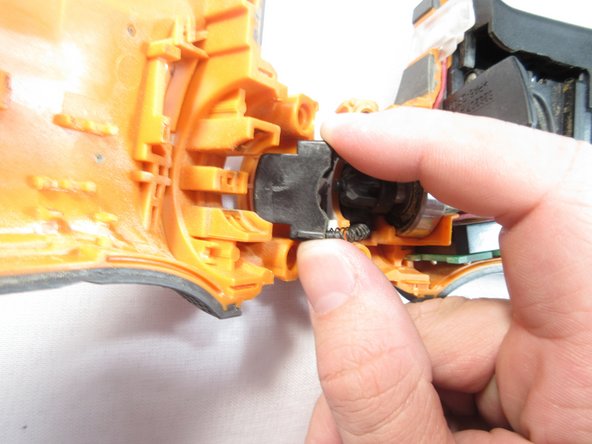
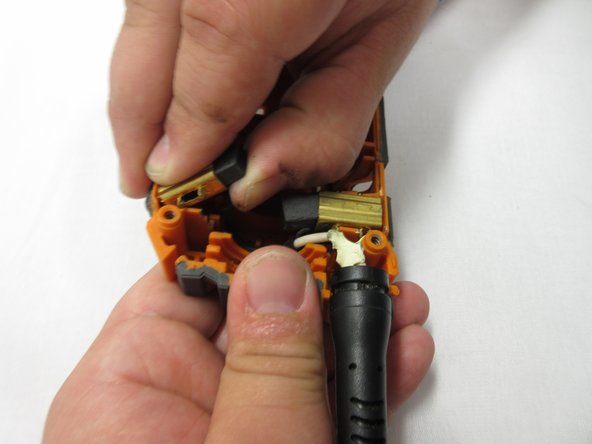
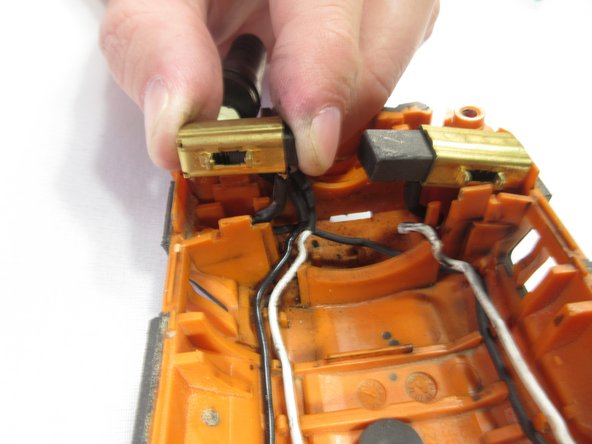
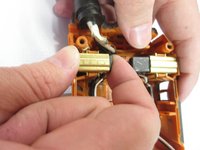
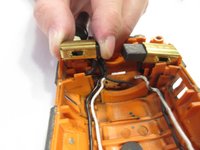
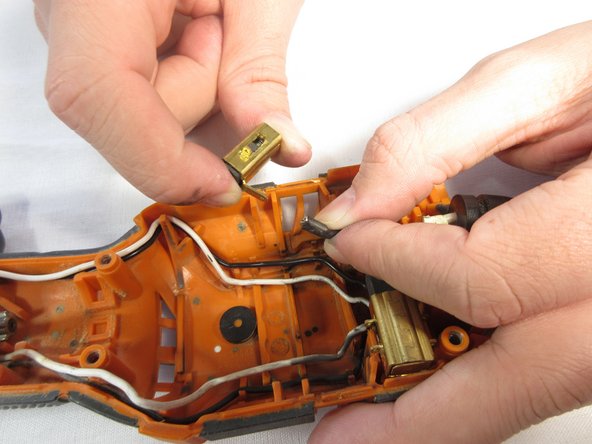
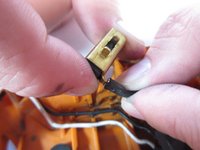
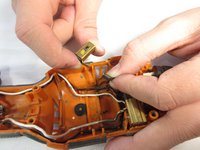
  8. Ridgid JobMax R2851 Series B Motor Brushes Replacement, Motor Brushes: 手順 8、 3の画像 1 Ridgid JobMax R2851 Series B Motor Brushes Replacement, Motor Brushes: 手順 8、 3の画像 2 Ridgid JobMax R2851 Series B Motor Brushes Replacement, Motor Brushes: 手順 8、 3の画像 3
    • Pinch the brush and pry upward away from the center of the part to remove from the device.

    • Take care to not damage the connections on the bottom of the brush.

  9. Ridgid JobMax R2851 Series B Motor Brushes Replacement: 手順 9、 2の画像 1 Ridgid JobMax R2851 Series B Motor Brushes Replacement: 手順 9、 2の画像 2
    • Firmly hold the brush in one hand and pull at the base of the wire to disconnect.

終わりに

To reassemble your device, follow these instructions in reverse order.

2 の人々がこのガイドを完成させました。

作成者

3人の作成者と共同で作成されました。

Brent Shepherd

メンバー登録日: 02/12/19

905 ポイント

5のガイドは作成済み

チーム

Western Carolina University, Team S1-G5, Virtue Spring 2019 Western Carolina University, Team S1-G5, Virtue Spring 2019人のメンバー

WCU-VIRTUE-S19S1G5

4 メンバー

10のガイドは作成済み

1件のガイドコメント

Anyone know where I can buy replacement burshes? Great write up! Thanks

Bradley Pelz - 返信

コメントを追加

統計データ:

過去 24時間: 0

過去 7 日: 9

過去 30 日: 32

今までの合計 1,265