はじめに
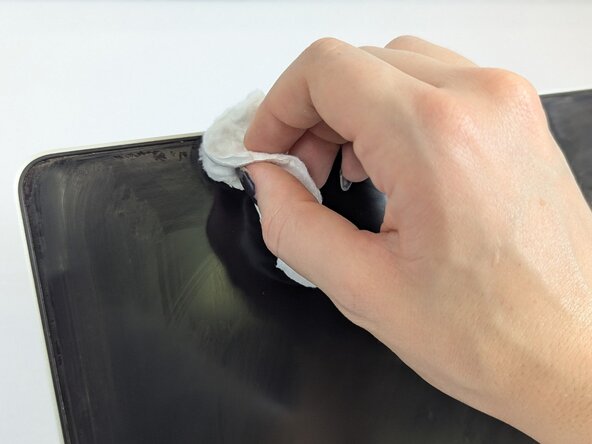
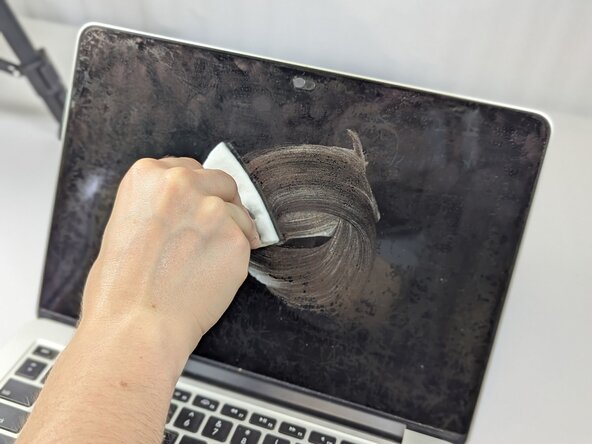
Many MacBook Pro models suffer from Staingate, which is a situation in which the anti-glare coating on the screen begins to peel off or stain. However, replacing the entire screen is rather expensive and often unnecessary. With the proper method, users can safely remove the coating at home and restore their screen's clarity. This guide provides users a straightforward, budget-friendly option.
In this guide, users will employ various inexpensive materials such as cotton pads and cleaning solution to their MacBook in a simple, six-step process, resulting in a screen that appears brand new.
This repair guide can also apply to other MacBook models and Apple products. Performing this repair can lengthen the lifespan of a MacBook in terms of screen quality and clarity. In this case, Staingate does not have to result in product failure, and by performing the repair, MacBooks can be returned to their original value.
必要な工具と部品
-
-
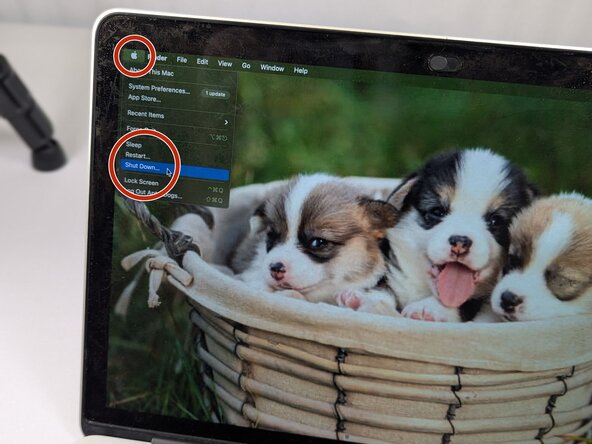
Power off the MacBook by clicking on the Apple logo in the top left corner of the screen. Then, scroll down the list and click "Shut Down."
-
Disconnect any attached cables such as chargers or wired headphones.
-
-







チーム

UC Davis, Team 1-4, Whithaus Spring 2025 UC Davis, Team 1-4, Whithaus Spring 2025人のメンバー
UCD-WHITHAUS-S25S1G4
3 メンバー
1のガイドは作成済み
