はじめに
Whether you're an avid gamer or a casual user, this step-by-step tutorial will help you replace the shell of your mouse with a new one. Before you begin, here are some key points to keep in mind:
Why This Repair Might be Needed:
Over time, the original mouse shell may wear out, or get damaged, or you might want to give your Razer Viper Ultimate a fresh look. This guide provides a comprehensive walkthrough to help you replace the shell and revitalize your gaming companion.
Special Requirements:
To complete this repair, you'll need a few tools, including a flathead screwdriver, a T5 hex-bit screwdriver, and a small Philips head screwdriver. Make sure you have these tools handy before starting the process.
Hazards and Cautions:
Be cautious when handling electronic components like the Printed Circuit Board (PCB) and battery. Always disconnect the device from any power source before beginning the repair. Additionally, please take note of the warnings regarding warranty voiding mentioned in our guide and the manufacturer's policy.
Now let's get started on reviving your Razer Viper Ultimate Mouse!
必要な工具と部品
-
-
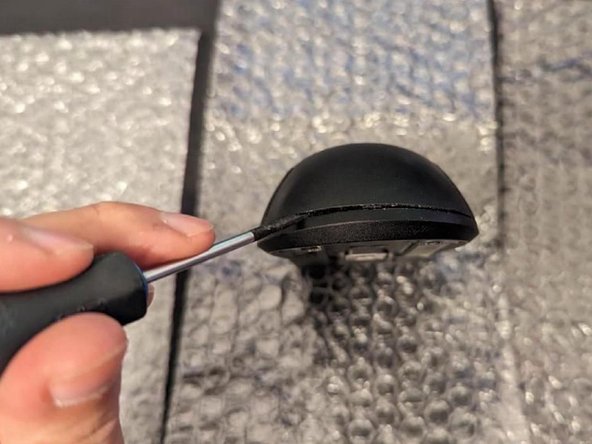
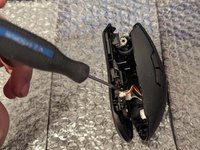
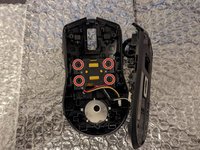
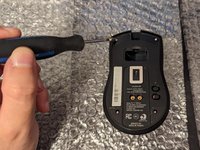
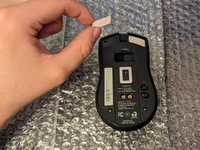
Gently use a flathead screwdriver to lift and take off the mouse skates, exposing the screws.
-
-


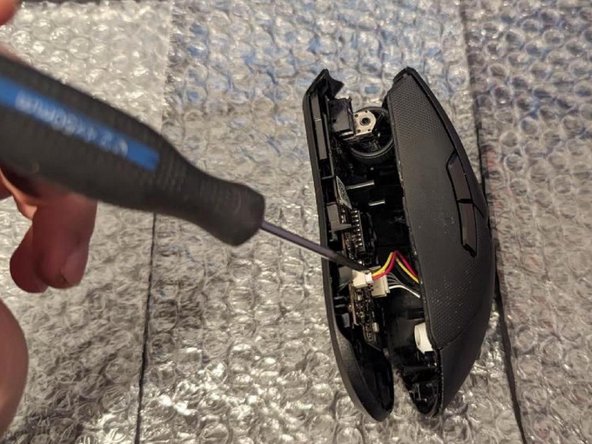

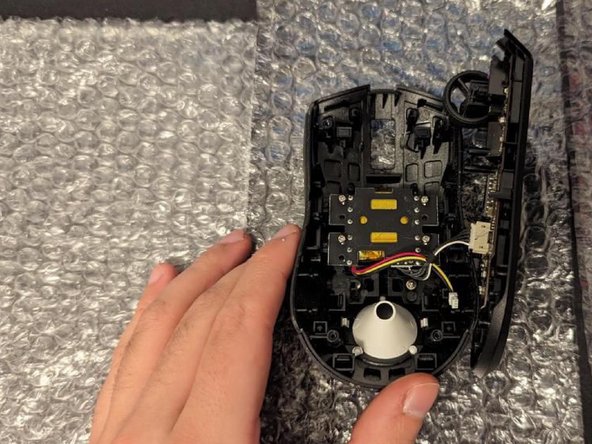
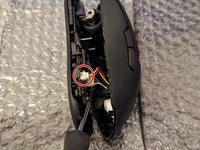
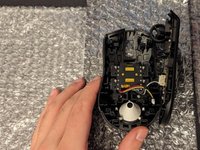

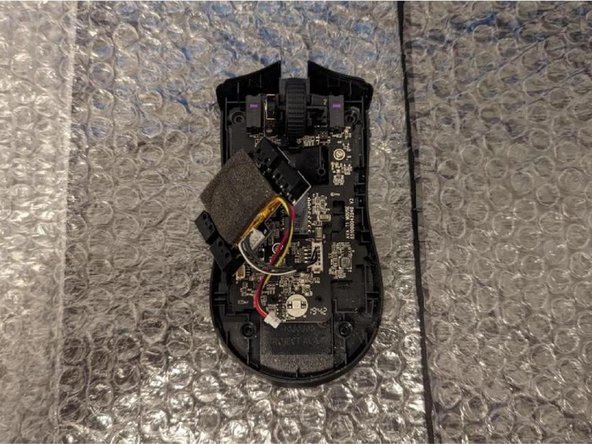
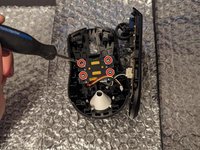


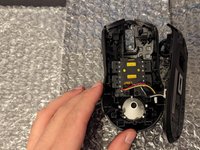


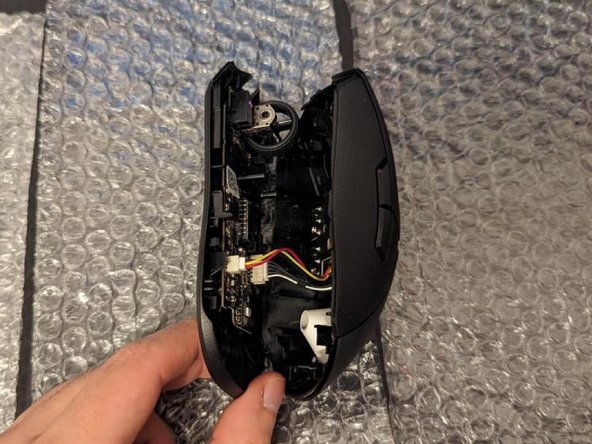
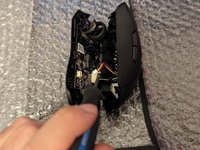
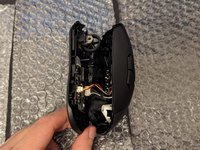


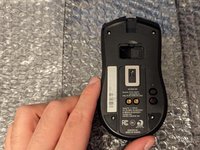
Your Razer Viper Ultimate Mouse is now successfully reassembled in its new shell! Ensure all components are securely in place before use.


チーム

York University, Team 1-6, Morris Winter 2024 York University, Team 1-6, Morris Winter 2024人のメンバー
YORK-MORRIS-W24S1G6
4 メンバー
1のガイドは作成済み
1件のガイドコメント
I think the model you have is different a T5 is to small for the screws in mine
Kodi Davis - 返信
