メインコンテンツにスキップ

RDY Y70 001 RAM Replacement

必要な工具と部品

  1. RDY Y70 001 RAM Replacement, RAM sticks: 手順 1、 3の画像 1 RDY Y70 001 RAM Replacement, RAM sticks: 手順 1、 3の画像 2 RDY Y70 001 RAM Replacement, RAM sticks: 手順 1、 3の画像 3
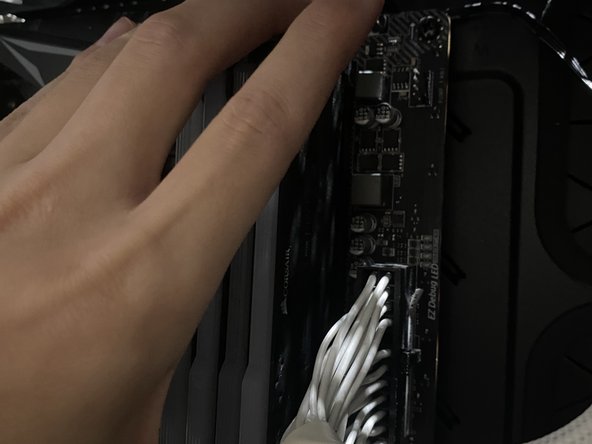
    • Unplug Power

    • Make sure the PC is not powered by unplugging it

  2. RDY Y70 001 RAM Replacement: 手順 2、 2の画像 1 RDY Y70 001 RAM Replacement: 手順 2、 2の画像 2
    • Take the screws off using an Allen key

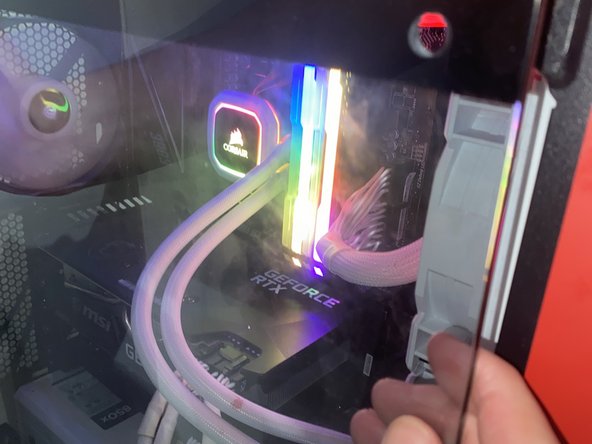
    • Pull the window off the PC

  3. RDY Y70 001 RAM Replacement: 手順 3、 3の画像 1 RDY Y70 001 RAM Replacement: 手順 3、 3の画像 2 RDY Y70 001 RAM Replacement: 手順 3、 3の画像 3
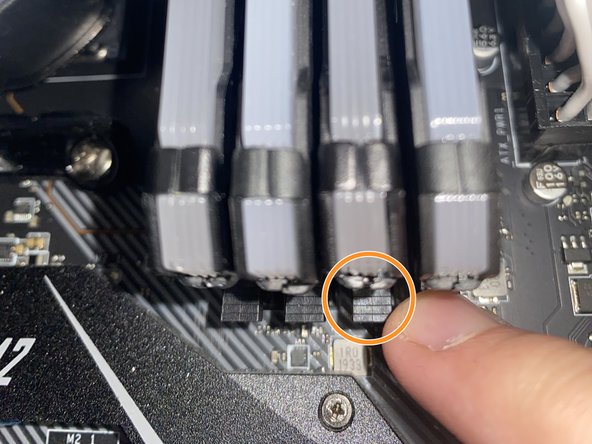
    • Remove current RAM

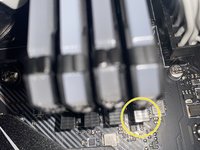
    • Push down on the clips holding down the current RAM

    • Carefully pull the RAM sticks out

  4. RDY Y70 001 RAM Replacement: 手順 4、 2の画像 1 RDY Y70 001 RAM Replacement: 手順 4、 2の画像 2
    • Install new RAM

    • Carefully put the new RAM sticks facing the right direction and in the correct slots.

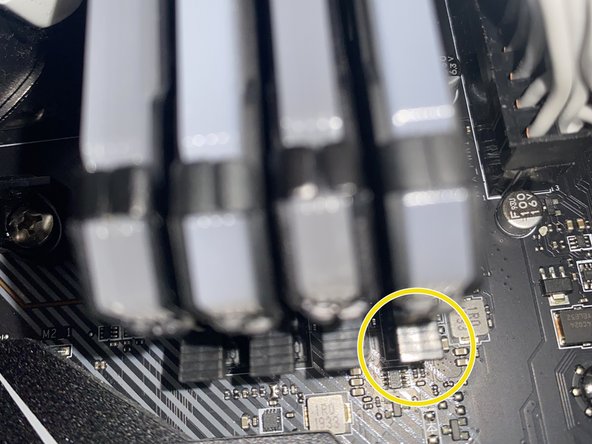
    • Carefully apply pressure downwards on the RAM stick until the clip locks itself.

    • Make sure the clip is closed.

  5. RDY Y70 001 RAM Replacement: 手順 5、 3の画像 1 RDY Y70 001 RAM Replacement: 手順 5、 3の画像 2 RDY Y70 001 RAM Replacement: 手順 5、 3の画像 3
    • Put the window back onto the PC case

    • Screw the window onto the PC case

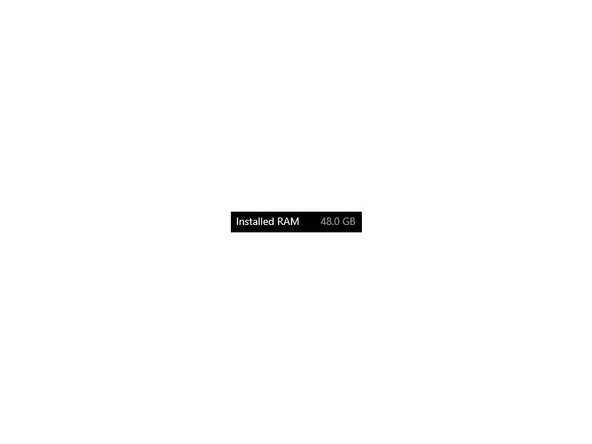
    • Check your system settings to make sure the RAM is installed properly

終わりに

Hopefully your RDY Y70 001 is running smoother and faster than it was before.

ある他の人がこのガイドを完成しました。

作成者

2人の作成者と共同で作成されました。

Louis Ho

メンバー登録日: 07/04/24

148 ポイント

1ガイドが承認済み

チーム

York University, Team N-16, O'Regan Summer 2024 York University, Team N-16, O'Regan Summer 2024人のメンバー

YORK-O'REGAN-SU24SNG16

1 メンバー

2のガイドは作成済み

0件のガイドコメント

コメントを追加

統計データ:

過去 24時間: 0

過去 7 日: 4

過去 30 日: 15

今までの合計 235