この翻訳は、ソースガイドの最新の更新を反映していない可能性があります。 翻訳の更新に協力してください。 または ソースガイドを参照してください。
はじめに
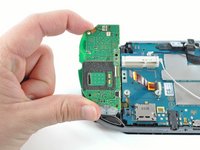
このガイドは、PlayStation Vitaにstart/selectボタンを取り付けるプロセスを紹介します。
必要な工具と部品
-
-
-
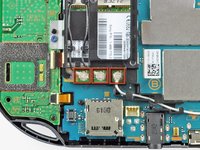
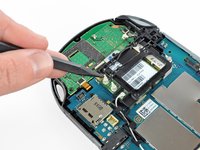
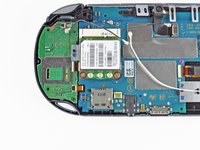
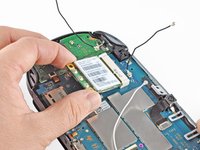
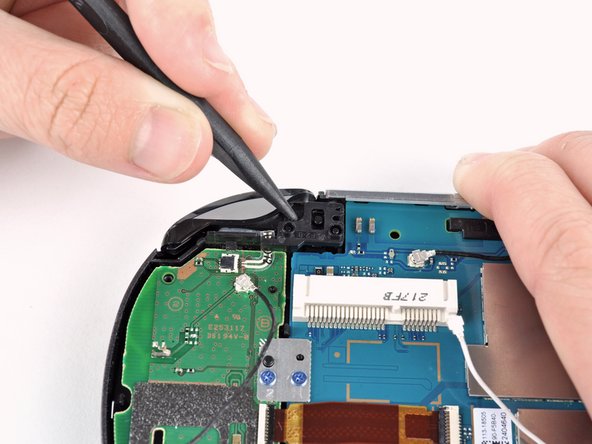
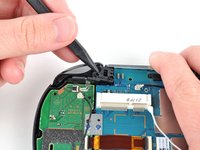
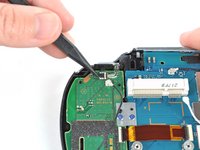
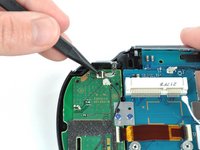
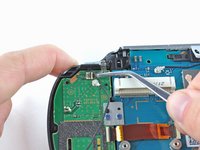
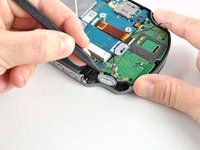
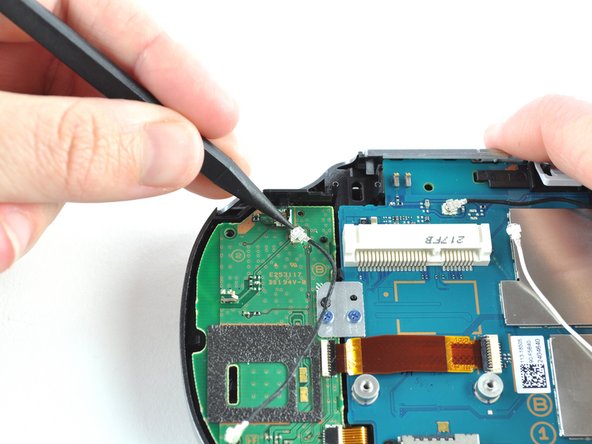
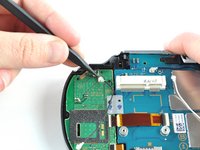
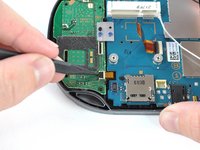
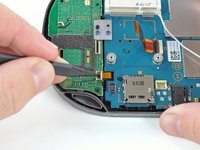
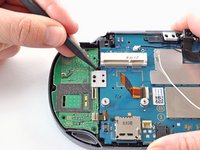
スパッジャーの先端を使って、ワイヤレスカード上部に付いている3つのアンテナケーブルコネクタの接続を外します。
-
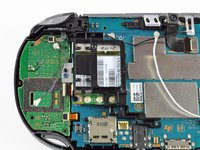
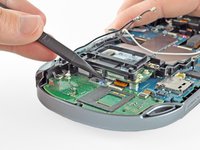
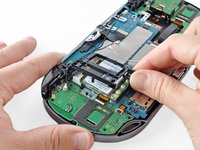
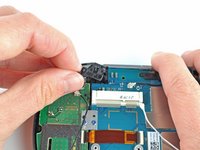
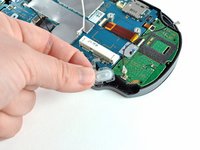
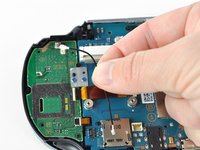
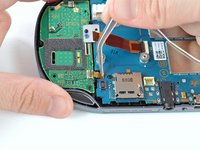
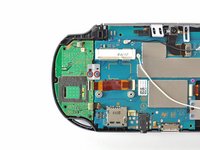
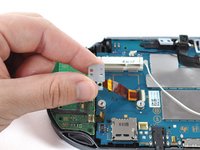
アンテナケーブルを巻き戻します。するとワイヤレスカードケースから取り出せます。一旦、ワイヤを脇に置いてください。
-


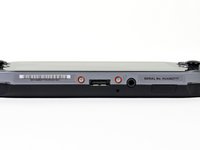
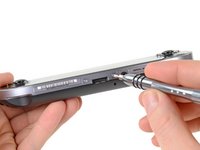


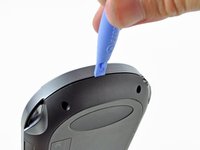
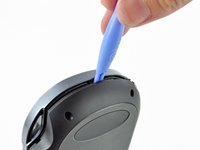

















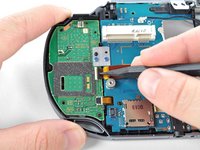
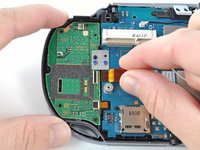






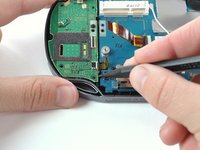
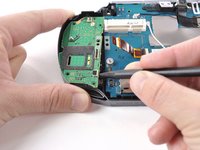


デバイスを再度組み立てるには、この説明書の逆の順番で組み立ててください。
4 の人々がこのガイドを完成させました。



1件のガイドコメント
So I hit a roadblock at step 11, it seems some of these devices have security screws with no specific bit (or at least not one I could find) on the network card, so if you plan on attempting this repair please check your network card before doing so as you may need to perform some extra steps (such as cutting at the thing with a dremel if you're comfortable with that...) before moving forward. Here's what I'm referring to
