はじめに
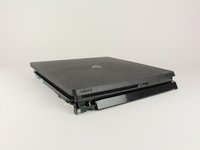
このガイドを使って、PlayStation 4 Slimのディスクドライブを交換もしくは取り外します。
ご注意: 交換用ディスクドライブにフレックスケーブルが付属していない場合、元のドライブからケーブルを移す必要があります。
必要な工具と部品

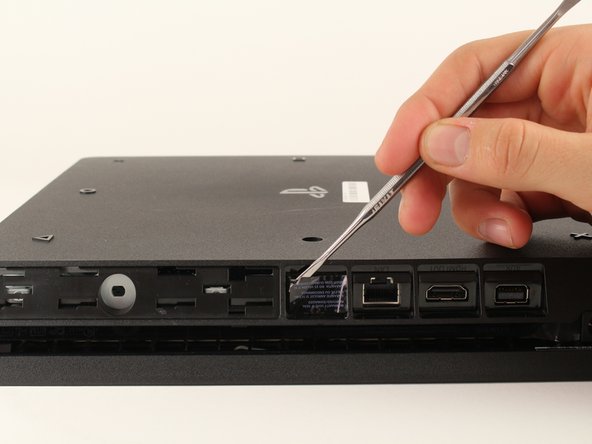


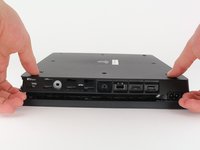
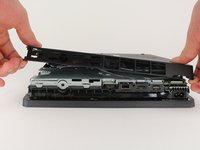
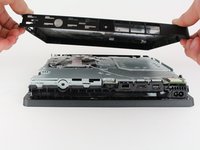


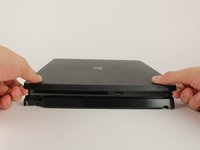
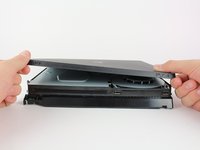


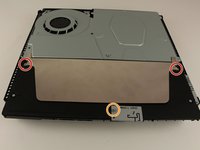
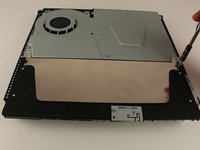
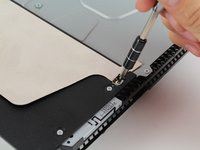


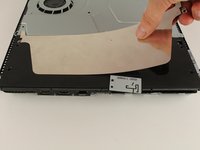
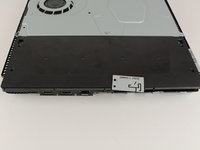


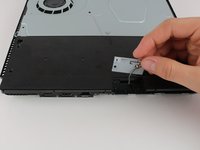


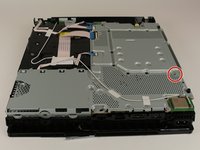
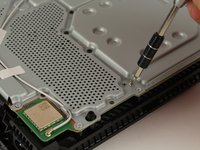


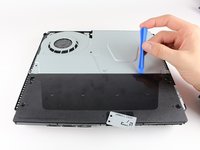
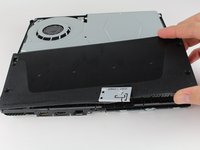
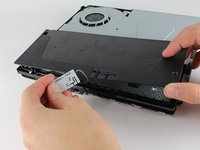


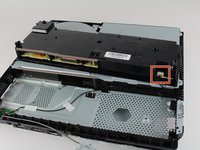
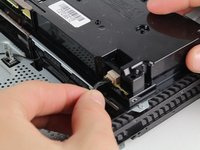
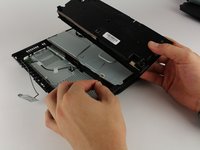


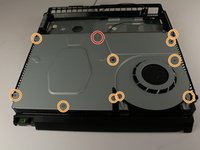
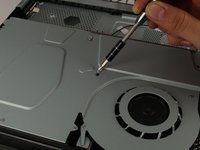


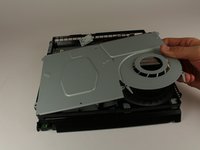
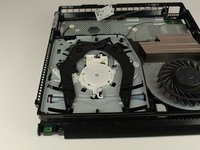


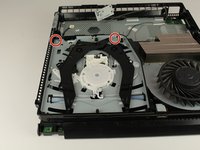
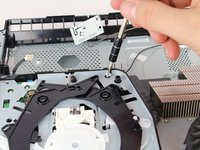


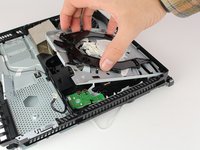
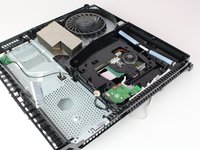
デバイスを再組み立てする際は、これらのインストラクションを逆の順番に従って作業を進めてください。
デバイスを再組み立てする際は、これらのインストラクションを逆の順番に従って作業を進めてください。
99 の人々がこのガイドを完成させました。
以下の翻訳者の皆さんにお礼を申し上げます:
100%


これらの翻訳者の方々は世界を修理する私たちのサポートをしてくれています。 あなたも貢献してみませんか?
翻訳を始める ›



チーム

Cal Poly, Team S19-G4, Livingston Winter 2018 Cal Poly, Team S19-G4, Livingston Winter 2018人のメンバー
CPSU-LIVINGSTON-W18S19G4
4 メンバー
35のガイドは作成済み
24 件のコメント
incomplete guide, what replacement? the last step is taking the cover off but what about the disk drive?
Yeah, where's the ending to this?
To remove the complete drive you have to remove the motherboard. with the motherboard removed some of the above steps may not be necessary.
This guide is useful if you just need to remove disc or clean laser.
when replacing do you have to swap a board like the PS4’s of the past?
Nope, on the ps4 slim the optical drive is not married to the motherboard so any drive as long is the same model will work with any motherboard
