はじめに
IMPORTANT: AS OF ~7/2/2023 (archived years prior), THIS GUIDE IS NO LONGER UPDATED BY THE AUTHOR. This guide was made around the iPhone 4 which hasn't worked on US carriers for at least 10+ years due to a lack of 4G or VoLTE. This guide may apply to other devices, but they often have such stark differences it is unlikely this approach will work for you. These are also prone to repair cost issue as parts can be as much as the entire phone.
Are you concerned your iPhone 4 may have a bulged battery after many years of use? Here are some basic ways you can see, short of opening the phone.
-
-
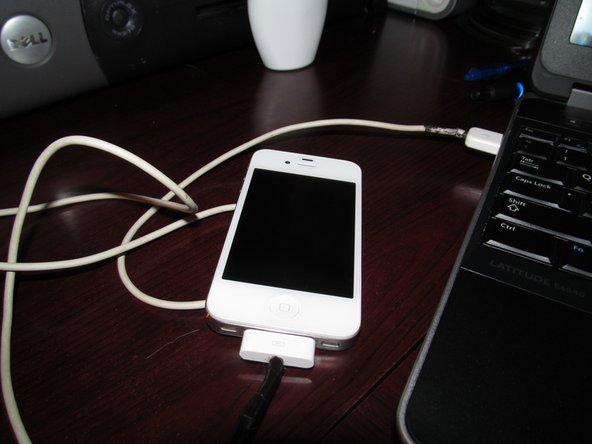
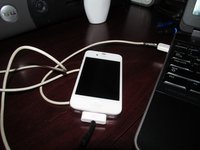
Plug the iPhone into a compatible iPod dock or charger with 30-pin cable. If you do not find the phone turns on in a reasonable amount of time, you may want to supervise the phone. If the phone still has problems, further inspection is required.
-
-
-
Try to reset the phone. Do this by holding the power and home buttons together for around 30 seconds.
-
-
-
-
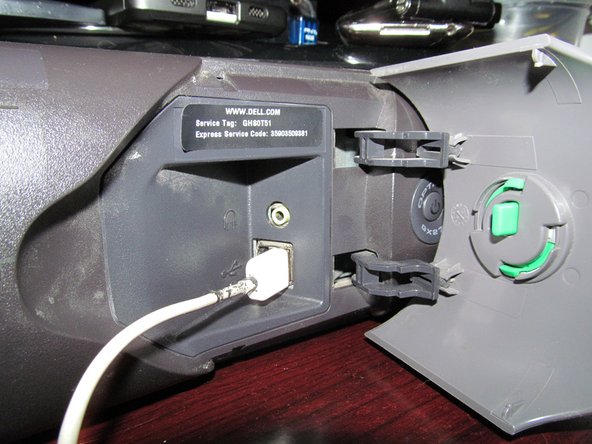
Plug the phone into a computer and see how it responds. If the phone works on a computer but not a charger the battery is shot. At this point, it's a matter of checking if the phone has a bulged battery or not.
-
-
-
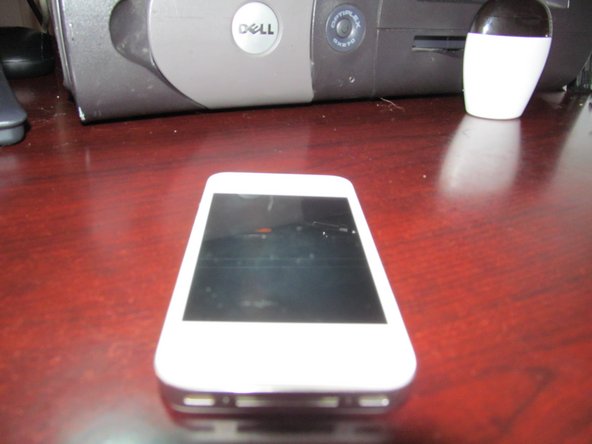
Put the phone on a flat table. Check if the display has a bump. If the display has a bump, it's safe to assume you may need a new battery. The battery is on the right side of the phone, so focus on this side of the phone. You may not notice this if you do not know what to look for. You need a keen eye to notice this unless it is obvious.
-
-
-
Put the phone on a table and see if it spins. If it does, the battery is bulged.
-
-
-
This should be simple. Press down on the LCD on the right side of the phone. If the phone feels like it has a soft area, the phone needs to be taken apart for inspection. Phones that do not have a bulge on the battery side of the phone are probably fine. However, it may still be a good idea to open the phone to be sure.
-




To reassemble your device, follow these instructions in reverse order.
16 の人々がこのガイドを完成させました。


チーム

