はじめに
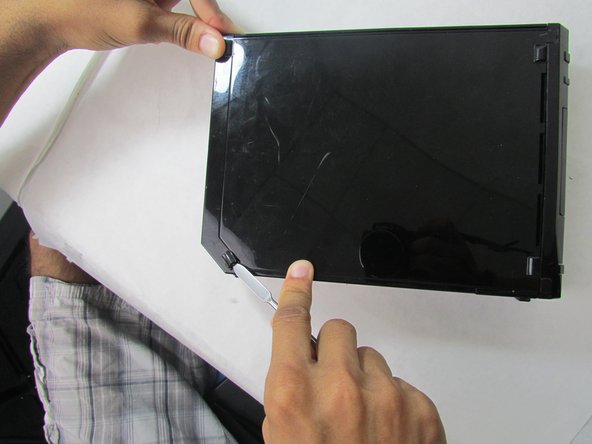
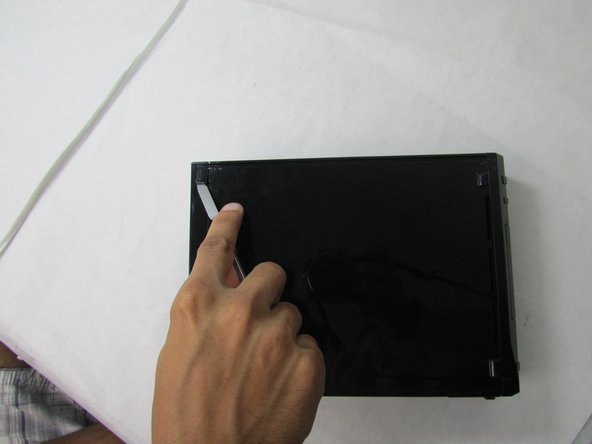
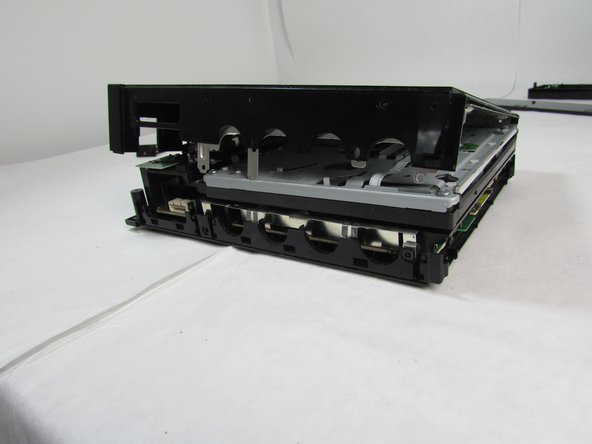
This guide will walk you through safely removing the outer case and main internal components of a Nintendo Wii, either for exploration or replacement.
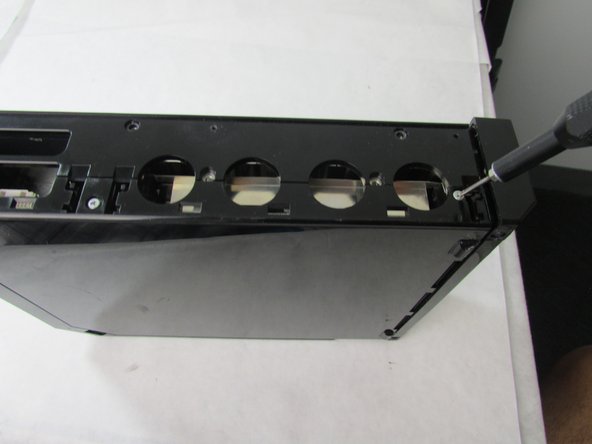
NOTE: You MAY need a screwdriver extender, especially if you are using a screwdriver with interchangeable heads. We used our extender during step 4.
必要な工具と部品
-
-
Using the Phillips #0 screwdriver, remove the single screw from the bottom of the device.
-
Pull out the slot with the battery (pictured in the third photo). Leave both the battery and the slot organized on the side with the removed screw.
-
-







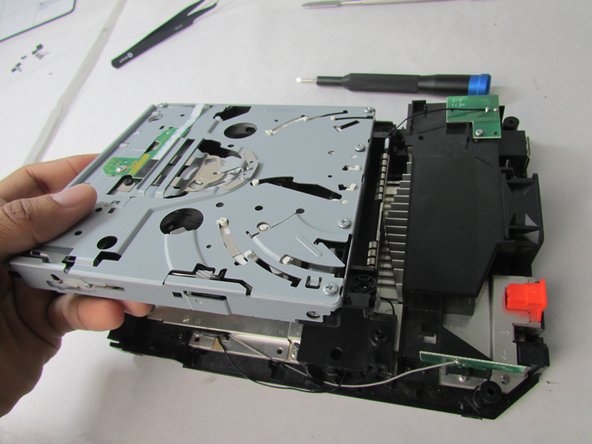


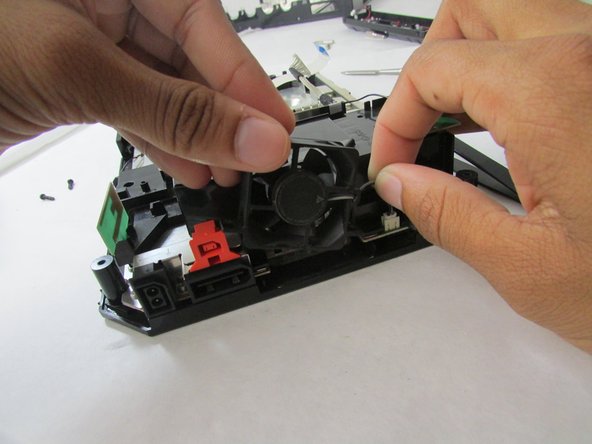


To replace the cover, either with the original or a new one, follow these instructions in reverse order. The time estimate only includes the time that is required to remove the outer case.
To replace the cover, either with the original or a new one, follow these instructions in reverse order. The time estimate only includes the time that is required to remove the outer case.
16 の人々がこのガイドを完成させました。



チーム

Embry-Riddle Aeronautical University, Team S23-G2, McClure Fall 2019 Embry-Riddle Aeronautical University, Team S23-G2, McClure Fall 2019人のメンバー
ERAU-MCCLURE-F19S23G2
4 メンバー
16のガイドは作成済み
コメント 1 件
there are a couple of screws missing from the guide around the (what i assume would be) the black wifi antenna and some screws holding the metal shield from the mother board
