はじめに
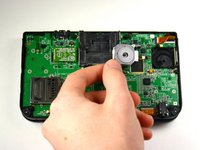
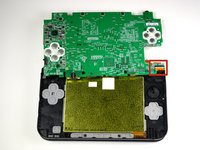
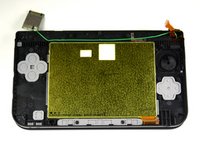
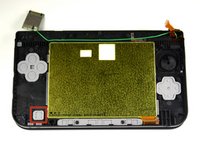
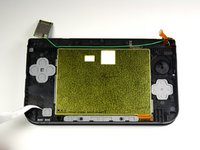
この電源ボタンの交換ガイドでは、電源ボタンにアクセスするために、ニンテンドー3DSをマザーボードよりもさらに分解する手順をご説明します。
必要な工具と部品
-
この手順で使用する道具:Tweezers$4.99
-
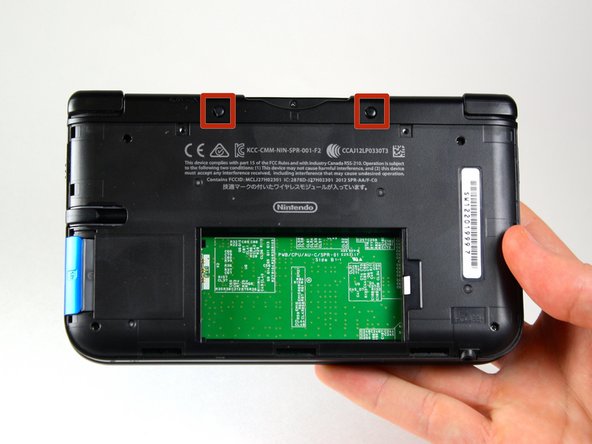
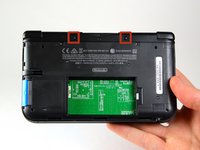
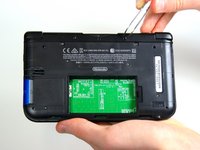
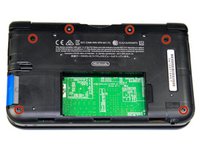
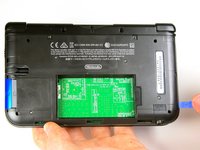
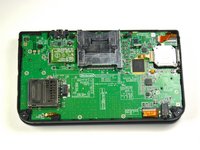
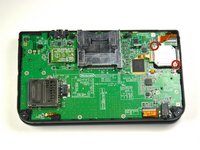
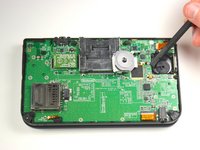
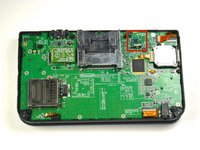
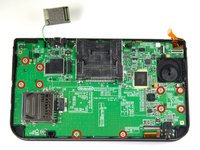
ピンセットを使ってゴム足を外して下さい。これらは本体の上の方のゲームカードスロットの左右にあります。
-
-
-
-
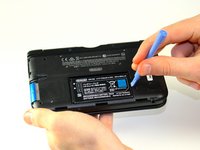
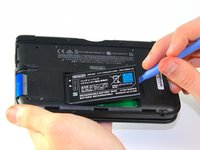
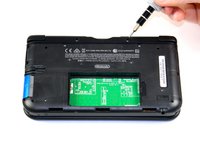
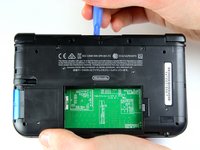
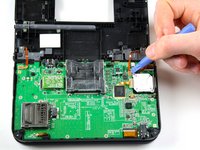
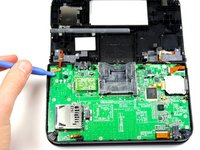
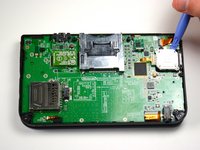
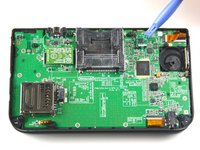
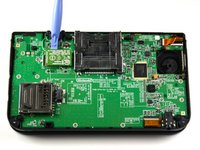
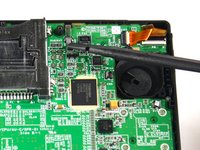
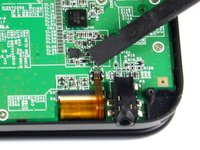
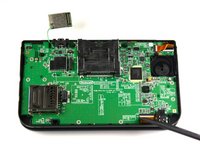
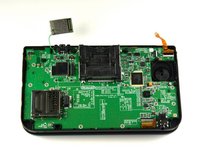
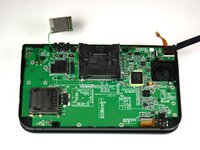
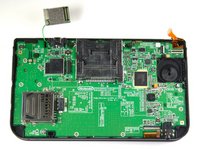
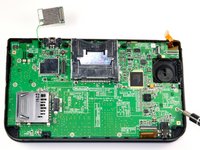
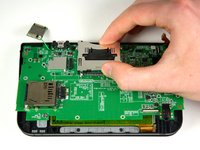
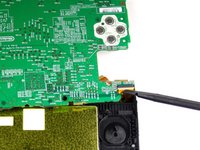
プラスチック製のオープニングツールを使って、Wi-Fi基板をこじって外します。
-
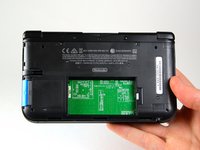
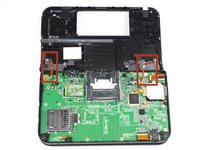
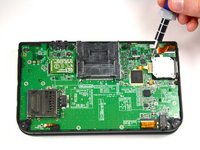
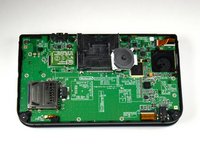
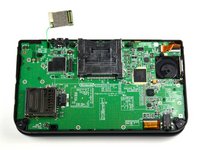
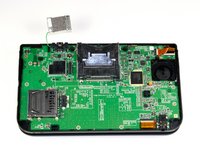
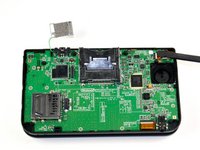
Wi-Fi基板はまだ電線で繋がっていますが、本手順では完全に取り外す必要はありません。この時点では単に邪魔にならない場所に避けておいて下さい。
-






















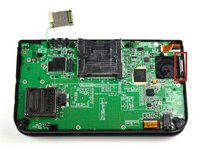
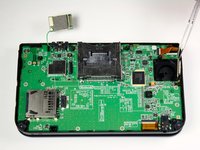


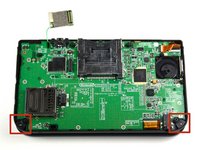
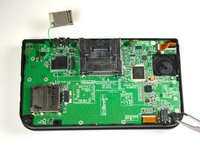














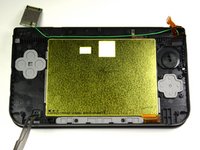
デバイスを再組み立てする際は、これらのインストラクションを逆の順番に従って作業を進めてください。
4 の人々がこのガイドを完成させました。
以下の翻訳者の皆さんにお礼を申し上げます:
100%

Midori Doiさんは世界中で修理する私たちを助けてくれています! あなたも貢献してみませんか?
翻訳を始める ›



チーム

Cal Poly, Team 9-13, Regan Spring 2014 Cal Poly, Team 9-13, Regan Spring 2014人のメンバー
CPSU-REGAN-S14S9G13
5 メンバー
55のガイドは作成済み
3件のガイドコメント
Does anyone have any idea where I can get a spare power button (black plastic part) and the rubber bit?
I've found the rubber bit on ebay but for the life of me I cannot find the plastic part (In the UK at least)
Thanks.
Did you find it by any chance? Kind of looking for the same thing
yaboi -
almost a decade after I answer. but you never know you were still looking for it (I don’t believe). but you can find some on aliexpress, for the rubber the quality and the same but the buttons slightly less pleasant, unfortunately not pack only for the button power but for ~10 € you can have the pack of rubber and that of button, which is always expensive than buying a new 3ds xl for parts
Nothing -
