メインコンテンツにスキップ

Motorola Hyper Android Phone Charging port Replacement

必要な工具と部品

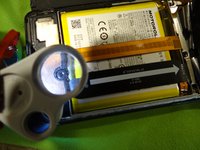
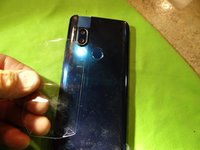
  1. Motorola Hyper Android Phone Charging port Replacement, Finding the seam  to remove.: 手順 1、 1の画像 1
    • Charging port replacement

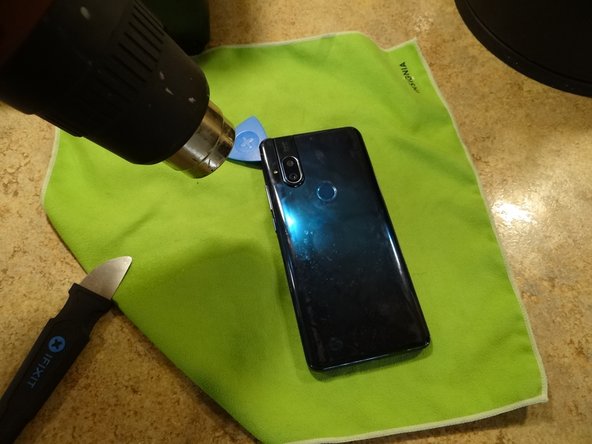
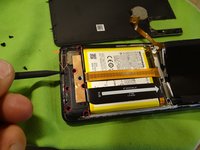
  2. Motorola Hyper Android Phone Charging port Replacement, Teardown - Remove sim tray: 手順 2、 3の画像 1 Motorola Hyper Android Phone Charging port Replacement, Teardown - Remove sim tray: 手順 2、 3の画像 2 Motorola Hyper Android Phone Charging port Replacement, Teardown - Remove sim tray: 手順 2、 3の画像 3
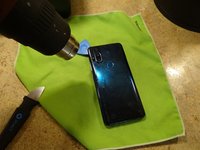
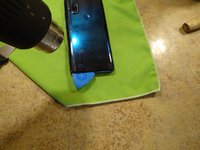
    • Use a heat gun or hair dryer to soften the adhesive on the rear cover

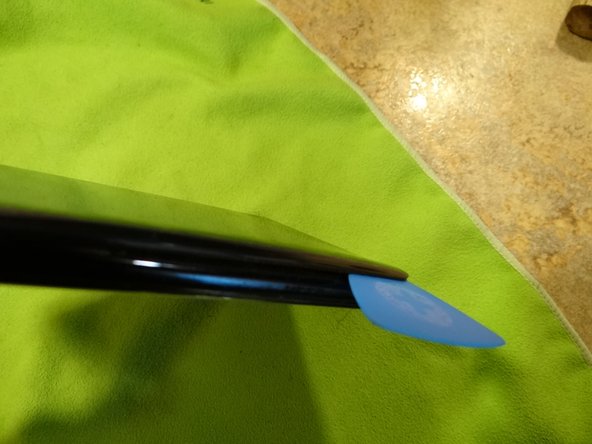
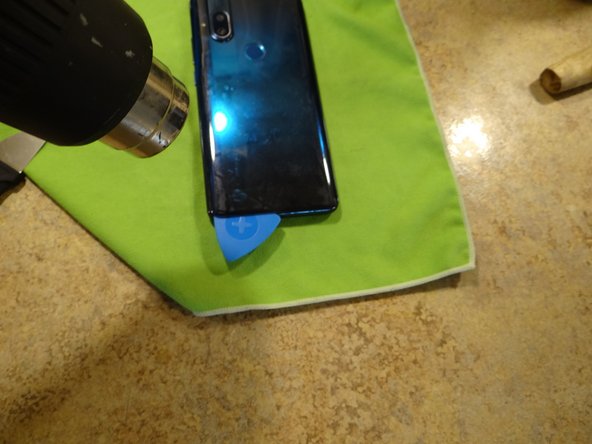
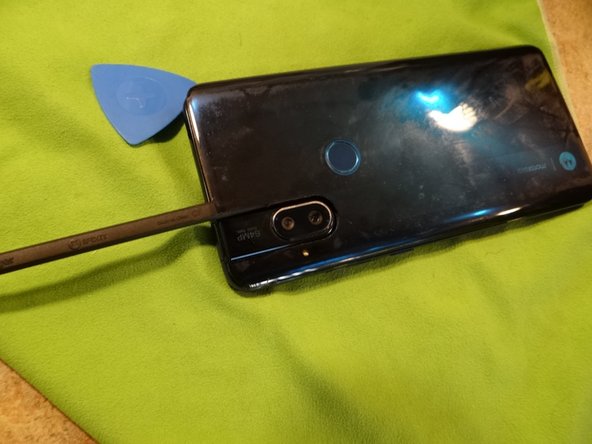
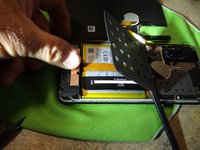
  3. Motorola Hyper Android Phone Charging port Replacement: 手順 3、 3の画像 1 Motorola Hyper Android Phone Charging port Replacement: 手順 3、 3の画像 2 Motorola Hyper Android Phone Charging port Replacement: 手順 3、 3の画像 3
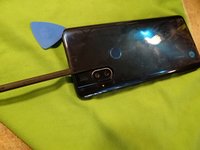
    • Start at the camera and go around the edge with an Opening Pick. Pry the last bit around the camera.

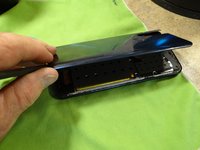
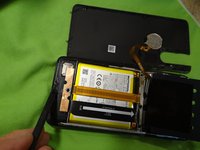
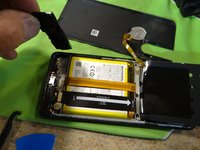
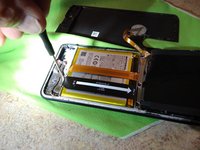
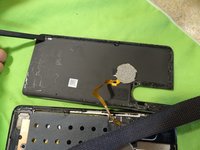
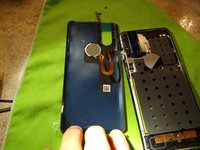
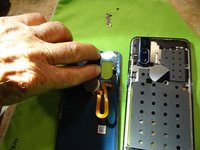
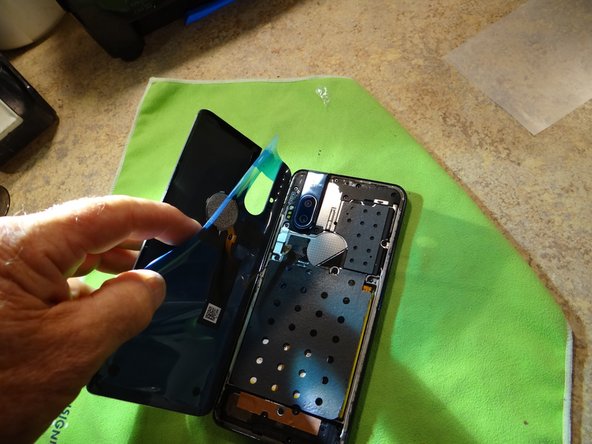
  4. Motorola Hyper Android Phone Charging port Replacement, Opening cover: 手順 4、 3の画像 1 Motorola Hyper Android Phone Charging port Replacement, Opening cover: 手順 4、 3の画像 2 Motorola Hyper Android Phone Charging port Replacement, Opening cover: 手順 4、 3の画像 3
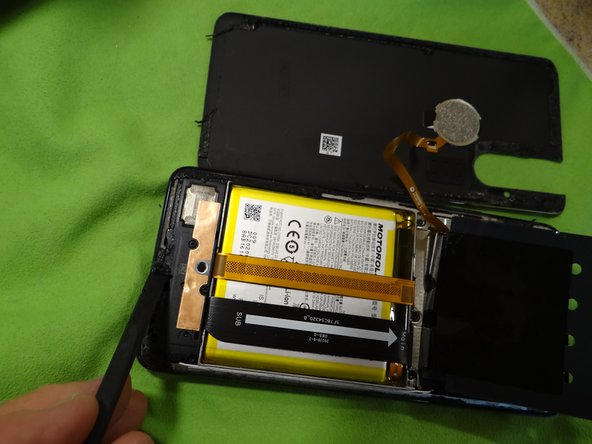
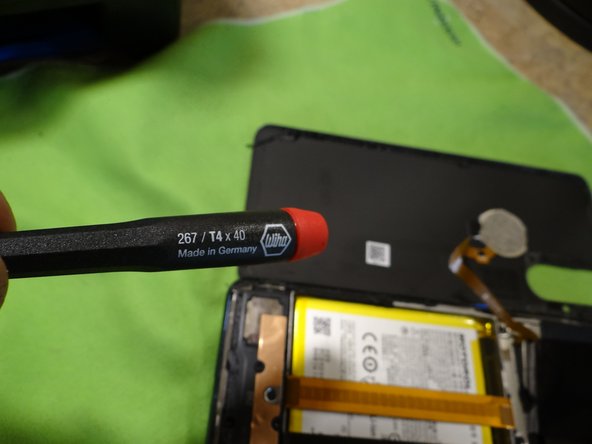
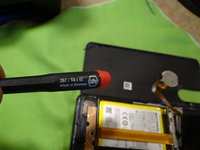
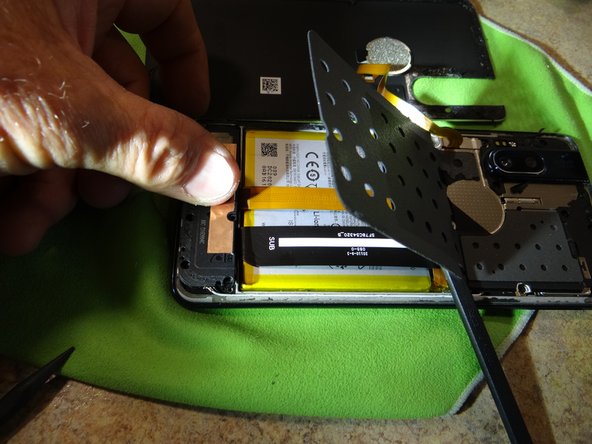
    • Open case from the on button side face down. You will need a T4 bit driver.

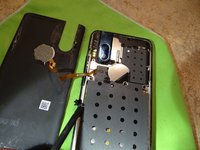
  5. Motorola Hyper Android Phone Charging port Replacement, Remove  screws for vent: 手順 5、 3の画像 1 Motorola Hyper Android Phone Charging port Replacement, Remove  screws for vent: 手順 5、 3の画像 2 Motorola Hyper Android Phone Charging port Replacement, Remove  screws for vent: 手順 5、 3の画像 3
    • Remove 6 T4 screws. Remove mini fan vent.

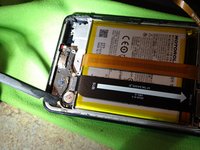
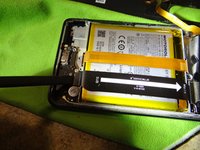
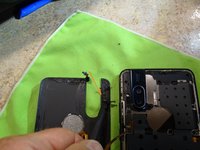
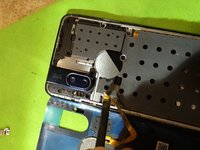
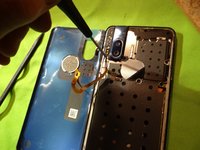
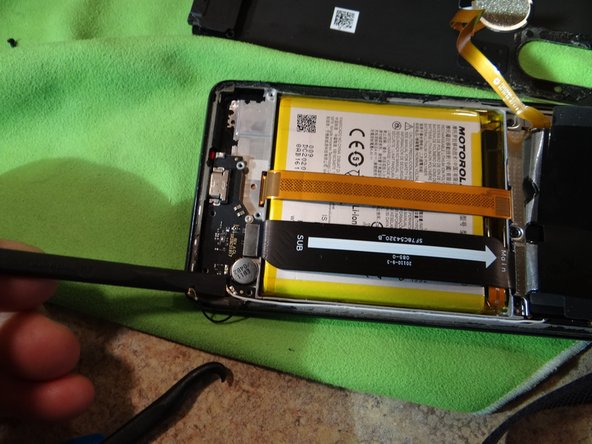
  6. Motorola Hyper Android Phone Charging port Replacement, Remove charging wires: 手順 6、 3の画像 1 Motorola Hyper Android Phone Charging port Replacement, Remove charging wires: 手順 6、 3の画像 2 Motorola Hyper Android Phone Charging port Replacement, Remove charging wires: 手順 6、 3の画像 3
    • Pry off the black and white wires with a pry tool. Remove Philips screw.

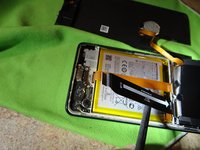
  7. Motorola Hyper Android Phone Charging port Replacement, Remove charge port: 手順 7、 3の画像 1 Motorola Hyper Android Phone Charging port Replacement, Remove charge port: 手順 7、 3の画像 2 Motorola Hyper Android Phone Charging port Replacement, Remove charge port: 手順 7、 3の画像 3
    • Remove and replace the charge port with new one.

  8. Motorola Hyper Android Phone Charging port Replacement, Assembly: 手順 8、 3の画像 1 Motorola Hyper Android Phone Charging port Replacement, Assembly: 手順 8、 3の画像 2 Motorola Hyper Android Phone Charging port Replacement, Assembly: 手順 8、 3の画像 3
    • Install items in reverse order

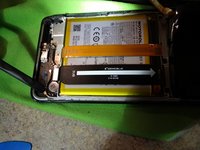
  9. Motorola Hyper Android Phone Charging port Replacement, Remove old gasket material: 手順 9、 3の画像 1 Motorola Hyper Android Phone Charging port Replacement, Remove old gasket material: 手順 9、 3の画像 2 Motorola Hyper Android Phone Charging port Replacement, Remove old gasket material: 手順 9、 3の画像 3
    • Clean all the gasket off.

    • There is only room for one layer, for a smooth cover fit.

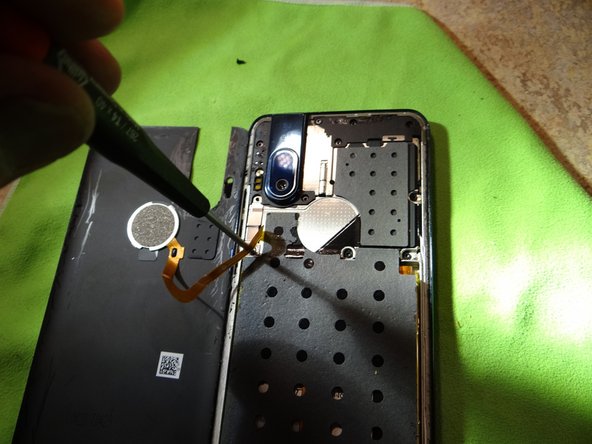
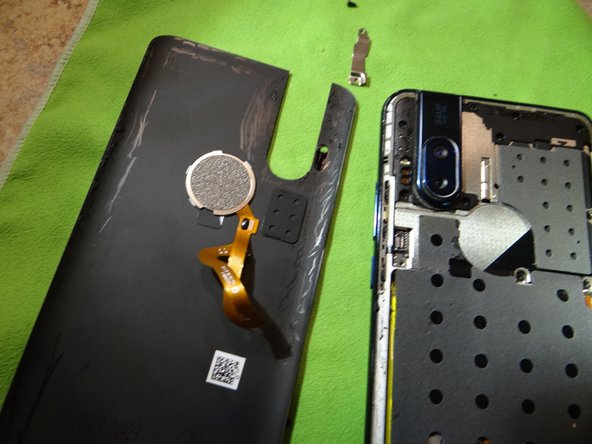
  10. Motorola Hyper Android Phone Charging port Replacement, Remove finger print reader cable: 手順 10、 3の画像 1 Motorola Hyper Android Phone Charging port Replacement, Remove finger print reader cable: 手順 10、 3の画像 2 Motorola Hyper Android Phone Charging port Replacement, Remove finger print reader cable: 手順 10、 3の画像 3
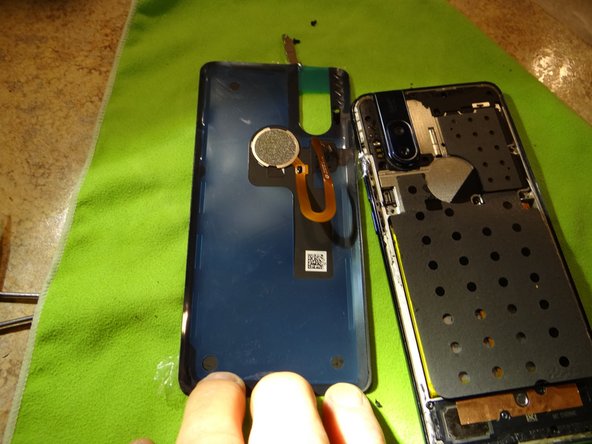
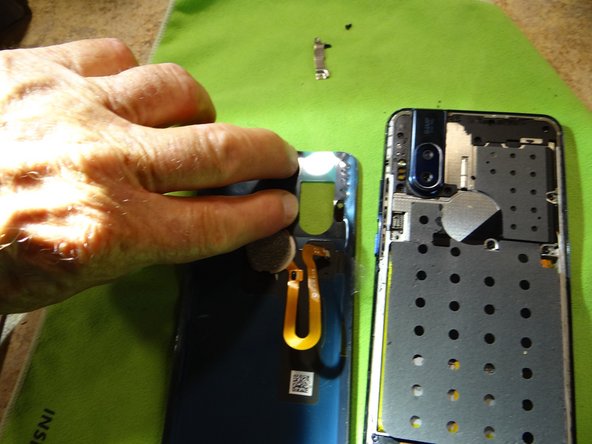
    • Remove finger print reader cable to install new cover gasket. surface must be clean so the cover sits tight with no gaps.

  11. Motorola Hyper Android Phone Charging port Replacement, Install gasket: 手順 11、 3の画像 1 Motorola Hyper Android Phone Charging port Replacement, Install gasket: 手順 11、 3の画像 2 Motorola Hyper Android Phone Charging port Replacement, Install gasket: 手順 11、 3の画像 3
    • Make sure the gasket is firmly in place.

  12. Motorola Hyper Android Phone Charging port Replacement, Replace FPR cable: 手順 12、 3の画像 1 Motorola Hyper Android Phone Charging port Replacement, Replace FPR cable: 手順 12、 3の画像 2 Motorola Hyper Android Phone Charging port Replacement, Replace FPR cable: 手順 12、 3の画像 3
    • Install FPR cable.

    • Install the keep.

    • Put tape on the cover to align the edges.

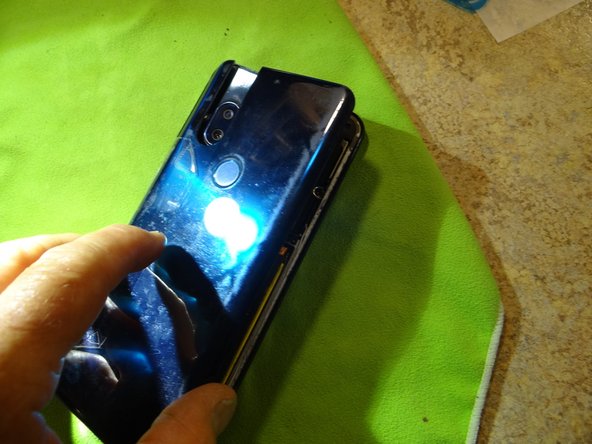
  13. Motorola Hyper Android Phone Charging port Replacement, Finish installing cover: 手順 13、 3の画像 1 Motorola Hyper Android Phone Charging port Replacement, Finish installing cover: 手順 13、 3の画像 2 Motorola Hyper Android Phone Charging port Replacement, Finish installing cover: 手順 13、 3の画像 3
    • Tape helps align cover for a smooth install.

    • Press the cover on to seal.

終わりに

To reassemble your device, follow these instructions in reverse order.

3 の人々がこのガイドを完成させました。

作成者

1人の作成者と共同作成されました。

wes zab

メンバー登録日: 06/20/22

277 ポイント

1ガイドが承認済み

0件のガイドコメント

コメントを追加

統計データ:

過去 24時間: 2

過去 7 日: 11

過去 30 日: 66

今までの合計 894