メインコンテンツにスキップ

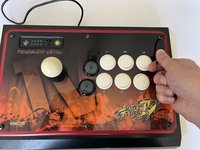
Mad Catz Street Fighter IV Fight Stick Buttons Replacement

必要な工具と部品

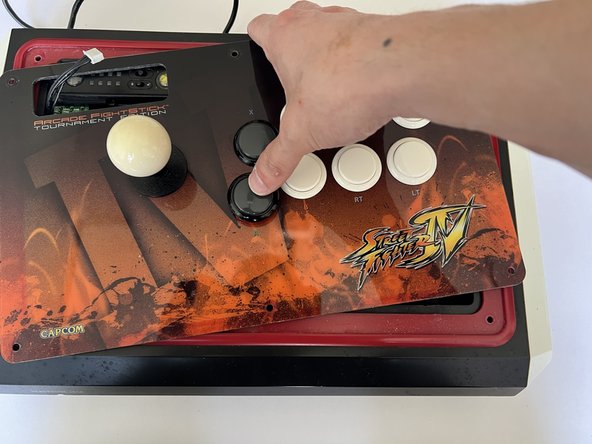
  1. Mad Catz Street Fighter IV Fight Stick Buttons Replacement, Sanwa OBSF 30 mm buttons: 手順 1、 1の画像 1
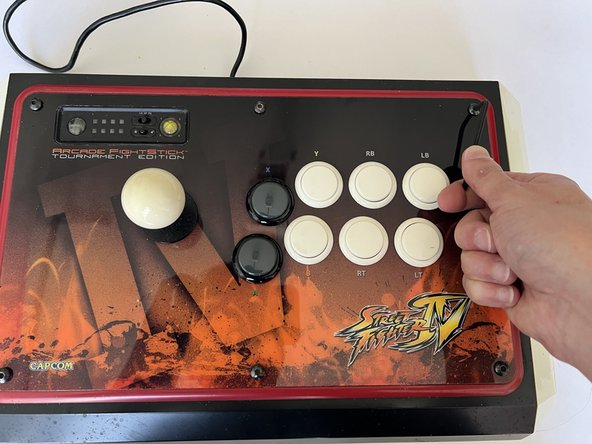
    • Place the controller on a flat surface, with the front facing you as you would normally use it.

    • Use a 3 mm Hex key to remove all six top-facing screws.

  2. Mad Catz Street Fighter IV Fight Stick Buttons Replacement: 手順 2、 1の画像 1
    • Lift the top lid up and away from you.

    • Don't pull or yank the lid off as it is connected to the controller by multiple cables and they could be ripped out or damaged.

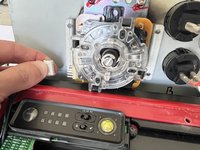
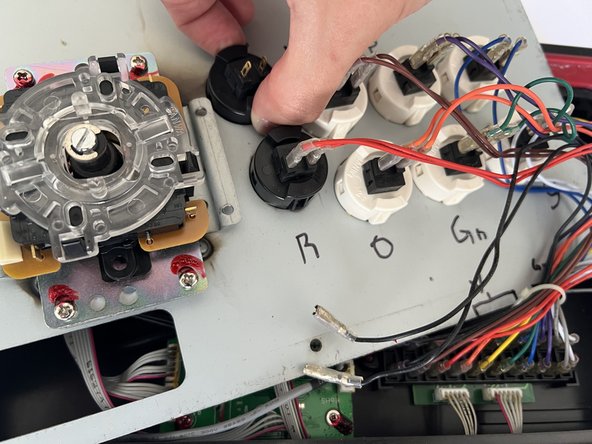
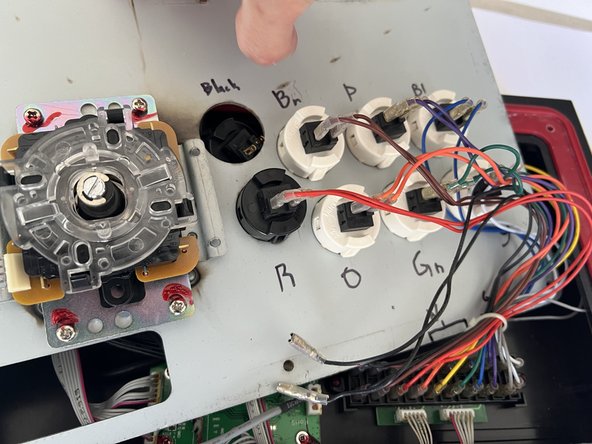
    • If you are changing multiple buttons, be sure to note the wire colors and/or use a marker to label each pairing.

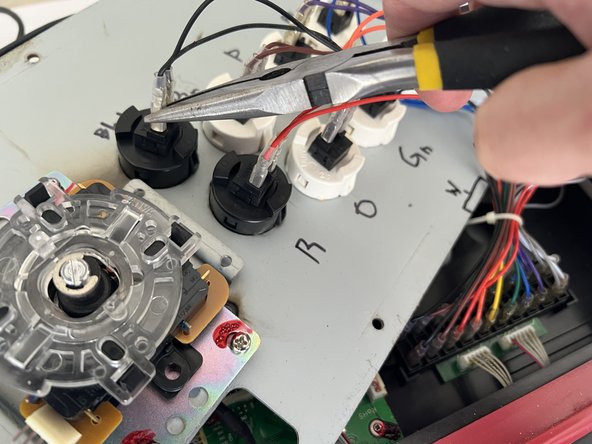
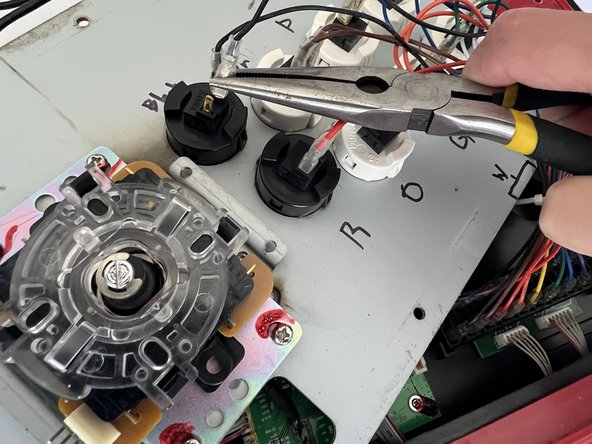
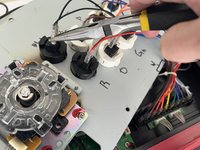
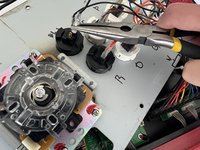
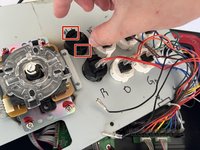
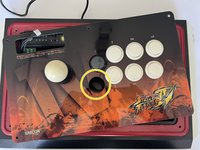
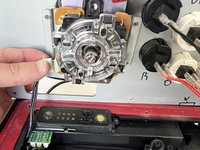
  3. Mad Catz Street Fighter IV Fight Stick Buttons Replacement: 手順 3、 3の画像 1 Mad Catz Street Fighter IV Fight Stick Buttons Replacement: 手順 3、 3の画像 2 Mad Catz Street Fighter IV Fight Stick Buttons Replacement: 手順 3、 3の画像 3
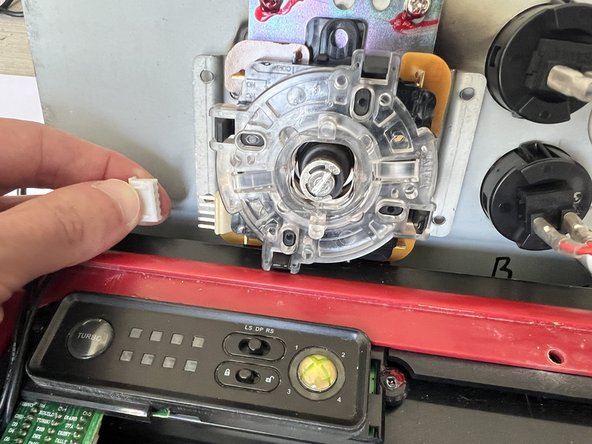
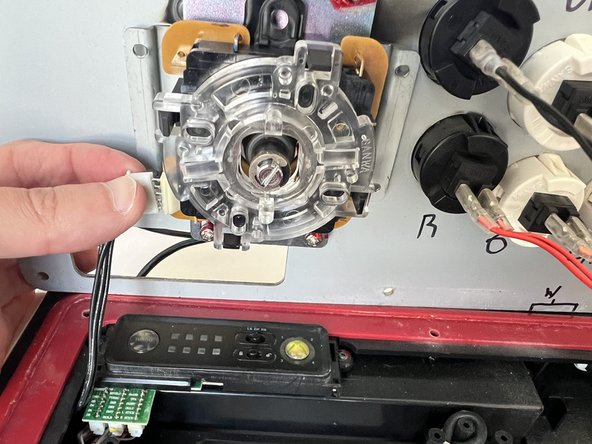
    • Use the needle nose pliers to loosen the lever to board 4-pin connection.

    • Once it's loose, disconnect the connector by hand to minimize the risk of accidentally damaging the plastic adapter.

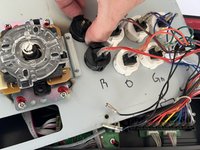
  4. Mad Catz Street Fighter IV Fight Stick Buttons Replacement: 手順 4、 3の画像 1 Mad Catz Street Fighter IV Fight Stick Buttons Replacement: 手順 4、 3の画像 2 Mad Catz Street Fighter IV Fight Stick Buttons Replacement: 手順 4、 3の画像 3
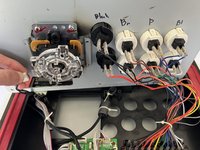
    • Completely flip the lid over with the lever resting inside the box.

    • Use pliers to gently squeeze and disconnect the pin connectors located at the bottom of the button you wish to replace.

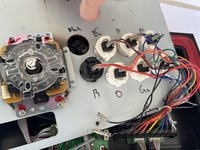
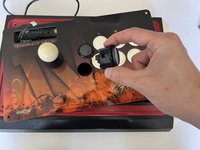
  5. Mad Catz Street Fighter IV Fight Stick Buttons Replacement: 手順 5、 3の画像 1 Mad Catz Street Fighter IV Fight Stick Buttons Replacement: 手順 5、 3の画像 2 Mad Catz Street Fighter IV Fight Stick Buttons Replacement: 手順 5、 3の画像 3
    • Remove the button by simultaneously squeezing both push tabs on either side and gently pressing down to release it.

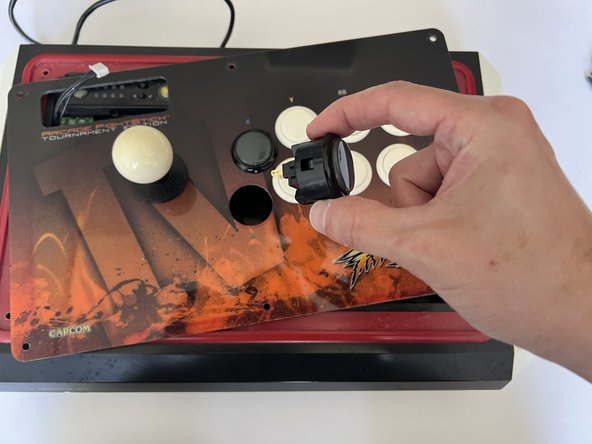
  6. Mad Catz Street Fighter IV Fight Stick Buttons Replacement: 手順 6、 3の画像 1 Mad Catz Street Fighter IV Fight Stick Buttons Replacement: 手順 6、 3の画像 2 Mad Catz Street Fighter IV Fight Stick Buttons Replacement: 手順 6、 3の画像 3
    • Replace the button by gently pressing it into the slot until it clicks into place.

  7. Mad Catz Street Fighter IV Fight Stick Buttons Replacement: 手順 7、 3の画像 1 Mad Catz Street Fighter IV Fight Stick Buttons Replacement: 手順 7、 3の画像 2 Mad Catz Street Fighter IV Fight Stick Buttons Replacement: 手順 7、 3の画像 3
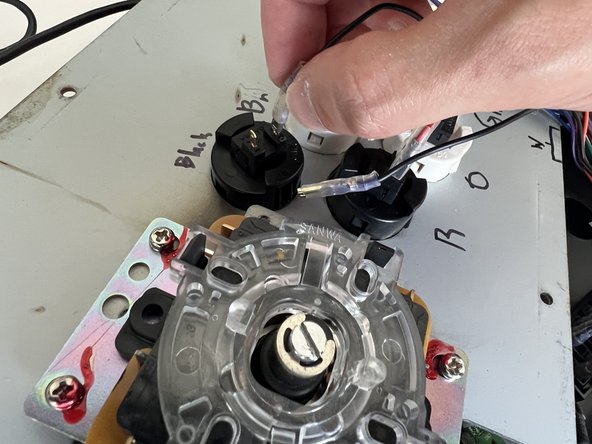
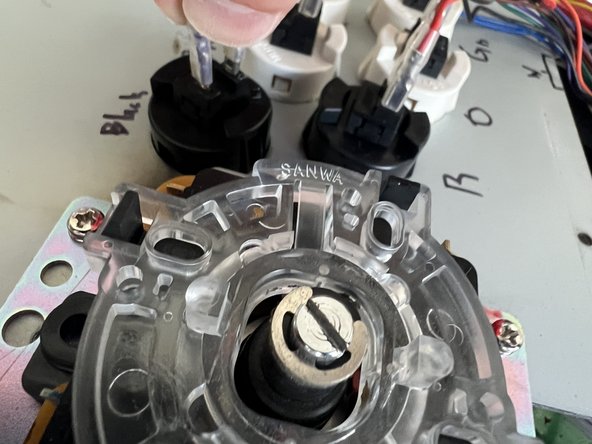
    • Reconnect button wires in any order.

    • Pull the plastic sheath away to reveal the pin connector.

    • Push the button pin down until the connector fully covers it, then slide the plastic sheath securely over the connector.

  8. Mad Catz Street Fighter IV Fight Stick Buttons Replacement: 手順 8、 3の画像 1 Mad Catz Street Fighter IV Fight Stick Buttons Replacement: 手順 8、 3の画像 2 Mad Catz Street Fighter IV Fight Stick Buttons Replacement: 手順 8、 3の画像 3
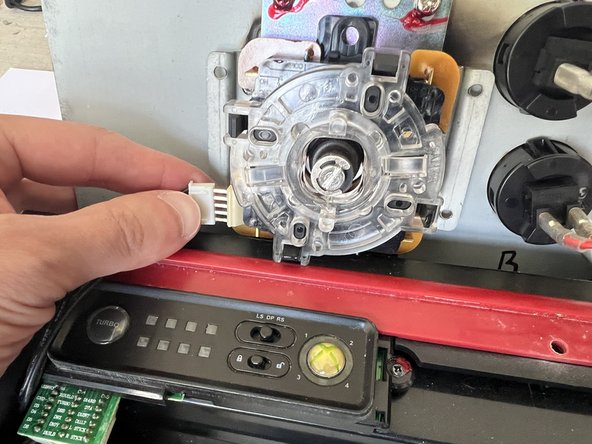
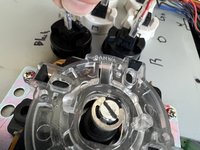
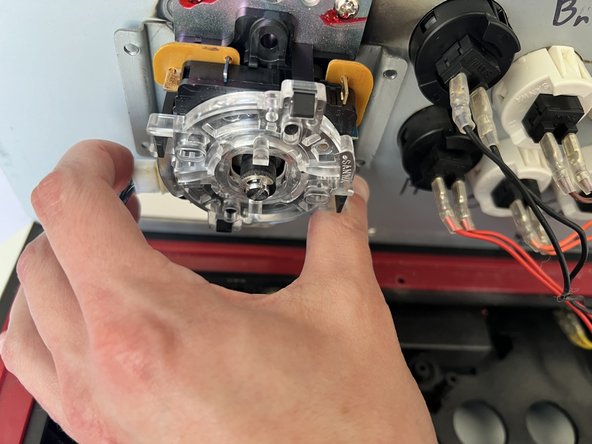
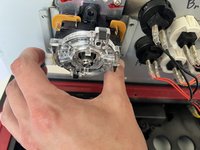
    • Reconnect the lever link by aligning the plastic adapter with the pins, ensuring everything is properly positioned, as the pins can easily bend.

    • Push it into place by using your thumb on the opposite end of the stick as leverage. Do so until flush, with no metal left exposed.

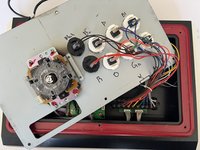
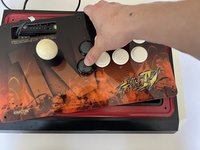
  9. Mad Catz Street Fighter IV Fight Stick Buttons Replacement: 手順 9、 2の画像 1 Mad Catz Street Fighter IV Fight Stick Buttons Replacement: 手順 9、 2の画像 2
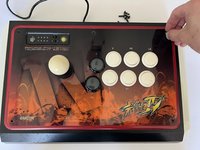
    • Flip the lid back into its original position.

    • Fasten the screws by hand first to ensure proper alignment.

    • Secure the lid by tightening the screws with a 3 mm Hex key until they are firmly in place.

終わりに

To reassemble your device, follow these instructions in reverse order.

作成者

1人の作成者と共同作成されました。

Jonas Yarberry

メンバー登録日: 09/25/24

169 ポイント

1ガイドが承認済み

チーム

Austin Community College, Team 15-11, Kapoor Fall 2024 Austin Community College, Team 15-11, Kapoor Fall 2024人のメンバー

AUSTINCC-KAPOOR-F24S15G11

1 メンバー

1のガイドは作成済み

0件のガイドコメント

コメントを追加

統計データ:

過去 24時間: 0

過去 7 日: 9

過去 30 日: 44

今までの合計 338