はじめに
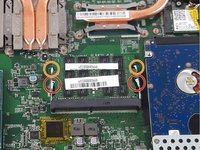
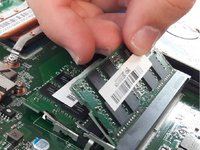
Use this guide to remove the RAM out of your device.
必要な工具と部品
-
-
Use a Phillips screwdriver to remove the 5mm screw securing the optical drive to the bottom case.
-
-
-
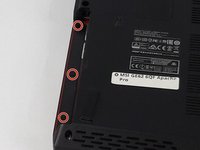
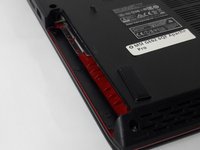
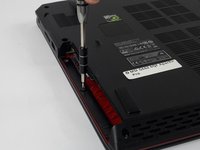
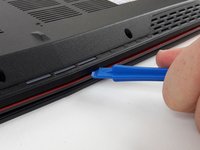
Use a Phillips screwdriver to remove the fourteen 5mm screws on the back of the laptop.
-
-
-
-
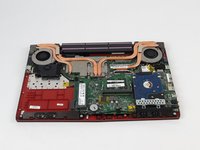
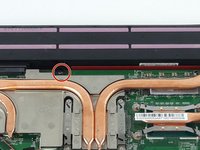
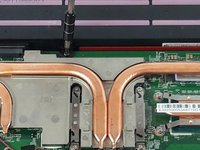
Remove the single PH #0 5mm screw holding the battery pack in place.
-
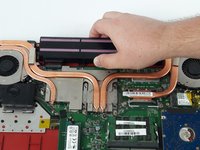
Remove the battery by sliding it away from the computer.
-








終わりに
To reassemble your device, follow these instructions in reverse order.



チーム

USF Tampa, Team S2-G3, Passmore Fall 2017 USF Tampa, Team S2-G3, Passmore Fall 2017人のメンバー
USFT-PASSMORE-F17S2G3
3 メンバー
5のガイドは作成済み
