はじめに
Use this guide to replace a damaged or malfunctioning D-Pad on a Logitech Gamepad F310. The D-Pad is a directional, plus sign shaped pad on the left side of the controller. It is used for precise movement and controls in most games.
Make sure to check to see if it is the D-Pad that is not working, and not a different control. Also try and restart your game, and unplug and plug back in your controller. This often times fixes the problem easily.
If your D-Pad is not working or is damaged, follow this guide to replace your D-Pad so you do not miss out on any important features of your games. Make sure the device is unplugged before beginning this guide.
No special tools or skills are required to complete this replacement.
必要な工具と部品


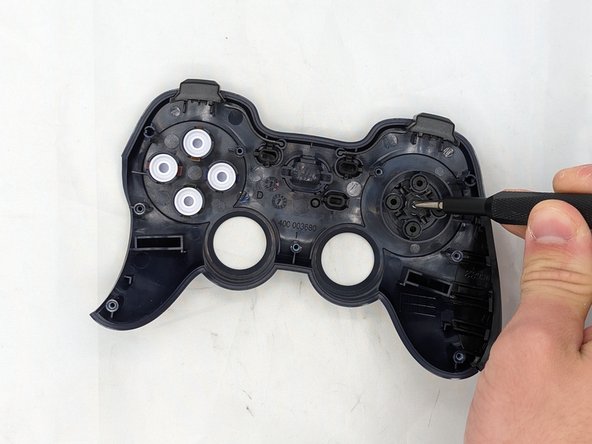
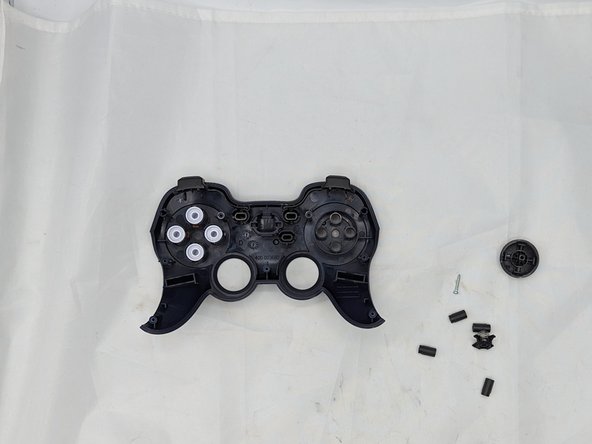
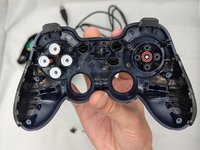
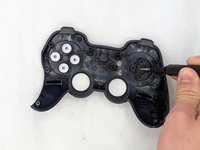
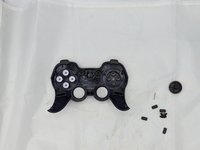
This is how to replace a D-Pad on a Logitech Gamepad F310. To reassemble your device, follow these instructions in reverse order.
ある他の人がこのガイドを完成しました。


チーム

University of North Texas, Team 2-6, Kilpatrick Spring 2024 University of North Texas, Team 2-6, Kilpatrick Spring 2024人のメンバー
UNT-KILPATRICK-S24S2G6
4 メンバー
6のガイドは作成済み
