はじめに
This guide is to show how to replace the paddle assembly on the Logitech G29 Driving Force. The paddle assembly is responsible for shifting the car on the game up or down a gear.
This repair may be necessary if the car on the game is not shifting as that is crucial to this device. Have a good place to organize screws ready before doing this repair as there are a lot to take off. Make sure that the device is properly plugged and that it is still not working before tearing down the device.
必要な工具と部品


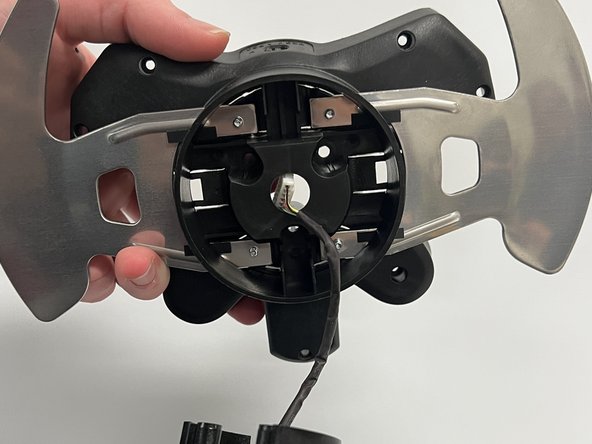
To reassemble your device, follow these instructions in reverse order.
2 の人々がこのガイドを完成させました。



チーム

Western Carolina University, Team 1-5, Virtue Fall 2022 Western Carolina University, Team 1-5, Virtue Fall 2022人のメンバー
WCU-VIRTUE-F22S1G5
4 メンバー
13のガイドは作成済み
