はじめに
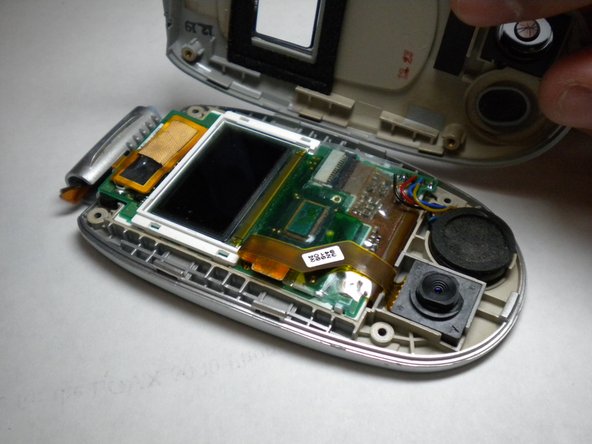
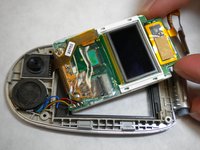
The following guide is to remove or replace the screen of the LG VX6000 cellphone.
必要な工具と部品
-
-
Locate the dark gray tab on the back of the phone.
-
Push the tab towards the top of the phone to release the battery.
-
-
-
この手順で使用する道具:Tweezers$4.99
-
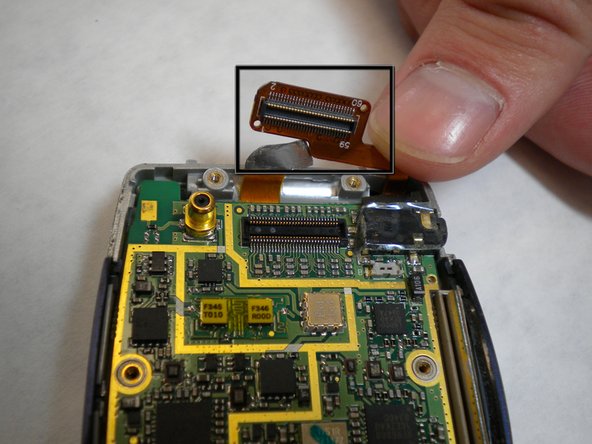
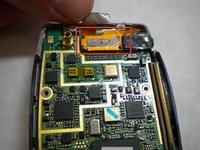
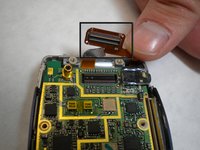
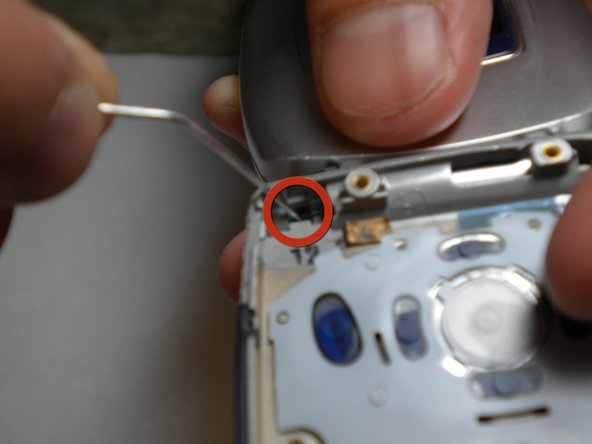
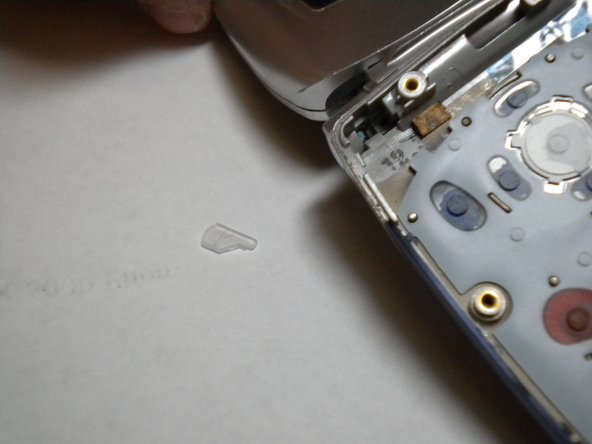
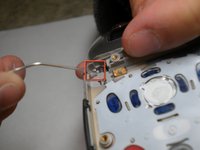
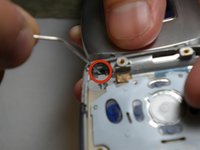
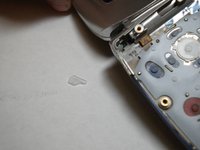
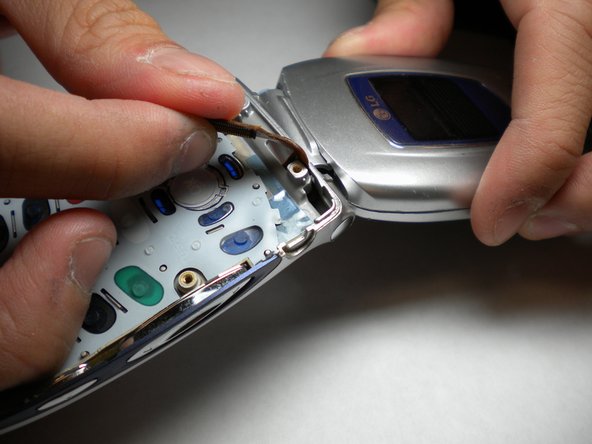
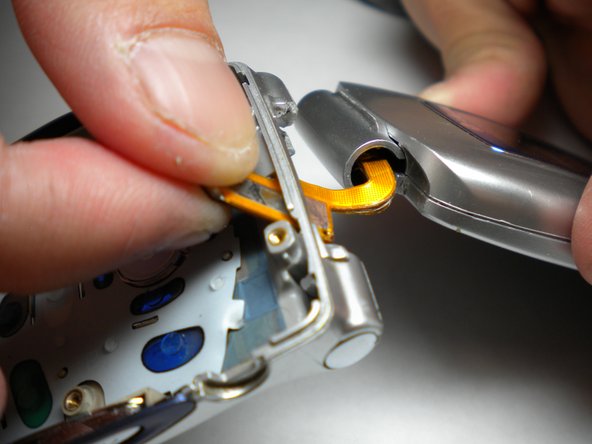
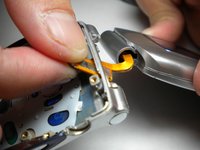
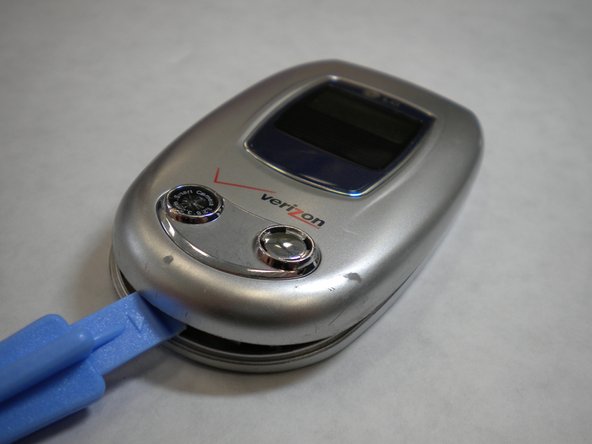
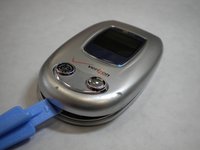
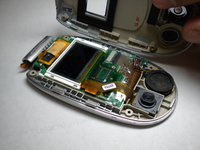
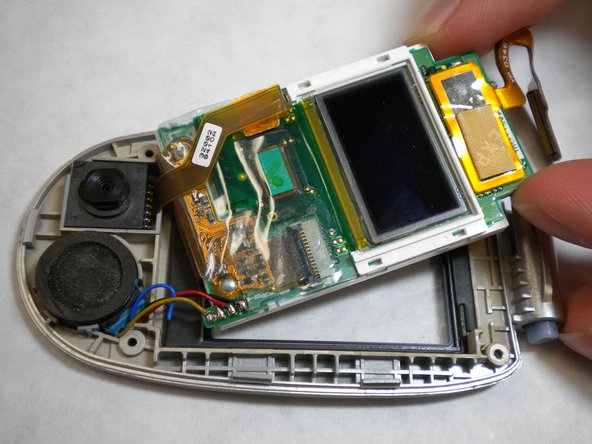
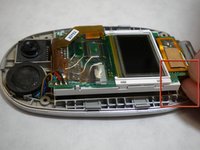
Using a paper clip or tweezers, pop out the screen by pressing the plastic tab in the top-left corner of the phone's bottom casing as indicated in the photo.
-









終わりに
To reassemble your device, follow these instructions in reverse order.



チーム

Cal Poly, Team 4-11, Forte Winter 2010 Cal Poly, Team 4-11, Forte Winter 2010人のメンバー
CPSU-FORTE-W10S4G11
5 メンバー
11のガイドは作成済み
