メインコンテンツにスキップ

LG Chocolate LCD Board Replacement

必要な工具と部品

  1. LG Chocolate LCD Board Replacement, Battery: 手順 1、 2の画像 1 LG Chocolate LCD Board Replacement, Battery: 手順 1、 2の画像 2
    • Find a sliding button on the lower back side of the device and with your finger, slide it to the left firmly.

    • The battery should pop out fairly easily. If not, slide the button further or grab and pull it while sliding the button.

  2. LG Chocolate LCD Board Replacement, Back Cover: 手順 2、 1の画像 1
    • You will need to use a Phillips #00 screwdriver.

    • Remove the four screws located at the corners beneath the battery.

    • Detach the back case from the phone.

  3. LG Chocolate LCD Board Replacement: 手順 3、 3の画像 1 LG Chocolate LCD Board Replacement: 手順 3、 3の画像 2 LG Chocolate LCD Board Replacement: 手順 3、 3の画像 3
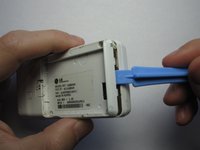
    • Take the case off by using a plastic opening tool.

    • Continue using the plastic opening tool around the sides of the device.

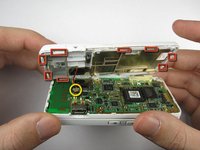
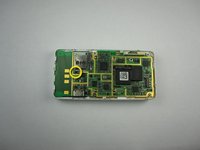
    • Unhook the eight tabs securing the back cover to the rest of the phone as seen in the second photo.

    • The back speaker will be connected to the motherboard.

    • This must be disconnected in order to remove the case

  4. LG Chocolate LCD Board Replacement, Sliding Front: 手順 4、 1の画像 1
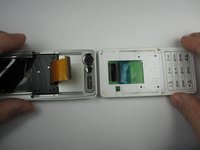
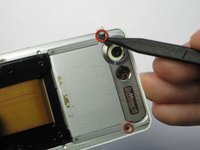
    • Unscrew the 4 Phillips 00 screws that connect the two halves of the phone together.

  5. LG Chocolate LCD Board Replacement: 手順 5、 2の画像 1 LG Chocolate LCD Board Replacement: 手順 5、 2の画像 2
    • Between the two halves is a ribbon. Use a plastic opening tool to flip up the lock and disconnect it.

  6. LG Chocolate LCD Board Replacement: 手順 6、 2の画像 1 LG Chocolate LCD Board Replacement: 手順 6、 2の画像 2
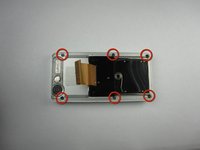
    • Pry off the plastic tabs that cover two screws, as shown in the first picture.

    • Then, remove the 6 Phillips 00 screws from the back of the case, as shown in the second picture.

  7. LG Chocolate LCD Board Replacement: 手順 7、 1の画像 1
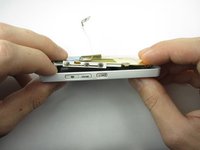
    • Pry off the back cover from the front of the case using a plastic opening tool.

  8. LG Chocolate LCD Board Replacement, LCD Board: 手順 8、 3の画像 1 LG Chocolate LCD Board Replacement, LCD Board: 手順 8、 3の画像 2 LG Chocolate LCD Board Replacement, LCD Board: 手順 8、 3の画像 3
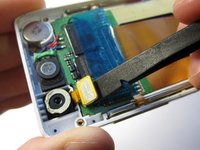
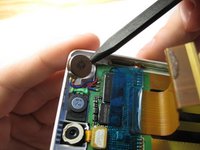
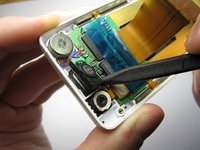
    • Pry the front speaker and wireless receiver out of the front case using a spudger.

    • They may be taped into the case, so don't be afraid to pry hard.

  9. LG Chocolate LCD Board Replacement: 手順 9、 2の画像 1 LG Chocolate LCD Board Replacement: 手順 9、 2の画像 2
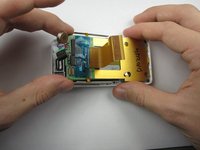
    • Starting with the side that has the speaker and receiver, carefully lift the LCD Board out of the case.

  10. LG Chocolate LCD Board Replacement: 手順 10、 1の画像 1
    • Unhook the ribbon cable using that flat side of a spudger.

  11. LG Chocolate LCD Board Replacement: 手順 11、 1の画像 1
    • Next, carefully remove the tape from the LCD board.

  12. LG Chocolate LCD Board Replacement: 手順 12、 2の画像 1 LG Chocolate LCD Board Replacement: 手順 12、 2の画像 2
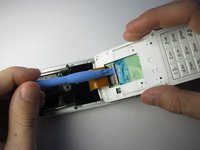
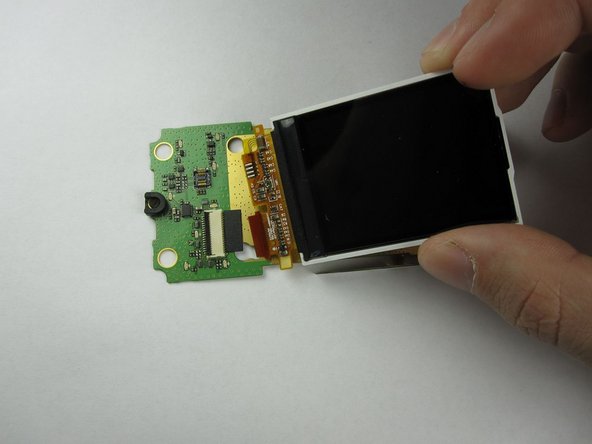
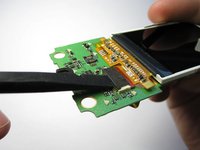
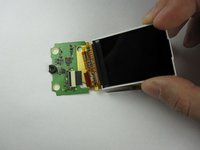
    • Finally, flip up the black switch to unhook the LCD screen from the LCD board using a spudger.

    • The LCD Board in now accessible.

終わりに

To reassemble your device, follow these instructions in reverse order.

作成者

8人の作成者と共同で作成されました。

Thomas

メンバー登録日: 01/18/13

91 ポイント

4のガイドは作成済み

チーム

Cal Poly, Team 19-46, Regan Winter 2013 Cal Poly, Team 19-46, Regan Winter 2013人のメンバー

CPSU-REGAN-W13S19G46

4 メンバー

22のガイドは作成済み

0件のガイドコメント

コメントを追加

統計データ:

過去 24時間: 0

過去 7 日: 3

過去 30 日: 7

今までの合計 502