はじめに
Signs you may need this replacement:
- The device doesn't turn on
- The display appears faded/weak
This is a difficult replacement. You will need to break some things during this replacement permanently. Be aware there is a high risk of battery puncture during this replacement. Proceed at your own risk.
必要な工具と部品
-
-
Unscrew the back and open the calculator like a book. Open it carefully so you don't tear the battery wires.
-
-
-
-
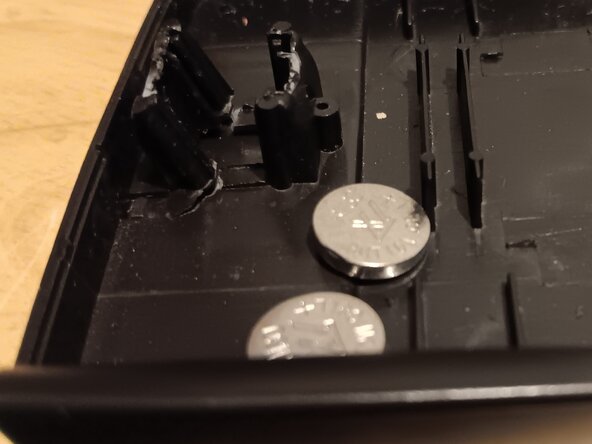
Insert your new batteries into the same spot as the previous ones.
-
Slide the blue wires back into place.
-




終わりに
To reassemble your device, follow these instructions in reverse order.
ある他の人がこのガイドを完成しました。


