メインコンテンツにスキップ

How to Replace a Guess W0016L2 Watch Battery

必要な工具と部品

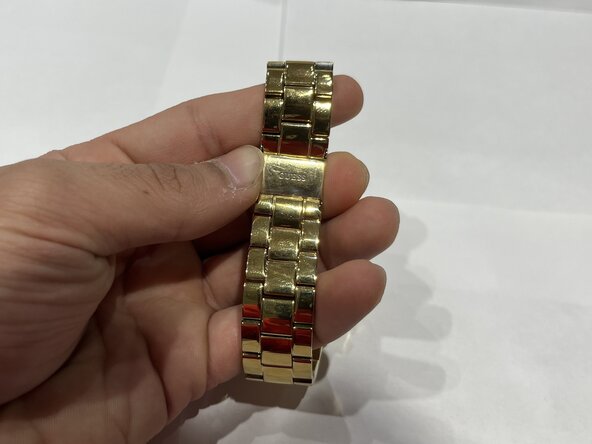
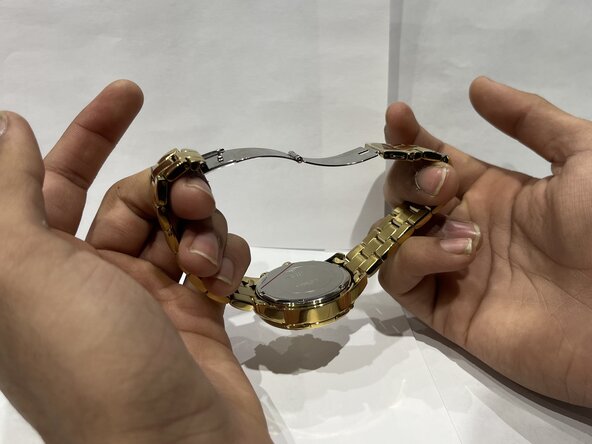
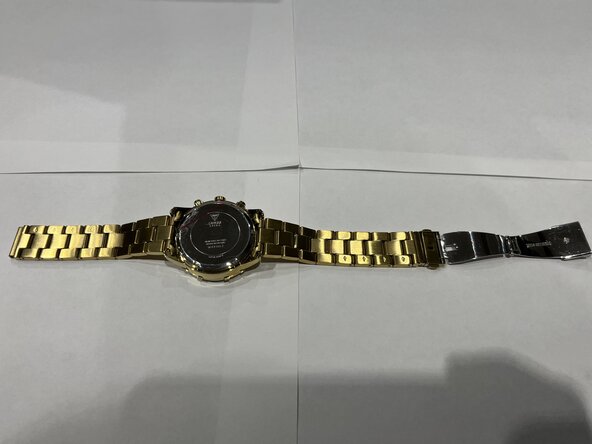
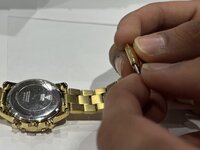
  1. How to Replace a Guess W0016L2 Watch Battery, Watch Battery: 手順 1、 3の画像 1 How to Replace a Guess W0016L2 Watch Battery, Watch Battery: 手順 1、 3の画像 2 How to Replace a Guess W0016L2 Watch Battery, Watch Battery: 手順 1、 3の画像 3
    • Press the buttons on the sides of the watch clasp to release the latch.

    • Open the watch clasp.

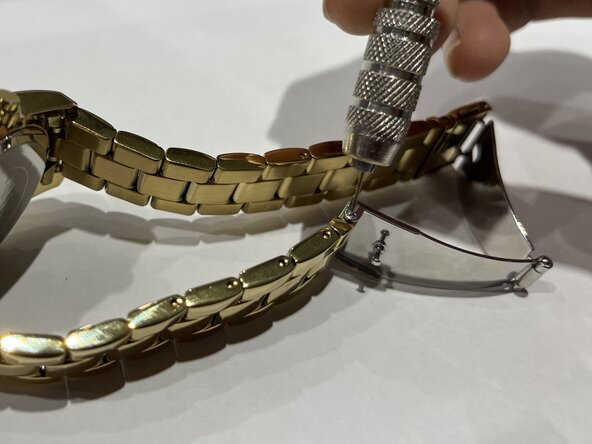
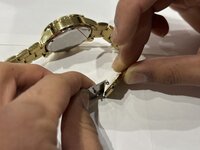
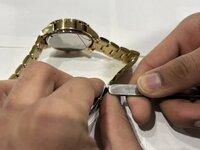
  2. How to Replace a Guess W0016L2 Watch Battery: 手順 2、 3の画像 1 How to Replace a Guess W0016L2 Watch Battery: 手順 2、 3の画像 2 How to Replace a Guess W0016L2 Watch Battery: 手順 2、 3の画像 3
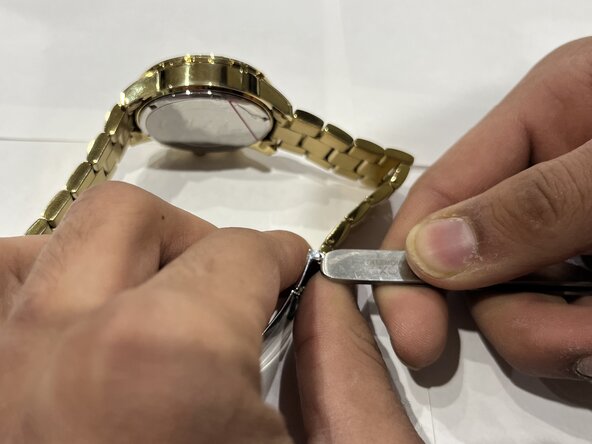
    • Place the watch on its side.

    • Use a pin tool to push the clasp pin out from the side and remove it.

  3. How to Replace a Guess W0016L2 Watch Battery: 手順 3、 3の画像 1 How to Replace a Guess W0016L2 Watch Battery: 手順 3、 3の画像 2 How to Replace a Guess W0016L2 Watch Battery: 手順 3、 3の画像 3
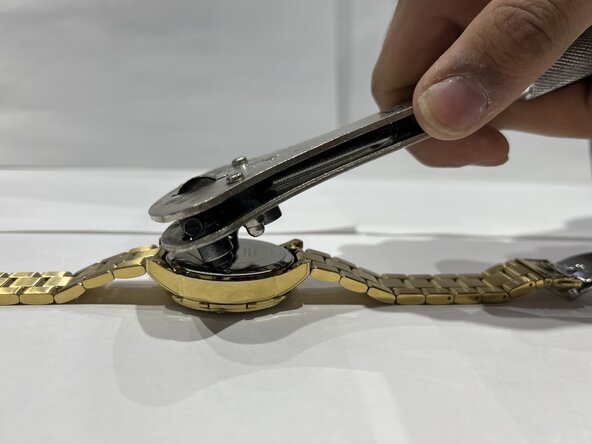
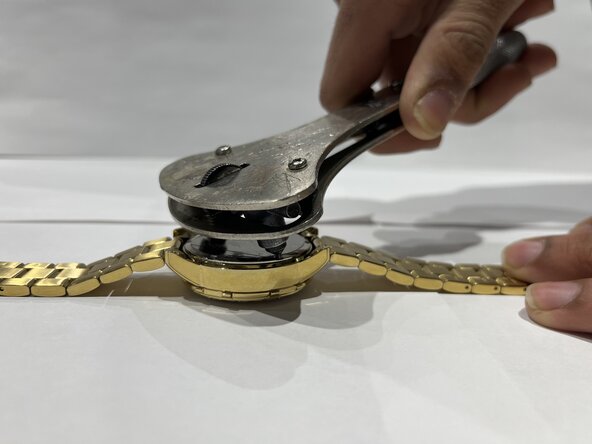
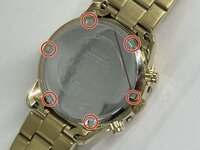
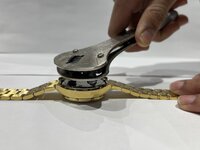
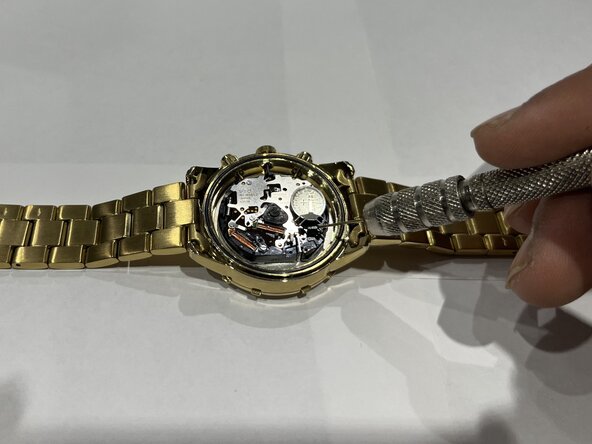
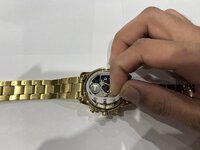
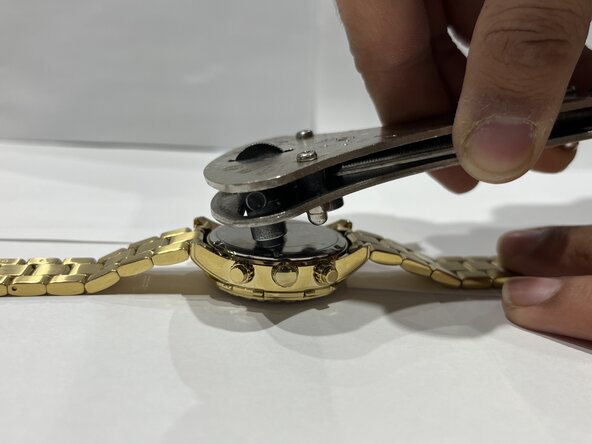
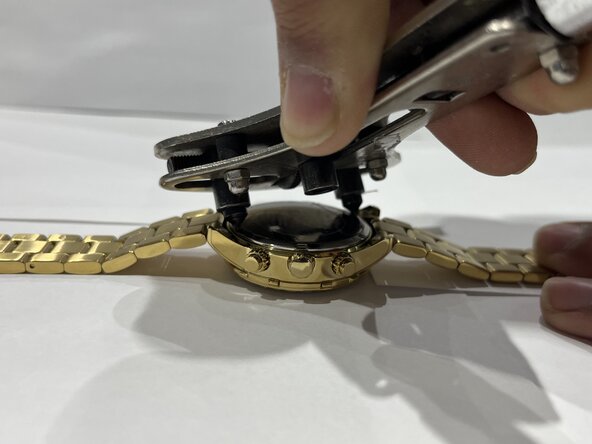
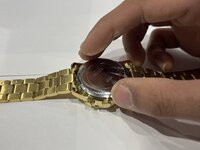
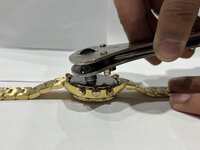
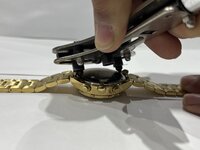
    • Align the tip of the huaxing tool with the notches on the back case of the watch.

    • Once the huaxing tool is aligned with the notches on the back of the watch, turn it counterclockwise to unscrew the back case.

  4. How to Replace a Guess W0016L2 Watch Battery: 手順 4、 2の画像 1 How to Replace a Guess W0016L2 Watch Battery: 手順 4、 2の画像 2
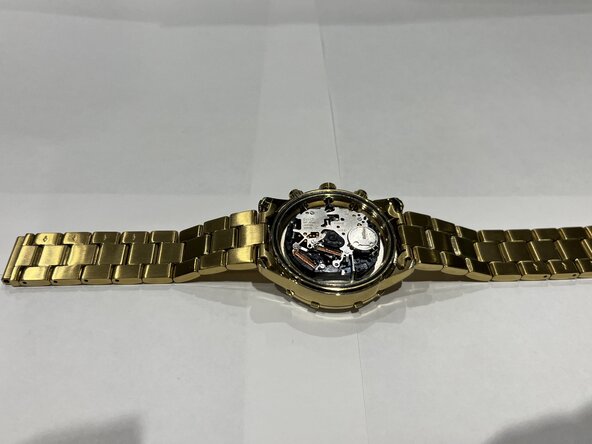
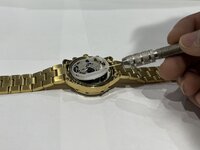
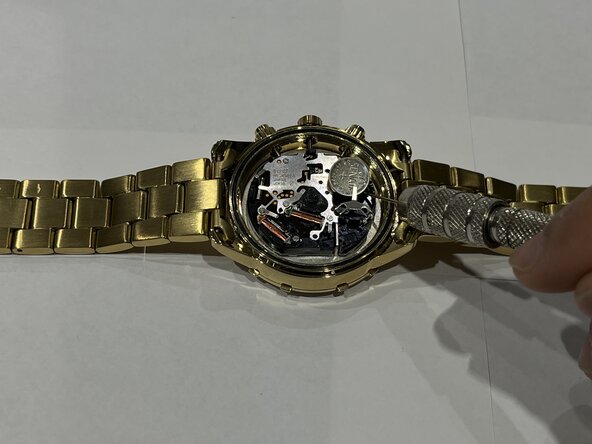
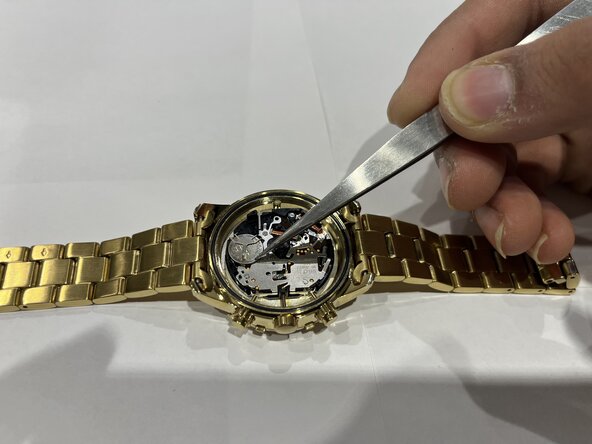
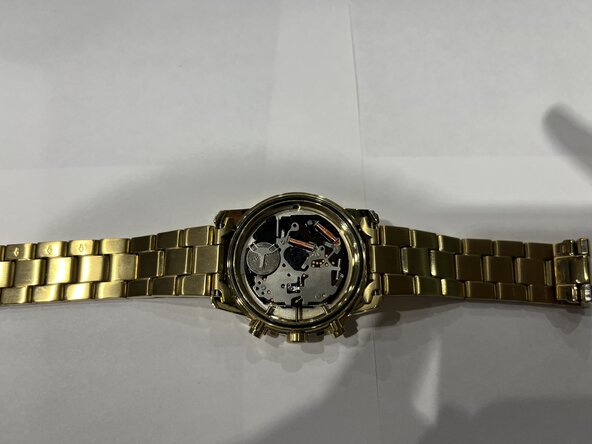
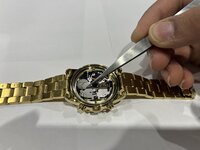
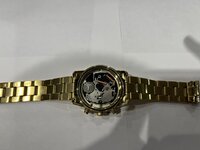
    • Use tweezers or a spudger to remove the plastic guard covering the battery.

  5. How to Replace a Guess W0016L2 Watch Battery: 手順 5、 3の画像 1 How to Replace a Guess W0016L2 Watch Battery: 手順 5、 3の画像 2 How to Replace a Guess W0016L2 Watch Battery: 手順 5、 3の画像 3
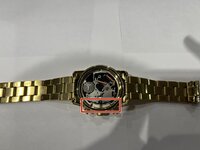
    • Use a spudger to gently lift the battery clip just enough to slide the battery out from the holder.

    • If you're using tweezers, simply remove the battery.

  6. How to Replace a Guess W0016L2 Watch Battery: 手順 6、 3の画像 1 How to Replace a Guess W0016L2 Watch Battery: 手順 6、 3の画像 2 How to Replace a Guess W0016L2 Watch Battery: 手順 6、 3の画像 3
    • Use tweezers or your hands to place the new battery into the battery slot with the positive side facing upwards.

  7. How to Replace a Guess W0016L2 Watch Battery: 手順 7、 2の画像 1 How to Replace a Guess W0016L2 Watch Battery: 手順 7、 2の画像 2
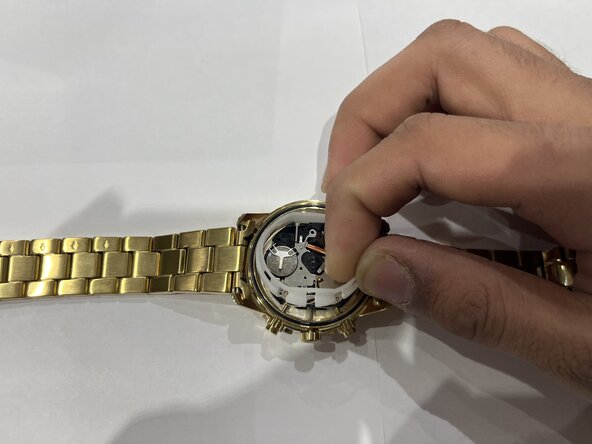
    • Set the plastic guard back in place by aligning it with the stems of the crown.

  8. How to Replace a Guess W0016L2 Watch Battery: 手順 8、 3の画像 1 How to Replace a Guess W0016L2 Watch Battery: 手順 8、 3の画像 2 How to Replace a Guess W0016L2 Watch Battery: 手順 8、 3の画像 3
    • Replace the back case of the watch.

    • Align the watch case opener with the notches on the back case and turn it clockwise to tighten.

  9. How to Replace a Guess W0016L2 Watch Battery: 手順 9、 3の画像 1 How to Replace a Guess W0016L2 Watch Battery: 手順 9、 3の画像 2 How to Replace a Guess W0016L2 Watch Battery: 手順 9、 3の画像 3
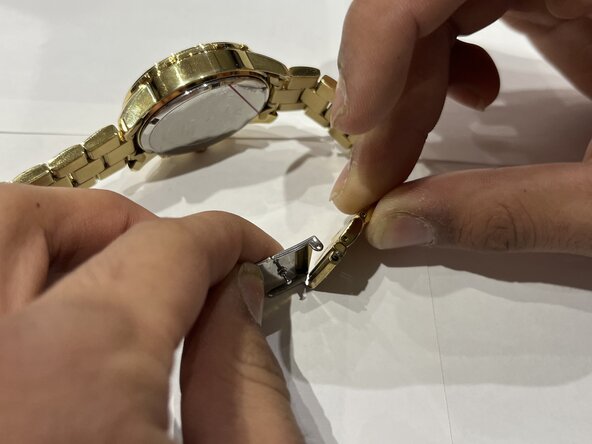
    • Insert the pin into the watch link.

    • Slide the pin into one of the holes of the clasp.

    • Push the pin down and place it under the second hole of the clasp.

ゴール

ある他の人がこのガイドを完成しました。

作成者

1人の作成者と共同作成されました。

Hassaan Bashir

メンバー登録日: 01/31/25

199 ポイント

1ガイドが承認済み

チーム

York University, Team 3-6, Woodhouse Winter 2025 York University, Team 3-6, Woodhouse Winter 2025人のメンバー

YORK-WOODHOUSE-W25S3G6

2 メンバー

1のガイドは作成済み

0件のガイドコメント

コメントを追加

統計データ:

過去 24時間: 1

過去 7 日: 2

過去 30 日: 18

今までの合計 338