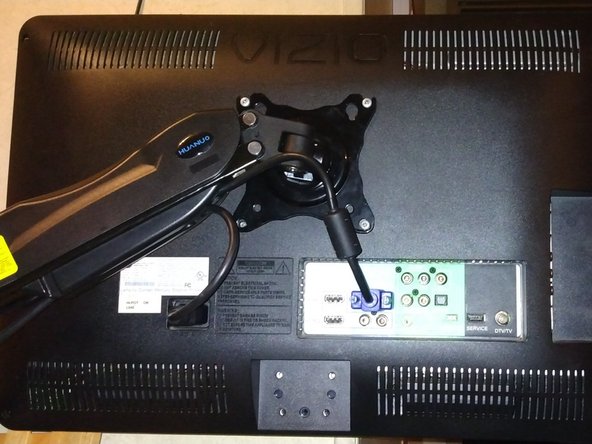
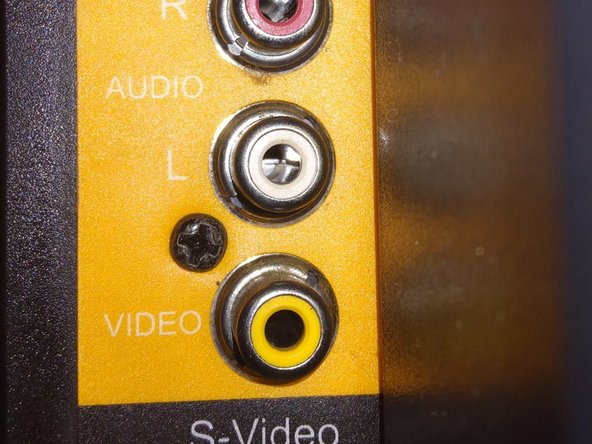
Be sure to unplug the device!
Remove the 4 Phillips head screws, followed by the 1 on the left side.
Unscrew the 4 Phillips head screwdrivers securing the speaker to the device.
To reassemble your device, follow these instructions in reverse order.
キャンセル: このガイドを終了できませんでした。
1人の作成者と共同作成されました。
メンバー登録日: 08/25/20
269 ポイント
1ガイドが承認済み
バッジ: 4
+1 以上のバッジ
サイズを選択し、以下のコードをコピーして、このガイドを小さなウィジェットとしてサイト/フォーラムに埋め込みます。
過去 24時間: 0
過去 7 日: 0
過去 30 日: 1
今までの合計 107