はじめに
Use this guide to open the left controller handle of your Backbone One for repairs and modding.
必要な工具と部品
-
-
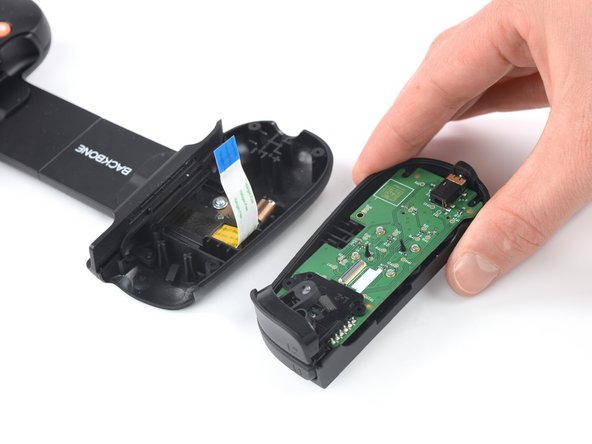
Lift up the upper part of the controller.
-
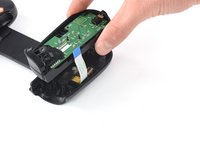
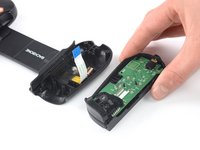
Swing over the upper cover and place it on the controller case.
-
-
-
この手順で使用する道具:Tweezers$4.99
-
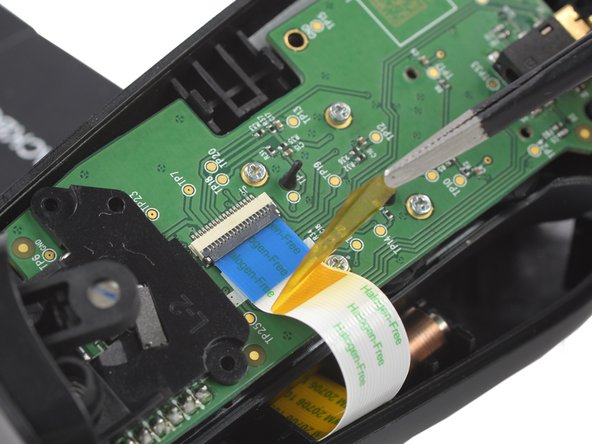
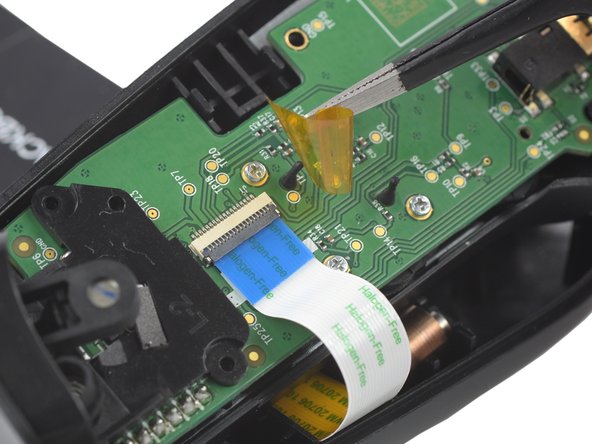
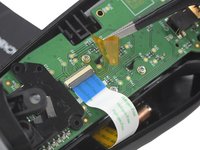
Use a pair of tweezers to remove the yellow protective tape which is placed over the interconnect cable connector.
-
-
-
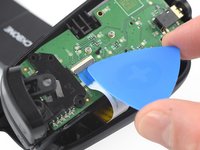
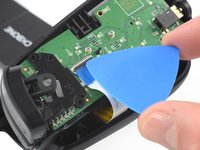
Use the tip of an opening pick to open the gray flap of the ZIF connector by pushing it upwards.
-
-
-
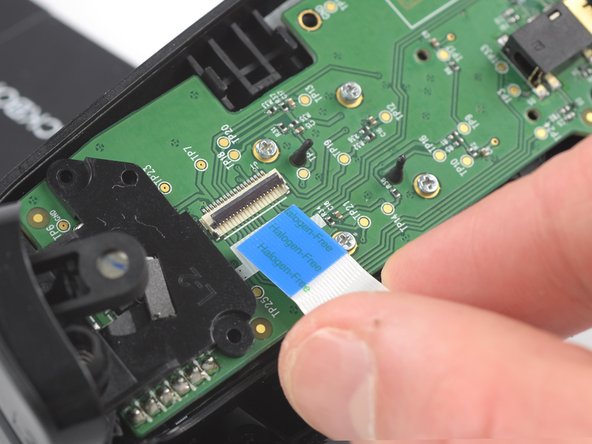
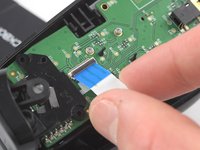
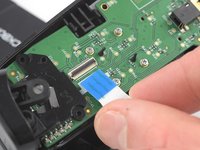
Use your fingers to disconnect the interconnect cable from its connector.
-







終わりに
To reassemble your device, follow these instructions in reverse order.
Opening didn’t go as planned? Answers community for help.



