はじめに
This guide shows how to make coffee with the Avantco CMAPADJ Automatic Airpot Coffee Maker at the iFixit Onion Bottom office.
Note that our coffee maker is plumbed, so you don't need to add water.
If you take the last cup of coffee before noon, consider making a new pot (if you think there'll be demand). At minimum, disassemble the pot, rinse it, and set it up to dry!
-
-
If the lever on top of the airpot is raised, gently push the lever release back to lower the pump lever.
-
-
-
Pinch the buttons on either side of the spout to release the lid.
-
Lift the stem out of the airpot to remove it.
-
Pour out any leftover coffee, rinse the inside of the airpot with hot water, and let it drain over the sink for a few seconds.
-
-
-
-
Remove the brew basket from the coffee maker. If there are old grounds, dump them in the compost bin and rinse the brew basket.
-
-
-
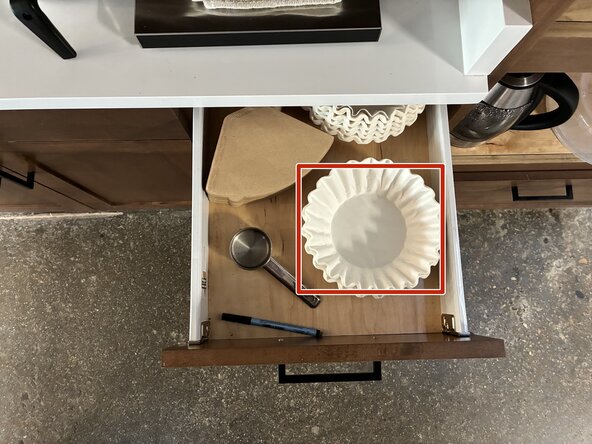
Remove one large 12-cup filter from the drawer under the coffee maker and place it in the brew basket.
-
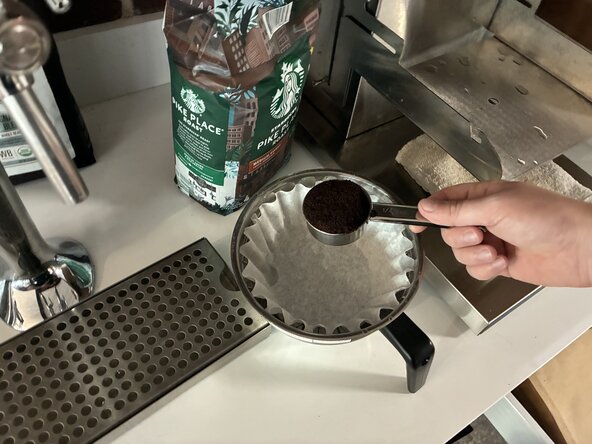
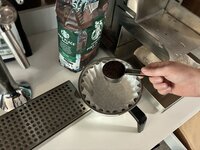
Use the 1/4-cup measuring cup to add the correct amount of coffee to the brew basket. This measuring cup is also in the draw under the coffee maker.
-
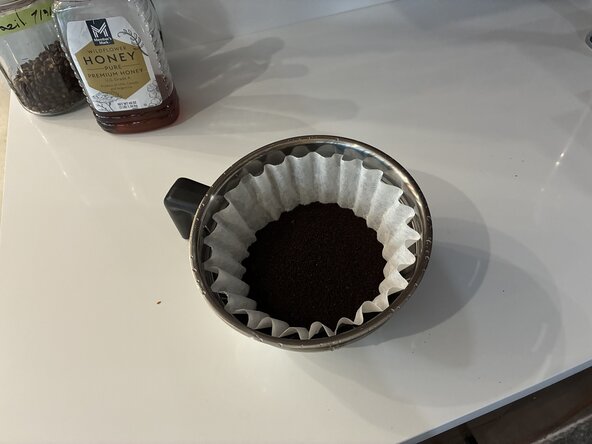
For a full 2.5 L pot, about 1 cup (4 scoops) works well. Adjust to taste or use less for the smaller size.
-
-
-
Slide the brew basket into place above the airpot.
-
Place the airpot (with the stem removed and the lid open) under the brew basket.
-
Set the brew size switch to 2.5 L. (Unless you want to make less coffee, then set it to 2.2 L.)
-
Set the power switch to ON. It should light up.
-
Press the PUSH TO BREW button. The "Filling" light should illuminate and you should hear water filling the tank.
-
-
-
When brewing finishes, turn the coffee maker off.
-
Shake the brew basket to knock condensation off of the brew head. Let all coffee finish dripping out of the brew basket.
-
In one quick motion, slide the brew basket out of the coffee maker and hold it at a downward angle to prevent coffee from dripping on the floor.
-
Dispose of the grounds in the compost bin.
-
Rinse the brew basket and return it to the coffee maker.
-
-
-
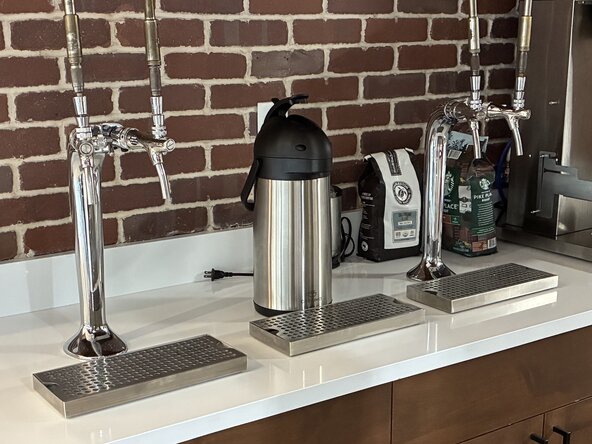
Remove the airpot from the coffee maker and place it behind the middle drip tray.
-
Insert the stem into the airpot, making sure the spout aligns with the spout hole in the airpot.
-
Close the lid and press it firmly to lock it.
-
Raise the lever until it locks into place.
-
-
-
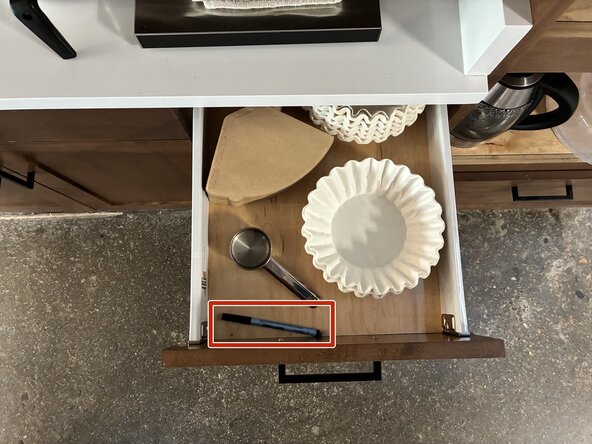
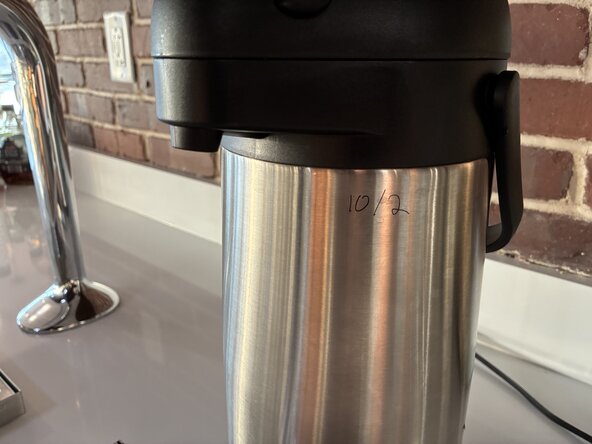
Use the erasable marker in the drawer to write the date on the side of the airpot, so we know it's fresh.
-
Enjoy!
-
 FixBotに聞いてみる




If you're feeling generous, post in Slack to let others know there's fresh coffee!

