はじめに
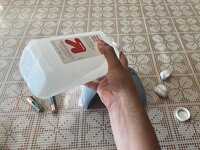
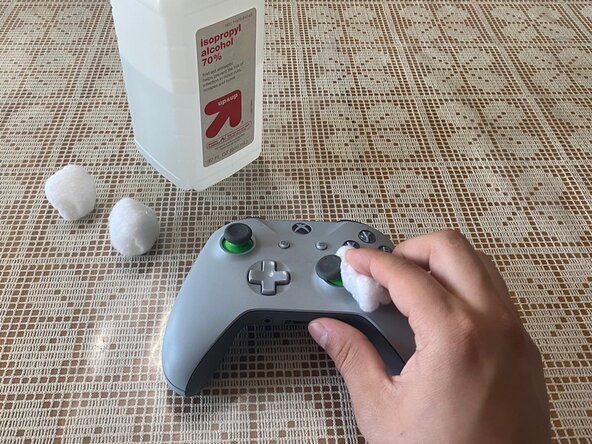
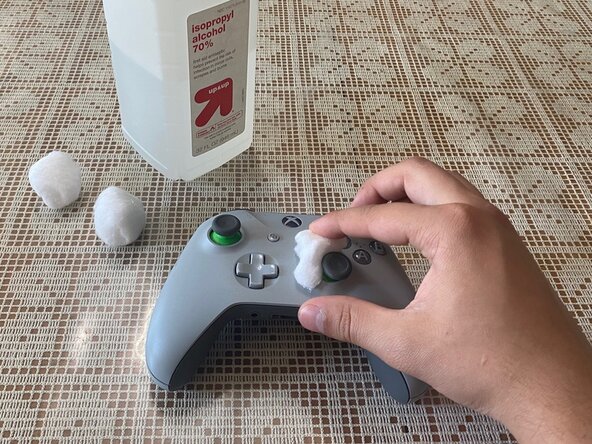
Growing up, I always played Xbox, and one problem that I consistently had was with the joysticks of the controllers. The problem I experienced the most was stick drift, which is when your character in the game moves or looks around when you're not touching the controller. This can become extremely frustrating in first and third-person video games, and make it difficult to play well. I decided to create this guide to help others running into the same issue. Fixing the problem doesn't take long, and you only need 70% or higher isopropyl alcohol and a few cotton balls.
Before you begin this repair, make sure your Xbox One Wireless Controller is turned off and the batteries are removed.
必要な工具と部品
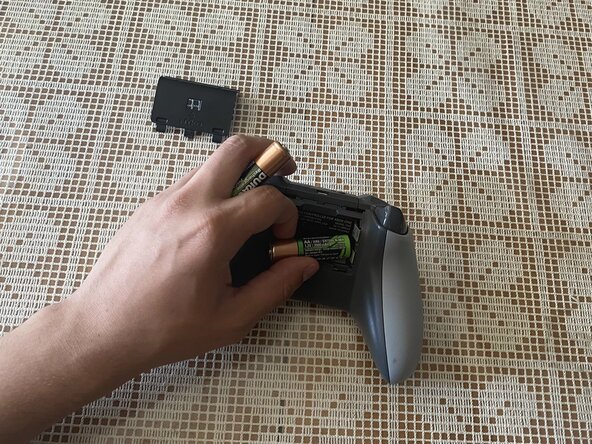

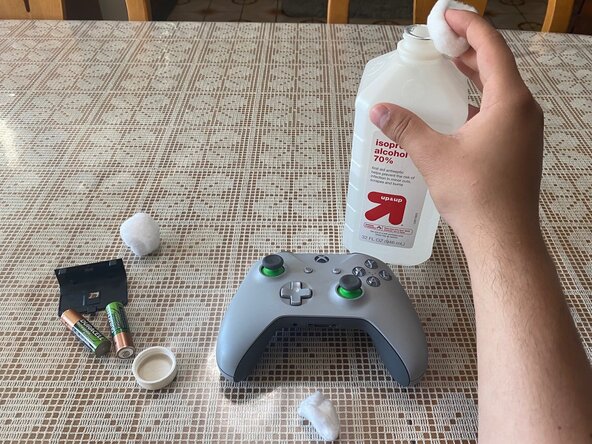
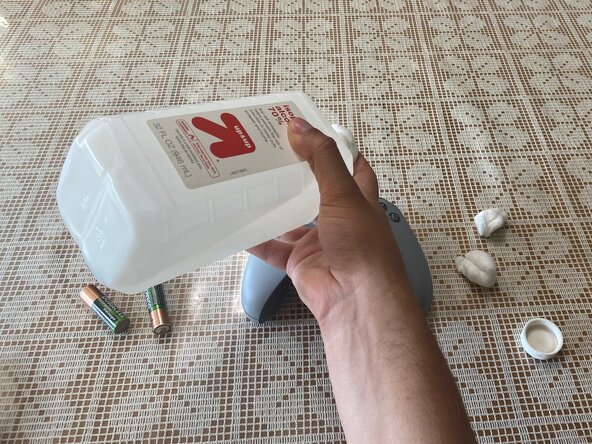



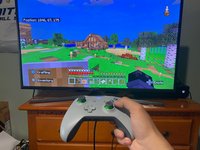
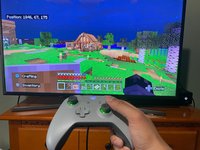
After fixing the controller, if you run into the same problem more than a few times, the next best option I recommend would be to either replace the joystick or get an entirely new controller.
15 の人々がこのガイドを完成させました。


チーム

CSU Los Angeles, Team 4-76, Briggs Spring 2022 CSU Los Angeles, Team 4-76, Briggs Spring 2022人のメンバー
CSULA-BRIGGS-S22S4G76
1 メンバー
8のガイドは作成済み
11件のガイドコメント
Personally wouldn't recommend using hand sanitizer. IPA of various concentrations is already cheap and readily available in every pharmacy section, or a can of WD-40 Specialist Contact Cleaner is also around $5. In theory, hand sanitizer would "work" if it's ethanol/isopropyl alcohol based, but there's such a broad range of hand sanitizers, it would be irresponsible to make a blanket statement that they're all safe/unsafe for electronics. For example, many brands include fragrances, moisturizers, vitamin-E, etc. to keep your hands from excessively drying out, which can end up leaving residue and gumming up your electronics' contacts further.
I had actually been dumb enough not to look this up, so I just replaced the thumb sticks and it had made it better, but it didn't fix it. Any recommendations? I've had the controller since around 2016 or 2017. Original controller that came with the xbox.
The original Xbox one controller is notorious for getting stick drift. Only way to fix that one is the re-Solder the thumb stick back on. Like remove it and re-solder it.
THANK YOU!!!! Bruh….thank you.
