はじめに
The rollers are responsible for evenly spreading the development chemicals across your instant film photos. If your photos look uneven or have lines, cleaning the rollers may solve the problem.
It's recommended that you inspect the rollers between every pack of film, and to clean them every two to three packs—even if they look perfectly clean.
必要な工具と部品
-
-
-
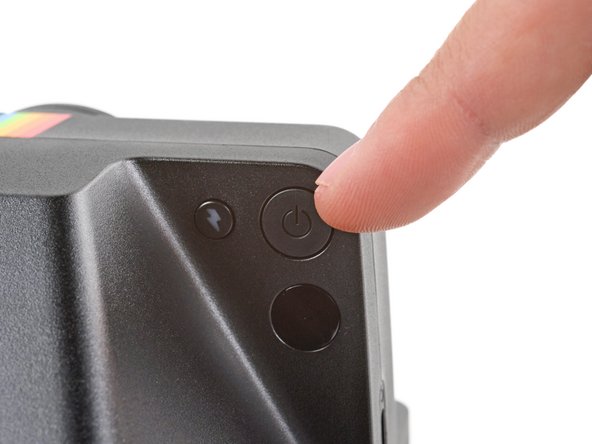
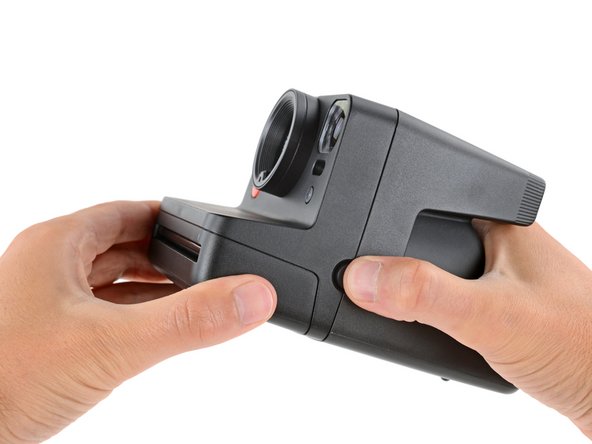
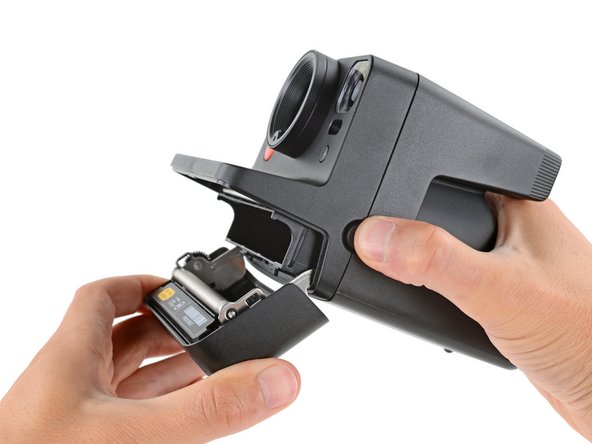
Hold down the latch on the left side of the camera and open the film door.
-
-
-
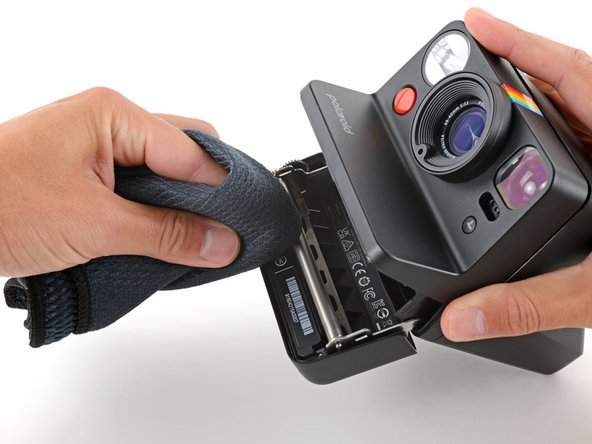
Lightly dampen a soft, clean cloth with water.
-
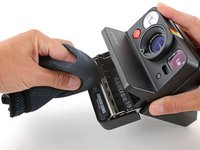
Use the cloth to gently clean the entire surface of both rollers, spinning them as necessary.
-
Allow the rollers to dry completely before using your camera again.
-






If cleaning the rollers doesn't solve your problem, they may be damaged. Follow this guide to replace the printer roller itself, or this guide to replace the film door (which contains the rollers).
Repair didn’t go as planned? Try some basic troubleshooting, or ask our Answers community for help.



