メインコンテンツにスキップ

How to Clean Wooting Keyboard Lekker Linear45 Switches

必要な工具と部品

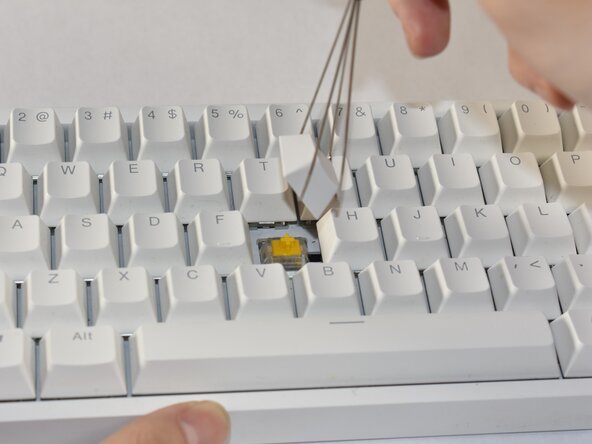
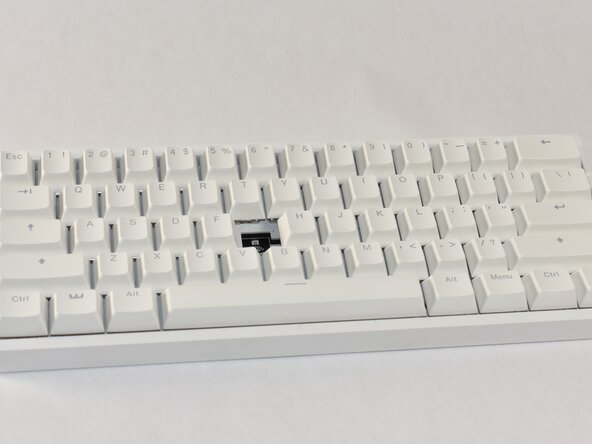
  1. How to Clean Wooting Keyboard Lekker Linear45 Switches, How to Clean Wooting Keyboard Lekker Linear45 Switches: 手順 1、 3の画像 1 How to Clean Wooting Keyboard Lekker Linear45 Switches, How to Clean Wooting Keyboard Lekker Linear45 Switches: 手順 1、 3の画像 2 How to Clean Wooting Keyboard Lekker Linear45 Switches, How to Clean Wooting Keyboard Lekker Linear45 Switches: 手順 1、 3の画像 3
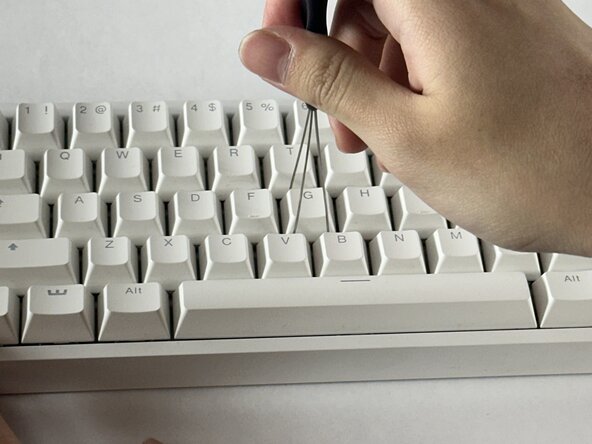
    • Align the keycap puller so the prongs wrap underneath the sides of the keycap, then pull up to remove the keycap.

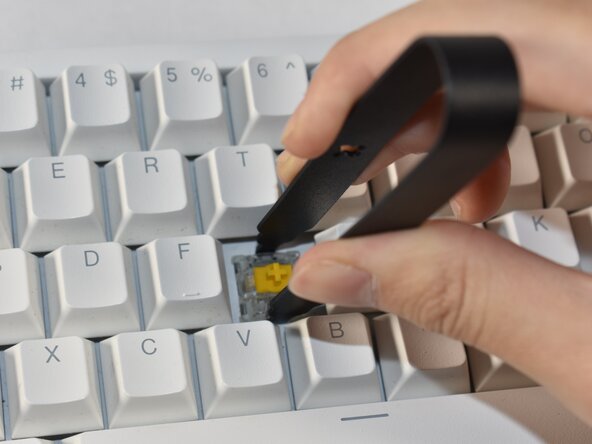
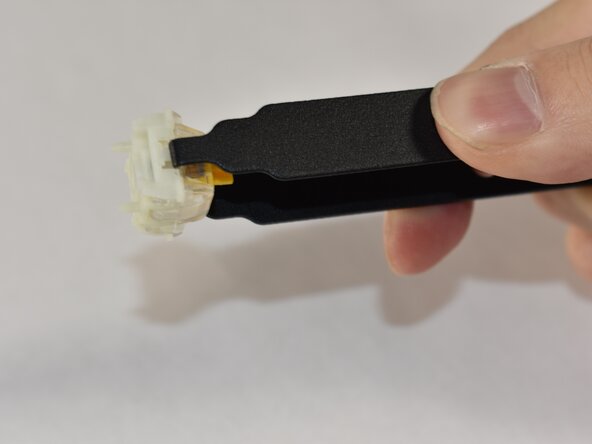
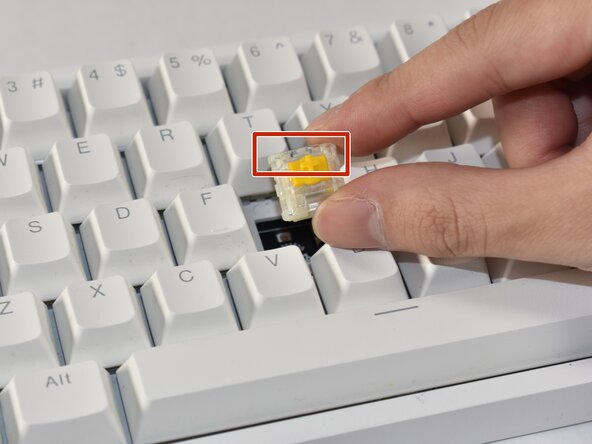
  2. How to Clean Wooting Keyboard Lekker Linear45 Switches: 手順 2、 3の画像 1 How to Clean Wooting Keyboard Lekker Linear45 Switches: 手順 2、 3の画像 2 How to Clean Wooting Keyboard Lekker Linear45 Switches: 手順 2、 3の画像 3
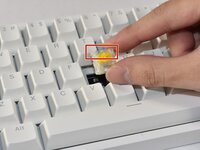
    • Align the prongs of the switch puller so it clips underneath the grooves of the north and south side of the switch, then pull up.

    • Ensure a strong grip of the switch so the puller doesn’t slip out while pulling.

    • If you require an entire switch replacement, skip to Step 9 to re-insert the new switch.

  3. How to Clean Wooting Keyboard Lekker Linear45 Switches: 手順 3、 3の画像 1 How to Clean Wooting Keyboard Lekker Linear45 Switches: 手順 3、 3の画像 2 How to Clean Wooting Keyboard Lekker Linear45 Switches: 手順 3、 3の画像 3
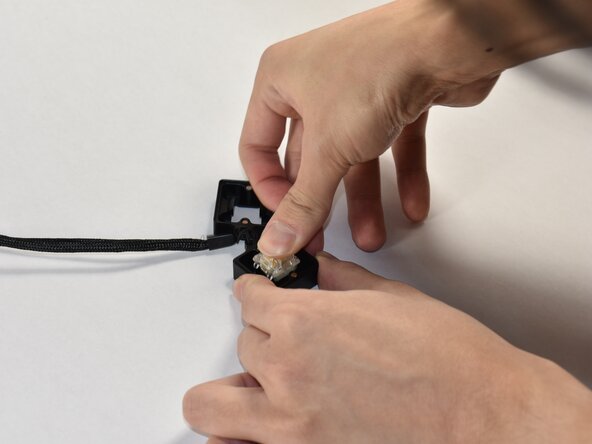
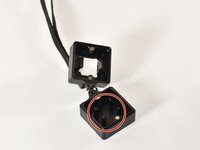
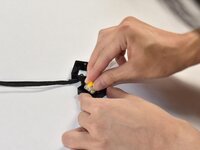
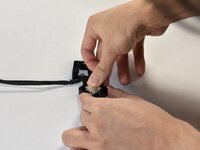
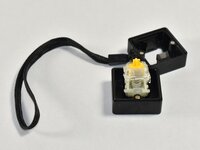
    • Identify the four prongs on the switch opener.

    • Align the switch onto the switch opener so that it sits flush on the prongs, then push down on the switch to disassemble the switch.

    • If you only want to replace the spring, move to Step 6 after disassembling the switch.

  4. How to Clean Wooting Keyboard Lekker Linear45 Switches: 手順 4、 2の画像 1 How to Clean Wooting Keyboard Lekker Linear45 Switches: 手順 4、 2の画像 2
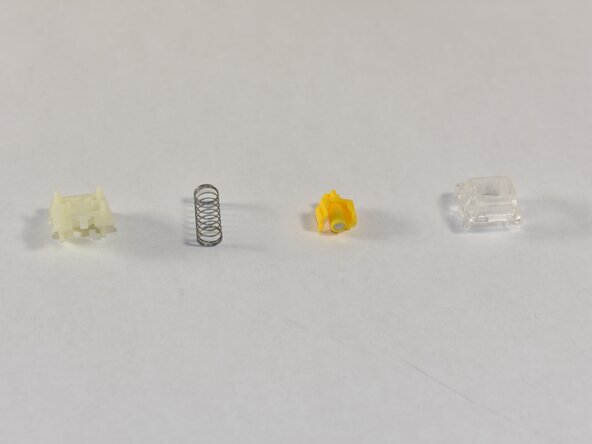
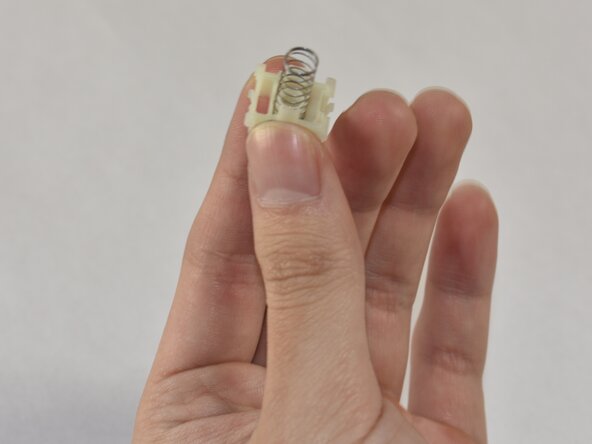
    • Identify the various switch components and the order of construction (from left to right or bottom to top): bottom housing, spring, stem, top housing. Separate them from the switch.

  5. How to Clean Wooting Keyboard Lekker Linear45 Switches: 手順 5、 2の画像 1 How to Clean Wooting Keyboard Lekker Linear45 Switches: 手順 5、 2の画像 2
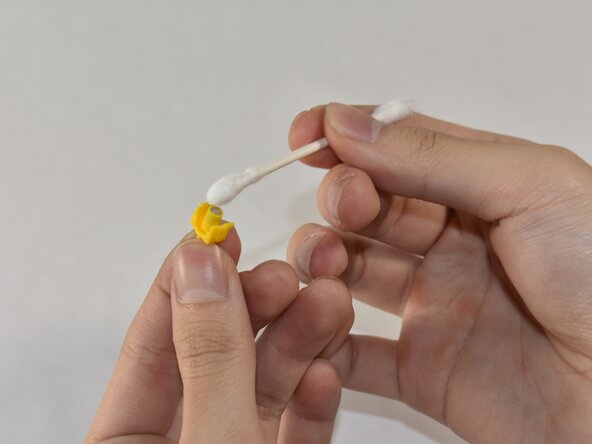
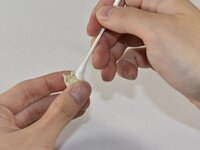
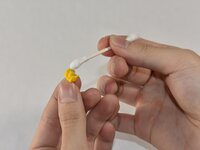
    • Identify the individual parts and see if any parts are dirty to the degree that it could interfere with the magnet sensor.

    • Clean out the dust or debris thoroughly with a cotton swab.

    • Optional: In the case where extensive cleaning is required, use isopropyl alcohol.

  6. How to Clean Wooting Keyboard Lekker Linear45 Switches: 手順 6、 2の画像 1 How to Clean Wooting Keyboard Lekker Linear45 Switches: 手順 6、 2の画像 2
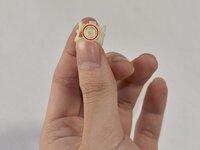
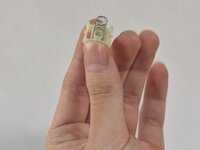
    • Hold the bottom housing such that the inner cylinder faces up.

    • Slip the spring onto the cylinder.

  7. How to Clean Wooting Keyboard Lekker Linear45 Switches: 手順 7、 1の画像 1
    • Place the stem so the magnet faces the bottom housing, and the stem mount faces up.

    • Orient the stem so the side notches at the top face the sides of the switch.

  8. How to Clean Wooting Keyboard Lekker Linear45 Switches: 手順 8、 1の画像 1
    • Place the top housing on top of the stem and align it so the LED window faces north.

    • Clip the switch parts together into place.

    • If aligned correctly, the switch components will snap together without coming apart.

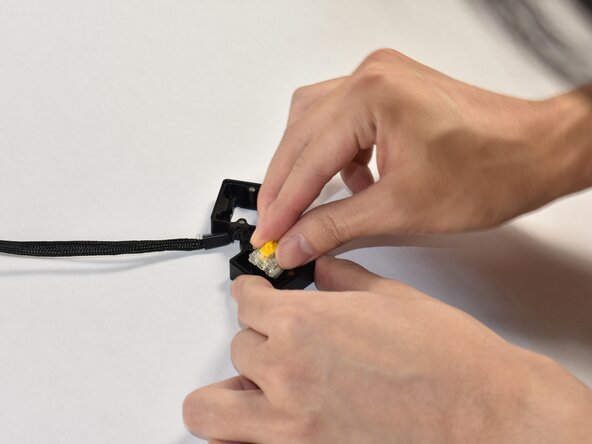
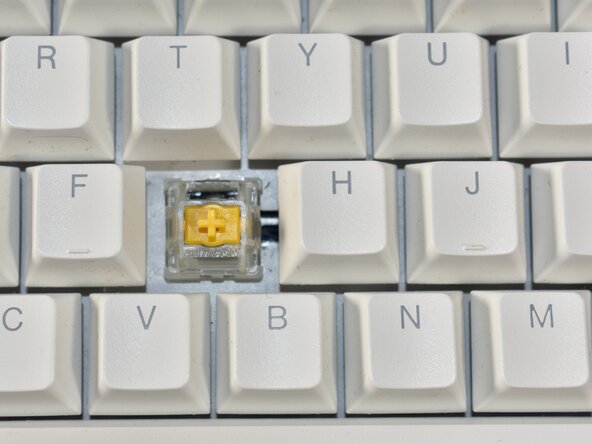
  9. How to Clean Wooting Keyboard Lekker Linear45 Switches: 手順 9、 3の画像 1 How to Clean Wooting Keyboard Lekker Linear45 Switches: 手順 9、 3の画像 2 How to Clean Wooting Keyboard Lekker Linear45 Switches: 手順 9、 3の画像 3
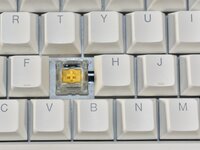
    • Align the switch into the board such that the LED window is facing north.

    • Push down so the switch clips into place and isn’t loose.

  10. How to Clean Wooting Keyboard Lekker Linear45 Switches: 手順 10、 3の画像 1 How to Clean Wooting Keyboard Lekker Linear45 Switches: 手順 10、 3の画像 2 How to Clean Wooting Keyboard Lekker Linear45 Switches: 手順 10、 3の画像 3
    • Align the keycap so it faces the correct orientation.

    • The bottom of the keycap should have an indent in the shape of the keycap/stem mount which fits onto the mount sticking out from the switch.

    • Press down the keycap onto the switch.
ゴール

作成者

3人の作成者と共同で作成されました。

Annie Ding

メンバー登録日: 02/21/25

181 ポイント

1ガイドが承認済み

チーム

UC Davis, Team 1-1, Andersen Winter 2025 UC Davis, Team 1-1, Andersen Winter 2025人のメンバー

UCD-ANDERSEN-W25S1G1

4 メンバー

1のガイドは作成済み

0件のガイドコメント

コメントを追加

統計データ:

過去 24時間: 0

過去 7 日: 1

過去 30 日: 20

今までの合計 173