メインコンテンツにスキップ

HTC Vive Pro 2 Outer Shell Replacement

必要な工具と部品

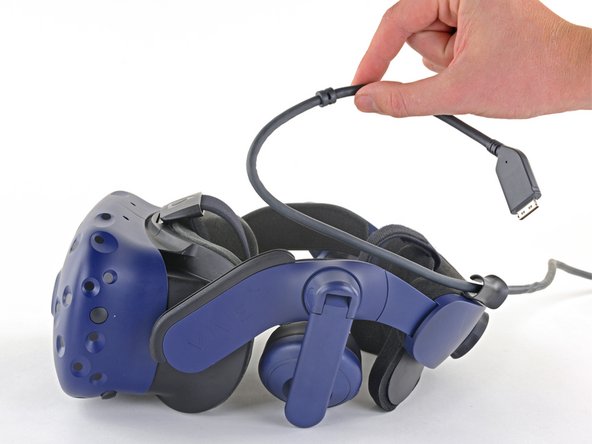
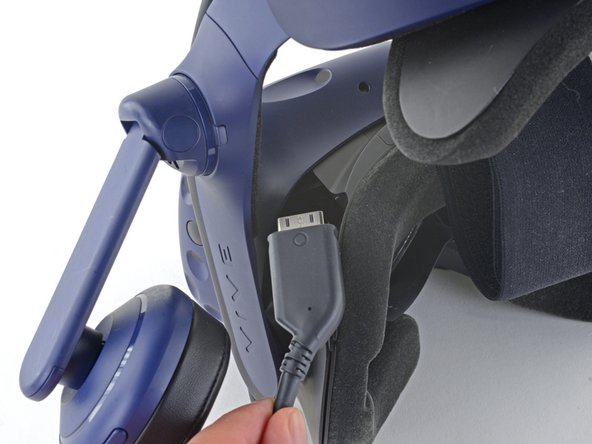
  1. HTC Vive Pro 2 Outer Shell Replacement, Unplug the All-In-One Cable: 手順 1、 3の画像 1 HTC Vive Pro 2 Outer Shell Replacement, Unplug the All-In-One Cable: 手順 1、 3の画像 2 HTC Vive Pro 2 Outer Shell Replacement, Unplug the All-In-One Cable: 手順 1、 3の画像 3
    • Unplug the All-In-One Cable from your headset.

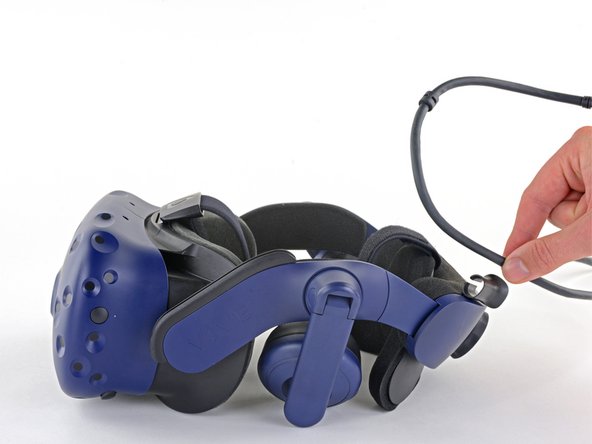
  2. HTC Vive Pro 2 Outer Shell Replacement, Remove the All-In-One Cable: 手順 2、 2の画像 1 HTC Vive Pro 2 Outer Shell Replacement, Remove the All-In-One Cable: 手順 2、 2の画像 2
    • Remove the All-In-One Cable from the cable guides along the left side of the head strap.

    • During reassembly, connect the All-In-One Cable to the headset before routing it through the cable guides. This will ensure it has the right amount of slack.

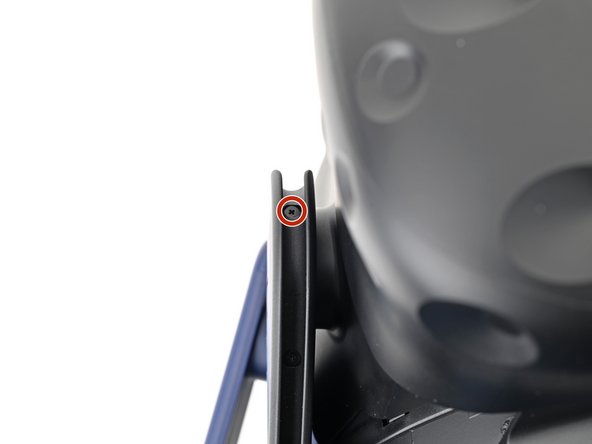
  3. HTC Vive Pro 2 Outer Shell Replacement, Remove the All-in-One cable bracket screws: 手順 3、 2の画像 1 HTC Vive Pro 2 Outer Shell Replacement, Remove the All-in-One cable bracket screws: 手順 3、 2の画像 2
    • Use a Phillips screwdriver to remove the three 2.4 mm‑long screws securing the All-in-One cable bracket.

  4. HTC Vive Pro 2 Outer Shell Replacement, Remove the All-in-One cable bracket: 手順 4、 2の画像 1 HTC Vive Pro 2 Outer Shell Replacement, Remove the All-in-One cable bracket: 手順 4、 2の画像 2
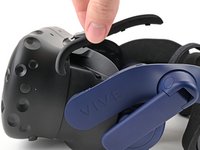
    • Lift the All-in-One cable bracket straight off the headset and remove it.

    • The bracket is aligned on the headset with pegs. During reassembly, make sure the pegs align properly and the bracket sits flush on the headset.

  5. HTC Vive Pro 2 Outer Shell Replacement, Remove the outer shell: 手順 5、 3の画像 1 HTC Vive Pro 2 Outer Shell Replacement, Remove the outer shell: 手順 5、 3の画像 2 HTC Vive Pro 2 Outer Shell Replacement, Remove the outer shell: 手順 5、 3の画像 3
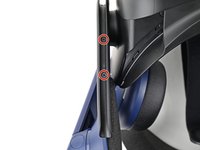
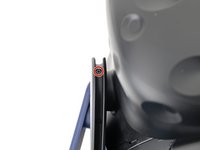
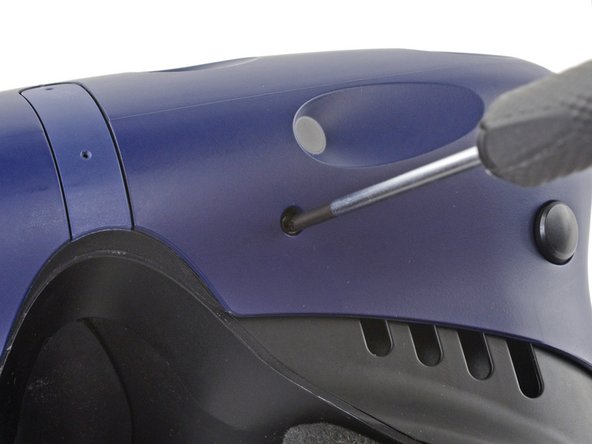
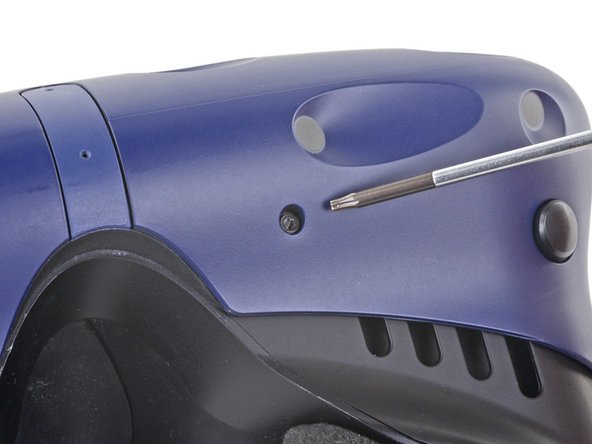
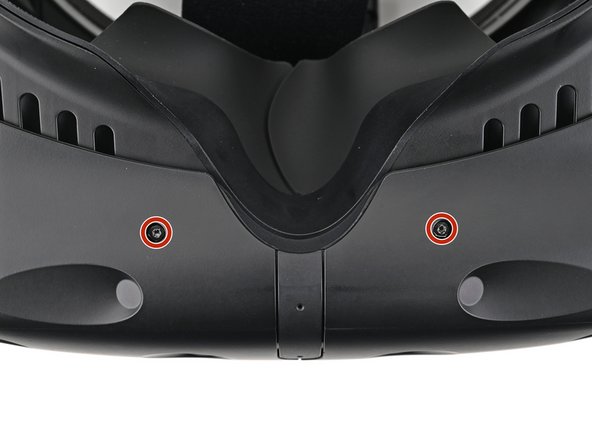
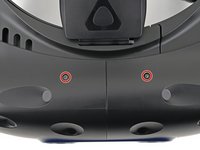
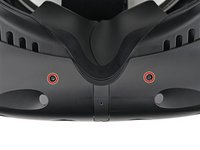
    • The four screws securing the outer shell are covered with black stickers. If the stickers are difficult to remove, simply press your T6 Torx driver through them.

  6. HTC Vive Pro 2 Outer Shell Replacement: 手順 6、 2の画像 1 HTC Vive Pro 2 Outer Shell Replacement: 手順 6、 2の画像 2
    • Use a T6 Torx screwdriver to remove the four 3.9 mm screws (two on top, two on bottom) securing the outer shell to the headset.

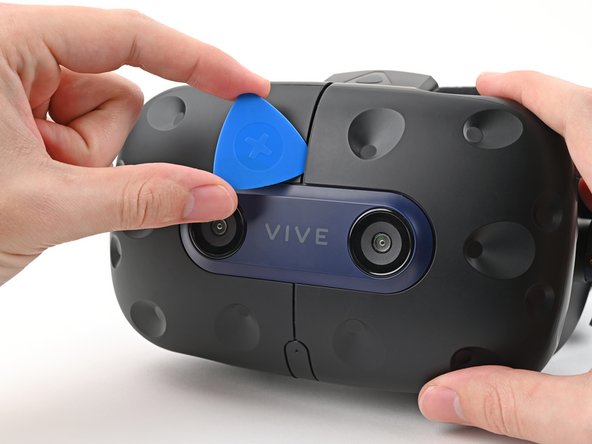
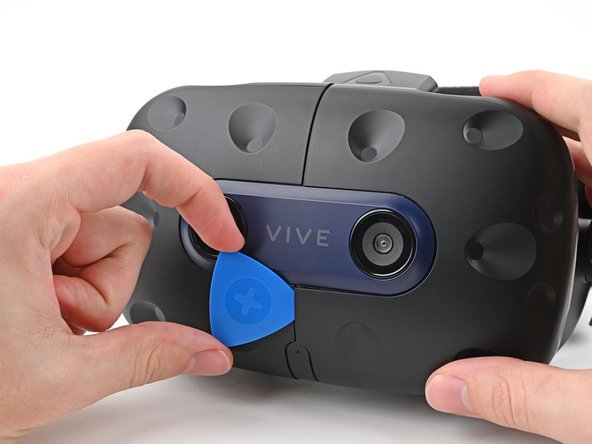
  7. HTC Vive Pro 2 Outer Shell Replacement: 手順 7、 3の画像 1 HTC Vive Pro 2 Outer Shell Replacement: 手順 7、 3の画像 2 HTC Vive Pro 2 Outer Shell Replacement: 手順 7、 3の画像 3
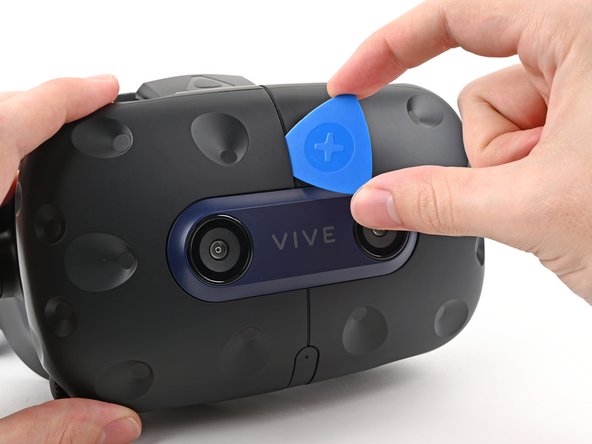
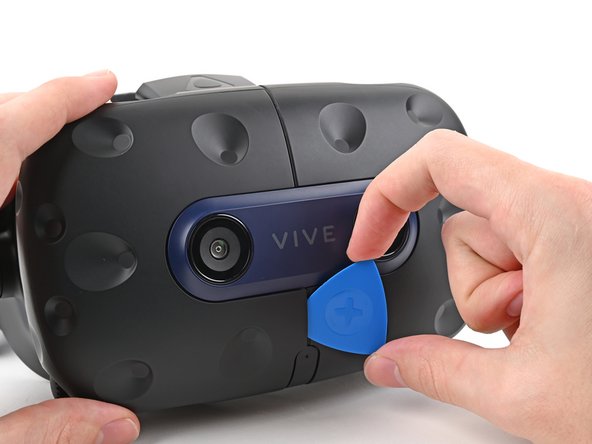
    • Insert an opening pick into the seam between the two halves of the outer shell.

    • Slide the opening pick through the seam to dislodge the clips securing it to the headset.

    • Only insert the opening pick as far as necessary. There are ribbon cables underneath the outer shell.

  8. HTC Vive Pro 2 Outer Shell Replacement: 手順 8、 3の画像 1 HTC Vive Pro 2 Outer Shell Replacement: 手順 8、 3の画像 2 HTC Vive Pro 2 Outer Shell Replacement: 手順 8、 3の画像 3
    • Continue sliding the opening pick through each seam until all clips have been dislodged.

  9. HTC Vive Pro 2 Outer Shell Replacement: 手順 9、 3の画像 1 HTC Vive Pro 2 Outer Shell Replacement: 手順 9、 3の画像 2 HTC Vive Pro 2 Outer Shell Replacement: 手順 9、 3の画像 3
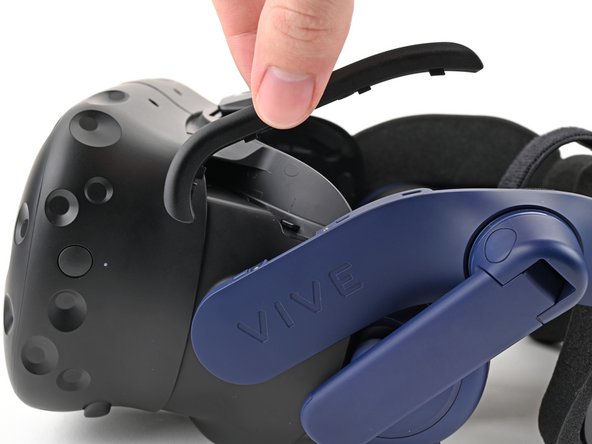
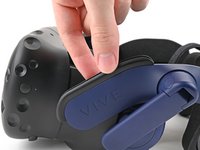
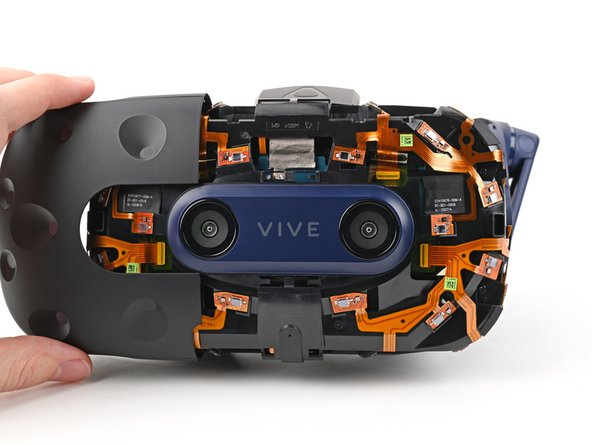
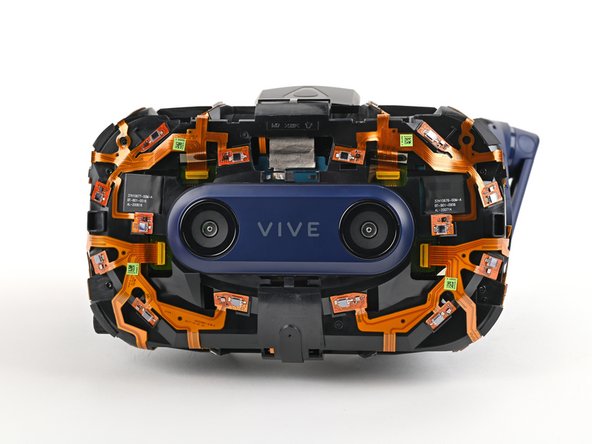
    • Carefully slide each half of the outer shell off of the sensor array.

    • Be careful not to snag any of the ribbon cables underneath.

終わりに

To reassemble your device, follow the above steps in reverse order.

Repair didn’t go as planned? Try some basic troubleshooting, or ask our Answers community for help.

Alex Diaz-Kokaisl

メンバー登録日: 01/16/22

213,563 ポイント

1,040のガイドは作成済み

チーム

iFixit iFixit人のメンバー

Staff

123 メンバー

23,649のガイドは作成済み

0件のガイドコメント

コメントを追加

統計データ:

過去 24時間: 1

過去 7 日: 3

過去 30 日: 20

今までの合計 188