はじめに
If your HP 15-dy2024nr laptop is running slowly, or if you would like more storage space on it, you can replace the hard drive. This guide will help you to remove the old hard drive.
When removing the hard drive, be sure to save your files to another so that you do not lose them. If your hard drive is corrupted, you may be able to save your files by following a guide, or taking it to a professional.
When removing any chip or board from your laptop, be careful to touch the sides only. Touching any of the components can damage them. Before removing or replacing any part, be sure the laptop is powered off. If you are unsure, turn the laptop on, then shut it off from the start menu.
必要な工具と部品
-
-
Use a spudger to peel one corner of each of the rubber feet from the bottom of the laptop.
-
Gently peel the feet from the laptop using the spudger revealing the screws underneath.
 FixBotに聞いてみる
-
-
-
Use a Phillips #1 screwdriver to remove:
-
Two 2.5mm x 6mm screws
-
Six 2mm x 6mm screws
-
-
-
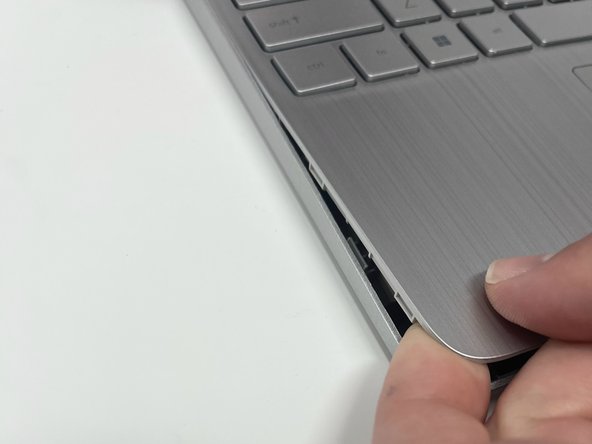
Insert an iFixit opening tool into the seam between the keyboard area and bottom cover.
-
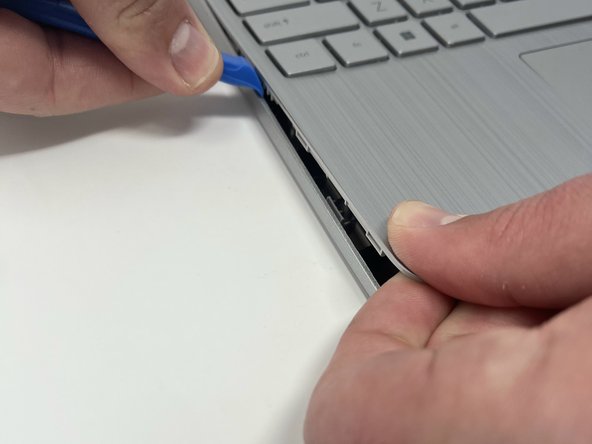
Using another iFixit opening tool, slide along the seam to unhook the clips.
-
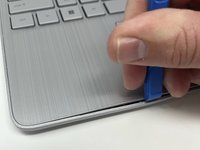
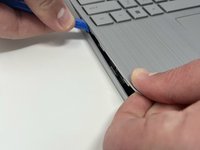
When the front of the laptop is open, you can use your finger to hold a corner open then slide an iFixit opening tool along the seam toward the back corner.
-
After the clips have been released, flip the laptop over and lift the cover.
-
-
-
-
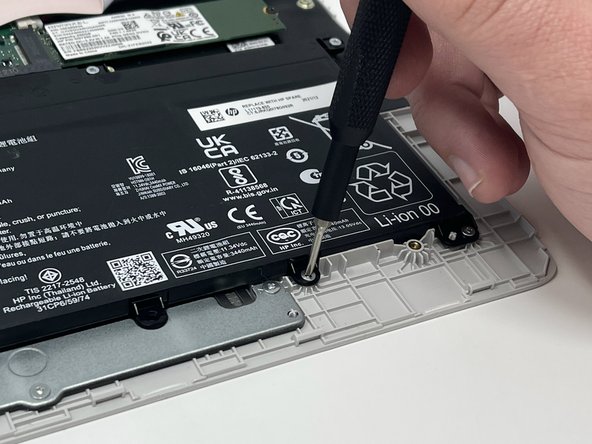
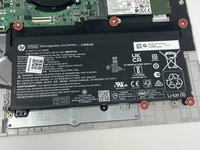
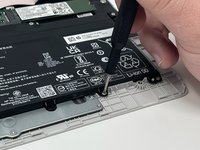
Remove five 2.0mm x 3.0mm screws using a Phillips #00 screwdriver.
-
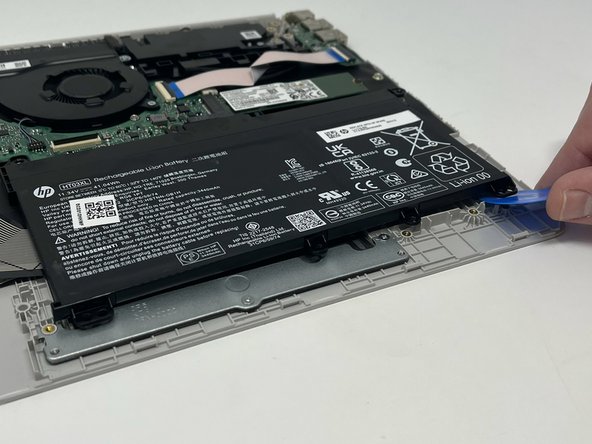
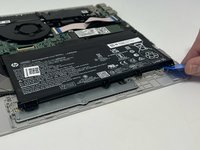
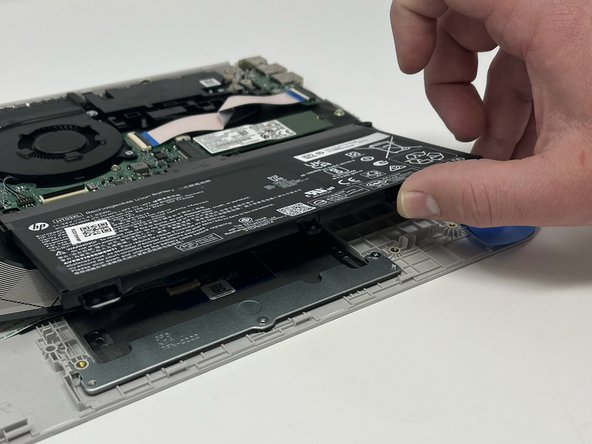
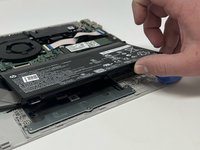
Use the iFixit opening picks to lift the battery away from the laptop.
-
-
-
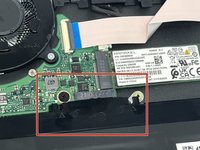
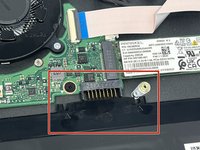
Unplug the battery from the motherboard.
-
Lift the battery away from the laptop and remove.
-
-
-
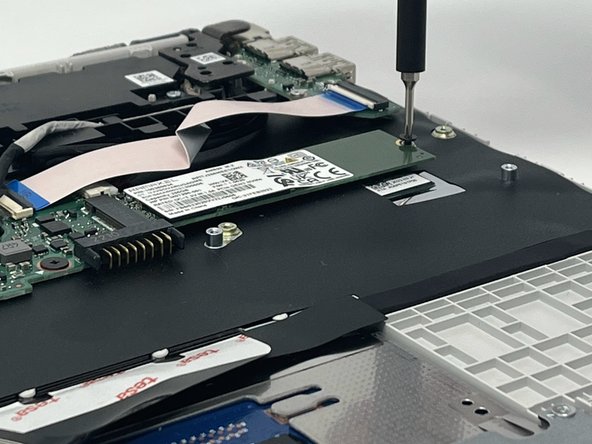
Remove the single 2 mm screw from the hard drive using a Phillips #00 screwdriver.
-
-
-
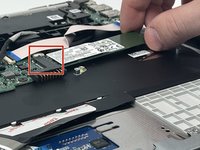
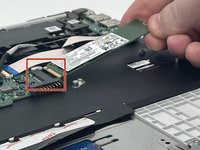
Pull the SSD away from the connector, while gently lifting it out using your hands.
-









To reassemble your device, follow these instructions in reverse order.
ある他の人がこのガイドを完成しました。

チーム

Utah Tech University, Team 1-4, McMurrin Fall 2022 Utah Tech University, Team 1-4, McMurrin Fall 2022人のメンバー
UTAHTECH-MCMURRIN-F22S1G4
3 メンバー
6のガイドは作成済み
