はじめに
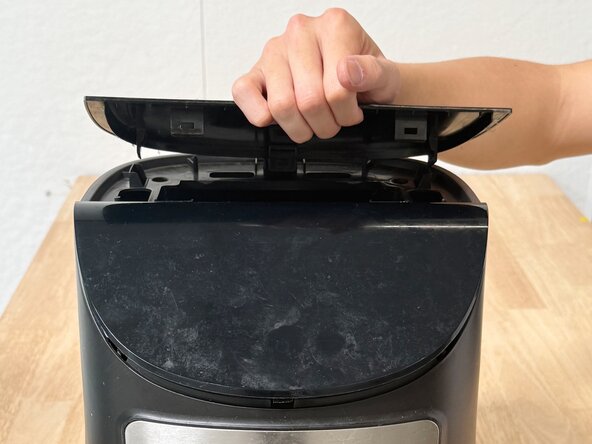
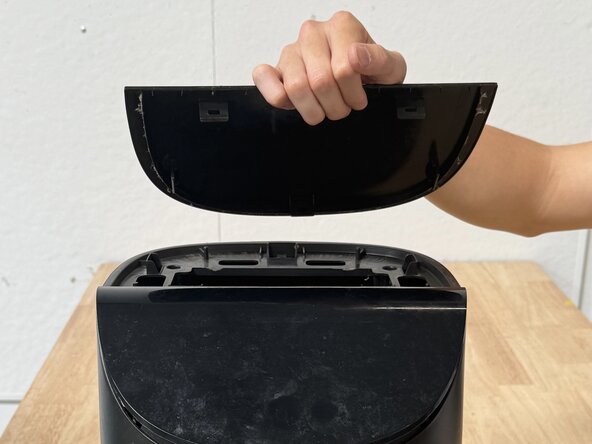
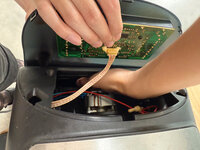
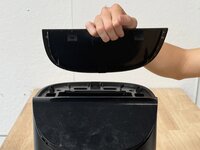
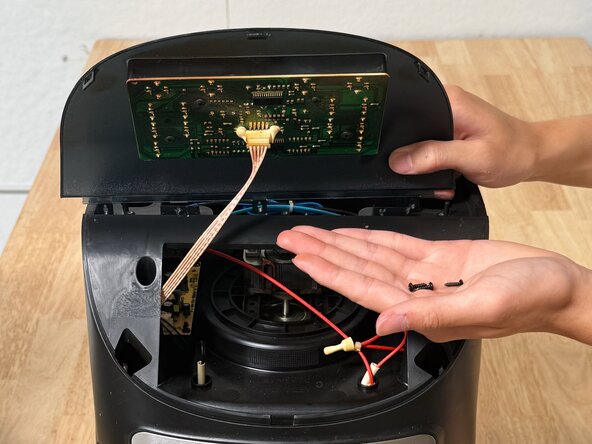
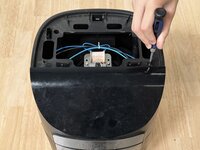
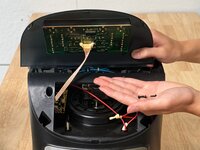
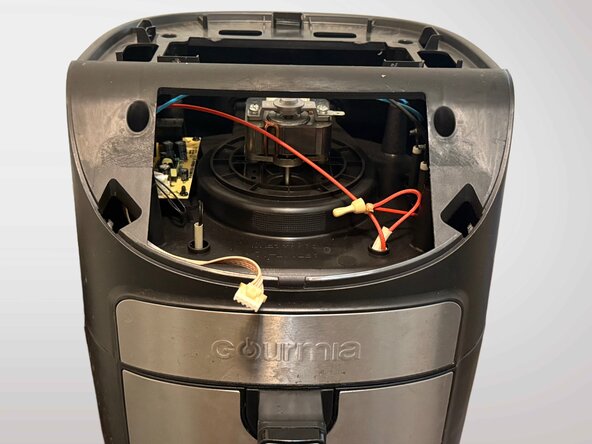
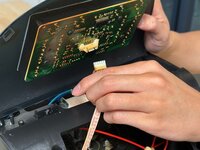
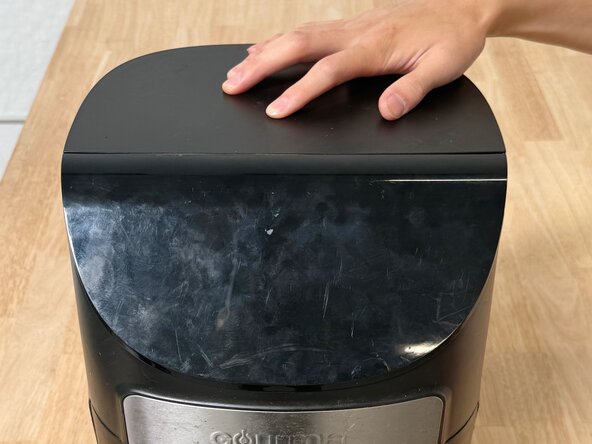
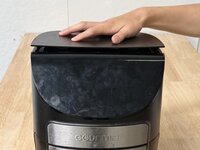
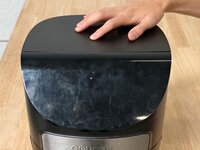
We will demonstrate the repair of the control panel unit of a Gourmia GAF798 air fryer. The damage to the circuit board causes the lighting function of the fryer’s control panel to stop working correctly. Our guide will provide a simple and effective fix for this problem.
We will need to work with a kitchen appliance that harbors the risk of burning the user or giving the user an electric shock. However, we will mitigate the chances of these dangers occurring by taking safety precautions. With these safety precautions, this process presents little opportunity for serious injury.
This guide is necessary because the damaged circuit board causes the control panel’s lighting function to stop working, rendering it impossible to see which settings the user has selected for the device. The air fryer becomes inconvenient to use, as it stops providing feedback regarding its cooking time, method, etc., and forces the user to memorize each of their inputs and trust that those inputs have been received. Although this issue is extremely problematic, it is actually relatively simple to fix. This guide can provide people the opportunity not only to save money by not replacing their air fryers, but also to help with environmental conservation by not packing landfills with more electronic waste.
必要な工具と部品








ある他の人がこのガイドを完成しました。


チーム

UC Davis, Team 1-7, Whithaus Spring 2025 UC Davis, Team 1-7, Whithaus Spring 2025人のメンバー
UCD-WHITHAUS-S25S1G7
4 メンバー
3のガイドは作成済み
