メインコンテンツにスキップ

Google Pixel 6 Camera Glass Panel Replacement

必要な工具と部品

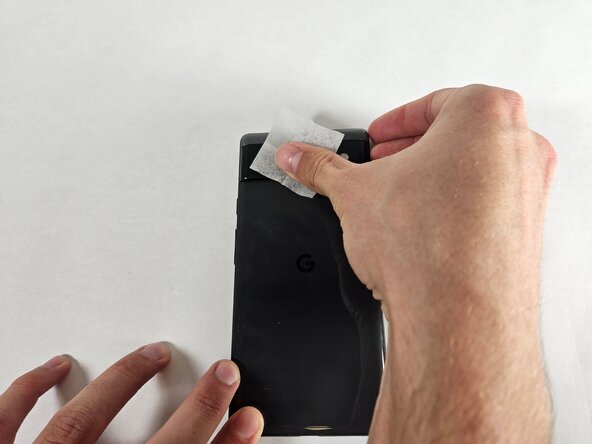
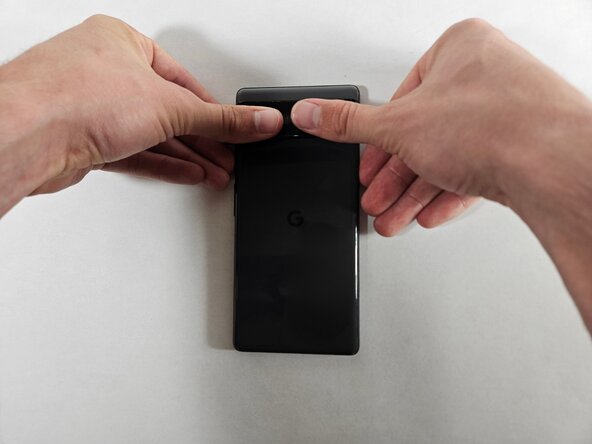
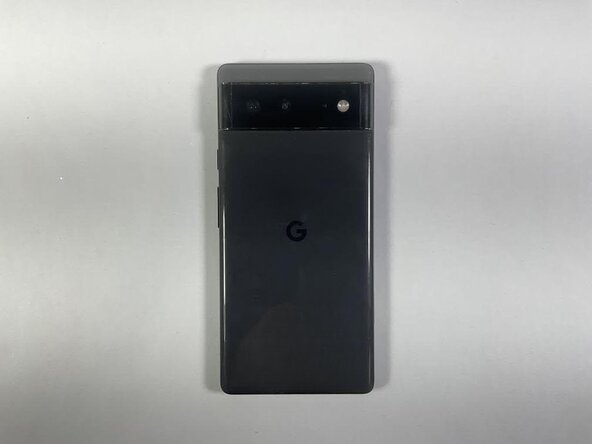
  1. Google Pixel 6 Camera Glass Panel Replacement, Camera Glass Panel: 手順 1、 2の画像 1 Google Pixel 6 Camera Glass Panel Replacement, Camera Glass Panel: 手順 1、 2の画像 2
    • Use the wet wipe included in your kit to clean the rear camera glass panel.

    • Dry off the rear camera glass panel with the dry wipe.

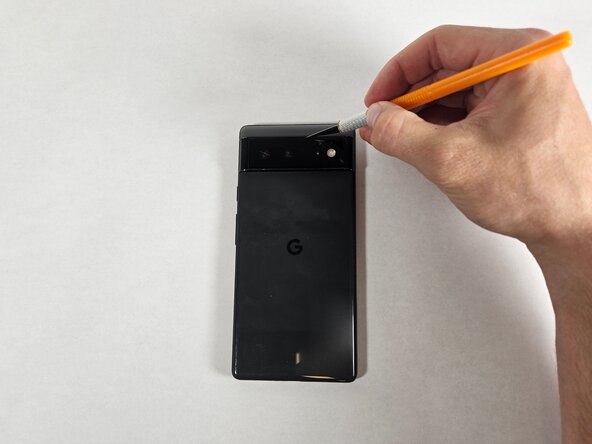
  2. Google Pixel 6 Camera Glass Panel Replacement: 手順 2、 2の画像 1 Google Pixel 6 Camera Glass Panel Replacement: 手順 2、 2の画像 2
    • Carefully cut around the edges of the phone's rear glass panel using an X-Acto knife.

    • Caution: Hazardous situation which involves a sharp utensil and glass fragments.

  3. Google Pixel 6 Camera Glass Panel Replacement: 手順 3、 2の画像 1 Google Pixel 6 Camera Glass Panel Replacement: 手順 3、 2の画像 2
    • Using the tweezers, begin chipping and tweezing away at the cracked region.

    • Caution: Shards and shrapnel can splinter off of the panel.

    • Keep some masking tape near to be able to pick up shrapnel without injuring yourself.

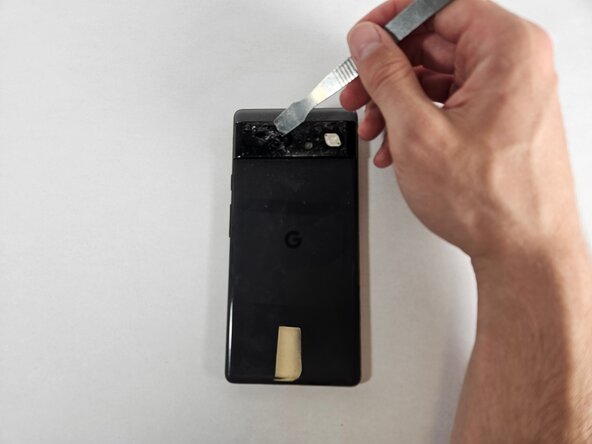
  4. Google Pixel 6 Camera Glass Panel Replacement: 手順 4、 3の画像 1 Google Pixel 6 Camera Glass Panel Replacement: 手順 4、 3の画像 2 Google Pixel 6 Camera Glass Panel Replacement: 手順 4、 3の画像 3
    • Use the metal spudger to remove the larger pieces of the glass to expose the layer underneath.

    • Caution: Hastily removing sharp fragments pieces could result in injury.

  5. Google Pixel 6 Camera Glass Panel Replacement: 手順 5、 2の画像 1 Google Pixel 6 Camera Glass Panel Replacement: 手順 5、 2の画像 2
    • Use the opening tool to remove excess glue leftover from the old glass panel.

    • Perform this step only when all glass has been removed from the camera area.

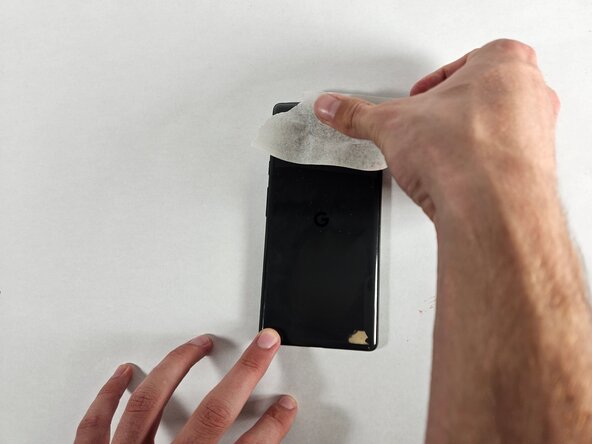
  6. Google Pixel 6 Camera Glass Panel Replacement: 手順 6、 3の画像 1 Google Pixel 6 Camera Glass Panel Replacement: 手順 6、 3の画像 2 Google Pixel 6 Camera Glass Panel Replacement: 手順 6、 3の画像 3
    • Take a piece of masking tape about 3 inches wide.

    • Gently press the masking tape (sticky side down) onto the rear camera lens and lift, removing the glass debris.

    • Repeat until most of the glass debris is removed.

  7. Google Pixel 6 Camera Glass Panel Replacement: 手順 7、 3の画像 1 Google Pixel 6 Camera Glass Panel Replacement: 手順 7、 3の画像 2 Google Pixel 6 Camera Glass Panel Replacement: 手順 7、 3の画像 3
    • Align the glass panel replacement with the exposed camera area.

    • Press the glass panel firmly into the camera area.

    • Do not press too hard to avoid cracking glass from excess pressure.

    • Let the glass panel adhesive dry for approximately two hours before using the phone.

ゴール

作成者

3人の作成者と共同で作成されました。

Aliyah Sims

メンバー登録日: 02/19/25

145 ポイント

1ガイドが承認済み

チーム

UC Davis, Team 1-6, Andersen Winter 2025 UC Davis, Team 1-6, Andersen Winter 2025人のメンバー

UCD-ANDERSEN-W25S1G6

3 メンバー

1のガイドは作成済み

0件のガイドコメント

コメントを追加

統計データ:

過去 24時間: 4

過去 7 日: 31

過去 30 日: 115

今までの合計 1,065