はじめに
Fix your Google Home's poor audio quality with a new sound driver.
This guide will teach you how to take apart your Google Home to remove a faulty sound driver and replace it with a new one.
必要な工具と部品
-
-
-
Pull off the Google Home’s magnetically attached base and set it aside.
-
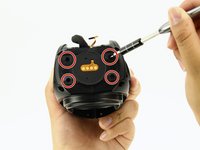
Using a Torx T6 screwdriver head, unscrew the four 1.7mm Torx screws deep in the speaker recess so that you can remove the lid.
-
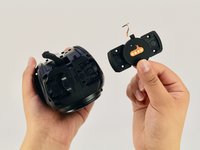
After all four screws are out, pop the lid off the device to open the capsule.
 FixBotに聞いてみる
-
-
この手順で使用する道具:Tweezers$4.99
-
Carefully remove the interconnect cable using a pair of tweezers.
-
-
-
-
-
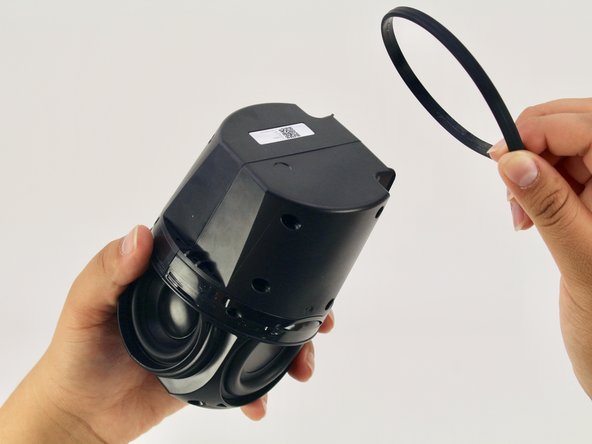
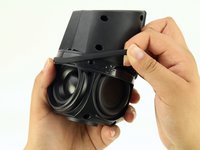
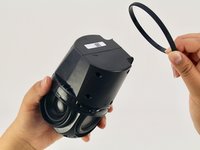
Remove the ‘O-ring’ that wraps around the device holding the switch panel in place.
-
-
-
-
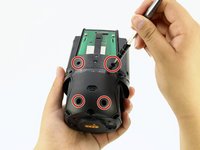
Using a Torx T6 screwdriver head, unscrew the four black 1.7mm Torx screws.
-
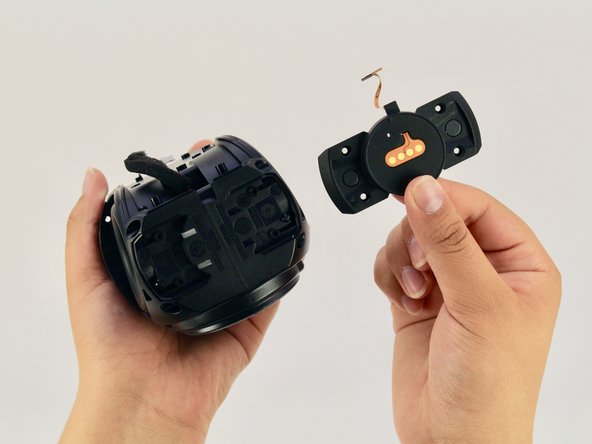
Remove the panel and the mute button switch. If done correctly you should now be able to see the device’s guitar-shaped motherboard.
-
-
-
-
-
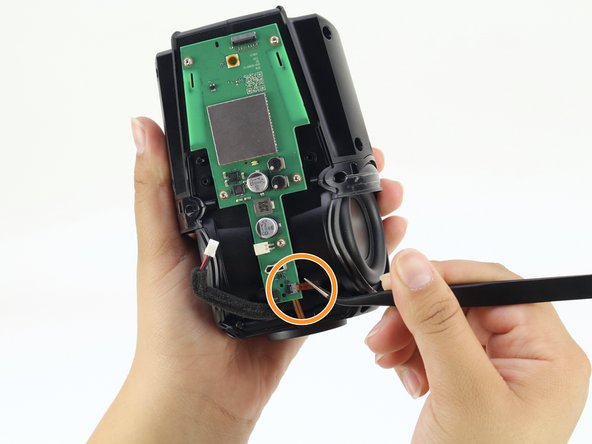
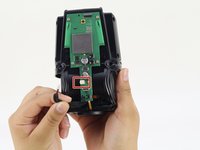
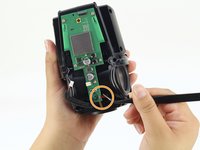
Disconnect the foam-padded, red and black cable that connects the motherboard to the sound driver, by squeezing and pulling on the tab
-
Disconnect the orange interconnect cable that connects the bottom of the device to the motherboard by pulling straight out on the orange tab.
-
-
-
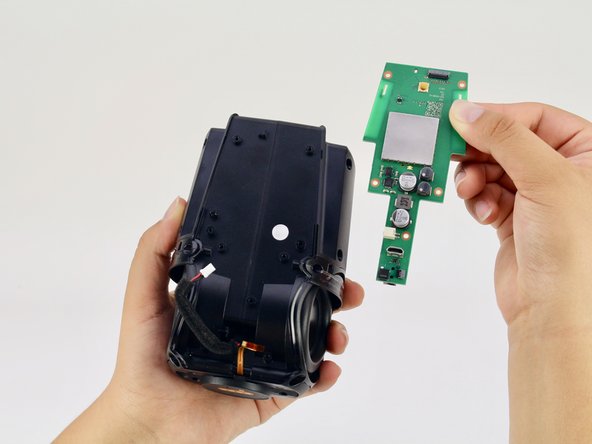
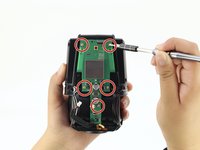
Using a Torx T6 screwdriver head, unscrew the five silver 1.7mm Torx screws keeping the motherboard in place.
-
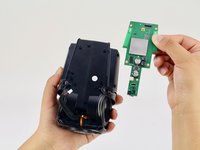
Remove the motherboard.
-
-
-
-
-
Using a Torx T6 screwdriver head, unscrew the four black 1.7mm Torx screws on the bottom of the device.
-
-
-
Using a Torx T6 screwdriver head, unscrew the six black 1.7mm Torx screws on the side of the device.
-
-
-
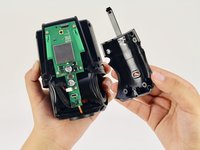
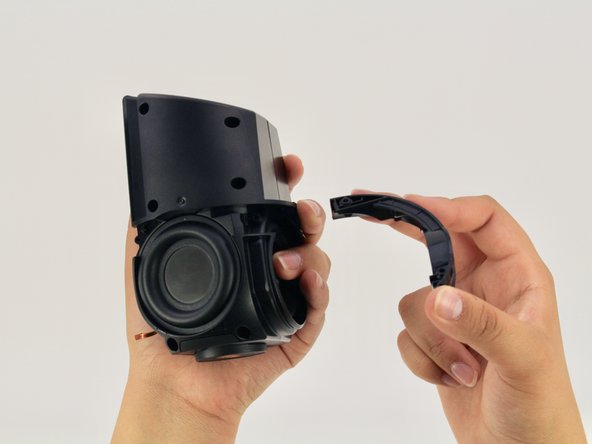
Pull apart the black casing to reveal the sound driver.
-
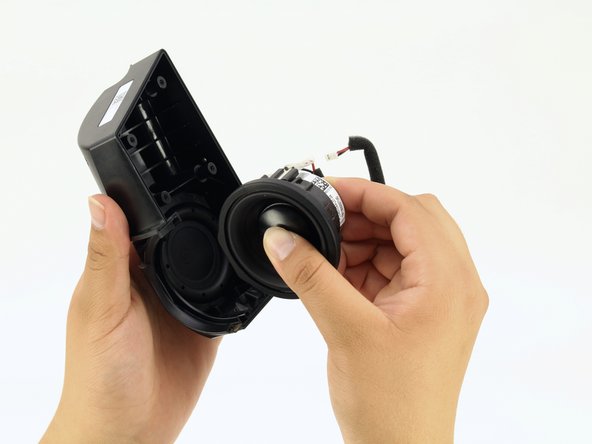
Remove the sound driver.
-
-












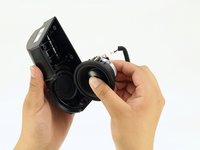
To reassemble your device, follow these instructions in reverse order.
6 の人々がこのガイドを完成させました。

チーム

Cal Poly, Team S24-G11, Maness Spring 2018 Cal Poly, Team S24-G11, Maness Spring 2018人のメンバー
CPSU-MANESS-S18S24G11
4 メンバー
15のガイドは作成済み
4件のガイドコメント
I have a torn speaker cone. Can these be replaced and where can I buy the parts
rchrdsmmnds - 返信 共有
Looking for replacement speaker, where do I find?
replacement speaker for google home, someone knows here i find?
model:PLS -50N25AL07-04
or compatible speaker
vinyboylima - 返信 共有
