メインコンテンツにスキップ
リペアコミュニティに参加 - アカウントの作成

Gateway MS2370 Screen Replacement

必要な工具と部品

  1. Gateway MS2370 Screen Replacement, Battery: 手順 1、 1の画像 1
    • Make sure the laptop is turned off and flipped over so that the bottom is facing up. Then, locate the battery clip as shown.

    FixBotに聞いてみる

    コメントを追加

  2. Gateway MS2370 Screen Replacement: 手順 2、 1の画像 1
    • Either using your fingers or a plastic spudger push the battery clip to the left to release battery.

    FixBotに聞いてみる

    コメントを追加

  3. Gateway MS2370 Screen Replacement: 手順 3、 1の画像 1
    • Pull the battery from the laptop to remove it.

    FixBotに聞いてみる

    コメントを追加

  4. Gateway MS2370 Screen Replacement, Screen: 手順 4、 1の画像 1
    この手順で使用する道具:
    Tweezers
    $4.99
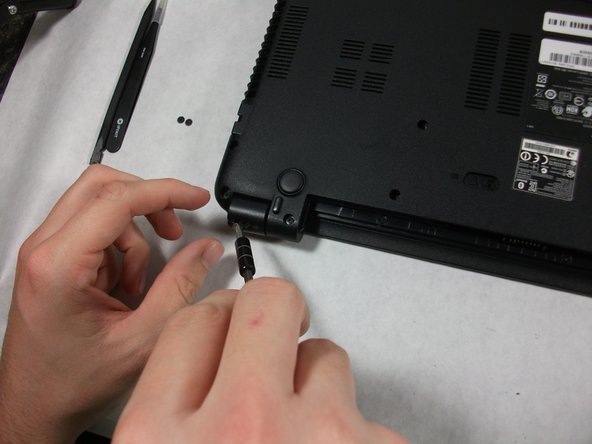
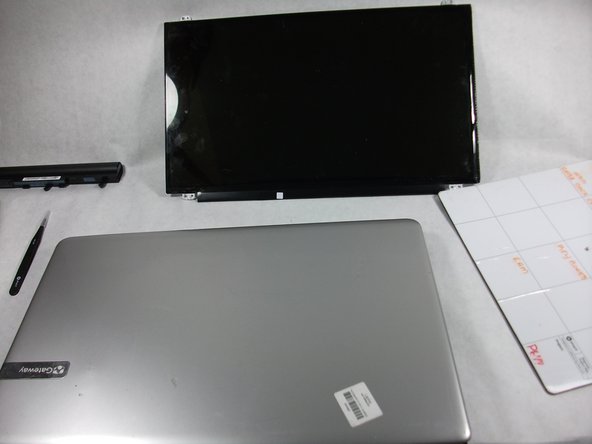
    • Using the pointed tweezers, remove plastic circles that are stuck onto the back of the laptop’s hinges.

    • These plastic circles are stuck inside the hole with adhesive and might require a significant amount of force.

    FixBotに聞いてみる

    コメントを追加

  5. Gateway MS2370 Screen Replacement: 手順 5、 2の画像 1 Gateway MS2370 Screen Replacement: 手順 5、 2の画像 2
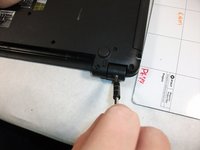
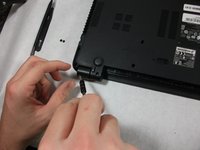
    • Unscrew both of the 3mm Phillips 01 screws on both hinges using the matching screwdriver.

    FixBotに聞いてみる

    コメントを追加

  6. Gateway MS2370 Screen Replacement: 手順 6、 1の画像 1
    • Take the plastic spudger and pull up the tabs on all four sides of the screen molding.

    FixBotに聞いてみる

    コメントを追加

  7. Gateway MS2370 Screen Replacement: 手順 7、 1の画像 1
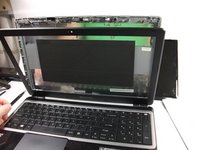
    • Carefully remove the screen molding. Be aware that the screen molding will not come out all the way.

    FixBotに聞いてみる

    コメントを追加

  8. Gateway MS2370 Screen Replacement: 手順 8、 1の画像 1
    • Unscrew the four 3mm inch Phillips 01 screws on the screen bracket.

    FixBotに聞いてみる

    コメントを追加

  9. Gateway MS2370 Screen Replacement: 手順 9、 3の画像 1 Gateway MS2370 Screen Replacement: 手順 9、 3の画像 2 Gateway MS2370 Screen Replacement: 手順 9、 3の画像 3
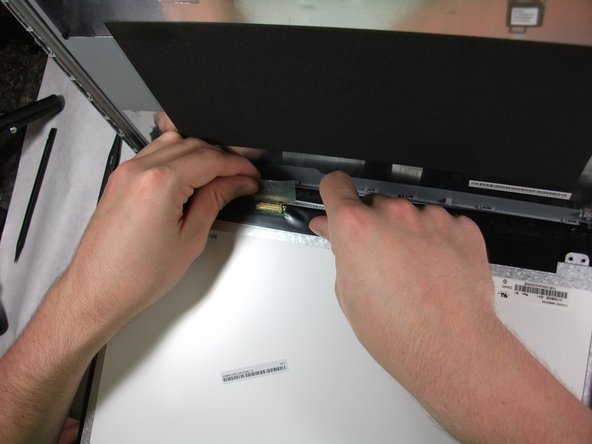
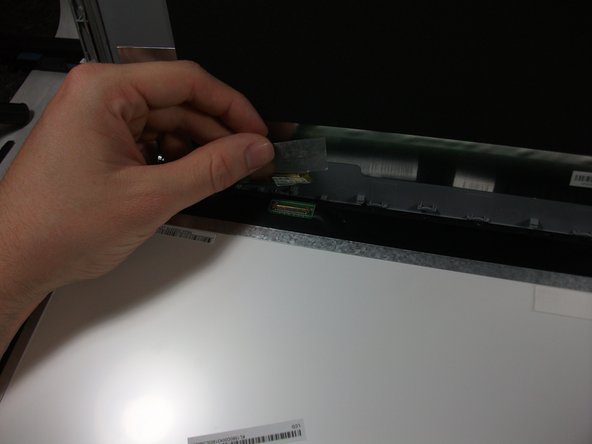
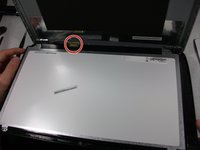
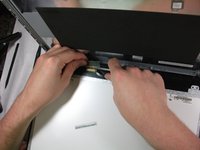
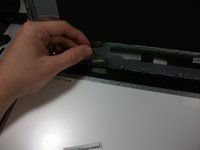
    • Peel up the tape over the connector and unplug the screen from the laptop.

    FixBotに聞いてみる

    コメントを追加

  10. Gateway MS2370 Screen Replacement: 手順 10、 2の画像 1 Gateway MS2370 Screen Replacement: 手順 10、 2の画像 2
    • Slowly remove the screen from the laptop.

    FixBotに聞いてみる

    コメントを追加

終わりに

To reassemble your device, follow these instructions in reverse order.

キャンセル: このガイドを終了できませんでした。

作成者

3人の作成者と共同で作成されました。

Mathieu Bolduc-Clayton

メンバー登録日: 10/17/17

518 ポイント

4のガイドは作成済み

チーム

UMass Dartmouth, Team S1-G5, Simcock Fall 2017 UMass Dartmouth, Team S1-G5, Simcock Fall 2017人のメンバー

UMASSD-SIMCOCK-F17S1G5

3 メンバー

10のガイドは作成済み

0件のガイドコメント

コメントを追加

統計データ:

過去 24時間: 0

過去 7 日: 7

過去 30 日: 20

今までの合計 963