メインコンテンツにスキップ
リペアコミュニティに参加 - アカウントの作成

Fujitsu LifeBook N3510 Keyboard Replacement

必要な工具と部品

  1. Fujitsu LifeBook N3510 Keyboard Replacement, Battery: 手順 1、 1の画像 1
    • Locate the two clips on the bottom of the computer that support the battery.

    FixBotに聞いてみる
  2. Fujitsu LifeBook N3510 Keyboard Replacement: 手順 2、 1の画像 1
    • Using your fingers, push the clips inward and then upward.

    • Lift the battery out of the computer.

    FixBotに聞いてみる
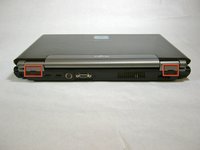
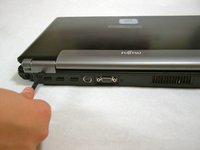
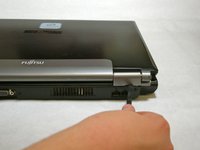
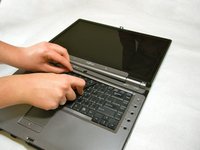
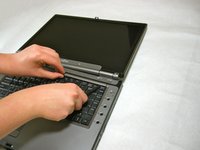
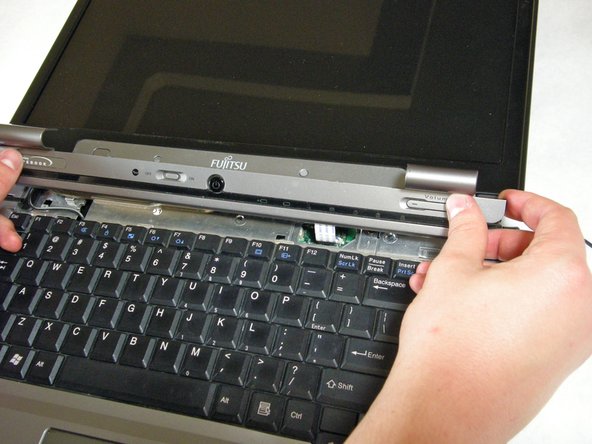
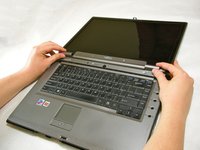
  3. Fujitsu LifeBook N3510 Keyboard Replacement, Hinge Cover: 手順 3、 3の画像 1 Fujitsu LifeBook N3510 Keyboard Replacement, Hinge Cover: 手順 3、 3の画像 2 Fujitsu LifeBook N3510 Keyboard Replacement, Hinge Cover: 手順 3、 3の画像 3
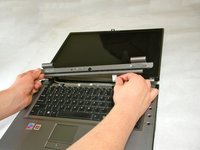
    • Use a spudger to lift the back of the hinge cover on the left and right sides of the computer.

    FixBotに聞いてみる
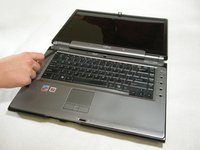
  4. Fujitsu LifeBook N3510 Keyboard Replacement: 手順 4、 1の画像 1
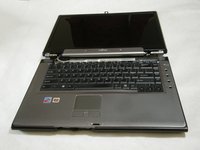
    • Lay the computer flat on a stable surface with the monitor pointing away from you.

    FixBotに聞いてみる
  5. Fujitsu LifeBook N3510 Keyboard Replacement: 手順 5、 3の画像 1 Fujitsu LifeBook N3510 Keyboard Replacement: 手順 5、 3の画像 2 Fujitsu LifeBook N3510 Keyboard Replacement: 手順 5、 3の画像 3
    • Use a spudger to partially lift the hinge cover.

    FixBotに聞いてみる
  6. Fujitsu LifeBook N3510 Keyboard Replacement: 手順 6、 2の画像 1 Fujitsu LifeBook N3510 Keyboard Replacement: 手順 6、 2の画像 2
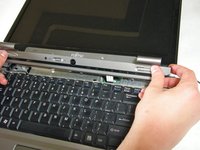
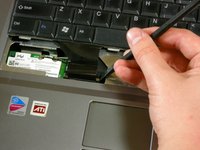
    • The hinge cover has a ribbon cable that is attached to the motherboard. To prevent damage, lift the hinge cover slowly.

    • Lift the hinge cover enough to expose the ribbon cable.

    FixBotに聞いてみる
  7. Fujitsu LifeBook N3510 Keyboard Replacement: 手順 7、 2の画像 1 Fujitsu LifeBook N3510 Keyboard Replacement: 手順 7、 2の画像 2
    • Disconnect the ribbon cable from the motherboard and remove the hinge cover from the computer.

    FixBotに聞いてみる
  8. Fujitsu LifeBook N3510 Keyboard Replacement, Keyboard: 手順 8、 3の画像 1 Fujitsu LifeBook N3510 Keyboard Replacement, Keyboard: 手順 8、 3の画像 2 Fujitsu LifeBook N3510 Keyboard Replacement, Keyboard: 手順 8、 3の画像 3
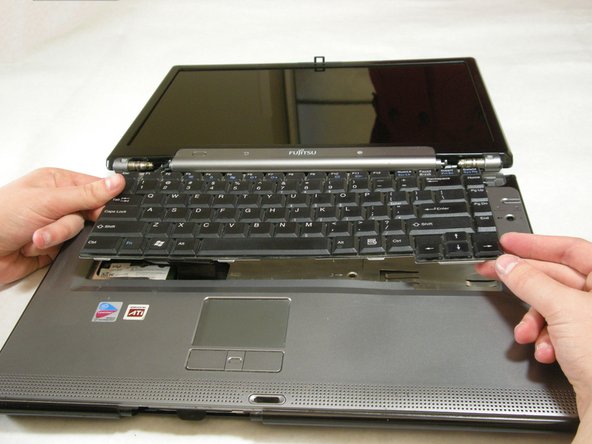
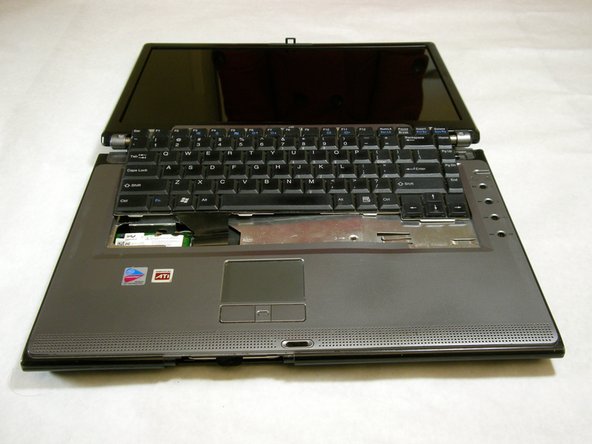
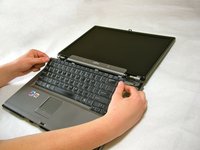
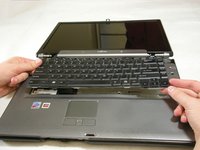
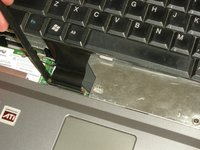
    • The keyboard has a ribbon cable that is attached to the motherboard. To prevent damage, lift keyboard slowly.

    • Lift the keyboard enough to expose the ribbon cable.

    FixBotに聞いてみる
  9. Fujitsu LifeBook N3510 Keyboard Replacement: 手順 9、 2の画像 1 Fujitsu LifeBook N3510 Keyboard Replacement: 手順 9、 2の画像 2
    • Use a spudger to release the ribbon cable from the motherboard.

    FixBotに聞いてみる
  10. Fujitsu LifeBook N3510 Keyboard Replacement: 手順 10、 2の画像 1 Fujitsu LifeBook N3510 Keyboard Replacement: 手順 10、 2の画像 2
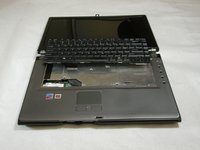
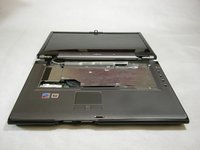
    • After the ribbon has been detached, carefully remove the keyboard.

    FixBotに聞いてみる
終わりに

To reassemble your device, follow these instructions in reverse order.

作成者

8人の作成者と共同で作成されました。

Neil Daniels

メンバー登録日: 01/17/11

1,411 ポイント

11のガイドは作成済み

チーム

Cal Poly, Team 5-18, Amido Winter 2011 Cal Poly, Team 5-18, Amido Winter 2011人のメンバー

CPSU-AMIDO-W11S5G18

3 メンバー

23のガイドは作成済み

0件のガイドコメント

コメントを追加

統計データ:

過去 24時間: 0

過去 7 日: 9

過去 30 日: 62

今までの合計 6,425