メインコンテンツにスキップ

Fossil Q Venture Gen 3 Battery Replacement

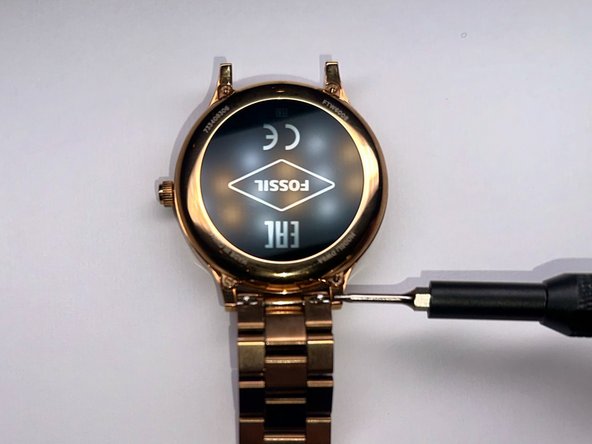
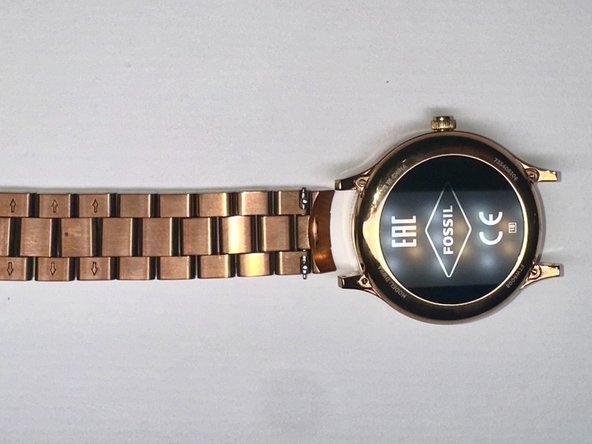
  1. Fossil Q Venture Gen 3 Battery Replacement, Battery: 手順 1、 3の画像 1 Fossil Q Venture Gen 3 Battery Replacement, Battery: 手順 1、 3の画像 2 Fossil Q Venture Gen 3 Battery Replacement, Battery: 手順 1、 3の画像 3
    • First, use a screwdriver to remove the band from the device.

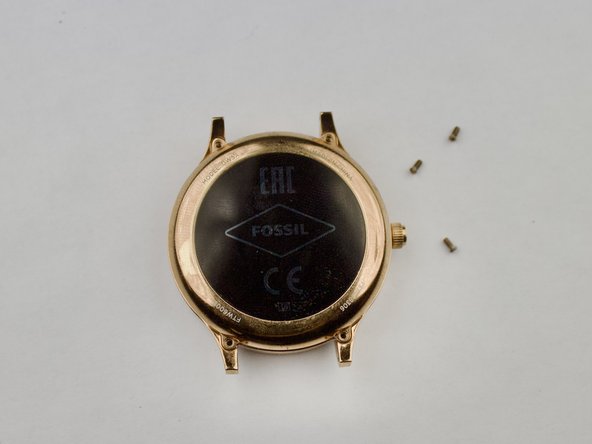
  2. Fossil Q Venture Gen 3 Battery Replacement: 手順 2、 3の画像 1 Fossil Q Venture Gen 3 Battery Replacement: 手順 2、 3の画像 2 Fossil Q Venture Gen 3 Battery Replacement: 手順 2、 3の画像 3
    • Once you remove the band, take a screwdriver and remove the four screws holding the backplate in place.

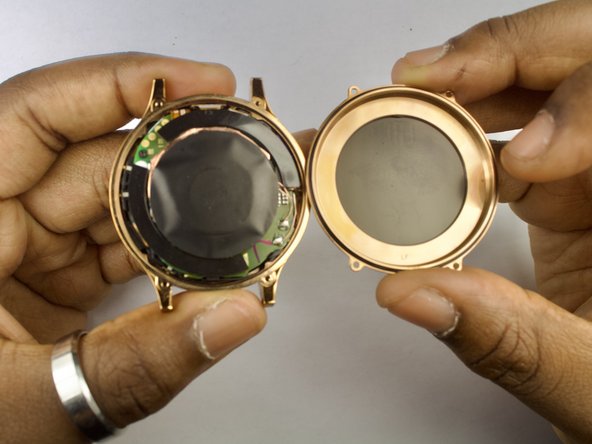
  3. Fossil Q Venture Gen 3 Battery Replacement: 手順 3、 3の画像 1 Fossil Q Venture Gen 3 Battery Replacement: 手順 3、 3の画像 2 Fossil Q Venture Gen 3 Battery Replacement: 手順 3、 3の画像 3
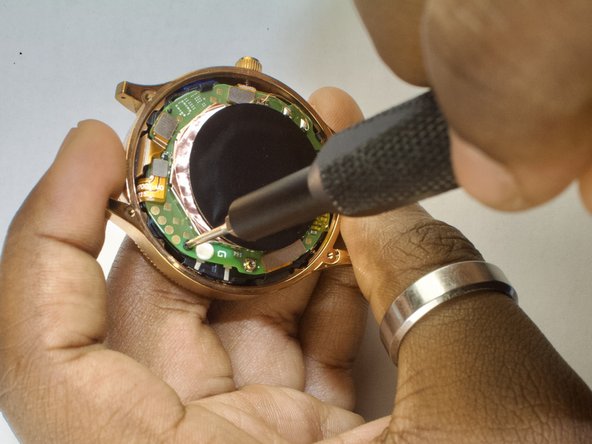
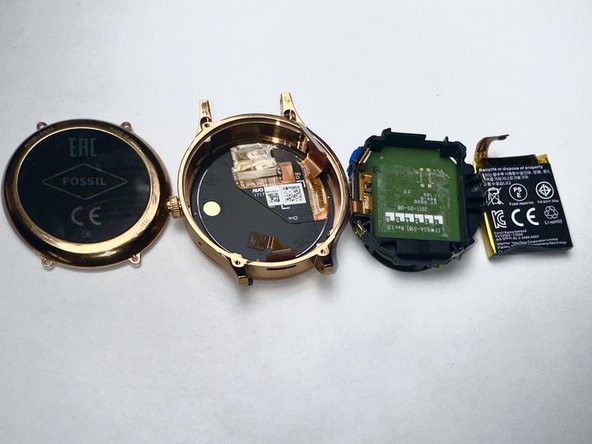
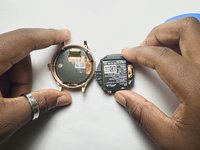
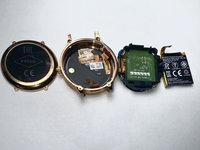
    • The inside of the watch will be exposed. Now, you can disconnect all the golden connections (battery, display, etc) and carefully loosen the battery housing from the shell.

  4. Fossil Q Venture Gen 3 Battery Replacement: 手順 4、 3の画像 1 Fossil Q Venture Gen 3 Battery Replacement: 手順 4、 3の画像 2 Fossil Q Venture Gen 3 Battery Replacement: 手順 4、 3の画像 3
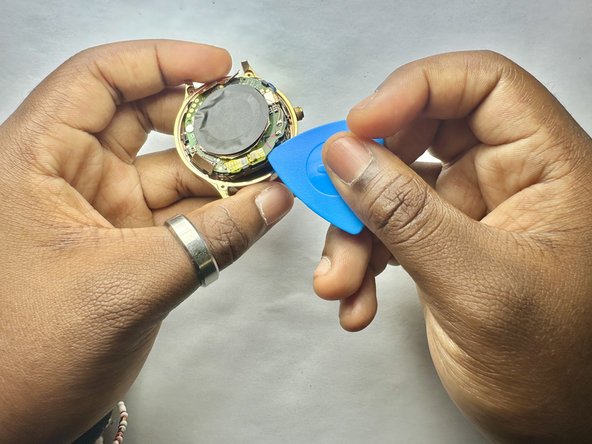
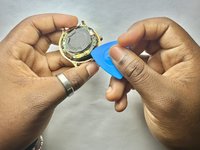
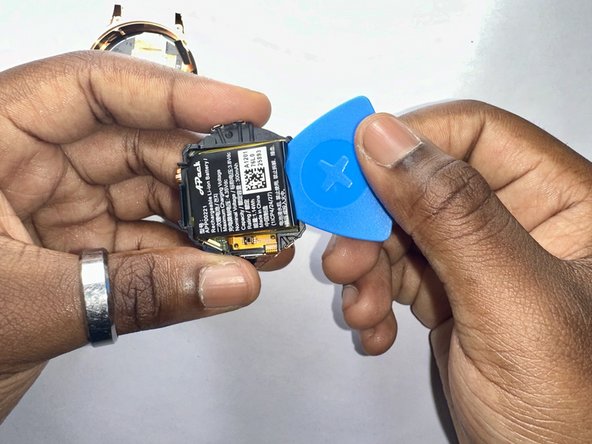
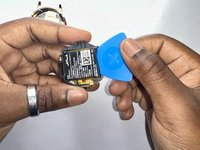
    • When the board is removed, the battery will be stuck in place with an adhesive inside the black plastic housing. Pry the battery out gently to remove it from the board.

終わりに

To reassemble your device, follow these instructions in reverse order.

2 の人々がこのガイドを完成させました。

作成者

5人の作成者と共同で作成されました。

Chris Brunston

メンバー登録日: 09/09/24

183 ポイント

1ガイドが承認済み

チーム

CSU Los Angeles, Team 2-1, Kershman Fall 2024 CSU Los Angeles, Team 2-1, Kershman Fall 2024人のメンバー

CSULA-KERSHMAN-F24S2G1

5 メンバー

2のガイドは作成済み

0件のガイドコメント

コメントを追加

統計データ:

過去 24時間: 2

過去 7 日: 6

過去 30 日: 34

今までの合計 900