メインコンテンツにスキップ
リペアコミュニティに参加 - アカウントの作成

Doorknob Privacy Pin Replacement

必要な工具と部品

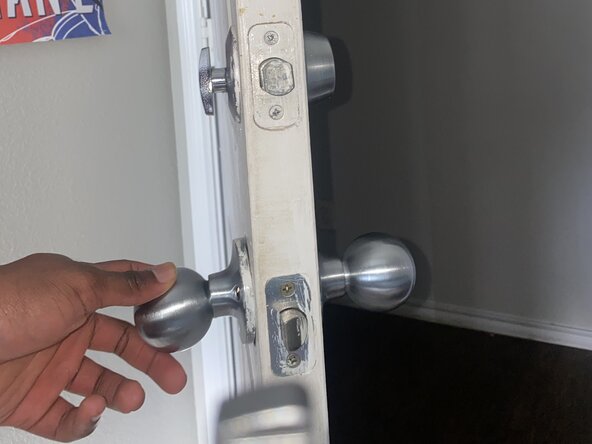
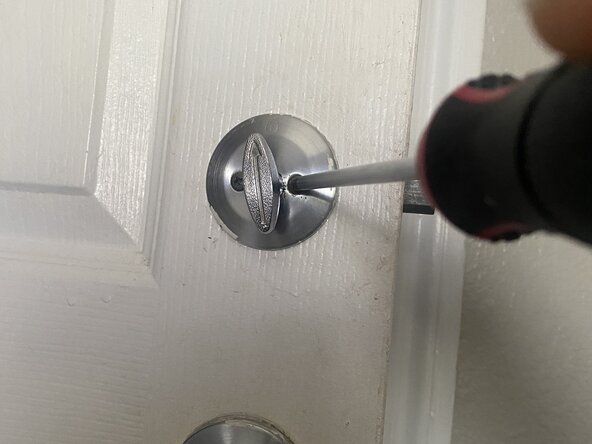
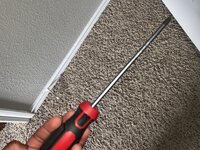
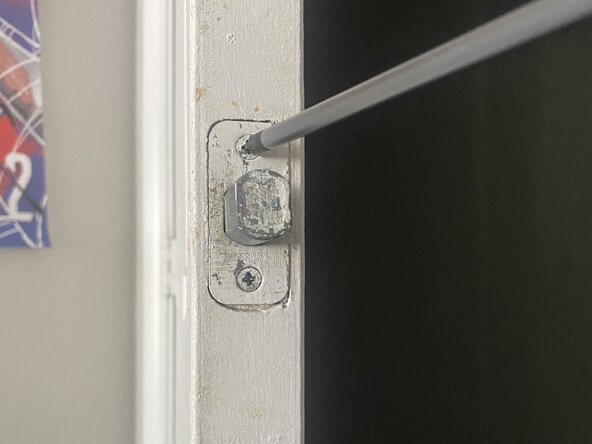
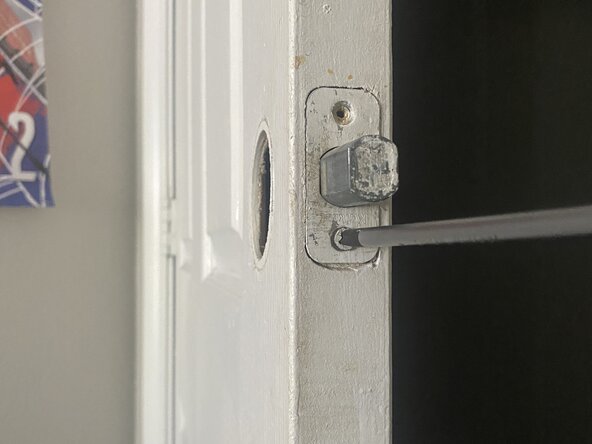
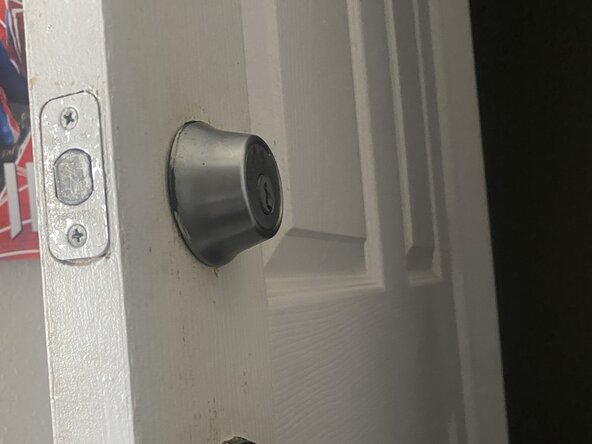
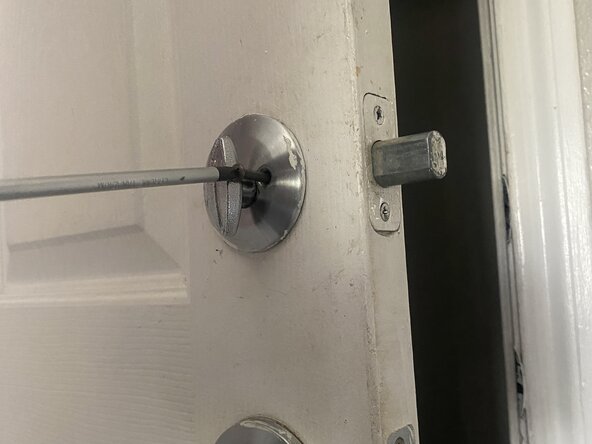
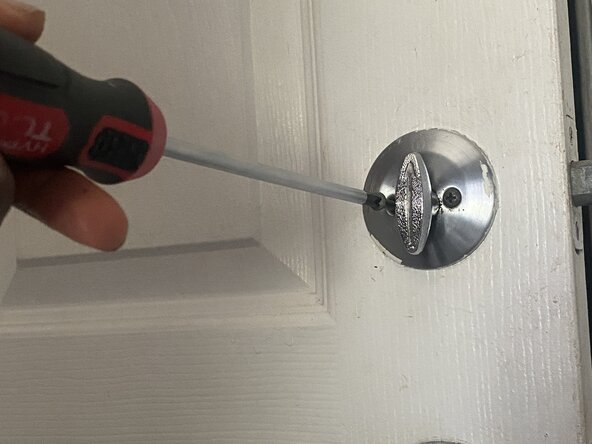
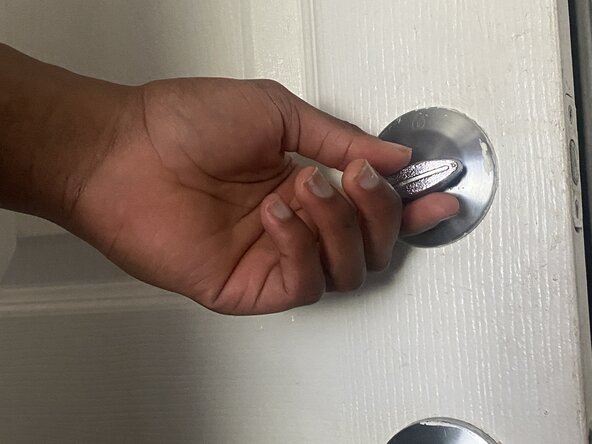
  1. Doorknob Privacy Pin Replacement, Doorknob Privacy Pin: 手順 1、 3の画像 1 Doorknob Privacy Pin Replacement, Doorknob Privacy Pin: 手順 1、 3の画像 2 Doorknob Privacy Pin Replacement, Doorknob Privacy Pin: 手順 1、 3の画像 3
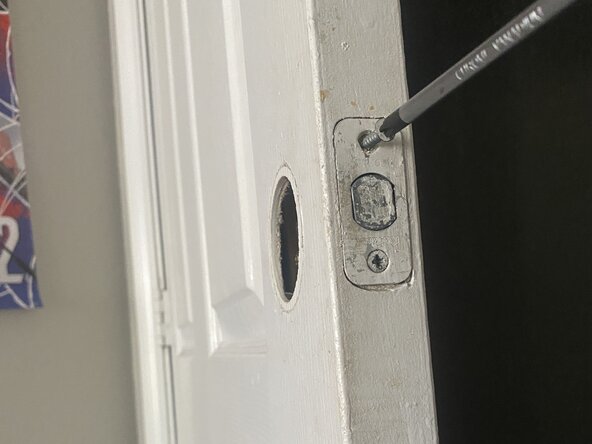
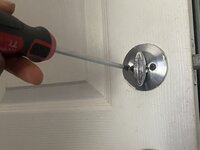
    • Use a Phillips #1 screwdriver to remove the two screws holding the interior and exterior doorknob halves together.

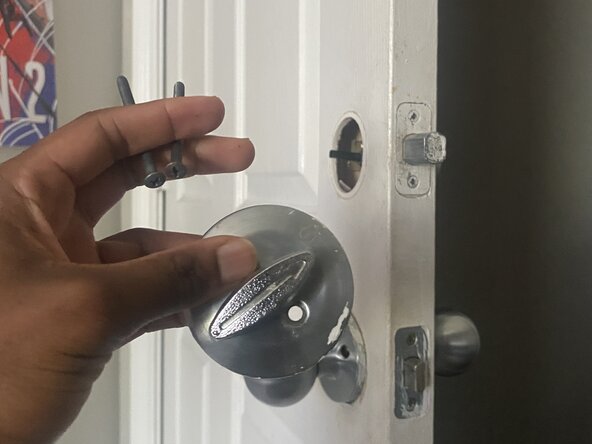
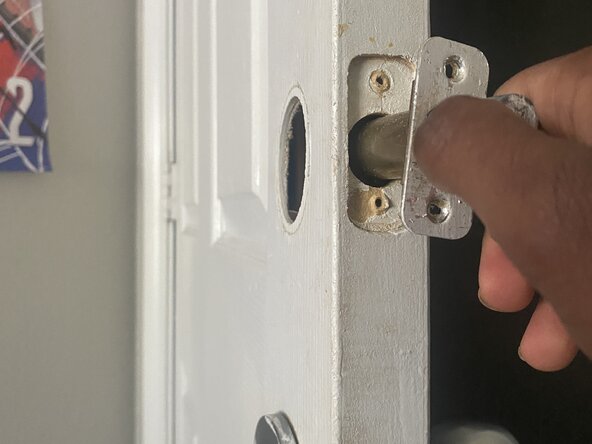
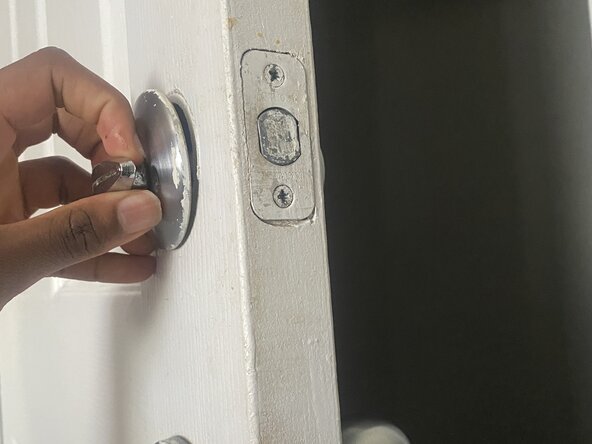
  2. Doorknob Privacy Pin Replacement: 手順 2、 2の画像 1 Doorknob Privacy Pin Replacement: 手順 2、 2の画像 2
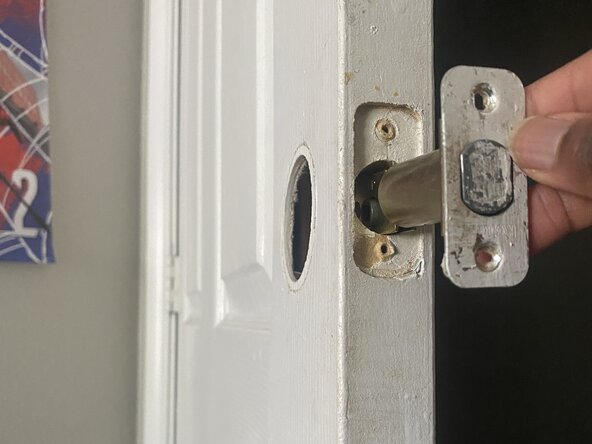
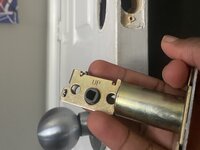
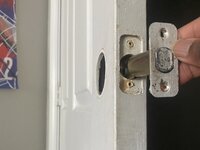
    • Carefully pull the doorknob halves apart.

    • The spindle and the latch mechanism should now be accessible.

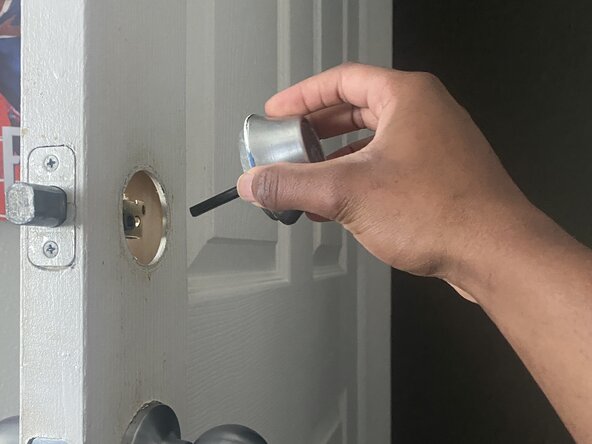
  3. Doorknob Privacy Pin Replacement: 手順 3、 3の画像 1 Doorknob Privacy Pin Replacement: 手順 3、 3の画像 2 Doorknob Privacy Pin Replacement: 手順 3、 3の画像 3
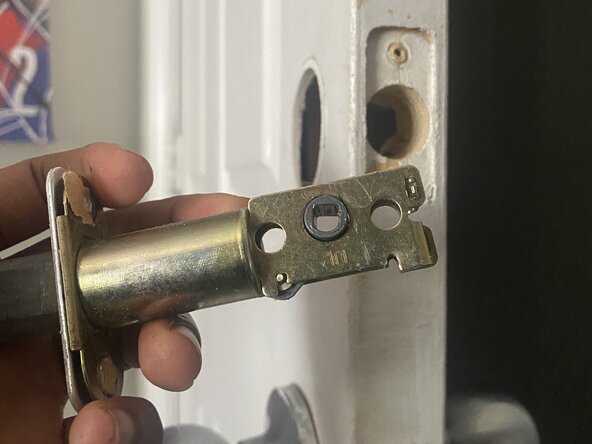
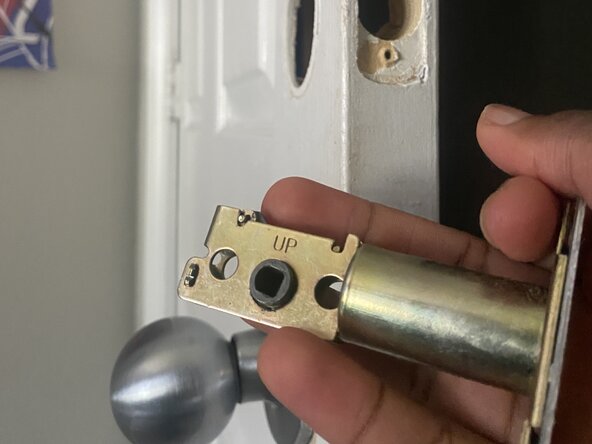
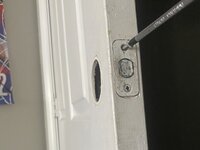
    • Use the Phillips #1 screwdriver to remove the privacy pin.

    • It is a small, threaded pin that screws into a hole on the latch mechanism itself or on the interior doorknob assembly.

  4. Doorknob Privacy Pin Replacement: 手順 4、 1の画像 1
    • Remove the old/ damaged privacy pin.

  5. Doorknob Privacy Pin Replacement: 手順 5、 3の画像 1 Doorknob Privacy Pin Replacement: 手順 5、 3の画像 2 Doorknob Privacy Pin Replacement: 手順 5、 3の画像 3
    • Screw the new privacy pin into the corresponding hole.

    • Ensure it's securely tightened but don't overtighten, as this could strip the threads.

  6. Doorknob Privacy Pin Replacement: 手順 6、 3の画像 1 Doorknob Privacy Pin Replacement: 手順 6、 3の画像 2 Doorknob Privacy Pin Replacement: 手順 6、 3の画像 3
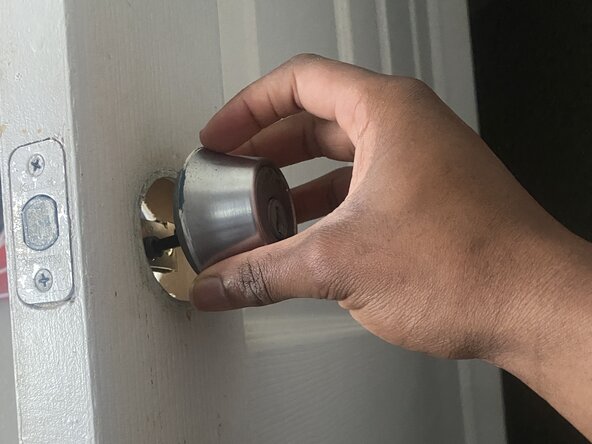
    • Align the spindle with the latch mechanism, then bring the two doorknob halves back together.

    • Make sure all parts are properly seated.

  7. Doorknob Privacy Pin Replacement: 手順 7、 3の画像 1 Doorknob Privacy Pin Replacement: 手順 7、 3の画像 2 Doorknob Privacy Pin Replacement: 手順 7、 3の画像 3
    • Securely fasten the two screws with the Phillips #1 screwdriver.

    • Snap or twist the decorative covers back into place (If applicable).

    • Test the privacy pin several times to ensure it engages and disengages smoothly.

終わりに

To reassemble your device, follow these instructions in reverse order.

作成者

1人の作成者と共同作成されました。

Elias Moseri

メンバー登録日: 06/15/25

145 ポイント

1ガイドが承認済み

チーム

University of North Texas, Team 40-15, Kilpatrick Summer 2025 University of North Texas, Team 40-15, Kilpatrick Summer 2025人のメンバー

UNT-KILPATRICK-SU25S40G15

1 メンバー

1のガイドは作成済み

0件のガイドコメント

コメントを追加

統計データ:

過去 24時間: 0

過去 7 日: 3

過去 30 日: 13

今までの合計 150