はじめに
Welcome to the Root Coding Robot disassembly guide. In this guide, we'll disassemble this curious, whiteboard-navigating robot completely to get a good sense of the inner workings of this robot.
Let's get right into it!
必要な工具と部品
-
-
The first step in our disassembly is to remove the four bottom Phillips screws.
 FixBotに聞いてみる
-
-
-
Once the screws are removed, simply flip the robot face up and lift the top cover. This will expose the Root's motherboard.
-
-
-
Remove the three screws holding the motherboard in place.
-
With a spudger, remove the four cables connected to the motherboard. This will allow us to lift it but there's still a couple of connectors to disconnect.
-
-
-
Now you can see both connectors still attached to the motherboard, remove them and simply set the motherboard aside.
-
-
-
-
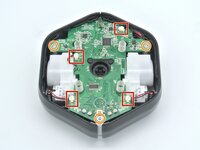
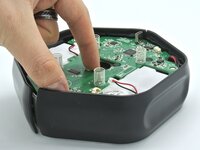
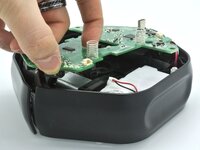
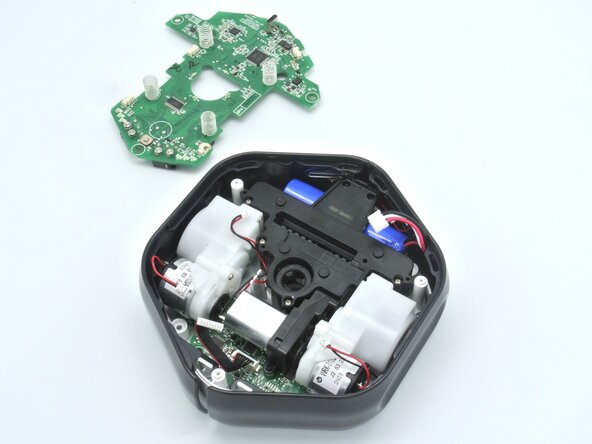
With the motherboard out of the way, we can simply lift the side buttons and remove them.
-
-
-
Without the side buttons we can now easily access the three Phillips screws holding down the motors.
-
Unscrew them and remove the motors.
-
-
-
To access the battery, unscrew the 6 Phillips screws and remove the plastic piece.
-
With motors removed you can now see thge powerful magnets that hold this robot fixed on a whiteboard.
-
-
-
There's a little cable holder that makes sure the motor cables don't go everywhere, make sure to remove the cables from there.
-
-
-
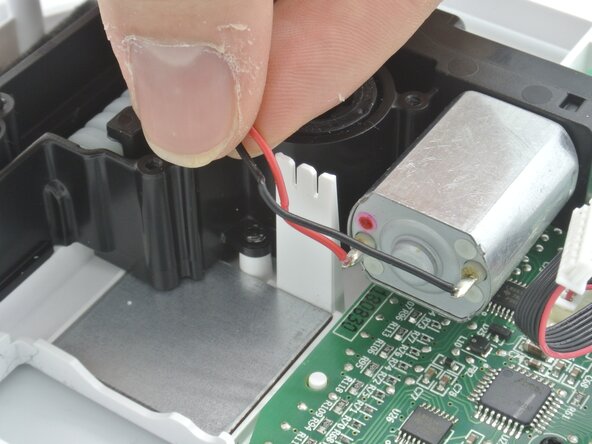
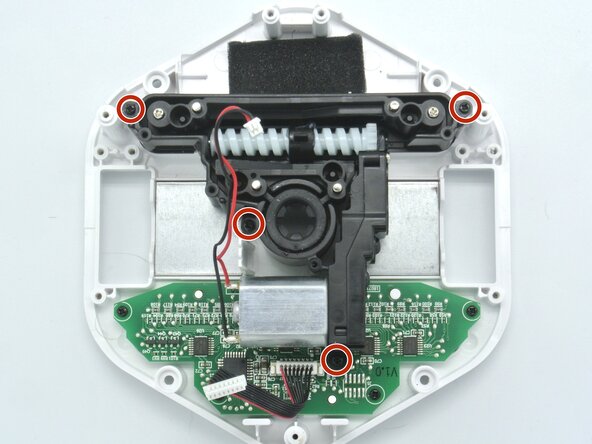
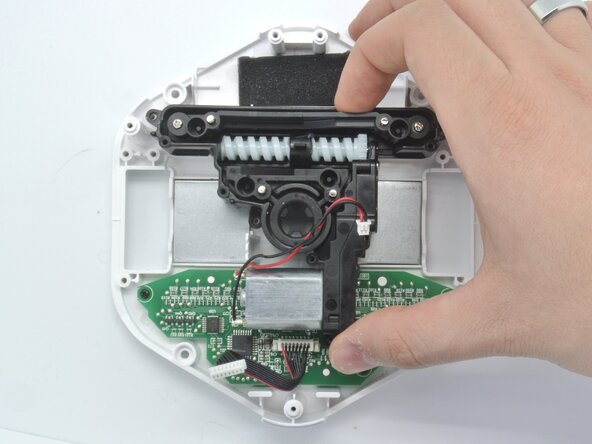
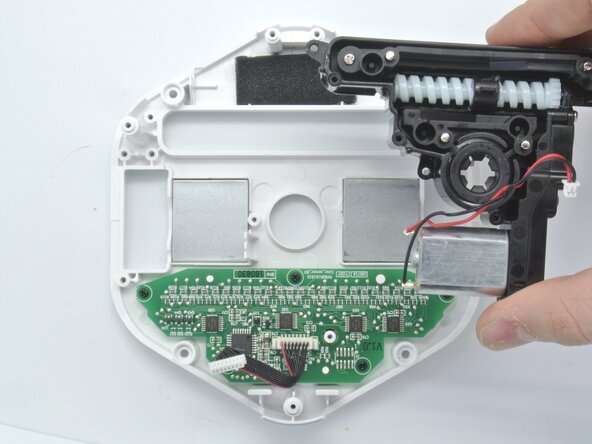
The cool thing about the Root robot is that it can go on a white board and it can erase stuff. That mechanism is shown here and it can be remove by unscrewing these four screws.
-
Once that's done, remove the erasing mechanism.
-
-
-
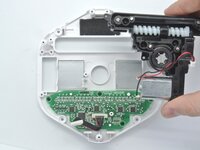
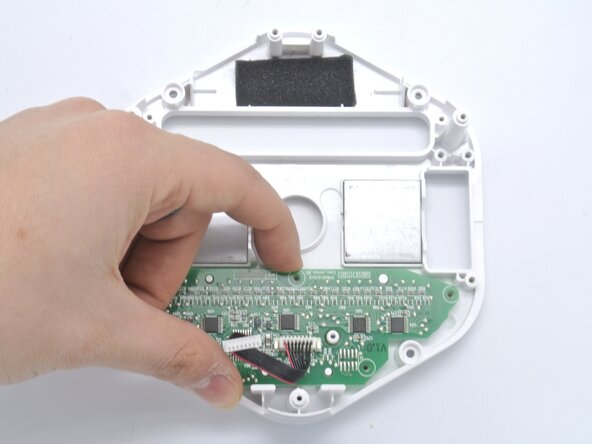
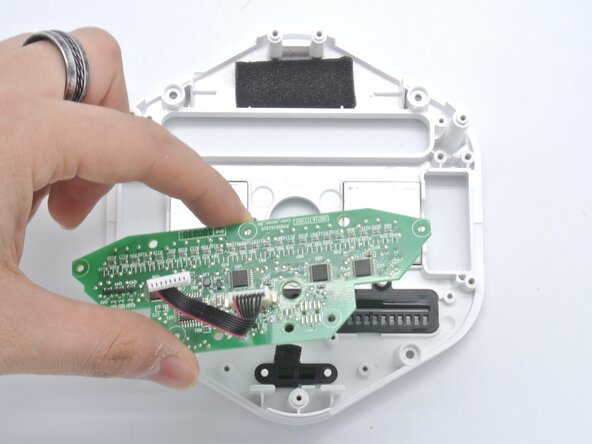
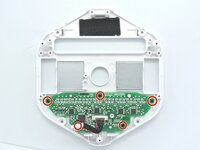
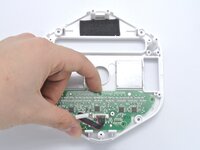
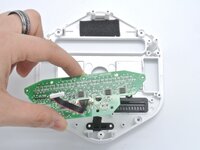
To recognize colors, the Root uses a color sensor board at the bottom of the robot. Unscrew the five screws holding the board to the chassis.
-
Remove the board.
-


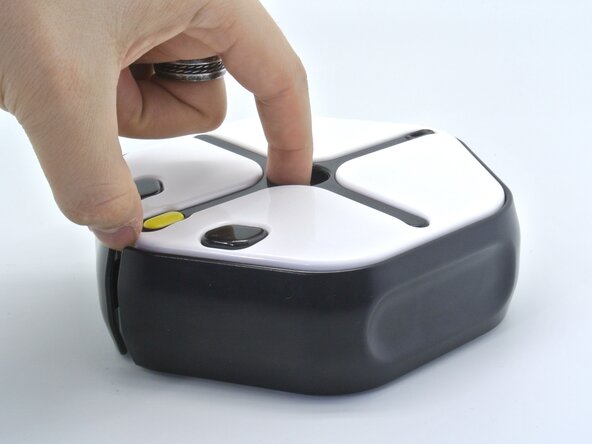
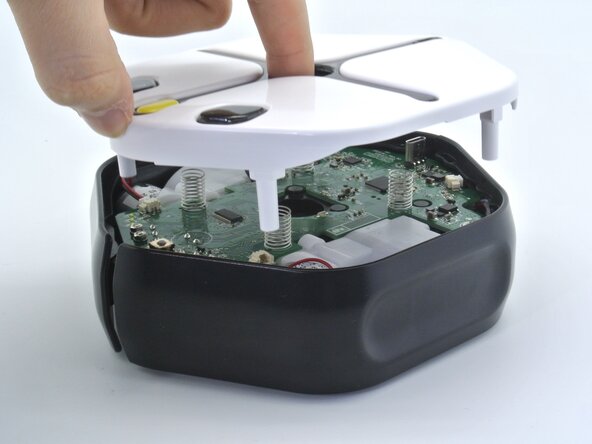


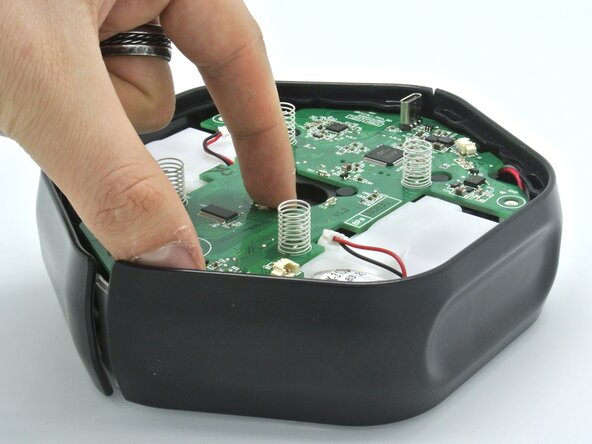
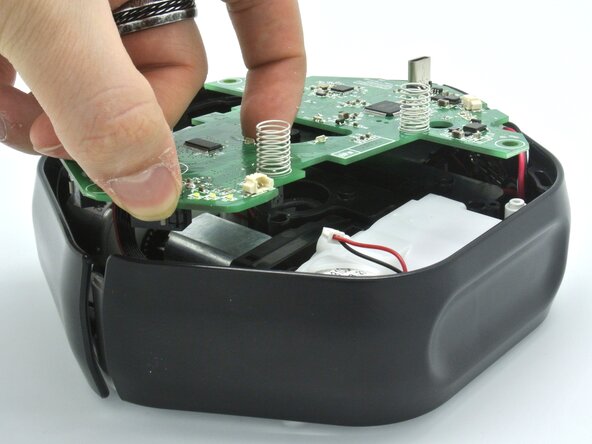

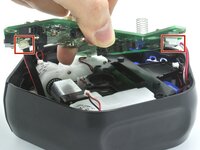
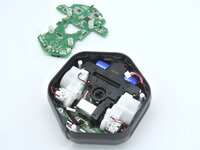

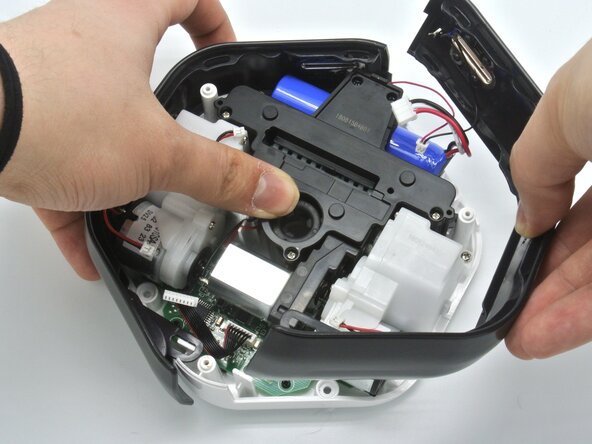
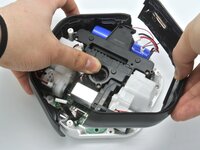

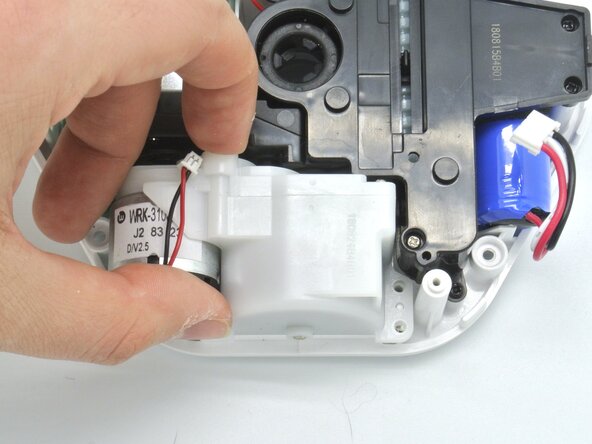
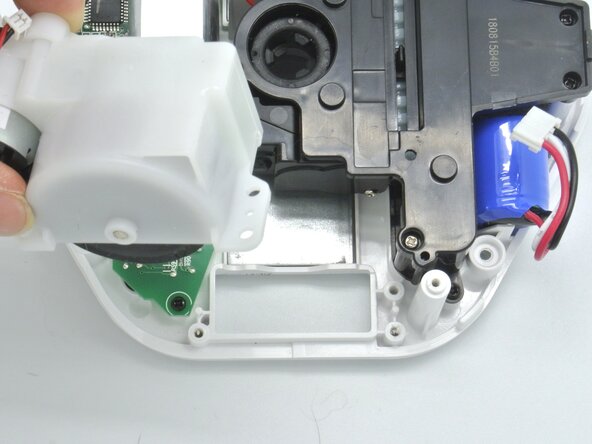
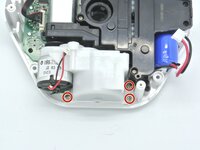
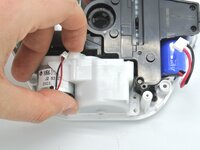
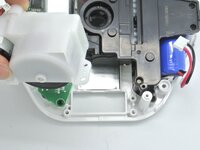

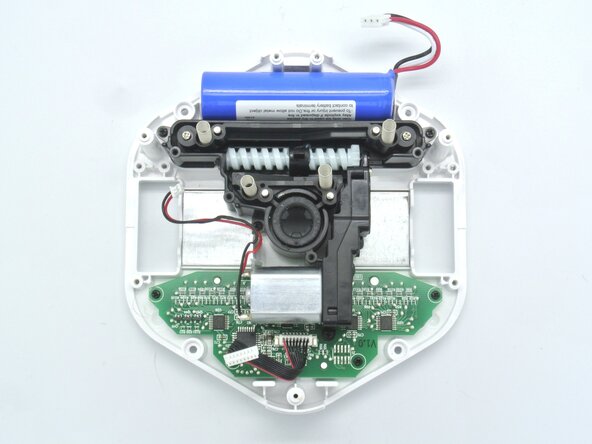
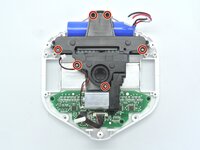
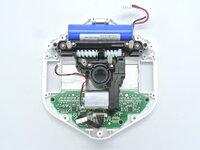

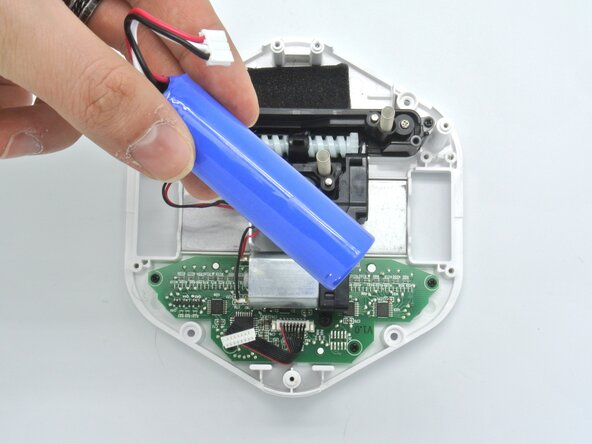


Congratulations, you've made it to the end of the guide, and that concludes the Root Coding robot disassembly.
To reassemble your device, follow these instructions in reverse order.

