メインコンテンツにスキップ
リペアコミュニティに参加 - アカウントの作成

Disassembling Motorola i90c Keypad

必要な工具と部品

  1. Disassembling Motorola i90c Keypad, Battery: 手順 1、 3の画像 1 Disassembling Motorola i90c Keypad, Battery: 手順 1、 3の画像 2 Disassembling Motorola i90c Keypad, Battery: 手順 1、 3の画像 3
    • Slide the notch downward while pulling the back cover off to remove it.

    FixBotに聞いてみる

    コメントを追加

  2. Disassembling Motorola i90c Keypad: 手順 2、 3の画像 1 Disassembling Motorola i90c Keypad: 手順 2、 3の画像 2 Disassembling Motorola i90c Keypad: 手順 2、 3の画像 3
    • Use your fingers to push the battery upward from the bottom.

    • Lift upwards to remove the battery.

    FixBotに聞いてみる
    コメントを追加

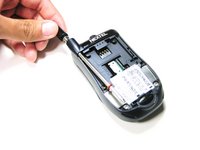
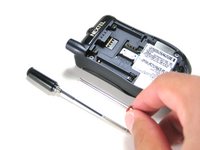
  3. Disassembling Motorola i90c Keypad, Antenna: 手順 3、 2の画像 1 Disassembling Motorola i90c Keypad, Antenna: 手順 3、 2の画像 2
    • Unscrew the antenna in a counter-clockwise fashion.

    • Remove the aluminum cover.

    FixBotに聞いてみる
    コメントを追加

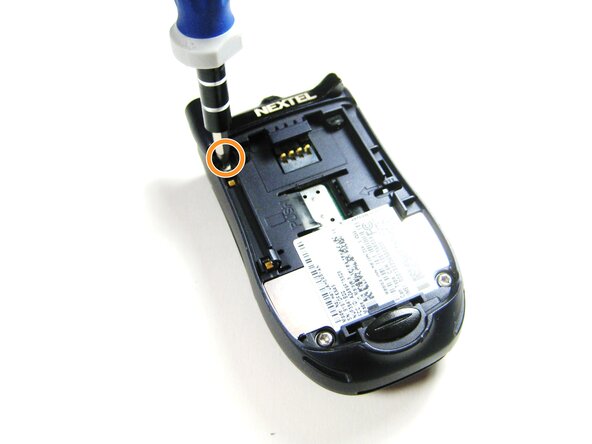
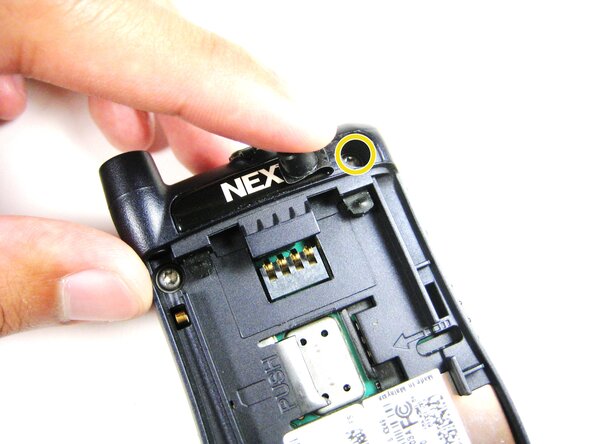
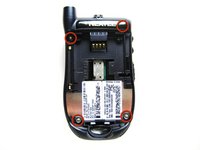
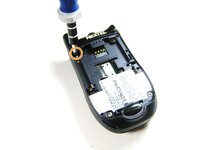
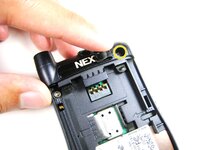
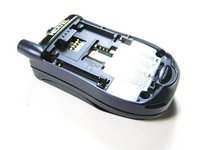
  4. Disassembling Motorola i90c Keypad, Midframe: 手順 4、 3の画像 1 Disassembling Motorola i90c Keypad, Midframe: 手順 4、 3の画像 2 Disassembling Motorola i90c Keypad, Midframe: 手順 4、 3の画像 3
    • Unscrew the 3 screws shown.

    • Lift the right part of the Nextel logo

    • Remove the screw underneath.

    FixBotに聞いてみる
    コメントを追加

  5. Disassembling Motorola i90c Keypad: 手順 5、 2の画像 1 Disassembling Motorola i90c Keypad: 手順 5、 2の画像 2
    • Forcing the cover off could damage the ribbon cable, so be careful when doing so.

    • Gently lift the back cover off.

    FixBotに聞いてみる

    コメントを追加

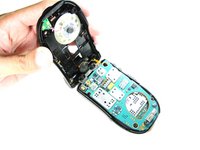
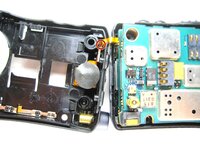
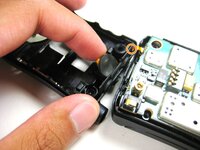
  6. Disassembling Motorola i90c Keypad: 手順 6、 3の画像 1 Disassembling Motorola i90c Keypad: 手順 6、 3の画像 2 Disassembling Motorola i90c Keypad: 手順 6、 3の画像 3
    • Find the connection between the headphone jack and logic board.

    • Begin separating the two pieces, slowly and carefully.

    FixBotに聞いてみる

    コメントを追加

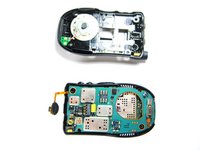
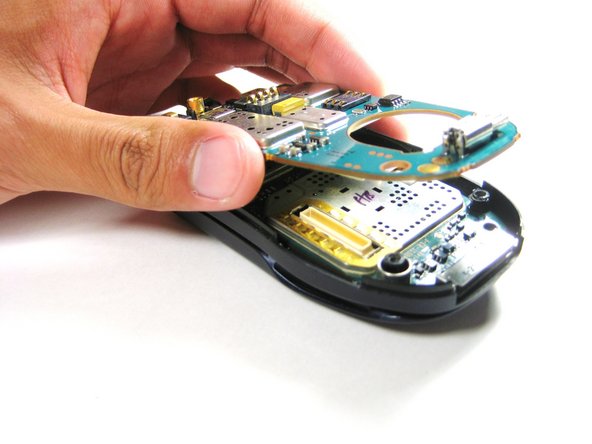
  7. Disassembling Motorola i90c Keypad, Logic Board: 手順 7、 2の画像 1 Disassembling Motorola i90c Keypad, Logic Board: 手順 7、 2の画像 2
    • Lift the first logic board off of the rest of the device.

    FixBotに聞いてみる
    コメントを追加

  8. Disassembling Motorola i90c Keypad: 手順 8、 1の画像 1
    • Gently lift the second logic board from the rest of the device.

    • DO NOT force the board straight off as it could damage the ribbon cable!

    FixBotに聞いてみる

    コメントを追加

  9. Disassembling Motorola i90c Keypad: 手順 9、 2の画像 1 Disassembling Motorola i90c Keypad: 手順 9、 2の画像 2
    この手順で使用する道具:
    Tweezers
    $4.99
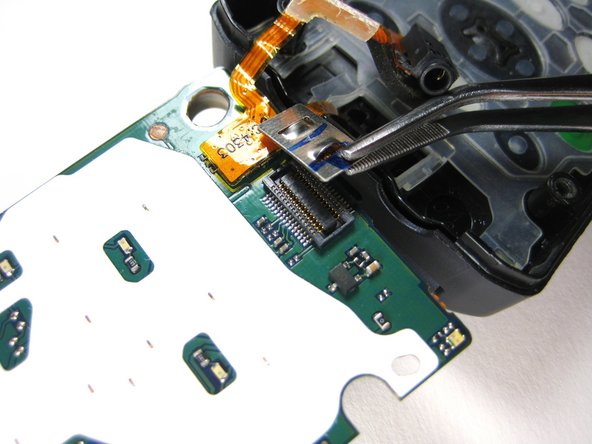
    • Using tweezers, carefully pull off the connector shown.

    FixBotに聞いてみる
    コメントを追加

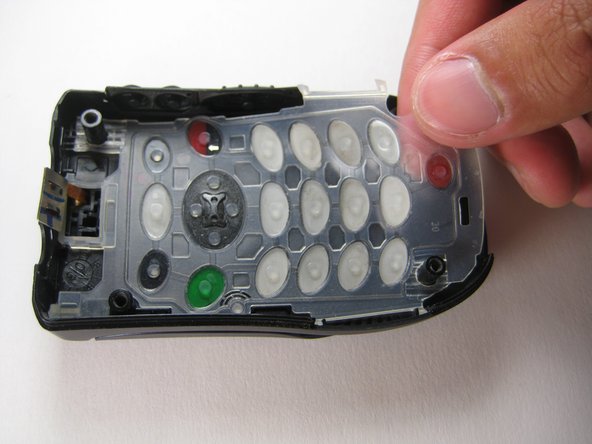
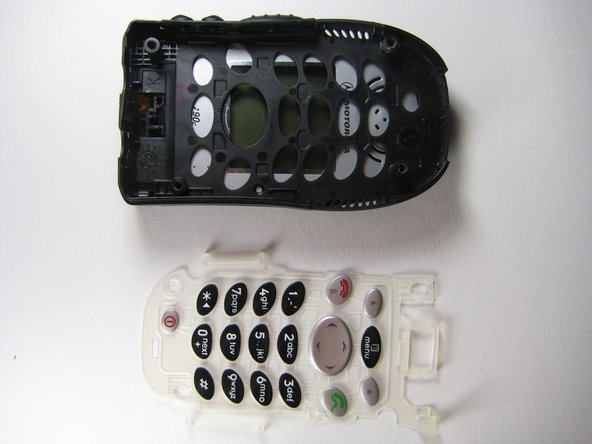
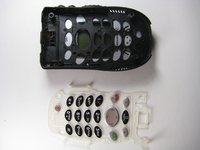
  10. Disassembling Motorola i90c Keypad, Keypad: 手順 10、 3の画像 1 Disassembling Motorola i90c Keypad, Keypad: 手順 10、 3の画像 2 Disassembling Motorola i90c Keypad, Keypad: 手順 10、 3の画像 3
    • Remove the keypad buttons off the front cover of the phone.

    FixBotに聞いてみる
    コメントを追加

終わりに

To reassemble your device, follow these instructions in reverse order.

キャンセル: このガイドを終了できませんでした。

作成者

6人の作成者と共同で作成されました。

Jorge

メンバー登録日: 04/14/10

4 ポイント

4のガイドは作成済み

チーム

Cal Poly, Team 29-61, Johann Spring 2010 Cal Poly, Team 29-61, Johann Spring 2010人のメンバー

CPSU-JOHANN-S10S29G61

4 メンバー

6のガイドは作成済み

0件のガイドコメント

コメントを追加

統計データ:

過去 24時間: 0

過去 7 日: 9

過去 30 日: 52

今までの合計 1,662