必要な工具と部品
-
-
Use an opening pick and an opening tool to pry the backing off the back of the tablet.
-
-
-
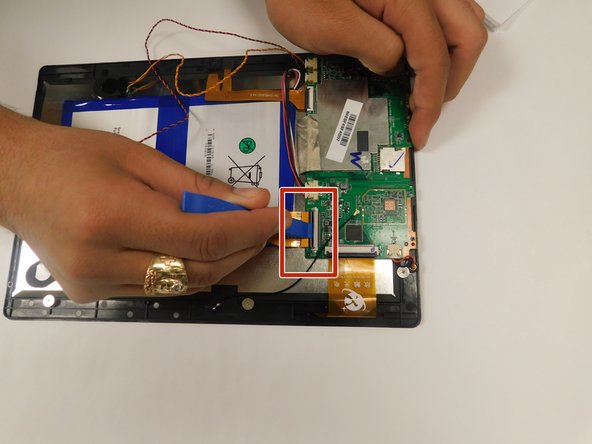
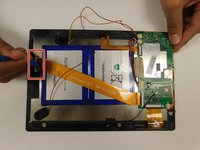
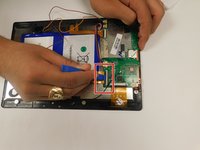
Pull back the black flaps on the ZIF cable connectors.
-
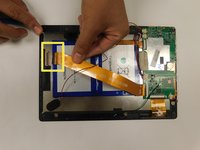
Pull the ribbon cables out of the connectors.
-
-
-
手順4 Digiland 10.1'' DL1016 Disconnect Wires going off the Motherboard
注意: 手順 4 は、作業進行中としてマークされている ガイド から引用されています。
-
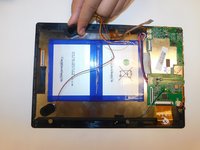
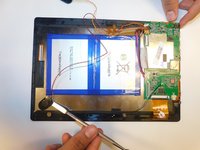
Gently pull the wiring back.
-
-
-
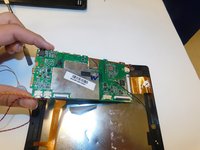
Disconnect the black cable off the motherboard.
-
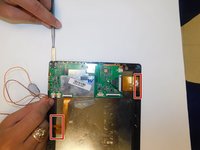
Remove the four 1.5mm Phillips #000 screws from the motherboard.
-







終わりに
To reassemble your device, follow these instructions in reverse order. When following the Prerequisite Guide for Replacing the Power Button ONLY go to step 7.



チーム

Gateway, Team S1-G2, Saknee Fall 2019 Gateway, Team S1-G2, Saknee Fall 2019人のメンバー
GCC-SAKNEE-F19S1G2
4 メンバー
5のガイドは作成済み
