メインコンテンツにスキップ

Cosori Pro II Motherboard Replacement

必要な工具と部品

  1. Cosori Pro II Motherboard Replacement, Shell: 手順 1、 1の画像 1
    • Flip the device upside down and remove all of the Phillips #1 screws.

  2. Cosori Pro II Motherboard Replacement: 手順 2、 2の画像 1 Cosori Pro II Motherboard Replacement: 手順 2、 2の画像 2
    • Use an opening tool to push on the retaining hooks to disengage them while prying slightly.

    • Remove the panel.

  3. Cosori Pro II Motherboard Replacement: 手順 3、 1の画像 1
    • Use a Phillips #1 screwdriver to remove all four screws.

    • Lift off the bracket.

    • When lifting this off be careful to not unplug the screen.

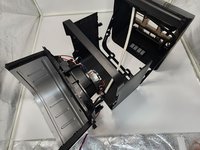
  4. Cosori Pro II Motherboard Replacement: 手順 4、 2の画像 1 Cosori Pro II Motherboard Replacement: 手順 4、 2の画像 2
    • Use a Phillips #0 screwdriver to remove all the screws connecting to the shell.

    • Dissemble the shell going up to separate the basket holder.

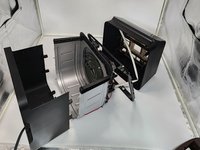
  5. Cosori Pro II Motherboard Replacement: 手順 5、 2の画像 1 Cosori Pro II Motherboard Replacement: 手順 5、 2の画像 2
    • Use a Phillips #0 screwdriver and the 150 mm Flex Extension to unscrew the bottom plastic connecting to the basket holder.

    • Be careful to not apply too much force to the metal as it can cause it to warp it, and so it is easy rescrew the plastic piece in place.

  6. Cosori Pro II Motherboard Replacement: 手順 6、 2の画像 1 Cosori Pro II Motherboard Replacement: 手順 6、 2の画像 2
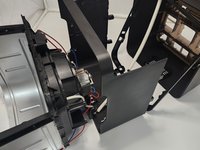
    • Pull the bottom shell down pulling at the sides to get them over screw holes.

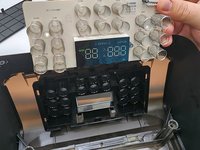
  7. Cosori Pro II Motherboard Replacement, Motherboard: 手順 7、 2の画像 1 Cosori Pro II Motherboard Replacement, Motherboard: 手順 7、 2の画像 2
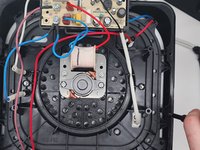
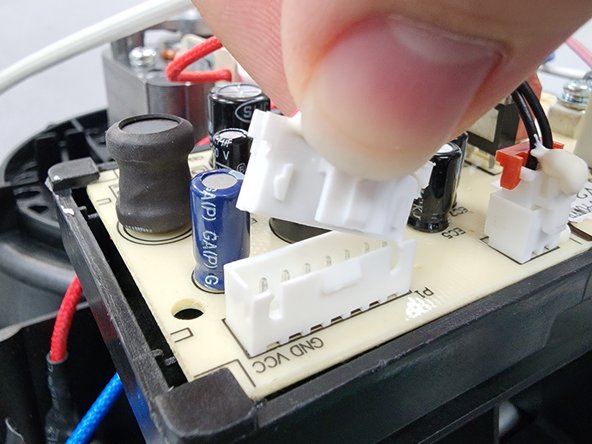
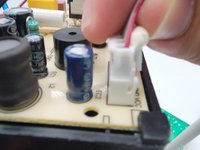
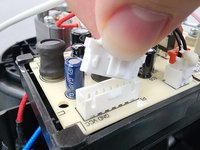
    • Depress the white clip and disconnect the screen connector.

  8. Cosori Pro II Motherboard Replacement: 手順 8、 2の画像 1 Cosori Pro II Motherboard Replacement: 手順 8、 2の画像 2
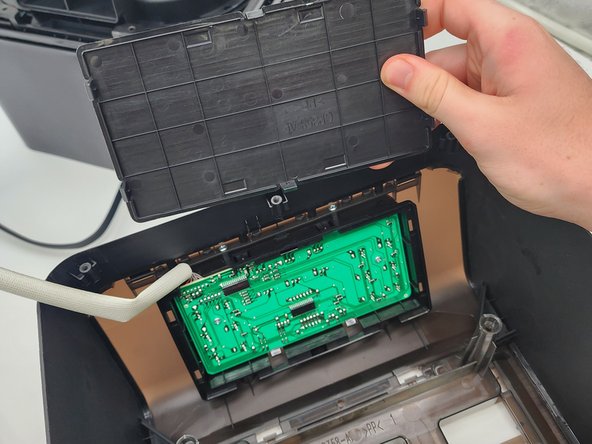
    • Remove the plastic panel.

  9. Cosori Pro II Motherboard Replacement: 手順 9、 1の画像 1
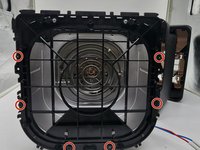
    • Remove the two screws with a Phillips #1 screwdriver.

  10. Cosori Pro II Motherboard Replacement: 手順 10、 3の画像 1 Cosori Pro II Motherboard Replacement: 手順 10、 3の画像 2 Cosori Pro II Motherboard Replacement: 手順 10、 3の画像 3
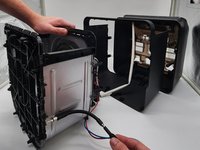
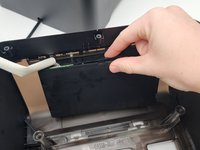
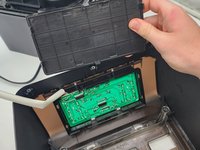
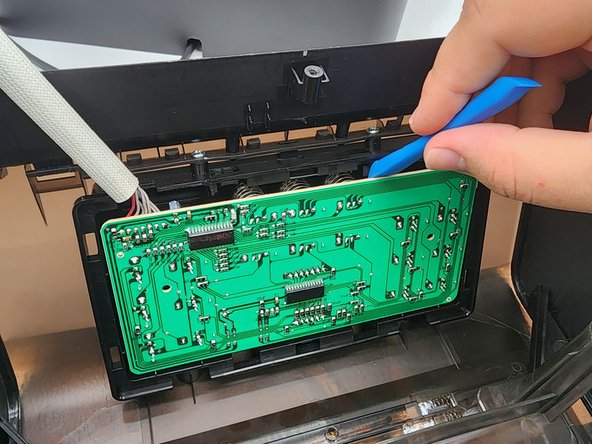
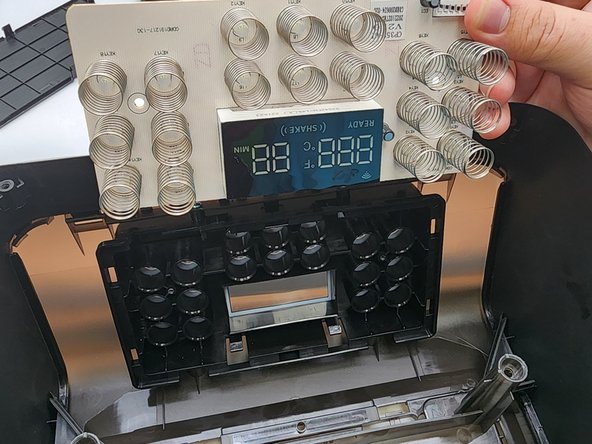
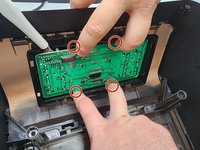
    • Apply force simultaneously to the four hooks to release the mother board.

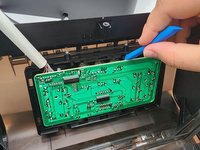
    • Using a prying tool pull out the springs on the mother board from their sockets.

    • Remove the motherboard.

終わりに

To reassemble your device, follow these instructions in reverse order.

作成者

3人の作成者と共同で作成されました。

Andrew Levonius

メンバー登録日: 08/28/24

121 ポイント

1ガイドが承認済み

チーム

University of North Texas, Team 7-1, Kilpatrick Fall 2024 University of North Texas, Team 7-1, Kilpatrick Fall 2024人のメンバー

UNT-KILPATRICK-F24S7G1

3 メンバー

5のガイドは作成済み

0件のガイドコメント

コメントを追加

統計データ:

過去 24時間: 1

過去 7 日: 12

過去 30 日: 35

今までの合計 332