メインコンテンツにスキップ
リペアコミュニティに参加 - アカウントの作成

Connect Four Electronic Handheld Speaker Replacement

必要な工具と部品

  1. Connect Four Electronic Handheld Speaker Replacement, Ensure the device is off.: 手順 1、 1の画像 1
    • Make sure the Connect Four Electronic Handheld is off by allowing it to shut off automatically.

    FixBotに聞いてみる
  2. Connect Four Electronic Handheld Speaker Replacement, Removing the battery casing.: 手順 2、 2の画像 1 Connect Four Electronic Handheld Speaker Replacement, Removing the battery casing.: 手順 2、 2の画像 2
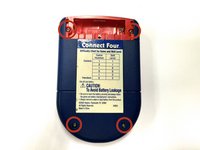
    • Using a Phillips head screwdriver, remove the (9.1mm length) #2 screw in the middle of the battery casing.

    • Slide the cover off and remove the battery.

    FixBotに聞いてみる
  3. Connect Four Electronic Handheld Speaker Replacement, Removing/Replacing the Back Casing: 手順 3、 2の画像 1 Connect Four Electronic Handheld Speaker Replacement, Removing/Replacing the Back Casing: 手順 3、 2の画像 2
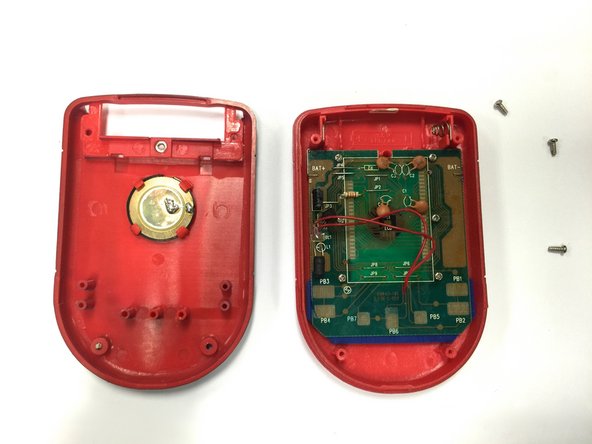
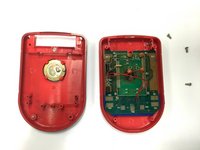
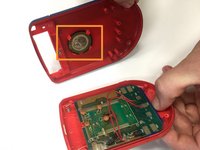
    • Using a Phillips head screwdriver, remove the four (7.1mm- length) #3 screws that hold the back casing in place.

    • Carefully remove the back casing.

    • When removing the back casing, make sure not to rupture the wires that connect the speaker to the circuit board.

    FixBotに聞いてみる
  4. Connect Four Electronic Handheld Speaker Replacement, Replacing the speaker: 手順 4、 3の画像 1 Connect Four Electronic Handheld Speaker Replacement, Replacing the speaker: 手順 4、 3の画像 2 Connect Four Electronic Handheld Speaker Replacement, Replacing the speaker: 手順 4、 3の画像 3
    • If the speaker is in working condition, but the wires are broken or disconnected, skip this step and move on to step 5.

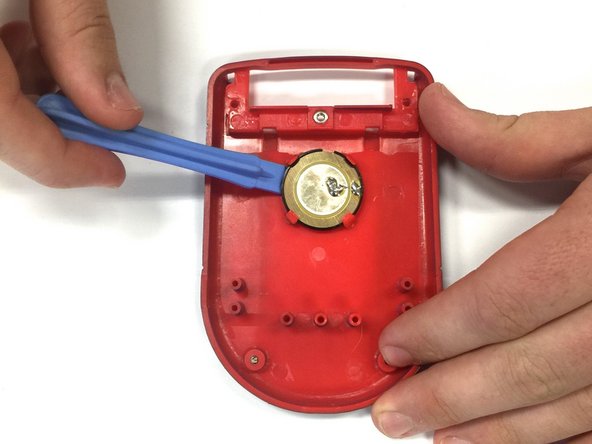
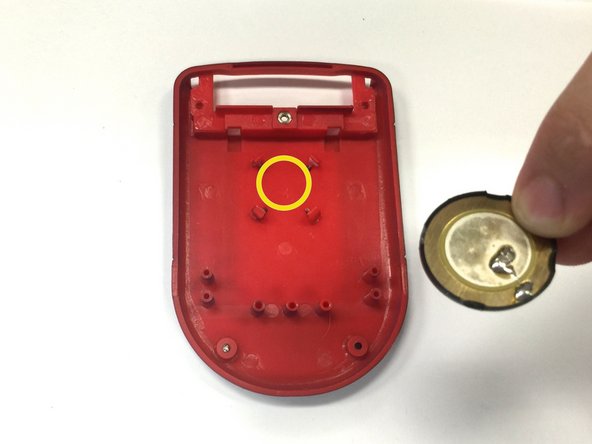
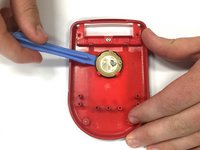
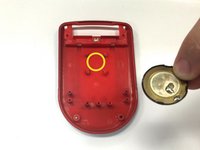
    • Locate the speaker on the back casing.

    • Using a spudger, wedge the speaker out of its place until it slides out.

    • Take the replacement speaker and wedge it back into its space.

    FixBotに聞いてみる
  5. Connect Four Electronic Handheld Speaker Replacement, Re-Soldering the Speaker Wire: 手順 5、 1の画像 1
    • Using a soldering iron, solder both red wires to their appropriate connections.

    • Be extremely careful when using a soldering iron! Contact with the tip could cause severe burns.

    FixBotに聞いてみる
終わりに

To reassemble your device, follow these instructions in reverse order.

ある他の人がこのガイドを完成しました。

作成者

3人の作成者と共同で作成されました。

Wil

メンバー登録日: 10/22/14

313 ポイント

3のガイドは作成済み

チーム

Baylor, Team 8-11, Williams Fall 2014 Baylor, Team 8-11, Williams Fall 2014人のメンバー

BU-WILLIAMS-F14S8G11

3 メンバー

12のガイドは作成済み

0件のガイドコメント

コメントを追加

統計データ:

過去 24時間: 1

過去 7 日: 7

過去 30 日: 57

今までの合計 545