はじめに
This guide shows how to remove the back cover, remove the battery, and locate the model number. No tools are required.
-
-
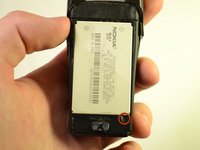
Press and hold the button located at the bottom of the phone.
-
Slide the back of the phone downwards and away from the main body.
-
Remove the backing and place it to the side.
-
-
-
-
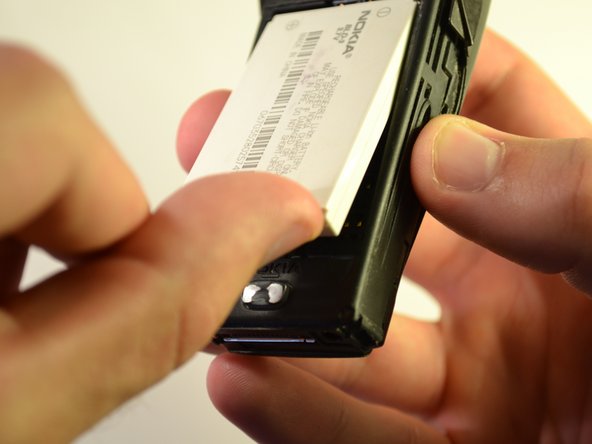
Locate indentation from which battery can be removed.
-
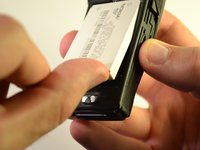
Place finger in indentation and lift battery up from phone's body.
-
Remove battery from phone's body.
-

 FixBotに聞いてみる


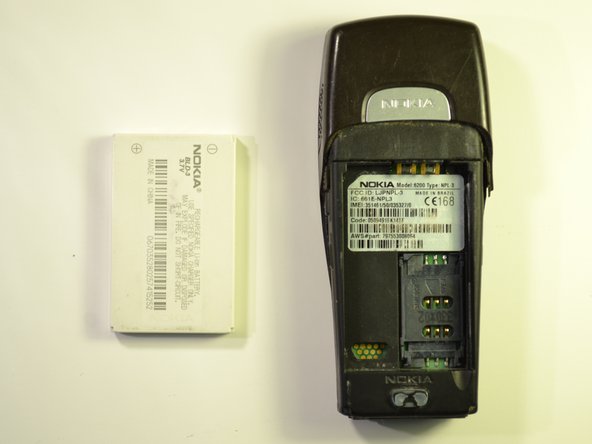
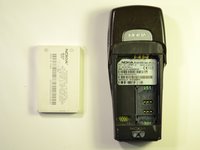

To reassemble your device, replace the battery back in the slot, and slide the back cover back into place.

チーム

Clemson, Team 15-5, Benson Fall 2012 Clemson, Team 15-5, Benson Fall 2012人のメンバー
CLEM-BENSON-F12S15G5
3 メンバー
7のガイドは作成済み
