メインコンテンツにスキップ

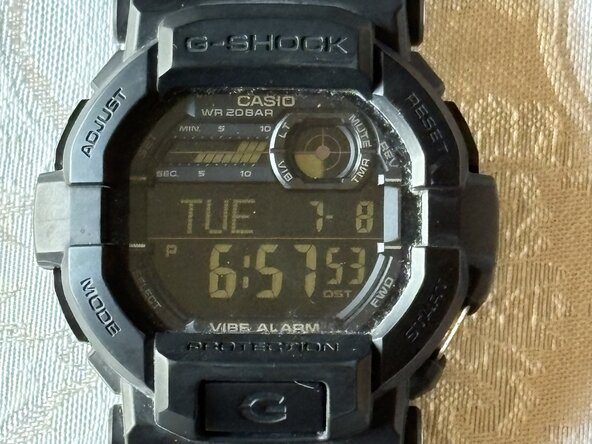
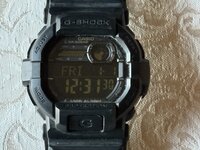
Casio G-Shock GD-350 Battery Replacement

必要な工具と部品
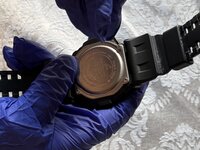
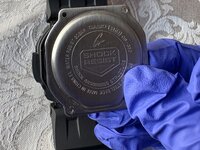
  1. Casio G-Shock GD-350 Battery Replacement, Battery: 手順 1、 2の画像 1 Casio G-Shock GD-350 Battery Replacement, Battery: 手順 1、 2の画像 2
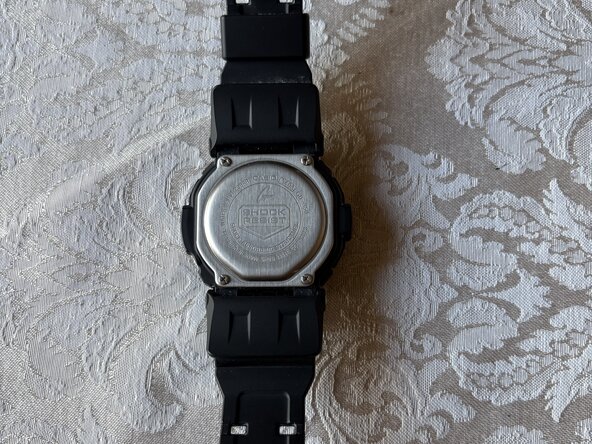
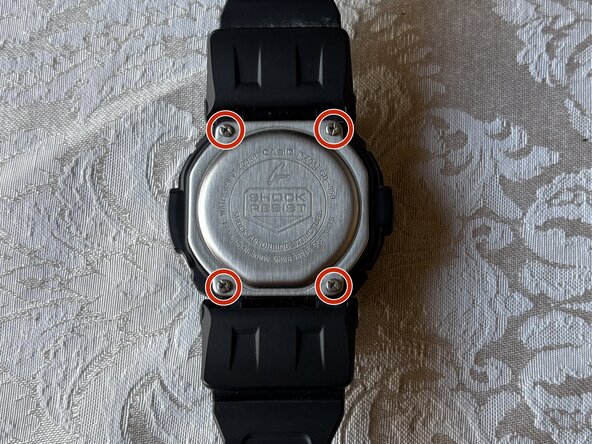
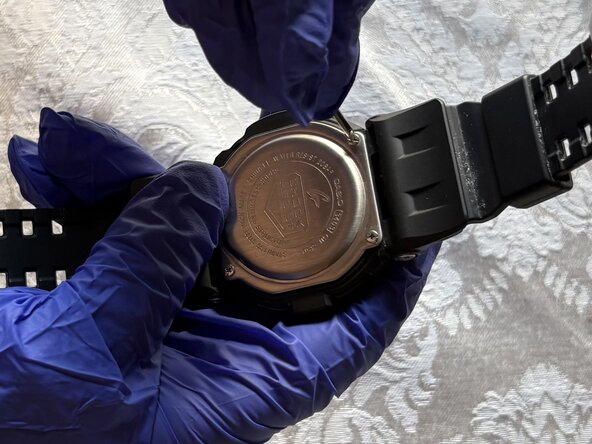
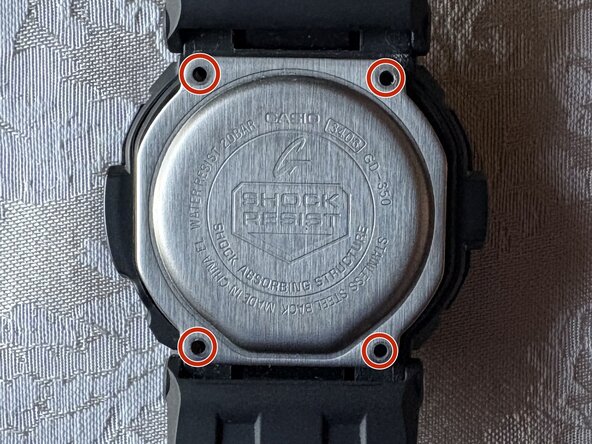
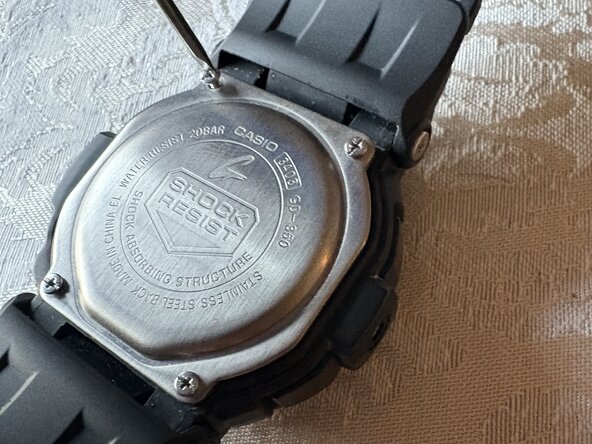
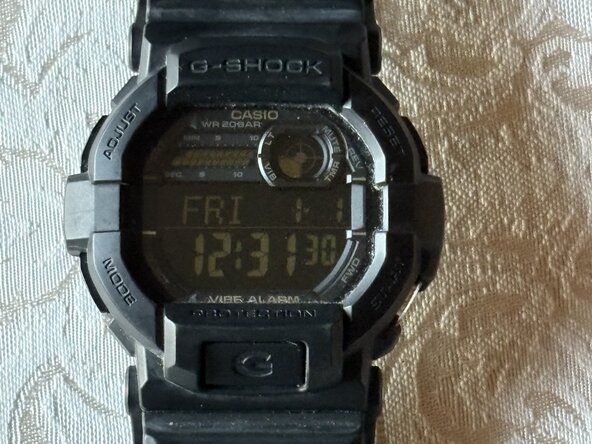
    • Flip your watch over so the bottom is facing up.

  2. Casio G-Shock GD-350 Battery Replacement: 手順 2、 3の画像 1 Casio G-Shock GD-350 Battery Replacement: 手順 2、 3の画像 2 Casio G-Shock GD-350 Battery Replacement: 手順 2、 3の画像 3
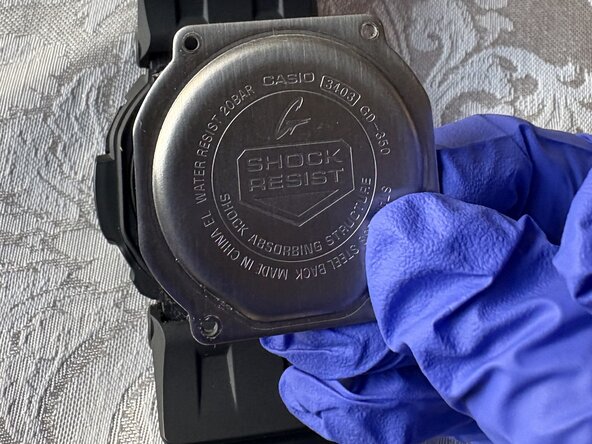
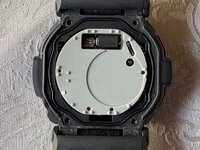
    • Use a small Phillips screwdriver to remove four screws from the caseback, and place the caseback and screws to the side for later.

  3. Casio G-Shock GD-350 Battery Replacement: 手順 3、 3の画像 1 Casio G-Shock GD-350 Battery Replacement: 手順 3、 3の画像 2 Casio G-Shock GD-350 Battery Replacement: 手順 3、 3の画像 3
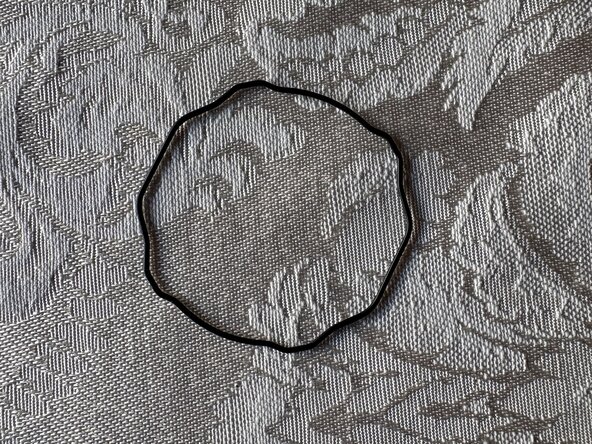
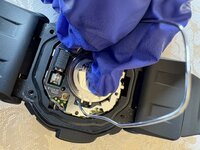
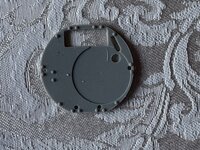
    • Use tweezers to remove the black gasket surrounding the rubber cover.

  4. Casio G-Shock GD-350 Battery Replacement: 手順 4、 3の画像 1 Casio G-Shock GD-350 Battery Replacement: 手順 4、 3の画像 2 Casio G-Shock GD-350 Battery Replacement: 手順 4、 3の画像 3
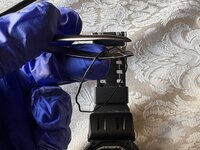
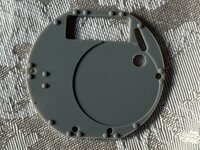
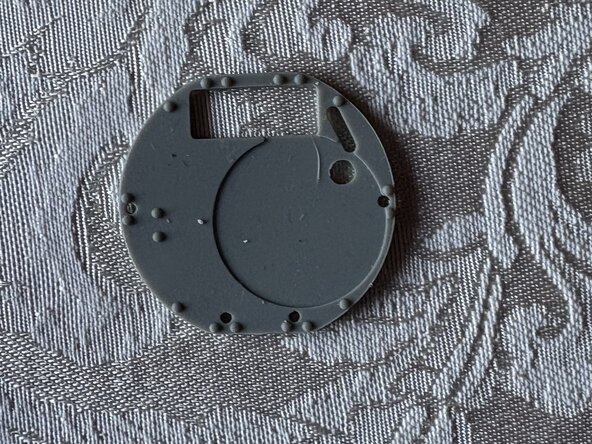
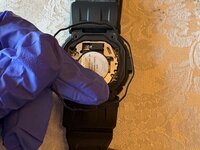
    • Use tweezers to lift the metal tab and remove the rubber cover from the watch and place it to the side.

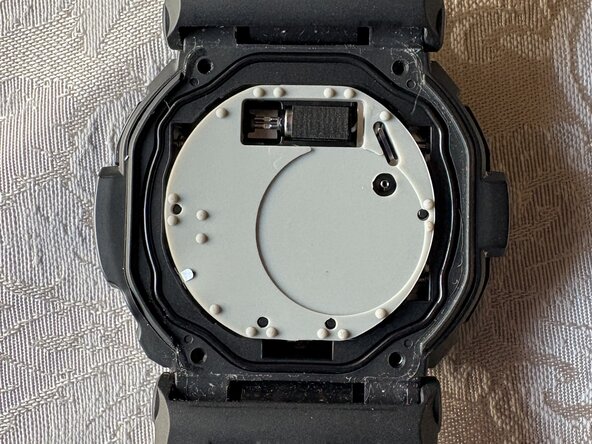
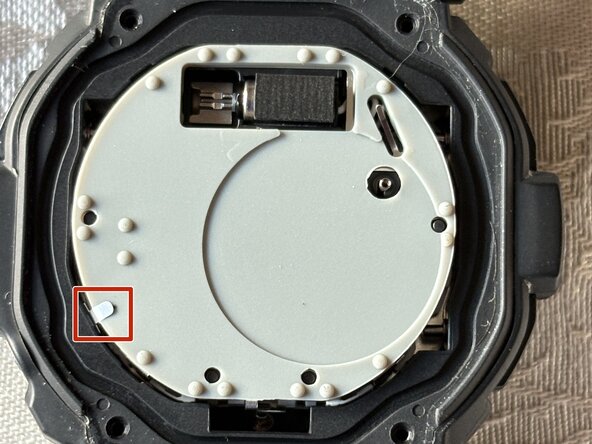
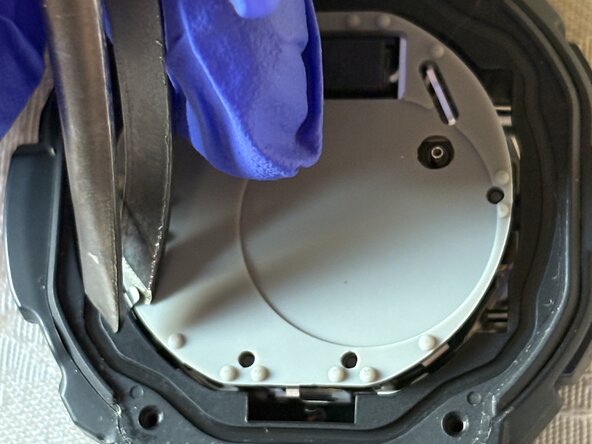
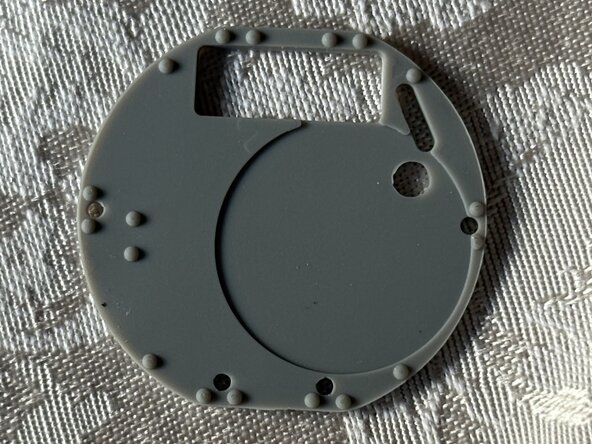
  5. Casio G-Shock GD-350 Battery Replacement: 手順 5、 3の画像 1 Casio G-Shock GD-350 Battery Replacement: 手順 5、 3の画像 2 Casio G-Shock GD-350 Battery Replacement: 手順 5、 3の画像 3
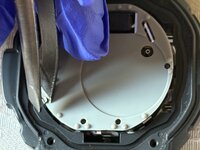
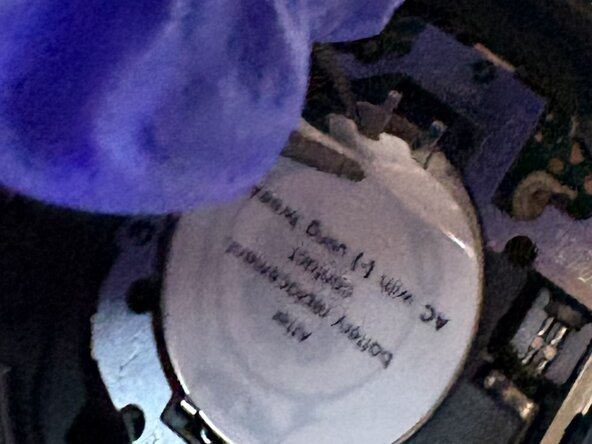
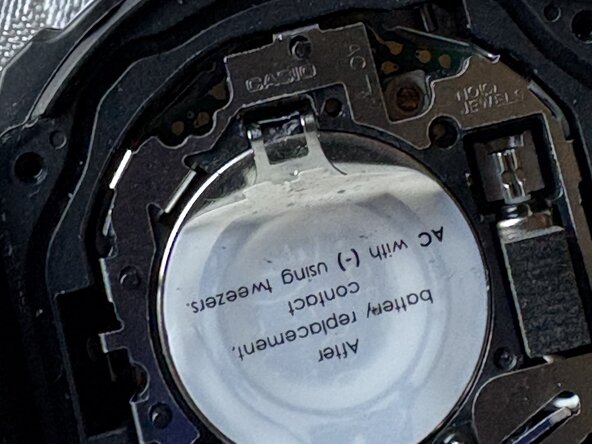
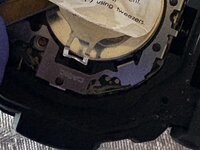
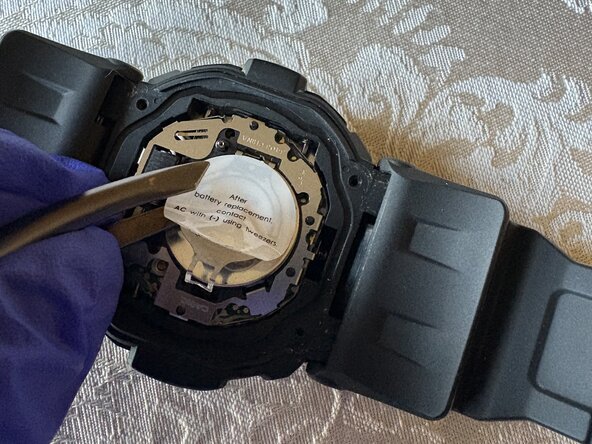
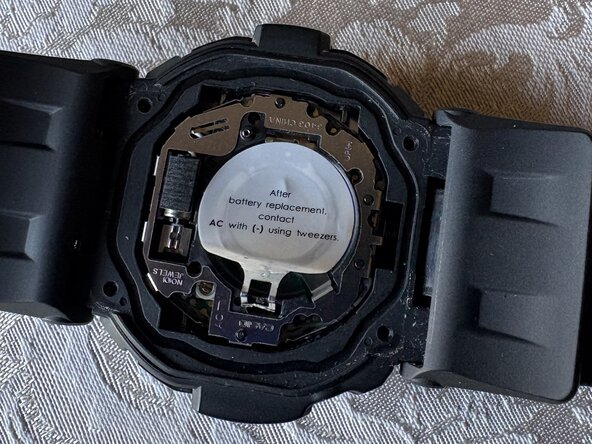
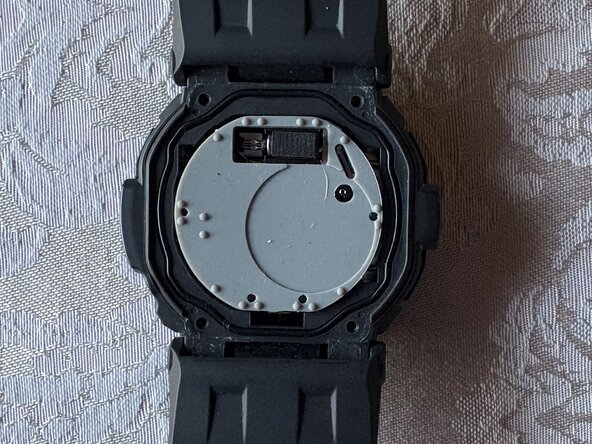
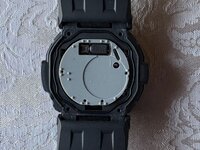
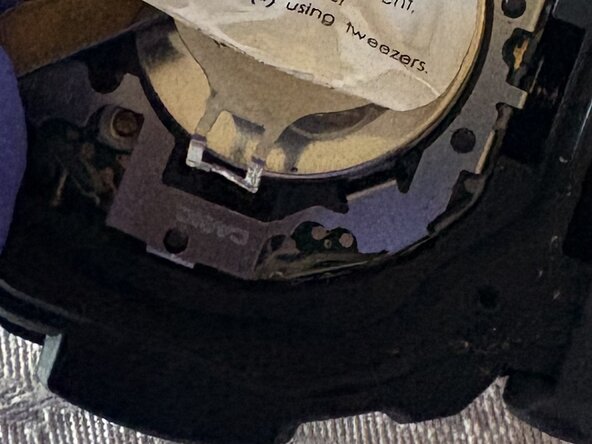
    • From the prong side, peel the sticker halfway or just enough to create an opening for the next step.

  6. Casio G-Shock GD-350 Battery Replacement: 手順 6、 3の画像 1 Casio G-Shock GD-350 Battery Replacement: 手順 6、 3の画像 2 Casio G-Shock GD-350 Battery Replacement: 手順 6、 3の画像 3
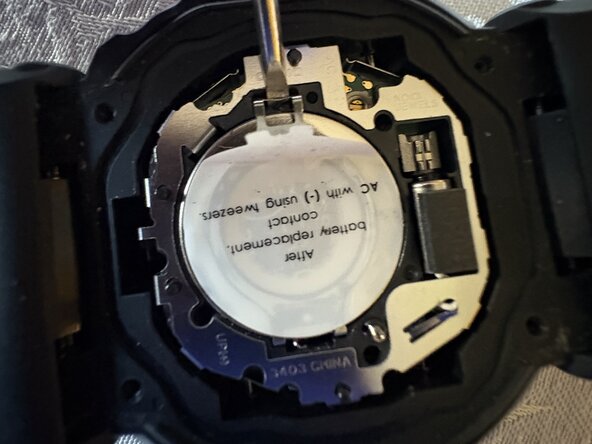
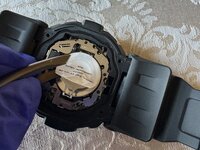
    • Place the pointed end of a spudger into the notch or gap of the silver latch that secures the battery, and gently pull the latch up.

    • Be careful when pulling the latch out to avoid damaging any internal components.

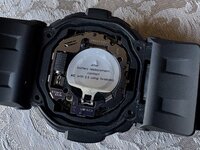
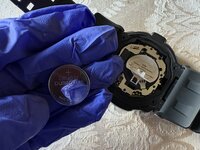
  7. Casio G-Shock GD-350 Battery Replacement: 手順 7、 2の画像 1 Casio G-Shock GD-350 Battery Replacement: 手順 7、 2の画像 2
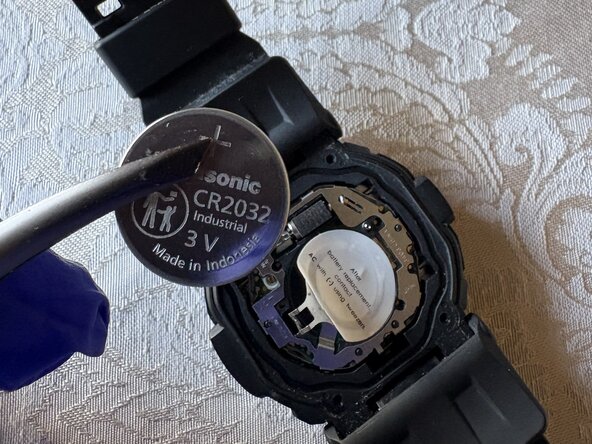
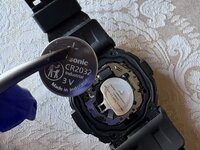
    • After lifting the latch, remove the battery with tweezers.

    • If the battery clamp that the latch is connected to does not open enough to remove the battery, peel back the sticker further to make room for the clamp to open.

  8. Casio G-Shock GD-350 Battery Replacement: 手順 8、 3の画像 1 Casio G-Shock GD-350 Battery Replacement: 手順 8、 3の画像 2 Casio G-Shock GD-350 Battery Replacement: 手順 8、 3の画像 3
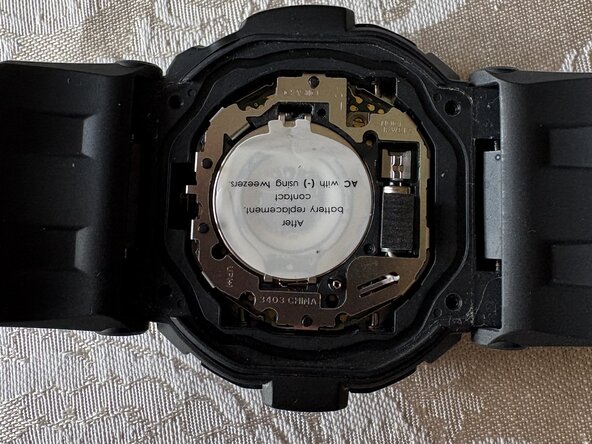
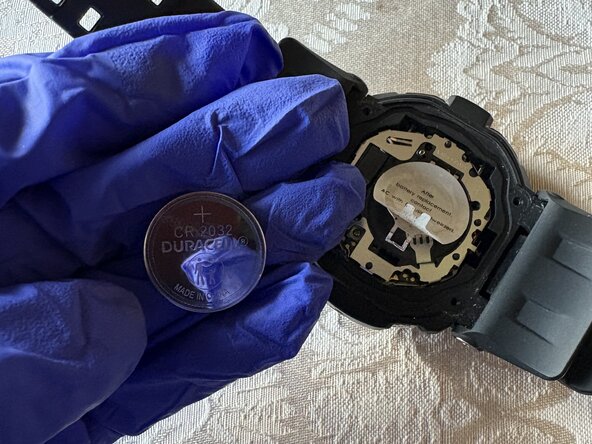
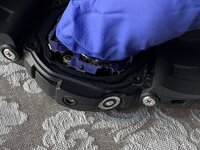
    • Use your hand to place the new battery underneath the clamp.

    • Close the clamp after installing the new battery.

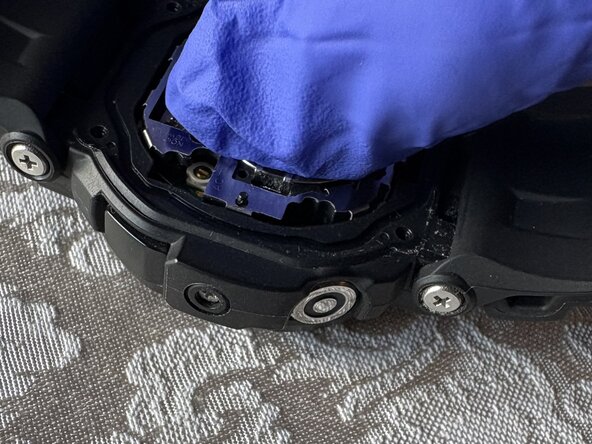
    • If the latch doesn’t stay down when the clamp is closed, it may be bent. Straighten the latch by bending it back into its proper position so it will stay closed.

  9. Casio G-Shock GD-350 Battery Replacement: 手順 9、 3の画像 1 Casio G-Shock GD-350 Battery Replacement: 手順 9、 3の画像 2 Casio G-Shock GD-350 Battery Replacement: 手順 9、 3の画像 3
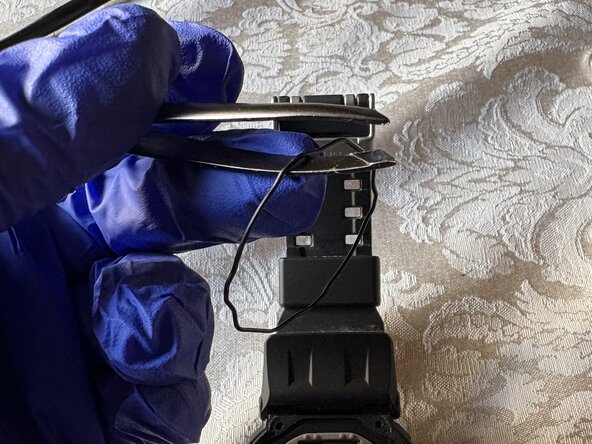
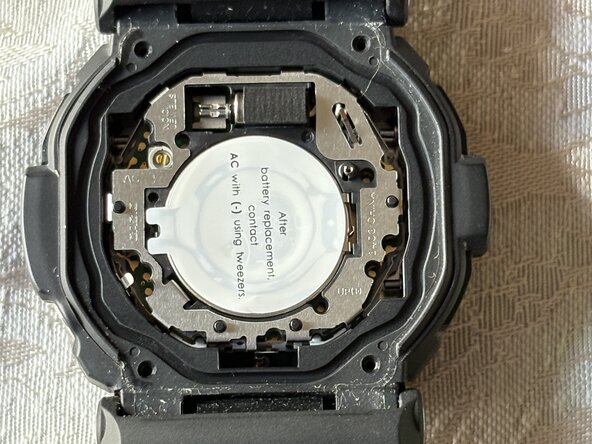
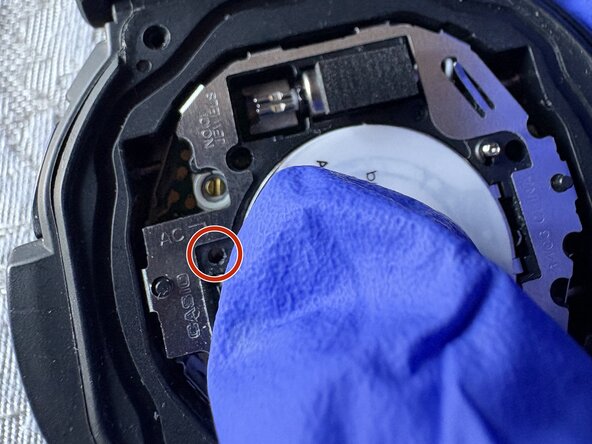
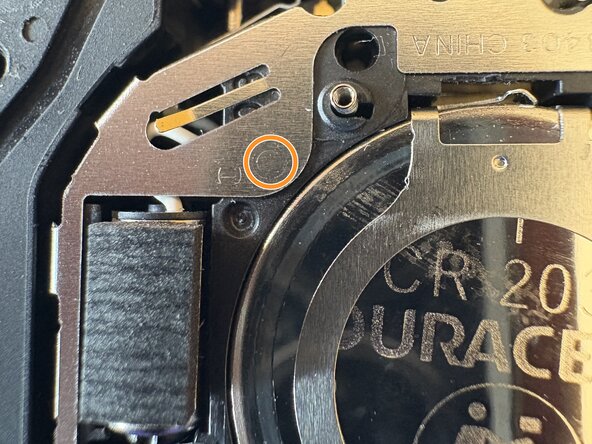
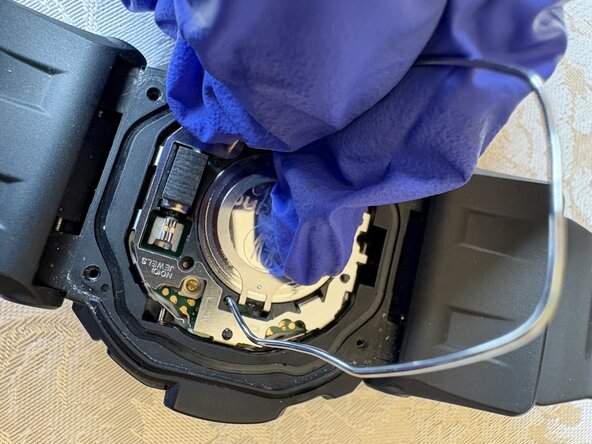
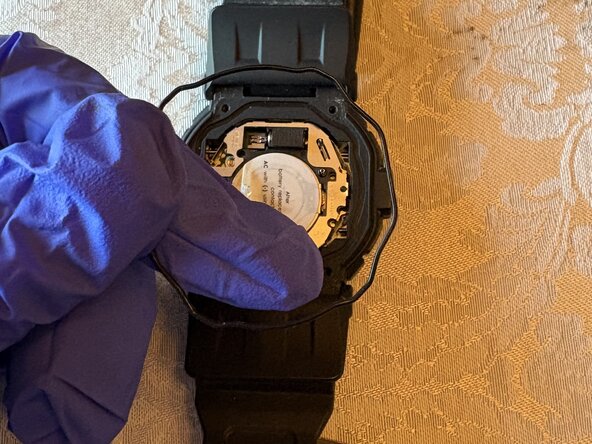
    • Find the AC sign and the arrow that points to a hole, then look for a (-) sign.

    • Stick one end of the tweezers on the hole where the AC sign points to, then another end of the tweezers on the circle next to the (-) sign, and hold it for 2 seconds.

    • If the tweezers are not pointy enough to stick into the AC hole, bending a paperclip into an arch will do the job.

  10. Casio G-Shock GD-350 Battery Replacement: 手順 10、 3の画像 1 Casio G-Shock GD-350 Battery Replacement: 手順 10、 3の画像 2 Casio G-Shock GD-350 Battery Replacement: 手順 10、 3の画像 3
    • Place the black gasket and rubber cover back on the watch.

  11. Casio G-Shock GD-350 Battery Replacement: 手順 11、 3の画像 1 Casio G-Shock GD-350 Battery Replacement: 手順 11、 3の画像 2 Casio G-Shock GD-350 Battery Replacement: 手順 11、 3の画像 3
    • Place the caseback on the watch.

    • Use a Phillips screwdriver to replace the four screws that secure it.

終わりに

To reassemble your device, follow these instructions in reverse order.

作成者

1人の作成者と共同作成されました。

Matthew Ayala

メンバー登録日: 06/14/25

202 ポイント

1ガイドが承認済み

チーム

University of North Texas, Team 40-1, Kilpatrick Summer 2025 University of North Texas, Team 40-1, Kilpatrick Summer 2025人のメンバー

UNT-KILPATRICK-SU25S40G1

1 メンバー

1のガイドは作成済み

0件のガイドコメント

コメントを追加

統計データ:

過去 24時間: 2

過去 7 日: 20

過去 30 日: 113

今までの合計 436