メインコンテンツにスキップ

Calculator, Screen reattachment and battery replacement

必要な工具と部品

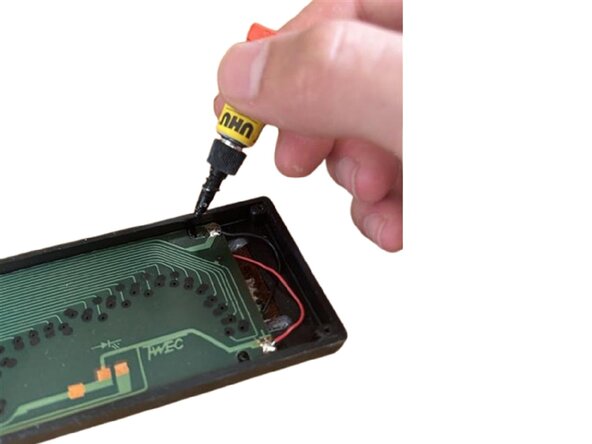
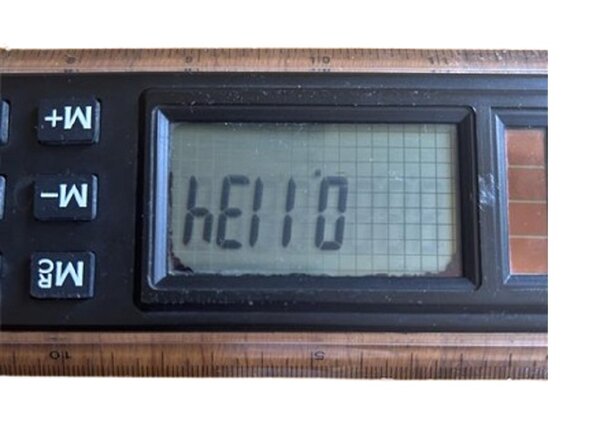
  1. Calculator, Screen reattachment and battery replacement, Screen reattachment: 手順 1、 3の画像 1 Calculator, Screen reattachment and battery replacement, Screen reattachment: 手順 1、 3の画像 2 Calculator, Screen reattachment and battery replacement, Screen reattachment: 手順 1、 3の画像 3
    • Firstly disassemble your calculator from any screws located in the back, accessing the internal components

    • Find the display supports or the PCB supports that are broken, damaged or lose. After aligning properly the display, if your PCB / display supports use screws, tighten the screws holding the board or display, else if clips are being used, use super glue to hold the PCB / display down into place, and wait for the glue to dry .

    • Check out step 3 ( optional ) . Lastly, close up your device, and you're ready to go!

    • For your safety :‎ ‎ ‎ ‎ ‎ ‎ ‎ ‎ ‎ ‎ ‎ ‎ ‎ ‎ ‎ ‎ ‎ ‎ ‎ ‎ ‎ ‎ ‎ ‎ ‎ ‎ ‎ ‎ ‎ ‎ ‎ ‎ ‎ ‎ ‎ ‎ ‎‎ ‎ ‎ ‎ ‎ ‎ ‎ ‎ ‎ ‎ ‎ ‎ ‎ ‎ ‎ ‎ ‎ ‎ ‎ ‎ ‎ ‎ ‎ ‎ ‎ ‎ ‎ ‎ ‎ ‎ ‎ ‎ ‎ ‎ ‎ ‎ ‎ ‎⦿ ‎ ‎ If your calculator has a VFD display or uses nixie tubes, disconnect from power and discharge properly any capacitors.

  2. Calculator, Screen reattachment and battery replacement, Battery replacement: 手順 2、 1の画像 1
    • Remove the battery hatch cover to access the battery / ies inside. After that replace the old drained battery / ies from inside with the proper replacement / s.

    • If your calculator doesn’t have a battery hatch remove the back cover. After removing the back cover, you should instantly see the battery or battery compartment, then replace the old drained battery / ies from inside with the proper replacement / s.

    • Check out step 3 ( optional ) . Lastly, close up your device, and you're ready to go!

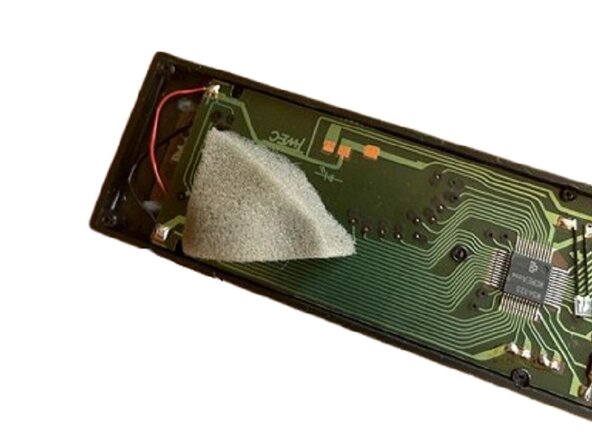
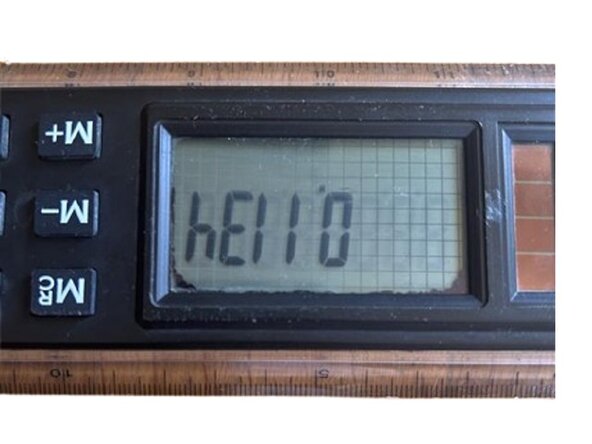
  3. Calculator, Screen reattachment and battery replacement, An extra step for futureproofing!: 手順 3、 3の画像 1 Calculator, Screen reattachment and battery replacement, An extra step for futureproofing!: 手順 3、 3の画像 2 Calculator, Screen reattachment and battery replacement, An extra step for futureproofing!: 手順 3、 3の画像 3
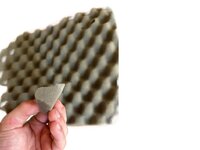
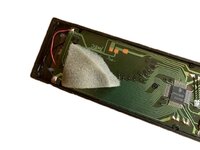
    • If you want to ensure that your calculator is going to last longer, take a soft foam filter and cut out a small portion. Place it, or stick it with double sided tape on the back of the display, or possible support weak points and close up your calculator, squishing the foam filter inside.

    • " WHY? " That foam piece is going to press against the board or display making as an extra support for the internal components. That is going to keep things from rattling around and is going to make up as an additional support, reducing the stress on the built in supports and making them last longer!

ゴール

作成者

1人の作成者と共同作成されました。

Philip's retro tech guides

メンバー登録日: 05/07/25

193 ポイント

2のガイドは作成済み

0件のガイドコメント

コメントを追加

統計データ:

過去 24時間: 1

過去 7 日: 10

過去 30 日: 35

今までの合計 242