メインコンテンツにスキップ

Brother MFC-9130CW Ink Cartridge Replacement

必要な工具と部品

  1. Brother MFC-9130CW Ink Cartridge Replacement, Ink Cartridge Replacement: 手順 1、 1の画像 1
    • Press the power button on the printer for a couple of seconds to turn it off.

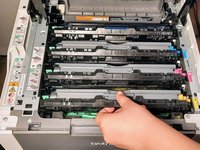
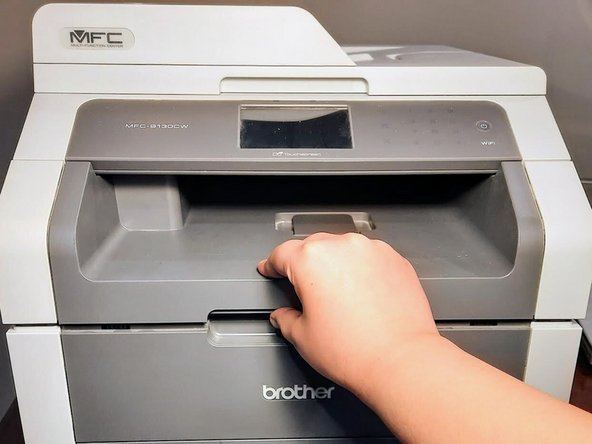
  2. Brother MFC-9130CW Ink Cartridge Replacement: 手順 2、 2の画像 1 Brother MFC-9130CW Ink Cartridge Replacement: 手順 2、 2の画像 2
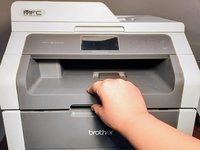
    • Press the latch beneath the paper output area and lift it to access the ink compartment.

  3. Brother MFC-9130CW Ink Cartridge Replacement: 手順 3、 1の画像 1
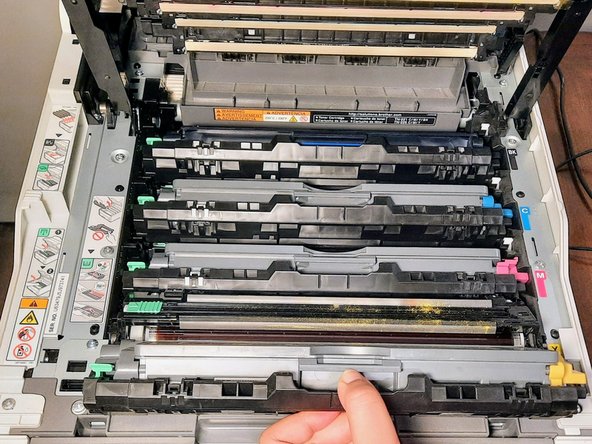
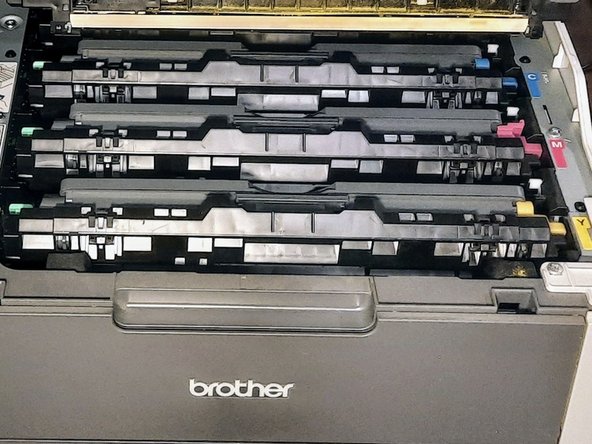
    • Identify the specific ink color you wish to replace among the available cartridges in the ink compartment.

  4. Brother MFC-9130CW Ink Cartridge Replacement: 手順 4、 2の画像 1 Brother MFC-9130CW Ink Cartridge Replacement: 手順 4、 2の画像 2
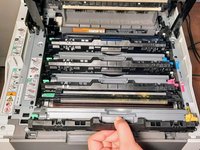
    • Pull each ink cartridge tray out of its slot using the center handle.

  5. Brother MFC-9130CW Ink Cartridge Replacement: 手順 5、 2の画像 1 Brother MFC-9130CW Ink Cartridge Replacement: 手順 5、 2の画像 2
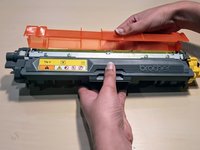
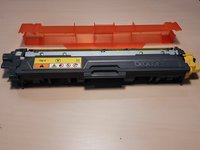
    • Place the new ink cartridge on a clean surface.

    • Release the orange cover, as shown on the photo.

    • To prevent making a mess, set a paper towel on the counter or table in case of a spill during the replacement process.

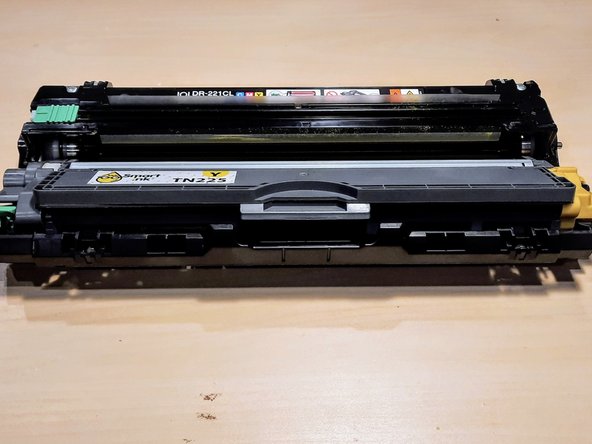
  6. Brother MFC-9130CW Ink Cartridge Replacement: 手順 6、 2の画像 1 Brother MFC-9130CW Ink Cartridge Replacement: 手順 6、 2の画像 2
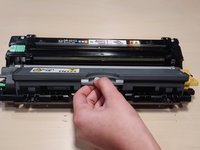
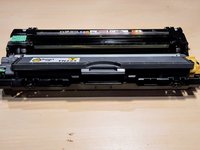
    • Place the cartridge in the tray.

    • Gently press down on the ink tray with your thumb.

    • You should hear a click, ensuring that the new ink cartridge is secure in its place.

  7. Brother MFC-9130CW Ink Cartridge Replacement: 手順 7、 3の画像 1 Brother MFC-9130CW Ink Cartridge Replacement: 手順 7、 3の画像 2 Brother MFC-9130CW Ink Cartridge Replacement: 手順 7、 3の画像 3
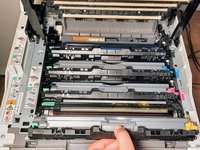
    • Slide the ink tray back into its original position within the printer.

    • Make sure it is properly aligned and secure within the compartment.

    • Once the ink tray is secured, press the ink compartment latch with your thumb, and gently close the lid.

  8. Brother MFC-9130CW Ink Cartridge Replacement: 手順 8、 1の画像 1
    • Press the power button for a couple of seconds to turn the printer back on.

    • Print a couple of test copies to ensure the toner cartridge replacement was a success.

終わりに

To reassemble your device, follow these instructions in the given order.

ある他の人がこのガイドを完成しました。

作成者

2人の作成者と共同で作成されました。

Kamaljot

メンバー登録日: 01/08/24

184 ポイント

1ガイドが承認済み

チーム

York University, Team 2-28, O'Regan Winter 2024 York University, Team 2-28, O'Regan Winter 2024人のメンバー

YORK-O'REGAN-W24S2G28

1 メンバー

2のガイドは作成済み

1件のガイドコメント

One step is missing : release the orange cover.

Artefil - 返信

コメントを追加

統計データ:

過去 24時間: 1

過去 7 日: 10

過去 30 日: 49

今までの合計 561