メインコンテンツにスキップ

Bluetooth Media Controller Battery Replacement

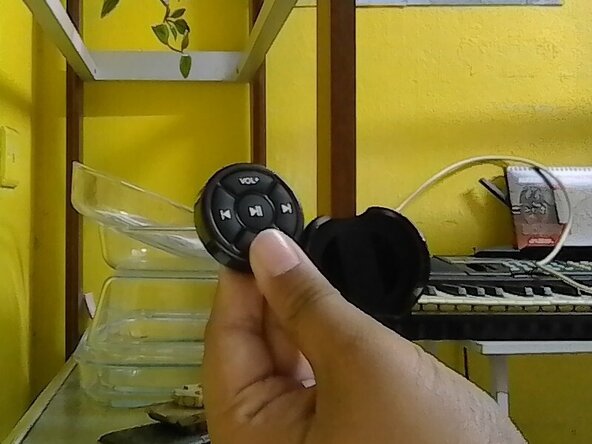
  1. Bluetooth Media Controller Battery Replacement, Open Remote Case: 手順 1、 1の画像 1
    • Remove the remote clipper case out.

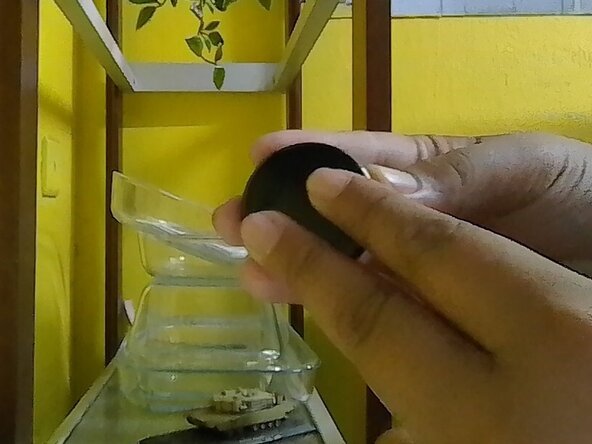
  2. Bluetooth Media Controller Battery Replacement, Open The Back: 手順 2、 1の画像 1
    • Hold the remote back and front on your own finger position or mine.

    • Follow where the text written and move the back to the arrow of the text OPEN.

    • Slowly move it to avoid damage. Don't forcefully open the back cover.

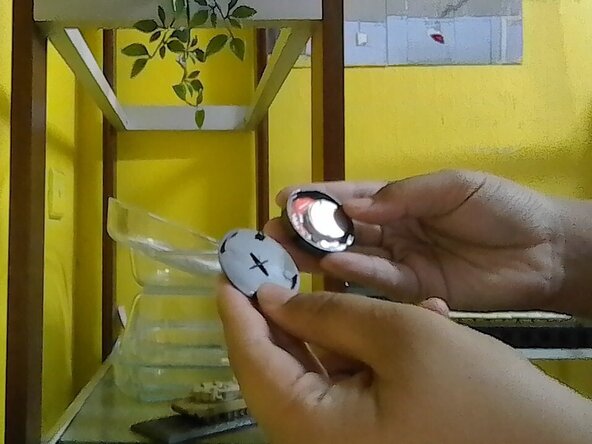
  3. Bluetooth Media Controller Battery Replacement, Find The battery: 手順 3、 1の画像 1
    • Once the back had opened, check the inside of the remote and find the old battery.

    • Battery & board placement may vary depend on your remote.

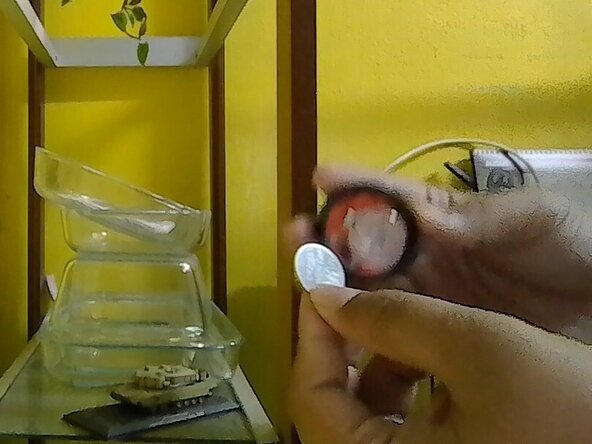
  4. Bluetooth Media Controller Battery Replacement, Battery Removal: 手順 4、 1の画像 1
    • Remove the old battery.

    • Never use any metal thing to pluck out battery to avoid puncturing the battery. Use finger or plastic thing to pluck it out. Proceed with caution.

終わりに

To reassemble it back, reverse the instruction.

2 の人々がこのガイドを完成させました。

作成者

2人の作成者と共同で作成されました。

DRP 2025

メンバー登録日: 08/15/25

386 ポイント

3のガイドは作成済み

0件のガイドコメント

コメントを追加

統計データ:

過去 24時間: 0

過去 7 日: 0

過去 30 日: 0

今までの合計 37