メインコンテンツにスキップ
リペアコミュニティに参加 - アカウントの作成

Behringer BCD3000の分解

必要な工具と部品

  1. Behringer BCD3000の分解, Behringer BCD3000: 手順 1、 1の画像 1
    • 全てのケーブルを外します。

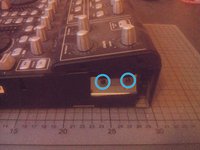
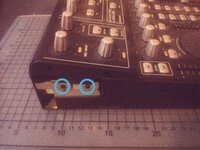
  2. Behringer BCD3000の分解, サイドを開く: 手順 2、 2の画像 1 Behringer BCD3000の分解, サイドを開く: 手順 2、 2の画像 2
    • BCD3000の両側にある2つのプラスネジを外します。

    • ネジがきつすぎる場合は、エクステンションを使用するとトルクが増します。

  3. Behringer BCD3000の分解, 上部パーツを緩める: 手順 3、 2の画像 1 Behringer BCD3000の分解, 上部パーツを緩める: 手順 3、 2の画像 2
    • 両側の2本のプラスネジを外します。

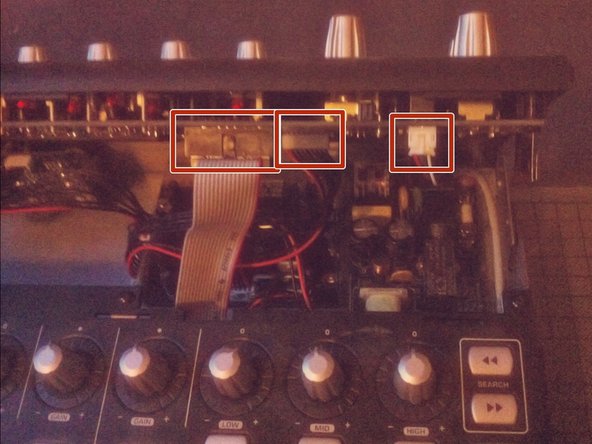
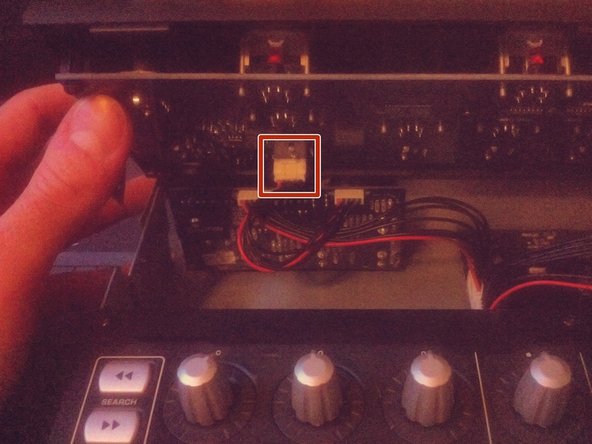
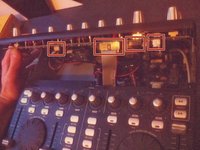
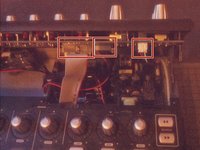
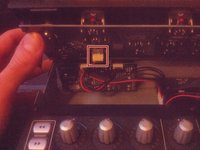
  4. Behringer BCD3000の分解: 手順 4、 3の画像 1 Behringer BCD3000の分解: 手順 4、 3の画像 2 Behringer BCD3000の分解: 手順 4、 3の画像 3
    • 上部コントロール部分を持ち上げます。

    • 下部にはまだいくつかのケーブルが接続されているので注意すること。

    • ケーブルをソケットから外してください。

  5. Behringer BCD3000の分解: 手順 5、 1の画像 1
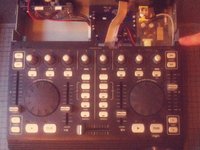
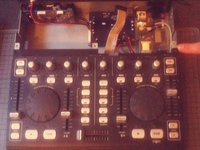
    • 上部パーツを完全に外します。

  6. Behringer BCD3000の分解: 手順 6、 1の画像 1
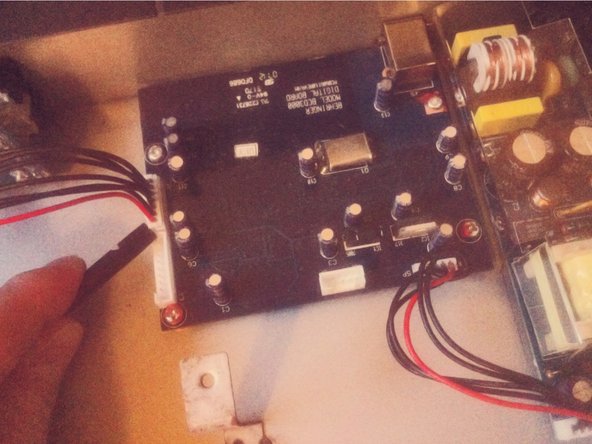
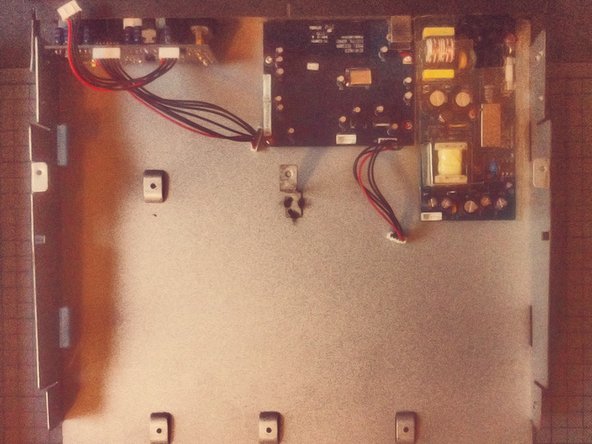
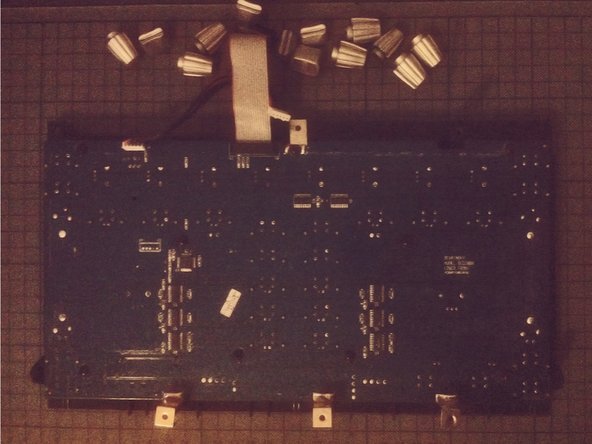
    • 下部セクションからコネクターボードへの2本のケーブルを外します。

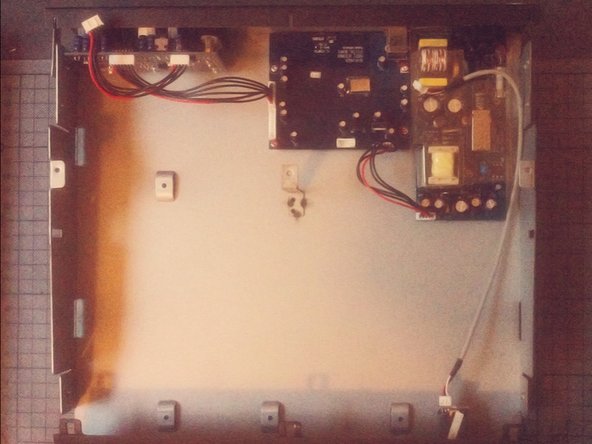
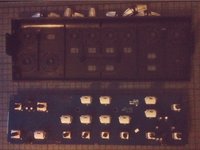
  7. Behringer BCD3000の分解: 手順 7、 3の画像 1 Behringer BCD3000の分解: 手順 7、 3の画像 2 Behringer BCD3000の分解: 手順 7、 3の画像 3
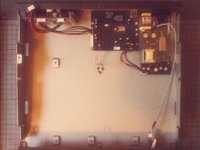
    • 下部セクションを正面側にスライドします。

    • 下部セクションを持ち上げて、脇に置きます。

  8. Behringer BCD3000の分解: 手順 8、 3の画像 1 Behringer BCD3000の分解: 手順 8、 3の画像 2 Behringer BCD3000の分解: 手順 8、 3の画像 3
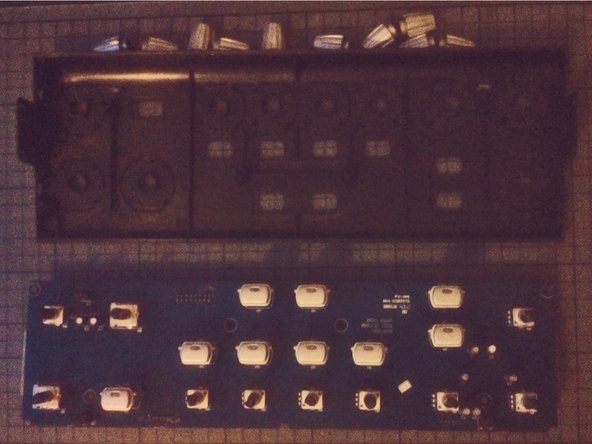
    • セパレートボードを外します。

    • これで、ケースからネジを外してモジュールを取り出すことができます。

  9. Behringer BCD3000の分解: 手順 9、 2の画像 1 Behringer BCD3000の分解: 手順 9、 2の画像 2
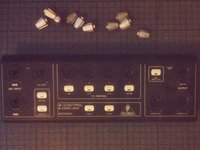
    • フロントパネルにあるジョグホイールは、スパッジャーを使ってテコで外すことができます。

  10. Behringer BCD3000の分解: 手順 10、 2の画像 1 Behringer BCD3000の分解: 手順 10、 2の画像 2
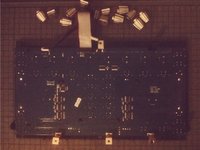
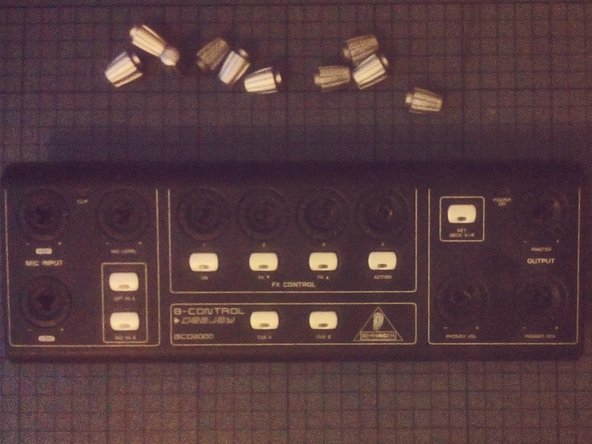
    • ノブは引っ張ると簡単に外せます。

  11. Behringer BCD3000の分解: 手順 11、 3の画像 1 Behringer BCD3000の分解: 手順 11、 3の画像 2 Behringer BCD3000の分解: 手順 11、 3の画像 3
    • フロントパネルの上部のノブにも同じ作業を繰り返します。

終わりに

デバイスを再組み立てするには、これらのインストラクションを逆の順番に従って作業を進めてください。

6 の人々がこのガイドを完成させました。

以下の翻訳者の皆さんにお礼を申し上げます:

en jp

100%

Midori Doiさんは世界中で修理する私たちを助けてくれています! あなたも貢献してみませんか?
翻訳を始める ›

作成者

2人の作成者と共同で作成されました。

Tobias Isakeit

メンバー登録日: 03/31/14

130,088 ポイント

189のガイドは作成済み

4件のガイドコメント

Pensaba que serviría para la BCD2000… pero es algo distinta.

Antonio - 返信

great stuff, with better quality pictures would be better

csipapicsa - 返信

This is great! I thought it would be like the other BC controllers (BCR/BCF2000) with a clip on the side panels. I need to re-seat my knob rings that have gotten loose and fallen of the top panel.

NomeX - 返信

Thanks for the guide! I was able to re-glue and re-seat my knob rings that popped loose. I had two on the top section (main vol and FX4) and one at the lower that was working loose, so I decided to hit that one as well since I already had the BDC3000 apart. I find it odd that Behringer used machine screws on the bottom of the machine since they screw into plastic posts. The control knobs rings are held in place with a thin glue that, after nearly 20 years (mine was 1105 date), have weakened and allow easy popping off. I used a glue that didn't melt the pieces together (preferred, but I didn't have), so I may have to go through this process again. When reassembling, take care that the buttons seat properly into the panels as they can wiggle out of place and make screwing the PCBs difficult and reassembly impossible. If you need total disassembly, you'll need a socket wrench or mini pliers to remove the nut from the headphone jack. I don't think this is a necessary step if you're just re-seating/gluing the rings.

NomeX - 返信

コメントを追加

統計データ:

過去 24時間: 4

過去 7 日: 22

過去 30 日: 71

今までの合計 3,232