メインコンテンツにスキップ
リペアコミュニティに参加 - アカウントの作成

Backbone One Left Trigger Replacement

必要な工具と部品

  1. Backbone One Left Trigger Replacement, Unfasten the screws: 手順 1、 1の画像 1
    • Use a Phillips screwdriver to remove the four 5.9 mm-long screws.

    FixBotに聞いてみる

    コメントを追加

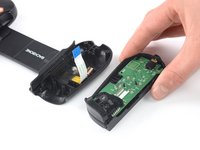
  2. Backbone One Left Trigger Replacement, Rotate the upper cover: 手順 2、 3の画像 1 Backbone One Left Trigger Replacement, Rotate the upper cover: 手順 2、 3の画像 2 Backbone One Left Trigger Replacement, Rotate the upper cover: 手順 2、 3の画像 3
    • Lift up the upper part of the controller.

    • Swing over the upper cover and place it on the controller case.

    • Take care that the interconnecting cable has no tension.

    FixBotに聞いてみる

    コメントを追加

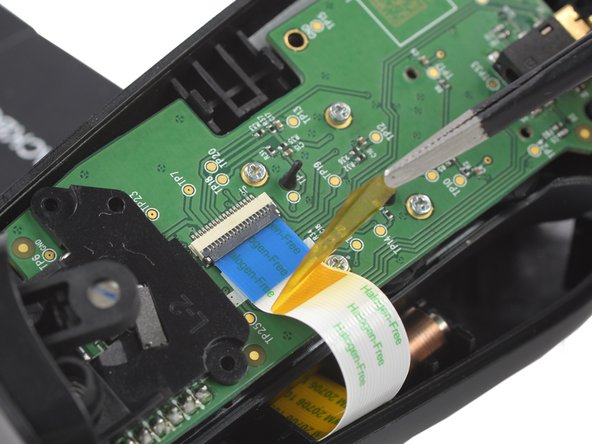
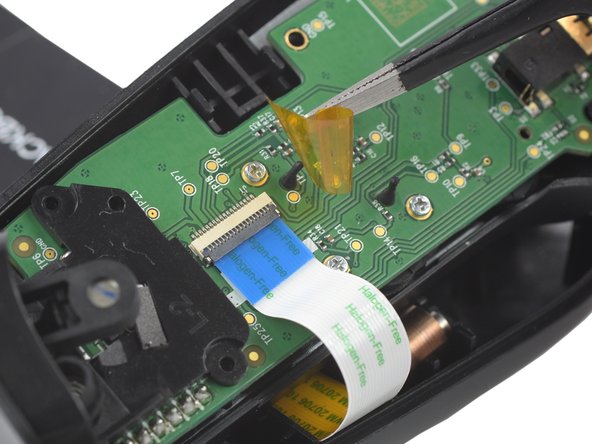
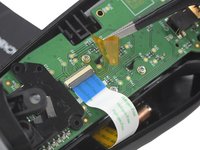
  3. Backbone One Left Trigger Replacement, Remove the protective tape: 手順 3、 3の画像 1 Backbone One Left Trigger Replacement, Remove the protective tape: 手順 3、 3の画像 2 Backbone One Left Trigger Replacement, Remove the protective tape: 手順 3、 3の画像 3
    この手順で使用する道具:
    Tweezers
    $4.99
    • Use a pair of tweezers to remove the yellow protective tape which is placed over the interconnect cable connector.

    FixBotに聞いてみる

    コメントを追加

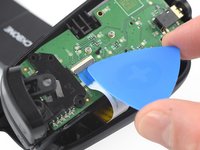
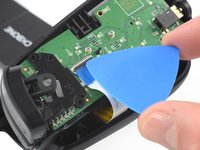
  4. Backbone One Left Trigger Replacement, Open the ZIF connector: 手順 4、 2の画像 1 Backbone One Left Trigger Replacement, Open the ZIF connector: 手順 4、 2の画像 2
    • Use the tip of an opening pick to open the gray flap of the ZIF connector by pushing it upwards.

    FixBotに聞いてみる

    コメントを追加

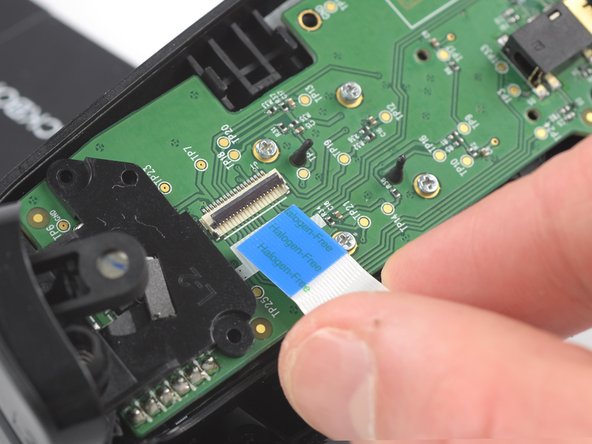
  5. Backbone One Left Trigger Replacement, Disconnect the interconnect cable: 手順 5、 2の画像 1 Backbone One Left Trigger Replacement, Disconnect the interconnect cable: 手順 5、 2の画像 2
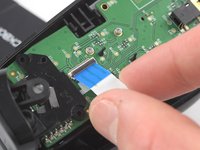
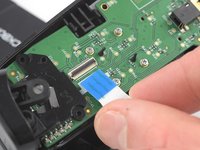
    • Use your fingers to disconnect the interconnect cable from its connector.

    FixBotに聞いてみる

    コメントを追加

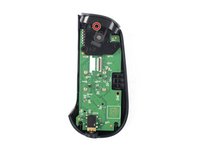
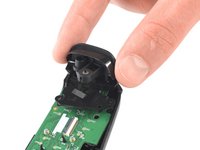
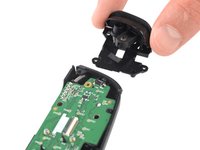
  6. Backbone One Left Trigger Replacement: 手順 6、 2の画像 1 Backbone One Left Trigger Replacement: 手順 6、 2の画像 2
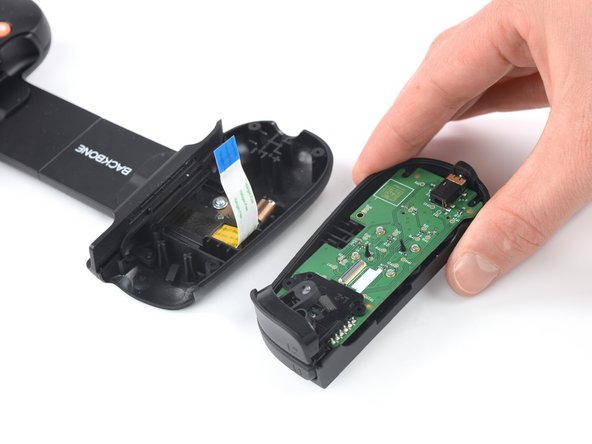
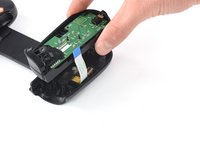
    • Remove the upper half of the left controller assembly.

    FixBotに聞いてみる

    コメントを追加

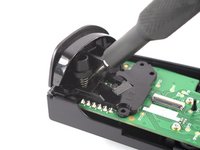
  7. Backbone One Left Trigger Replacement, Remove the screw: 手順 7、 2の画像 1 Backbone One Left Trigger Replacement, Remove the screw: 手順 7、 2の画像 2
    • Use a Phillips screwdriver to remove the 5.9 mm-long screw which is securing the trigger.

    • The screw is difficult to reach. Insert the screwdriver at an angle of 45 degrees.

    FixBotに聞いてみる

    コメントを追加

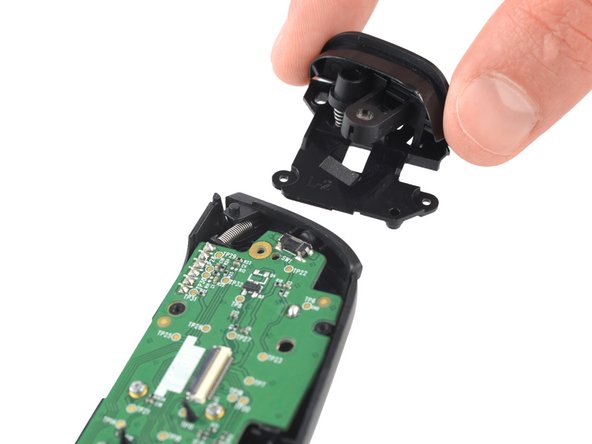
  8. Backbone One Left Trigger Replacement, Remove the trigger: 手順 8、 2の画像 1 Backbone One Left Trigger Replacement, Remove the trigger: 手順 8、 2の画像 2
    • Remove the left trigger.

    FixBotに聞いてみる

    コメントを追加

終わりに

To reassemble your device, follow these instructions in reverse order.

Repair didn’t go as planned? Ask our Answers community for help.

キャンセル: このガイドを終了できませんでした。

2 の人々がこのガイドを完成させました。

作成者

2人の作成者と共同で作成されました。

Adriana Zwink

メンバー登録日: 12/18/19

67,169 ポイント

167のガイドは作成済み

チーム

iFixit iFixit人のメンバー

Staff

122 メンバー

25,947のガイドは作成済み

1件のガイドコメント

Where can I buy the trigger

Zach - 返信 共有

コメントを追加

統計データ:

過去 24時間: 4

過去 7 日: 27

過去 30 日: 98

今までの合計 4,019