メインコンテンツにスキップ

Amazon Echo Dot 5th Generation Switch PCB Replacement Replacement

必要な工具と部品

  1. Amazon Echo Dot 5th Generation Switch PCB Replacement Replacement, Motherboard: 手順 1、 2の画像 1 Amazon Echo Dot 5th Generation Switch PCB Replacement Replacement, Motherboard: 手順 1、 2の画像 2
    • Using a spudger, remove the rubber footing around the base of the Echo Dot. This will reveal the four T8 1.25 cm Torx screws.

  2. Amazon Echo Dot 5th Generation Switch PCB Replacement Replacement: 手順 2、 1の画像 1
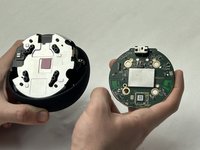
    • Once removed, the Echo Dot is now able to be split in two.

    • The ribbon cable connecting the microphone to the CPU PCB is now exposed, be careful not to tear it. The lower case will have the LED diffuser along the bottom, while the upper case will contain the rest of the internals.

  3. Amazon Echo Dot 5th Generation Switch PCB Replacement Replacement: 手順 3、 3の画像 1 Amazon Echo Dot 5th Generation Switch PCB Replacement Replacement: 手順 3、 3の画像 2 Amazon Echo Dot 5th Generation Switch PCB Replacement Replacement: 手順 3、 3の画像 3
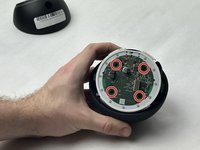
    • Remove the CPU PCB by removing the 4 T6 0.75cm Torx screws.

    • Once removed, unclip the plastic retainer on the CPU PCB and slide the ribbon cable out. This will reveal the speaker’s metal housing.

  4. Amazon Echo Dot 5th Generation Switch PCB Replacement Replacement, Ribbon Cable: 手順 4、 1の画像 1
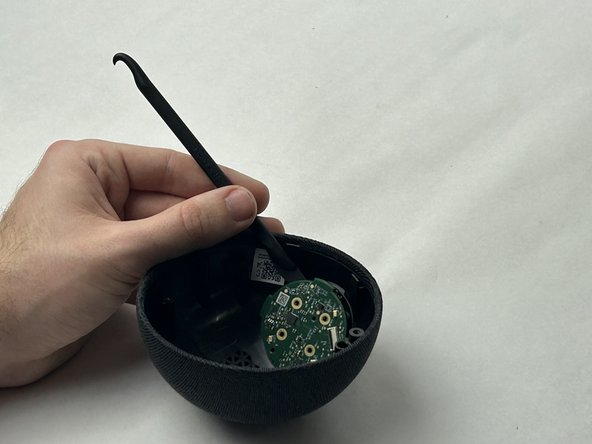
    • Now, use a plastic prying tool to remove the ribbon cable from the speaker housing.

  5. Amazon Echo Dot 5th Generation Switch PCB Replacement Replacement: 手順 5、 1の画像 1
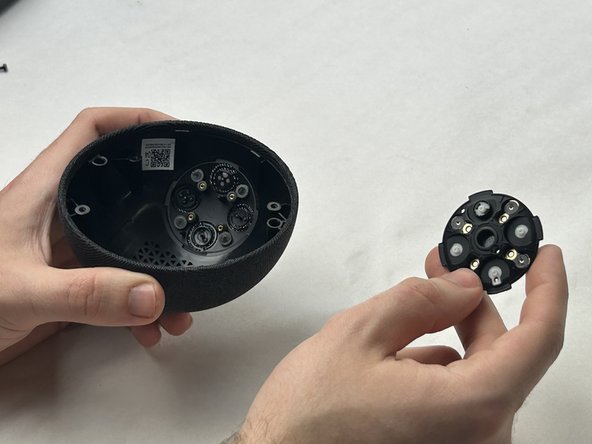
    • Using the Torx T8 bit, remove the four 1.25 cm screws around the edges of the speaker housing, and lift the housing off of the top case, revealing the switch PCB.

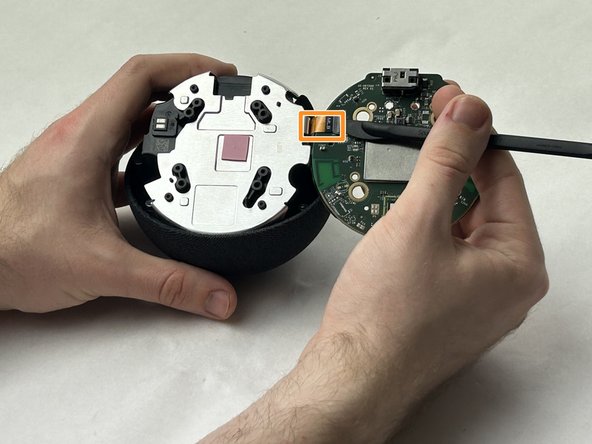
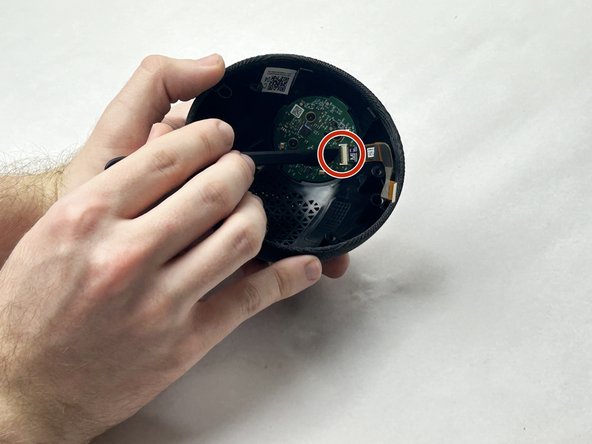
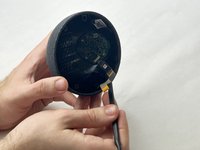
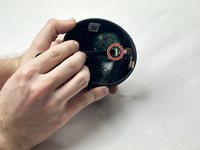
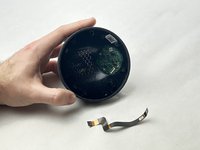
  6. Amazon Echo Dot 5th Generation Switch PCB Replacement Replacement: 手順 6、 3の画像 1 Amazon Echo Dot 5th Generation Switch PCB Replacement Replacement: 手順 6、 3の画像 2 Amazon Echo Dot 5th Generation Switch PCB Replacement Replacement: 手順 6、 3の画像 3
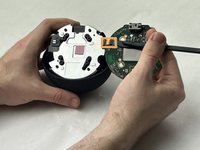
    • Use a plastic spudger to undo the adhesive attaching the ribbon cable to the top case. Then, flip the tab on the switch PCB, and slide out the ribbon cable.

  7. Amazon Echo Dot 5th Generation Switch PCB Replacement Replacement, Switch PCB: 手順 7、 3の画像 1 Amazon Echo Dot 5th Generation Switch PCB Replacement Replacement, Switch PCB: 手順 7、 3の画像 2 Amazon Echo Dot 5th Generation Switch PCB Replacement Replacement, Switch PCB: 手順 7、 3の画像 3
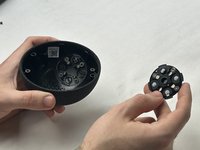
    • Remove the upper switch PCB using the T4 Torx bit to unscrew the four 5 mm screws.

    • The PCB is glued down in between the 4 buttons.

    • Push down on the buttons through the top of the case and pry lightly with plastic tools until loose, then remove.

終わりに

To reassemble your device, follow these instructions in reverse order.

作成者

3人の作成者と共同で作成されました。

Catherinej

メンバー登録日: 10/30/23

73 ポイント

1ガイドが承認済み

チーム

UMass Dartmouth, Team 3-4, Konn Fall 2023 UMass Dartmouth, Team 3-4, Konn Fall 2023人のメンバー

UMASSD-KONN-F23S3G4

4 メンバー

7のガイドは作成済み

0件のガイドコメント

コメントを追加

統計データ:

過去 24時間: 0

過去 7 日: 17

過去 30 日: 53

今までの合計 689