この翻訳は機械によって生成されたものであり、まだ人間による校正は行われていません。 日本語を話せますか? レビューはこちらから。
はじめに
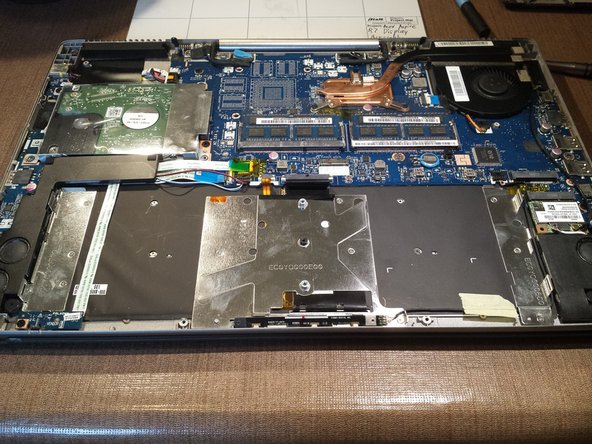
この修理ガイドでは、Acer Aspire R7 ノートパソコンの割れたディスプレイアセンブリを交換する方法を説明します。
必要な工具と部品
-
-
-
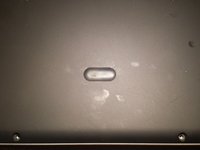
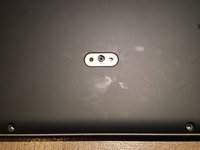
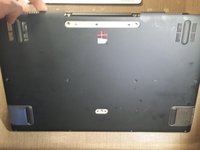
プラスチック製のスパッジャーまたは小さなマイナスドライバーを使用して、中央の小さなゴム片を取り外します。
-
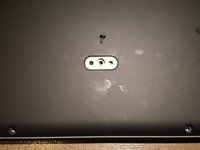
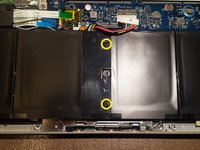
トルクスネジを外します。このネジは、前面下部の列にあるネジと同じサイズです。
-
-
-
-
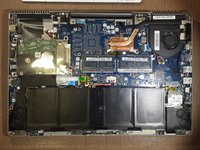
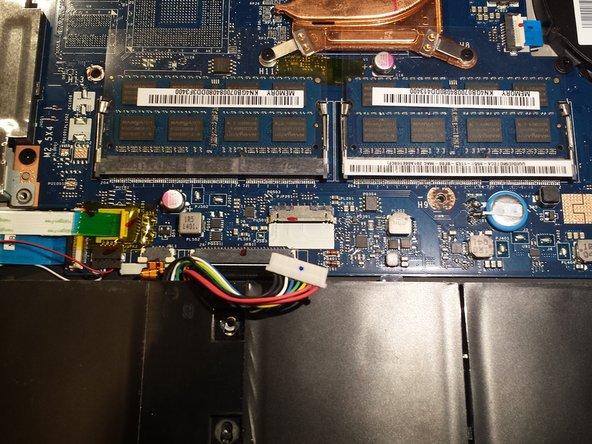
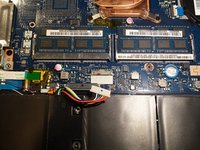
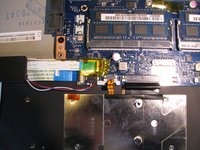
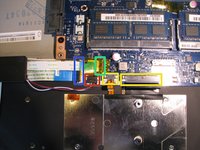
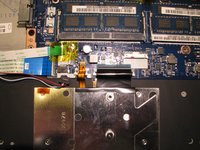
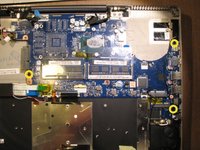
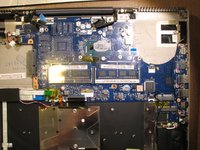
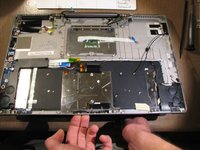
2本のキーボードリボンケーブルを取り外します。
-
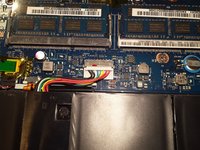
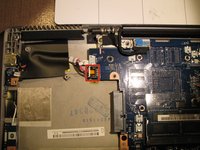
左スピーカーワイヤを取り外します。
-
フロントライトリボンケーブルを取り外します。
-
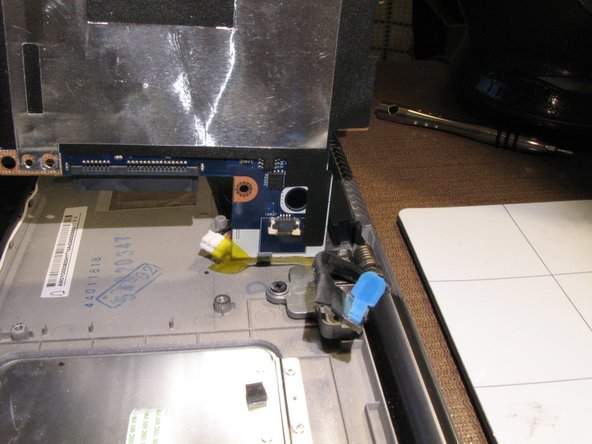
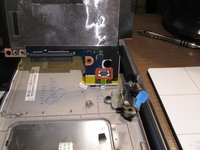
出入力ボードリボンケーブルを取り外します。
-
-
-
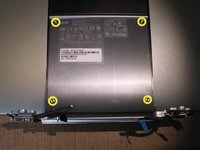
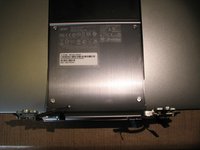
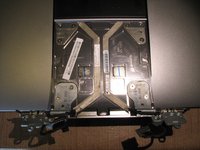
モデル番号とシリアル番号のステッカーが貼られているディスプレイアセンブリから、4本のT9トルクスネジを取り外し、そのパネルを交換用ディスプレイアセンブリに付け替えます。この手順を完了することで、コンピュータの本来の識別情報を維持できます。
-


 FixBotに聞いてみる








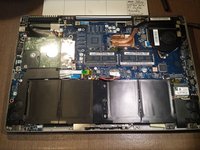
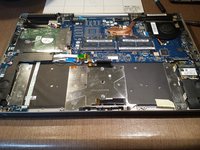


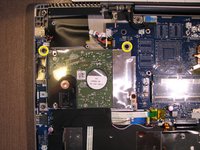
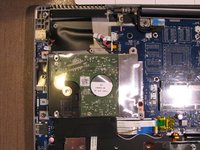


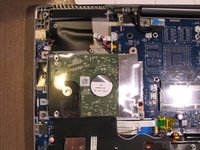
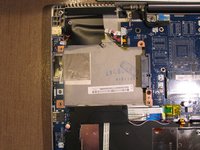

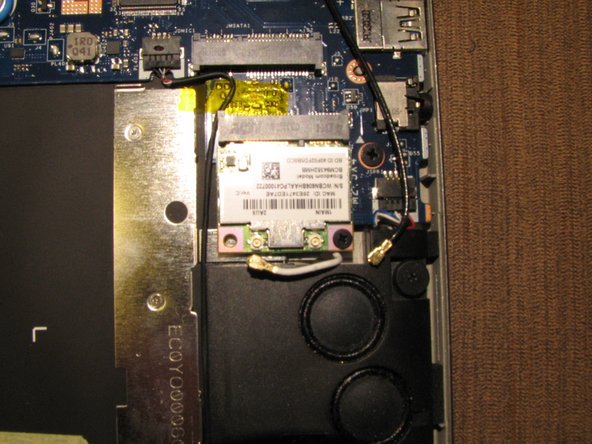
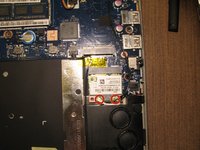
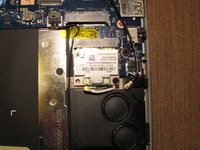


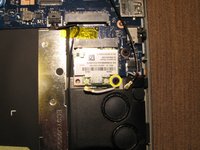
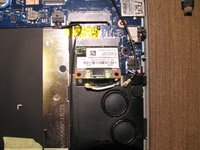
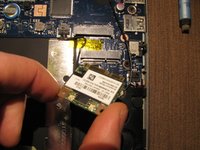




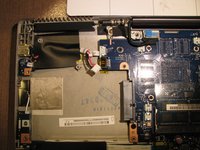


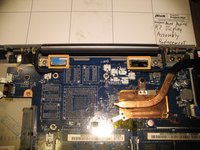
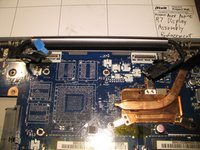

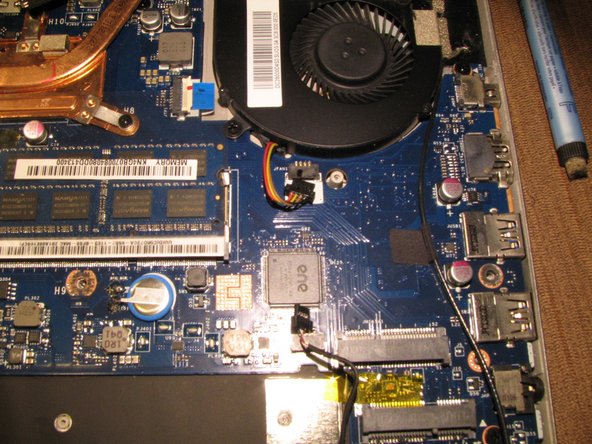
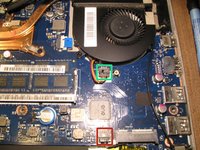
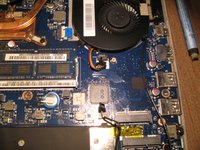


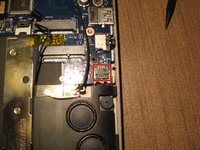
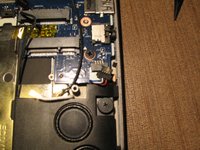


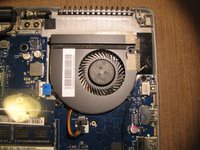
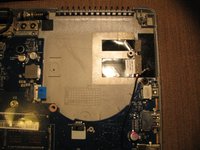


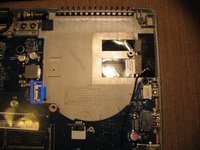
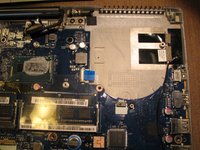



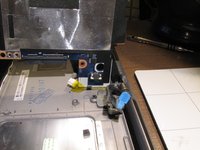


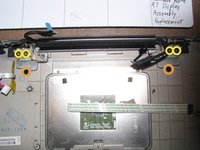
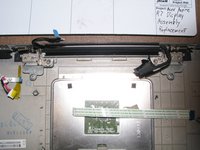


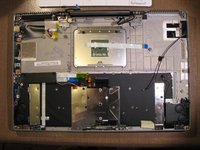



デバイスを再組み立てするには、これらのインストラクションを逆の順番に従って作業を進めてください。
9 の人々がこのガイドを完成させました。

チーム

5件のガイドコメント
This is just a teardown. Nobody sells the entire display assembly with shell, and the steps to go over replacing the actual display panel are completely absent.
Although correct this doesn't help and should probably be taken down. As mentioned by others you can't buy the entire screen section, you can only buy the LCD part. Replacing the LCD requires removing the glass and having to glue it back on which is probably beyond most people's capability. This article is therefore misleading.
Mike Short - 返信 共有
